
1. Introduction
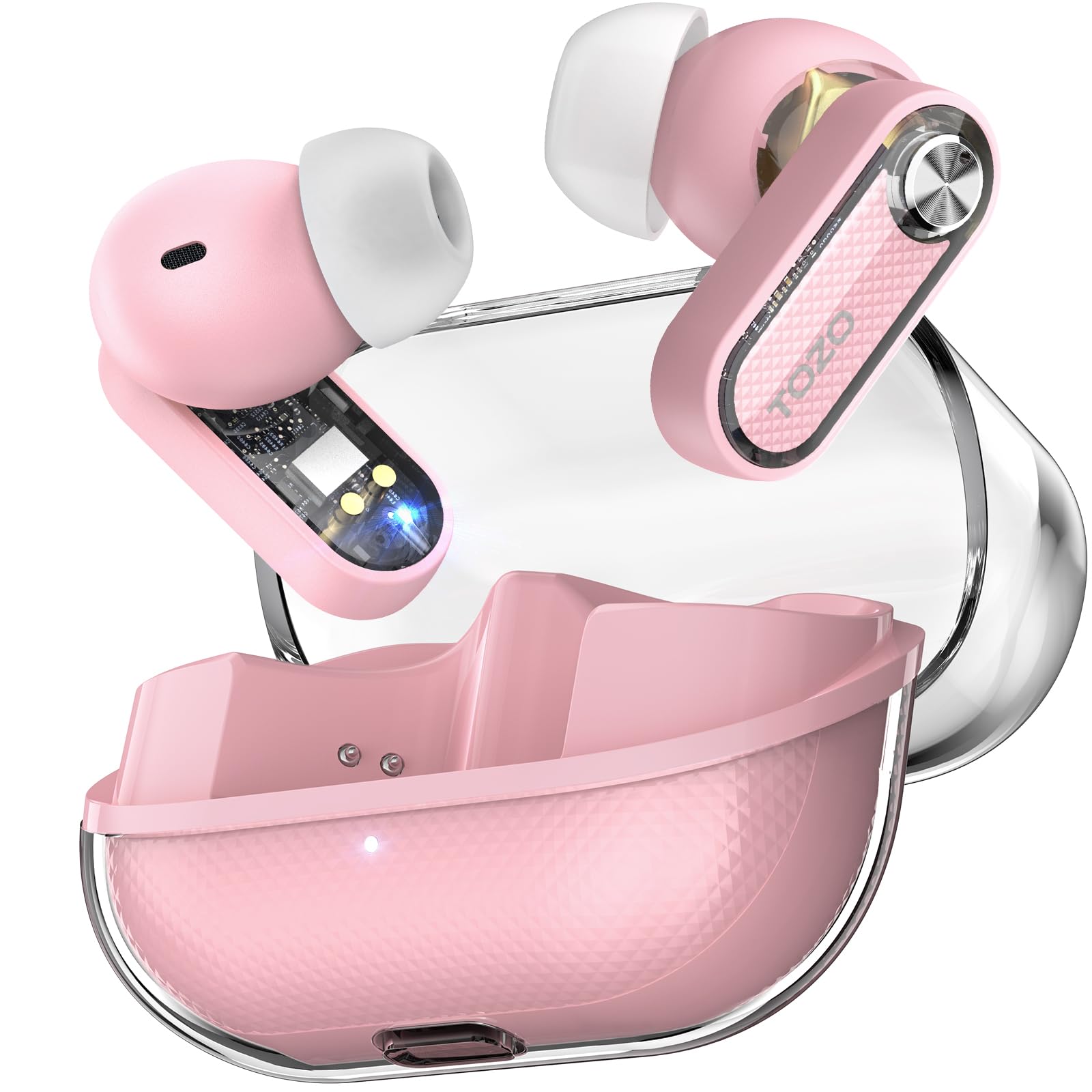
The TOZO Crystal Pods are designed to provide a superior audio experience with advanced features in a stylish, transparent design. These earbuds offer hybrid active noise cancellation, deep bass, and clear call quality, making them suitable for various environments and activities.
2. What's in the Box
Your TOZO Crystal Pods package includes the following items:
- TOZO Crystal Pods Hybrid Active Noise Cancelling Wireless Earbuds
- Crystal Charging Case
- Eartip (various sizes for optimal fit)
- USB-C (A to C) cable (30cm)
- User Manual (this document)
3. Product Features
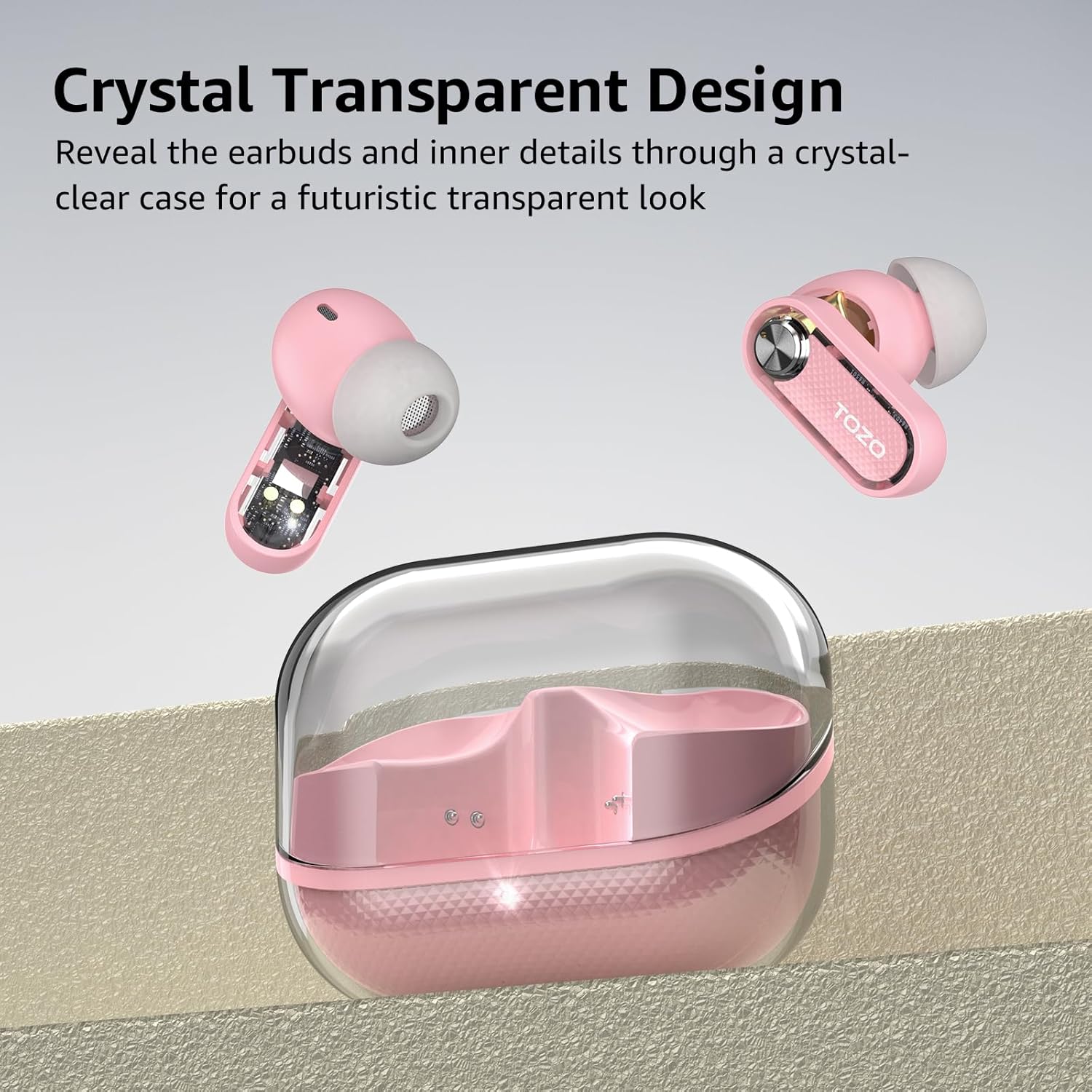
3.1 Transparent Wireless Earbuds Design
The Crystal Pods feature a unique transparent charging case that allows visibility of the earbuds and internal components, blending futuristic aesthetics with practical design.
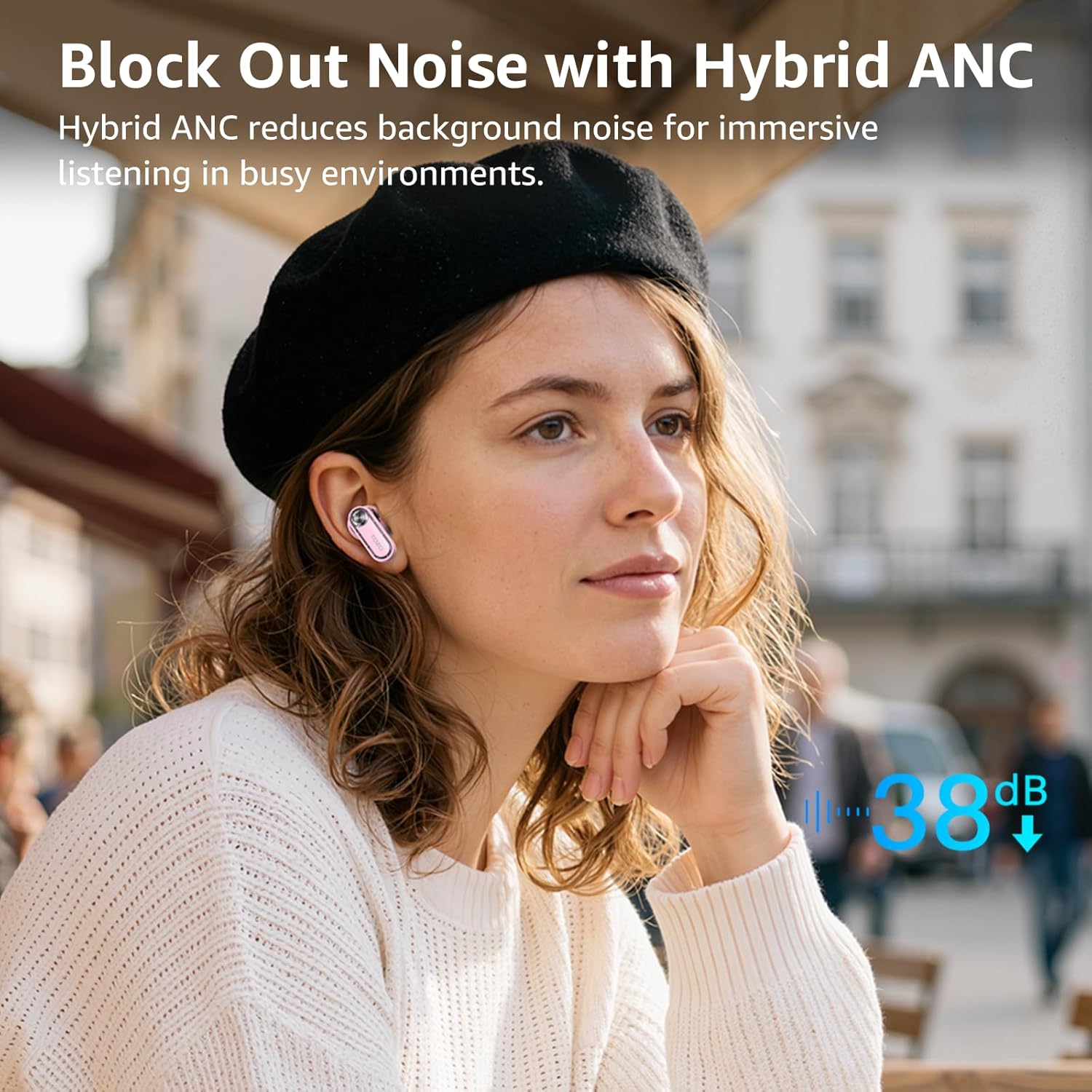
3.2 Hybrid Active Noise Cancelling (ANC)
Equipped with advanced Hybrid ANC technology, these earbuds effectively reduce ambient noise, providing an immersive listening experience whether commuting, traveling, or working in noisy environments.
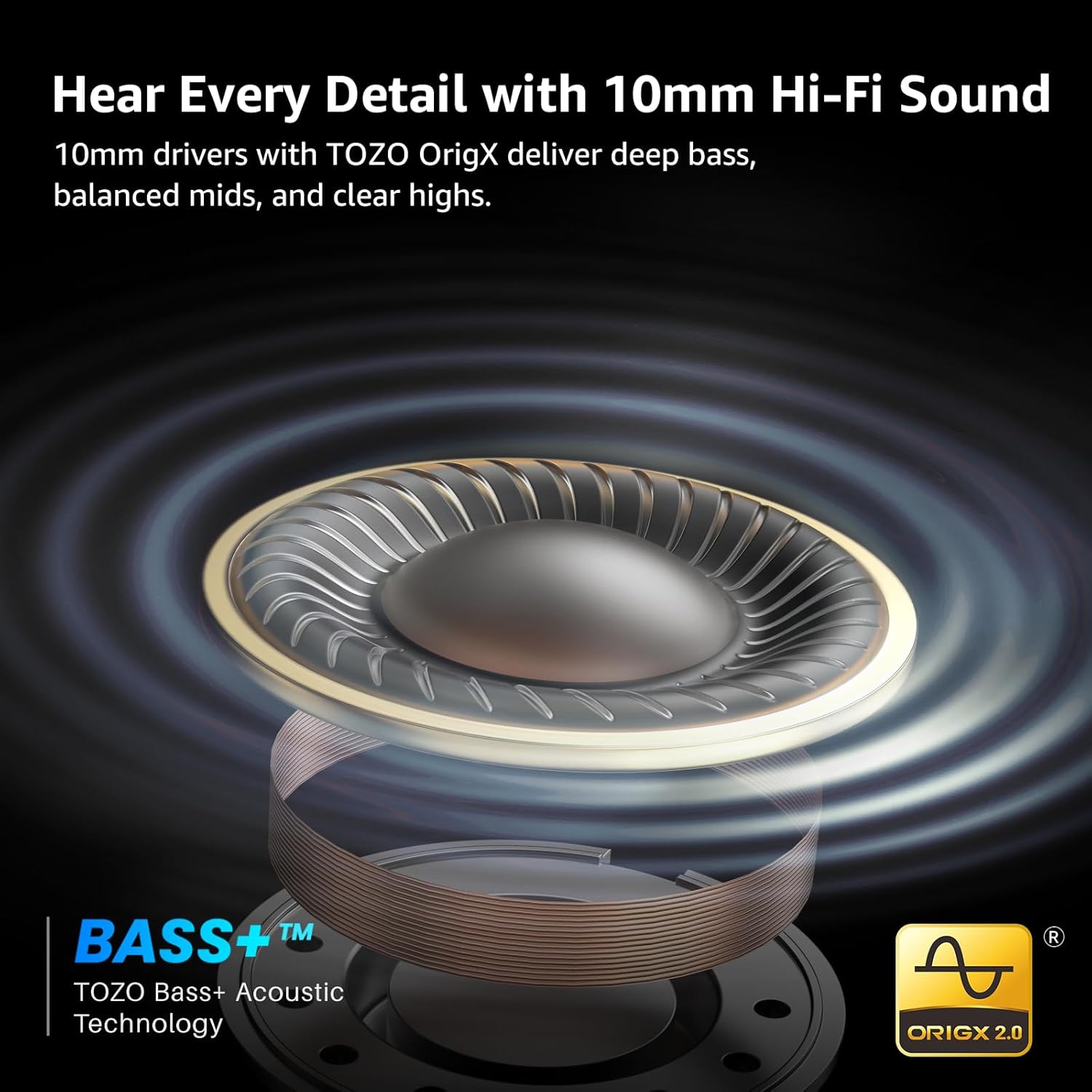
3.3 10mm Hi-Fi Sound with TOZO OrigX
Experience deep bass, balanced mids, and crisp highs thanks to precision-tuned 10mm dynamic drivers and patented TOZO OrigX acoustic technology.
3.4 Extended Battery Life
Enjoy up to 7 hours of playback per charge (with ANC off). The charging case provides an additional 2.5 recharges, totaling up to 70 hours of use. With ANC on, you can still achieve up to 60 hours total. A quick 10-minute charge provides over 2 hours of listening time.

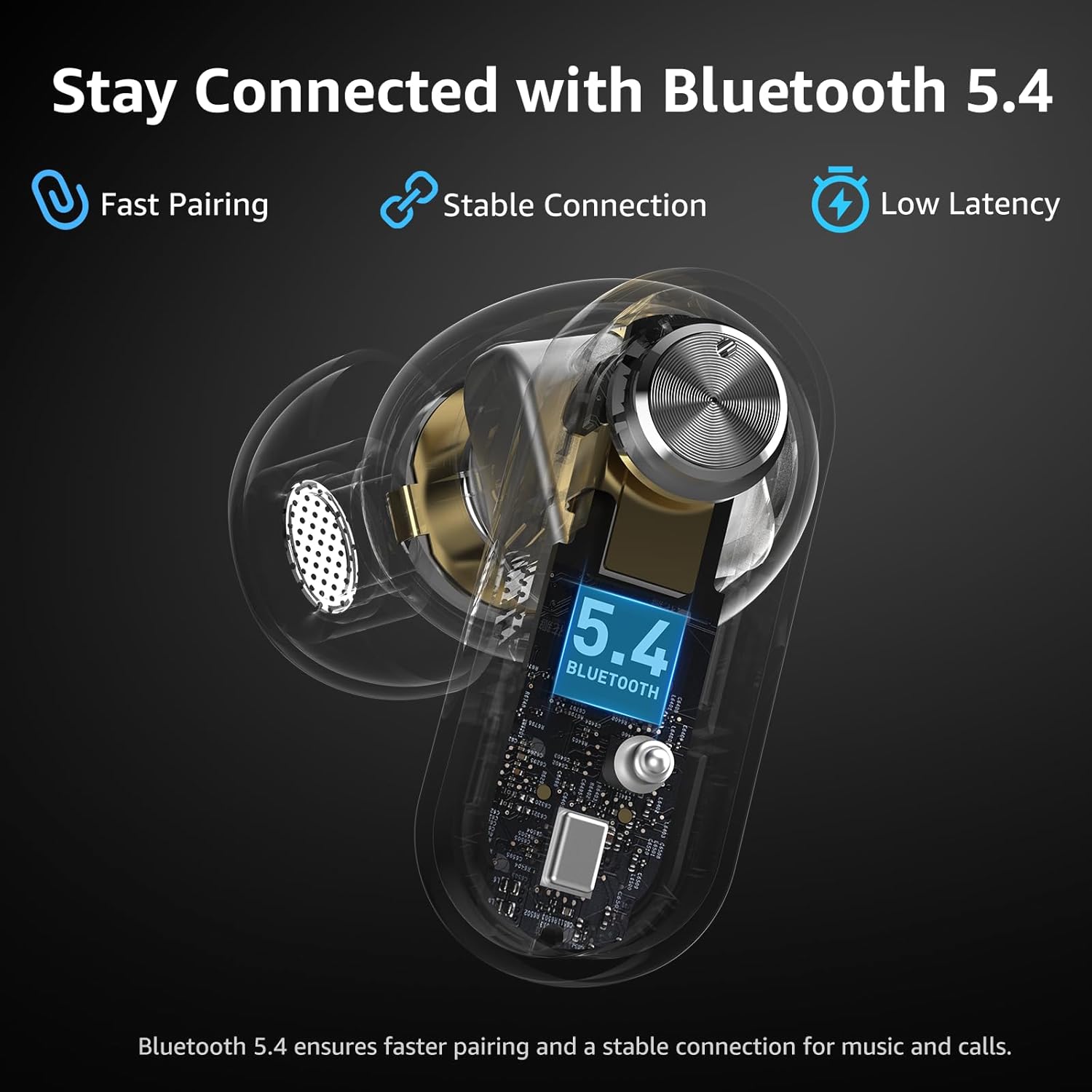
3.5 Bluetooth 5.4 Connectivity
Benefit from faster pairing, stronger signal stability, and smooth wireless audio across various devices including iOS, Android smartphones, tablets, and laptops, powered by Bluetooth 5.4 technology.
3.6 AI-Powered ENC Clear Calls
Dual microphones with AI-powered Environmental Noise Cancellation (ENC) filter out background noise, ensuring crystal-clear calls even in challenging environments.
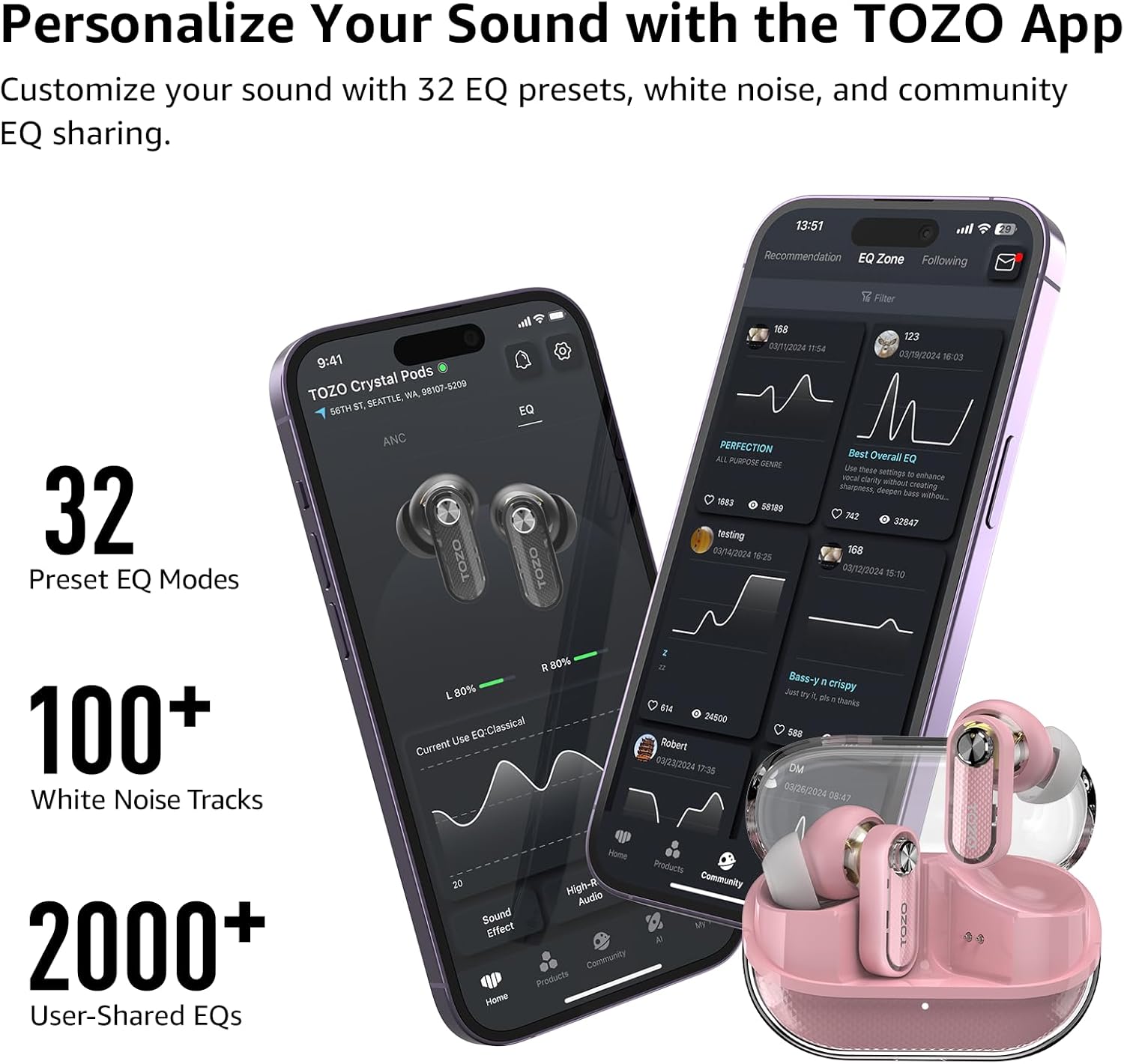
3.7 Customize Sound with TOZO App
The TOZO App offers extensive customization options, including 32 EQ presets, over 100 white noise options, and access to a community sharing 2000+ custom EQ sound profiles.
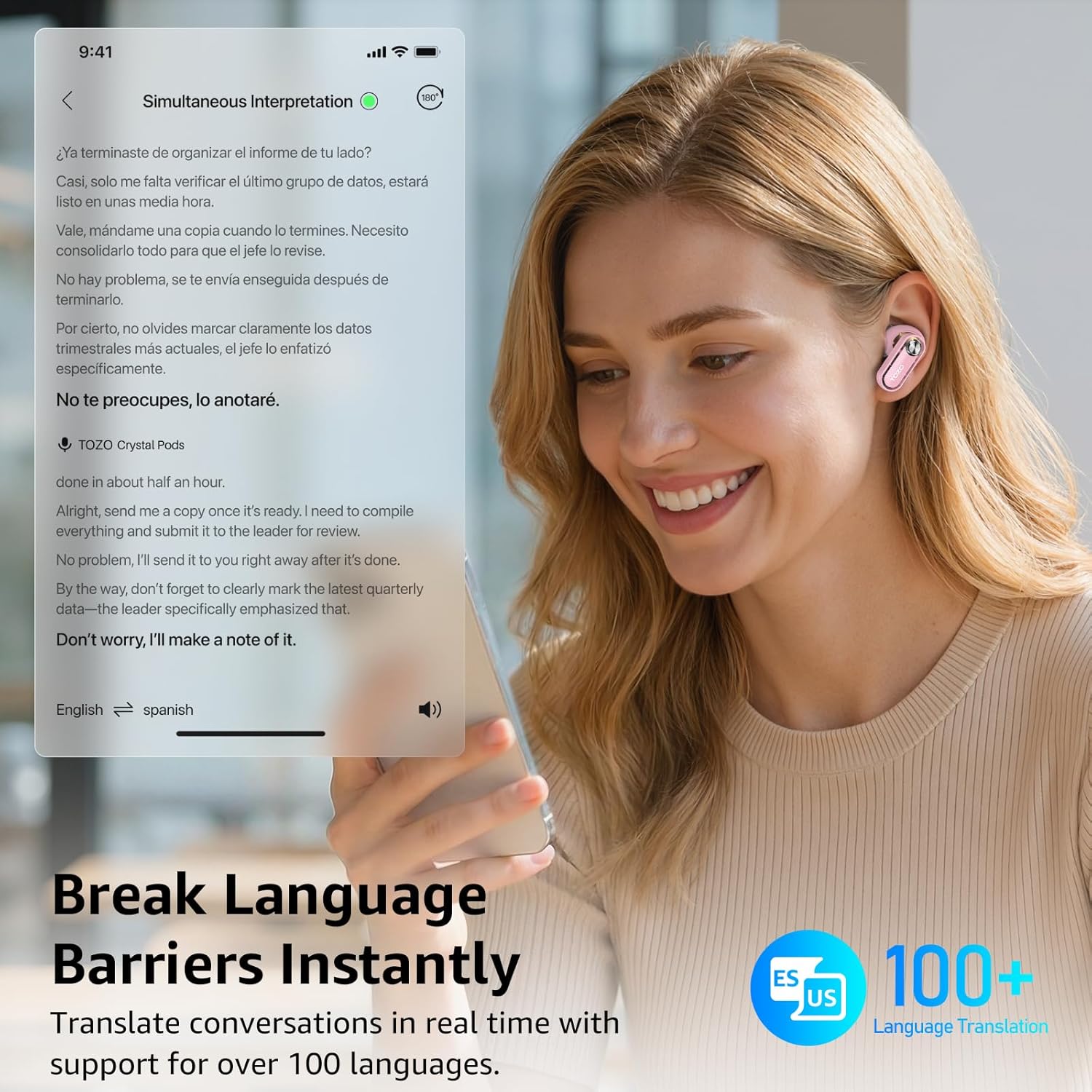
3.8 AI Real-Time Translation
Break down language barriers with real-time translation in over 100 languages via the TOZO App, making these earbuds a valuable tool for travel and international communication.

3.9 Ultra-Lightweight Comfortable Fit
Each earbud weighs only 4.8g and features an ergonomic design for a secure and comfortable fit during long listening sessions, workouts, and daily use.
3.10 IPX5 Waterproof Rating
With an IPX5 waterproof rating, these earbuds are resistant to sweat and light rain, making them ideal for gym workouts, running, and outdoor activities.
4. Setup and Pairing
To begin using your TOZO Crystal Pods, follow these steps:
- Initial Charge: Before first use, ensure the charging case is fully charged using the provided USB-C cable.
- Power On: Open the charging case. The earbuds will automatically power on and enter pairing mode (indicated by flashing lights on the earbuds).
- Pair with Device: On your smartphone or other Bluetooth-enabled device, go to Bluetooth settings and select "TOZO Crystal Pods" from the list of available devices.
- TOZO App (Optional but Recommended): Download the "TOZO" app from your device's app store. Open the app and follow the on-screen instructions to connect your earbuds for advanced customization and features.
5. Operating Instructions
5.1 Touch Controls
The TOZO Crystal Pods feature intuitive touch controls on each earbud. These controls can be customized via the TOZO App to perform various functions such as:
- Play/Pause music
- Skip tracks (Previous/Next song)
- Adjust volume (Volume Up/Down)
- Answer/End/Reject phone calls
- Activate voice assistant
- Switch ANC modes
5.2 Active Noise Cancellation (ANC) Modes
The earbuds offer multiple listening modes to adapt to your environment:
- Noise Cancellation Mode: Reduces ambient noise for an immersive audio experience.
- Transparency Mode: Allows you to hear your surroundings clearly without removing the earbuds, useful for awareness in busy areas.
- Normal Mode: Standard audio playback without active noise cancellation or transparency features.
- Reduce Wind Noise: A specialized mode to minimize wind interference during calls or listening outdoors.
5.3 TOZO App Usage
The TOZO App unlocks the full potential of your Crystal Pods. Through the app, you can:
- Select from 32 preset EQ modes or create custom sound profiles.
- Access over 100 white noise options for relaxation or focus.
- Utilize AI-powered real-time translation for over 100 languages.
- Update earbud firmware (OTA updates).
6. Charging
The TOZO Crystal Pods are designed for convenient and efficient charging:
- Earbud Charging: Place the earbuds back into the charging case. They will automatically begin charging.
- Case Charging: Connect the provided USB-C cable to the charging port on the case and to a power source. The charging case battery capacity is 350 Milliamp Hours.
- Charging Time: Earbuds take approximately 2 hours to fully charge. The charging case takes about 1.5 hours to fully charge.
7. Maintenance
To ensure the longevity and optimal performance of your TOZO Crystal Pods:
- Cleaning: Regularly clean the earbuds and charging case with a soft, dry cloth. Avoid using harsh chemicals or abrasive materials.
- Water Resistance: The earbuds have an IPX5 waterproof rating, meaning they are resistant to sweat and light splashes. Do not submerge them in water. Ensure they are dry before placing them back in the charging case.
- Storage: Store the earbuds in their charging case when not in use to protect them and keep them charged.
8. Troubleshooting
If you encounter issues with your TOZO Crystal Pods, try the following steps:
- No Sound/Connection Issues: Ensure both earbuds are charged. Place them back in the charging case, close the lid, wait a few seconds, then open it again to re-initiate pairing mode. Check your device's Bluetooth settings to ensure the earbuds are connected.
- Re-pairing: If connection issues persist, turn off both earbuds by pressing the touch-sensitive area for 5 seconds. Then, press and hold the touch-sensitive area on each earbud for 10 seconds to put them back into pairing mode. Reconnect via your device's Bluetooth settings.
- App Issues: Ensure the TOZO App is updated to the latest version. Check app permissions on your device to ensure it has access to Bluetooth and nearby devices.
- Sound Quality: Adjust EQ settings in the TOZO App. Ensure eartips are correctly sized and seated for a proper seal.
9. Specifications
| Feature | Detail |
|---|---|
| Brand | TOZO |
| Model Number | T11147 |
| Connectivity Technology | Wireless (Bluetooth 5.4) |
| Ear Placement | In Ear |
| Noise Control | Hybrid Noise Cancellation |
| Audio Driver Size | 10 Millimeters |
| Battery Average Life (Earbuds) | 7 hours (ANC OFF) |
| Battery Average Life (Total with Case) | 70 hours (ANC OFF) / 60 hours (ANC ON) |
| Water Resistance Level | IPX5 |
| Control Type | Touch Control / APP |
| Item Weight | 44.2 Grams |
10. Warranty and Support
TOZO products come with a manufacturer's warranty. For specific warranty details, please refer to the documentation included with your product or visit the official TOZO store.
For customer support, including live chat and email assistance, please visit the TOZO Store on Amazon.


