
Introduction
Thank you for purchasing the MangoKit MS1 CD Player HiFi System. This manual provides essential information for setting up, operating, and maintaining your device. Please read these instructions carefully before use and retain them for future reference.

Image: The MangoKit MS1 CD Player HiFi System in a maple finish, showcasing its compact design and front panel controls.
Important Safety Information
- Read all instructions before operating the device.
- Keep the unit away from water, moisture, and direct sunlight.
- Do not block ventilation openings.
- Use only attachments/accessories specified by the manufacturer.
- Unplug the unit during lightning storms or when unused for long periods.
- Refer all servicing to qualified service personnel.
Package Contents
Verify that all items are present in the box:
- 1 x MangoKit MS1 CD Player System
- 1 x Remote Control
- 1 x NA Mains Power Adapter with Cable
- 1 x User Manual (this document)
Product Overview
The MangoKit MS1 is a versatile HiFi system featuring a CD player, FM radio, Bluetooth streaming, AUX input, and USB playback/charging. It includes a full-color display, 60 presets, and a remote control for convenient operation.
Video: An overview of the MangoKit MS1 CD Player FM Radio HiFi System, demonstrating its various features and functions.
Setup
1. Power Connection
- Connect the provided NA mains power adapter to the DC IN port on the rear of the MS1 unit.
- Plug the power adapter into a standard wall outlet.
2. Antenna Setup
For optimal FM radio reception, fully extend the telescopic antenna located on the rear of the unit. Adjust its position for the best signal quality.
3. Initial Power On
Press the POWER button on the front panel or remote control to turn on the unit. The display will illuminate, and the system will enter the last used mode.
Operating Instructions
1. Source Selection
Press the SOURCE button repeatedly on the front panel or remote control to cycle through available modes: CD, FM Radio, Bluetooth, AUX In, and USB Playback.
2. CD Player Operation
- Select the CD source.
- Gently insert a CD into the disc tray with the label side facing up. The tray will automatically draw the disc in.
- Playback will begin automatically. Use the PLAY/PAUSE, SKIP FORWARD, and SKIP BACKWARD buttons to control playback.

Image: A hand inserting a CD into the MangoKit MS1 CD player, with the remote control positioned next to the unit, showing ease of use.
3. FM Radio Operation
- Select the FM Radio source.
- Press the SCAN button to automatically search for and store available stations.
- Use the TUNE +/- buttons to manually tune to a specific frequency or navigate between scanned stations.

Image: The MangoKit MS1 CD Player HiFi System on a shelf, with its full-color display showing FM radio station information.
4. Bluetooth Streaming
- Select the Bluetooth source. The display will show "Pairing".
- On your smartphone or other Bluetooth device, enable Bluetooth and search for "MangoKit MS1".
- Select "MangoKit MS1" to pair. Once connected, you can stream audio from your device to the MS1.
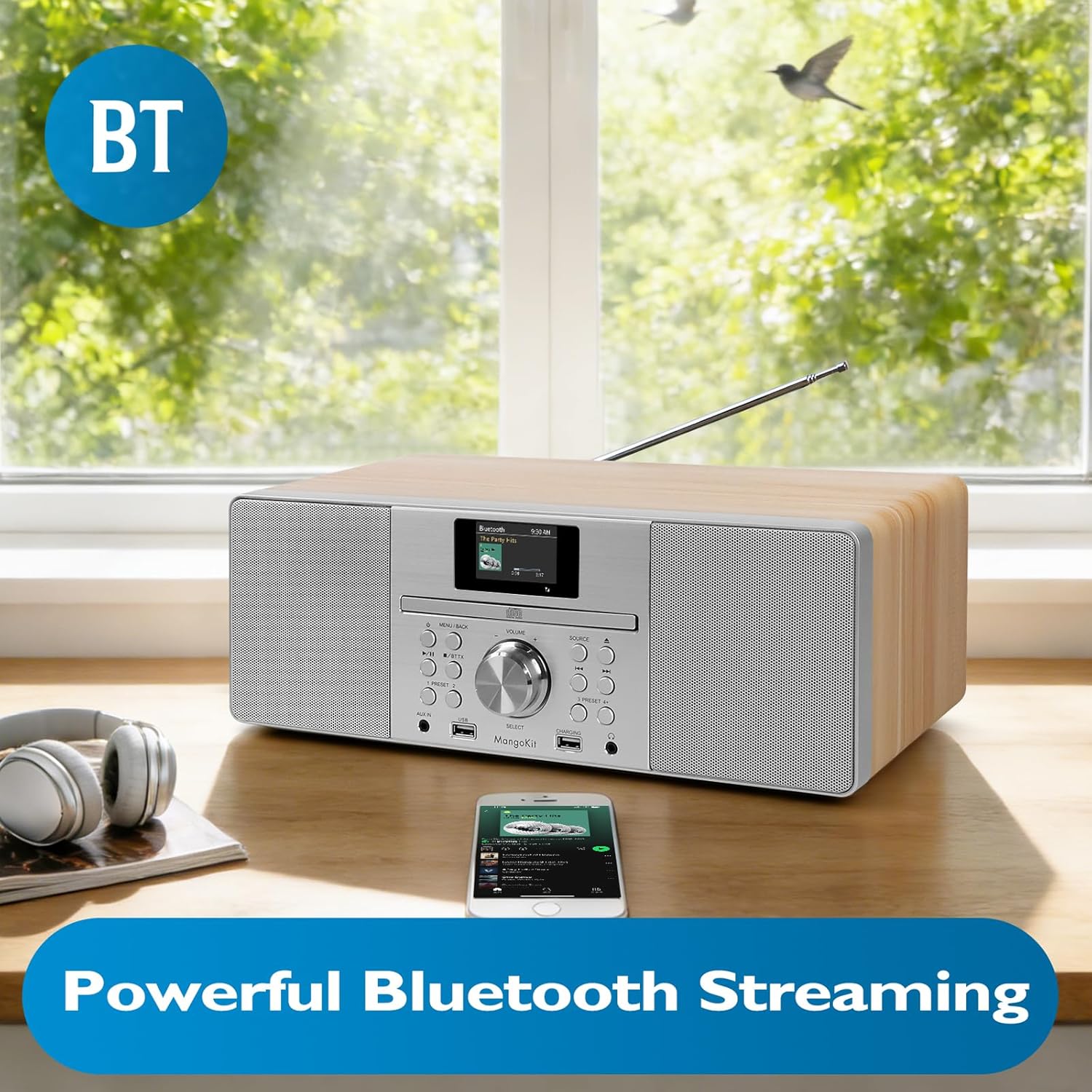
Image: The MangoKit MS1 HiFi System positioned next to a smartphone, illustrating a successful Bluetooth connection for wireless music streaming.
5. AUX Input
Connect an external audio device (e.g., MP3 player) to the AUX IN port on the front panel using a 3.5mm audio cable. Select the AUX In source to play audio from the connected device.
6. USB Playback and Charging
Insert a USB flash drive containing MP3 audio files into the USB port. Select the USB Playback source to access and play your music files. The dedicated CHARGING USB port can be used to charge compatible devices.
7. Headphone Use
Connect headphones to the 3.5mm HP Jack on the front panel for private listening. The main speakers will mute automatically when headphones are connected.
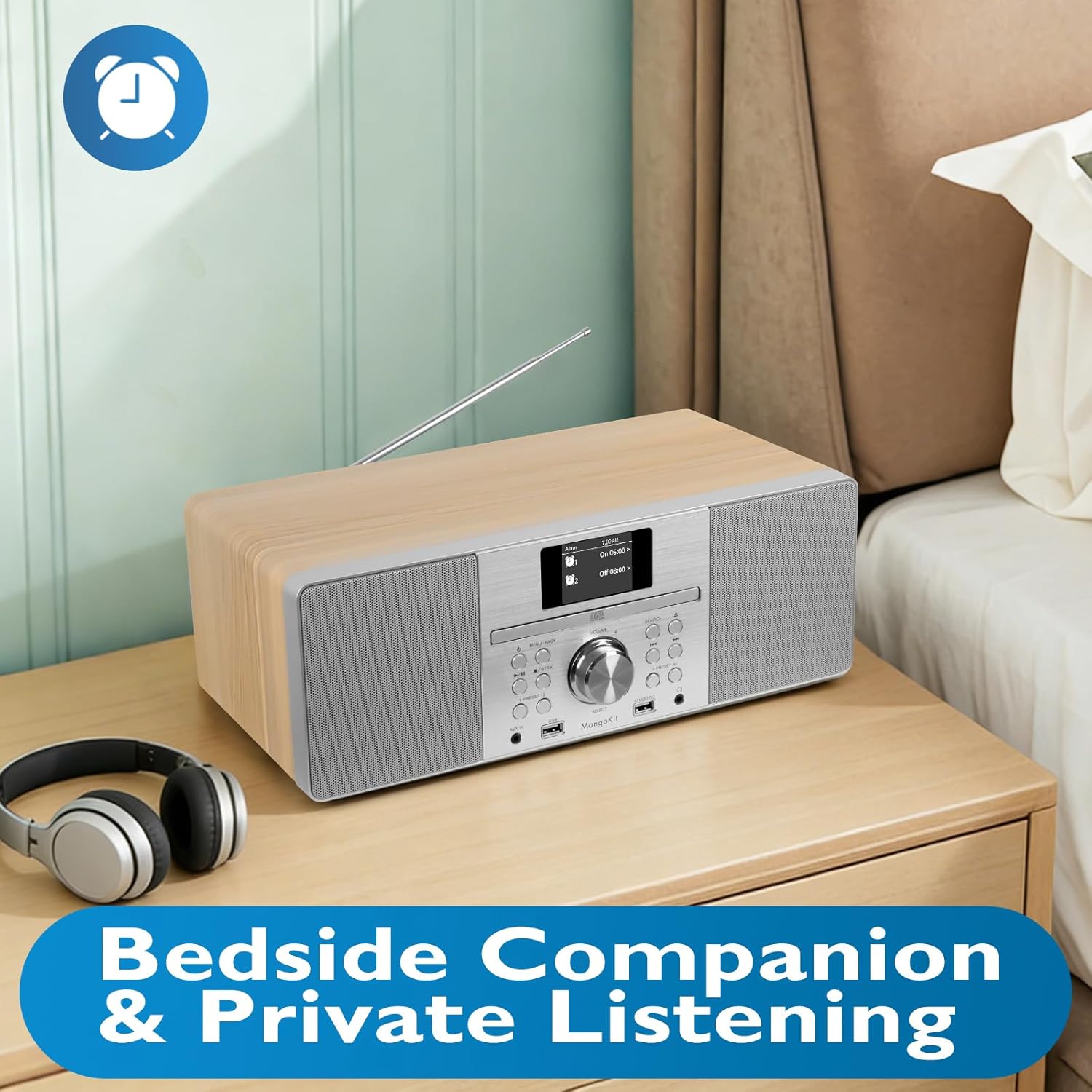
Image: The MangoKit MS1 HiFi System placed on a bedside table, accompanied by a pair of headphones, illustrating its suitability for private listening.
8. Setting Alarms and Sleep Timer
Access the MENU to set dual alarms (Alarm 1, Alarm 2) to wake up to your favorite radio station or a buzzer. The sleep timer function allows the unit to automatically turn off after a set period.
9. Saving Radio Presets
The MS1 allows you to store up to 60 favorite radio stations. Tune to your desired station, then press and hold a PRESET button (1-60) until the display confirms the station is saved. To recall, simply press the corresponding PRESET button.
10. Audio Equalizer Settings
Navigate to the System Settings menu to adjust the equalizer. You can select from preset EQ modes or customize your own settings for bass and treble to optimize sound for music or speech.
Maintenance
1. Cleaning
Wipe the unit with a soft, dry cloth. Do not use abrasive cleaners, waxes, or solvents as they may damage the finish. Ensure the unit is unplugged before cleaning.
2. Storage
If storing the unit for an extended period, unplug it from the power outlet and store it in a cool, dry place away from direct sunlight and extreme temperatures.
Troubleshooting
| Problem | Possible Cause | Solution |
|---|---|---|
| No Power | Power cable not connected; Power outlet faulty. | Ensure power cable is securely connected. Try a different power outlet. |
| No Sound | Volume too low; Mute activated; Headphones connected. | Increase volume. Check if mute is active. Disconnect headphones. |
| Poor FM Reception | Antenna not extended or positioned incorrectly. | Fully extend and adjust the telescopic antenna. |
| Bluetooth Pairing Fails | Device too far; Bluetooth not enabled on source device; MS1 not in pairing mode. | Ensure devices are close. Enable Bluetooth on your device. Select Bluetooth source on MS1 to enter pairing mode. |
| CD Skipping | Dirty or scratched CD; Unit on unstable surface. | Clean the CD. Place the unit on a stable, flat surface. |
Specifications
| Feature | Detail |
|---|---|
| Brand | MangoKit |
| Model Number | MS1 |
| Connectivity Technology | Auxiliary, Bluetooth |
| Color | Maple |
| Speaker Type | Stereo |
| Item Dimensions (L x W x H) | 14.96 x 8.27 x 5.51 inches |
| Power Source | Corded Electric |
| Compatible Devices | MP3 Player, Smartphone, Tablet |
| Wattage | 20 watts |
| Supported Standards | Bluetooth, CD |
| Bluetooth Support | Yes |
| Supported Audio Format | MP3, CD-DA |
| Number of Speakers | 2 |
| Audio Output Mode | Stereo |
| Smart Home Compatibility | Not Smart Home Compatible |
| Surround Sound Channel Configuration | 2.0 |
Warranty Information
The MangoKit MS1 CD Player HiFi System comes with a Limited Warranty. Please refer to the warranty card included in your package for specific terms, conditions, and duration of coverage. Retain your proof of purchase for warranty claims.
Customer Support
If you encounter any issues not covered in this manual or require further assistance, please contact MangoKit customer support. Refer to the contact information provided on the warranty card or the official MangoKit website.

