
Introduction
Thank you for choosing the Bestier 47.6 Inch Fluted Computer Writing Desk. This versatile piece of furniture, featuring chic fluted white drawer panels and elegant gold handles, is designed to enhance your home office, bedroom, or vanity area. Its robust construction and thoughtful design provide both functionality and style. This manual provides essential information for assembly, operation, maintenance, and troubleshooting to ensure a satisfactory experience with your new desk.
Safety Information
WARNING: Be cautious when using a power drill or power screwdriver. Slow down and stop when the screw is nearly tight to prevent damage. Push, pull, or drag this item carefully to avoid structural damage or injury.
Package Contents
Your Bestier desk package includes:
- All necessary furniture components (panels, legs, drawers)
- Assembly Guide
- Installation Tool (Hex Key)
- All required hardware (screws, dowels, cam locks, drawer slides, adjustable feet)
Please verify all components are present and undamaged before beginning assembly. A screwdriver is recommended for assembly (not included).
Setup and Assembly
Setting up your Bestier desk is designed to be straightforward. Follow the detailed instructions provided in the assembly guide. All parts are labeled, and holes are pre-drilled for ease of installation. We recommend having two people for assembly to ensure stability and prevent damage.
Assembly Video Guide
Video: Detailed step-by-step assembly instructions for the Bestier Fluted Computer Desk with Drawers.
Key Assembly Features
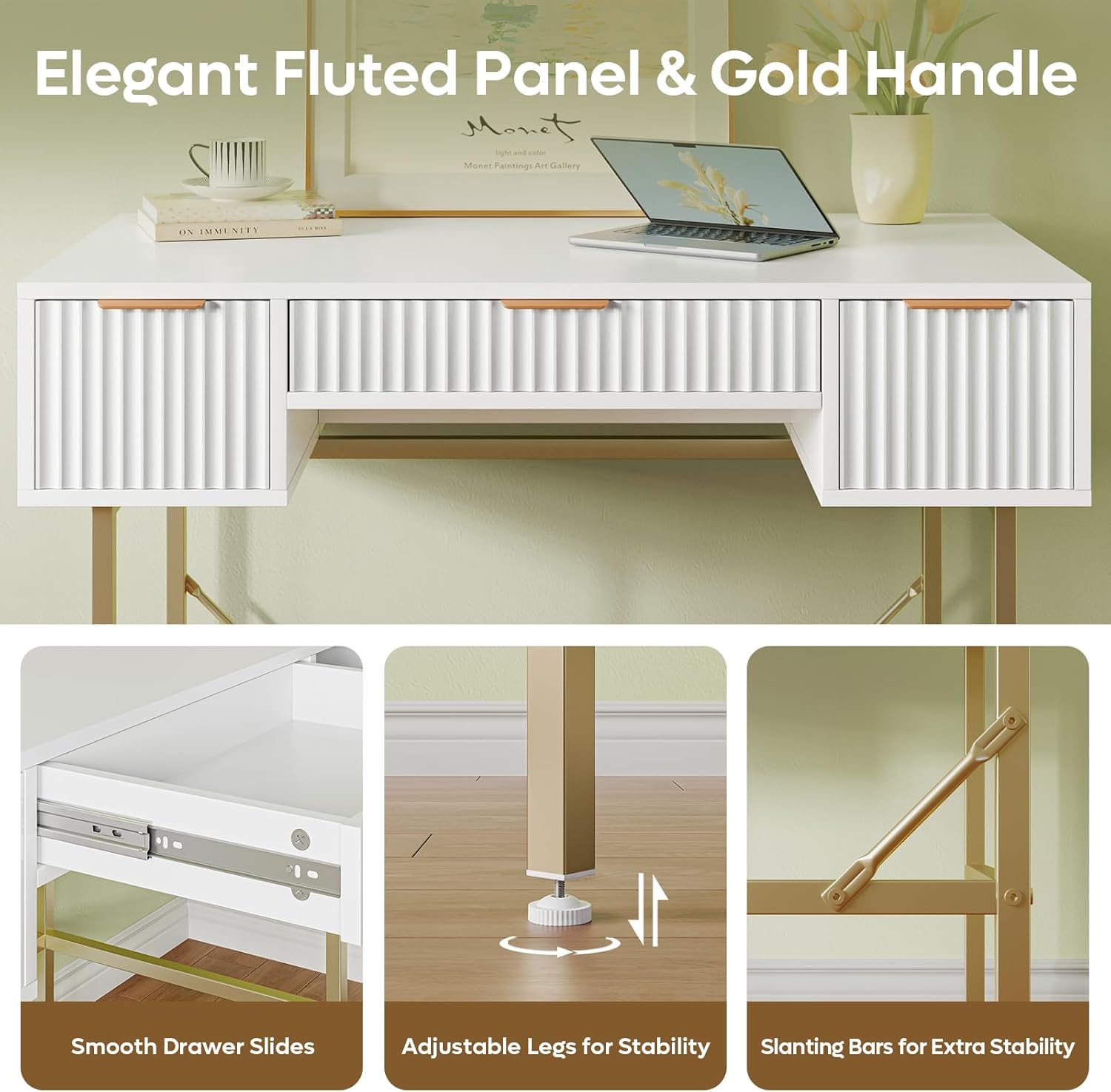
- Smooth Drawer Slides: Ensure proper alignment for effortless drawer operation.
- Adjustable Legs: Use the adjustable feet to level the desk on uneven surfaces, enhancing stability.
- Slanting Bars: These diagonal rods reinforce the metal frame, contributing to the desk's overall stability.
Operating Instructions
Drawer Organization
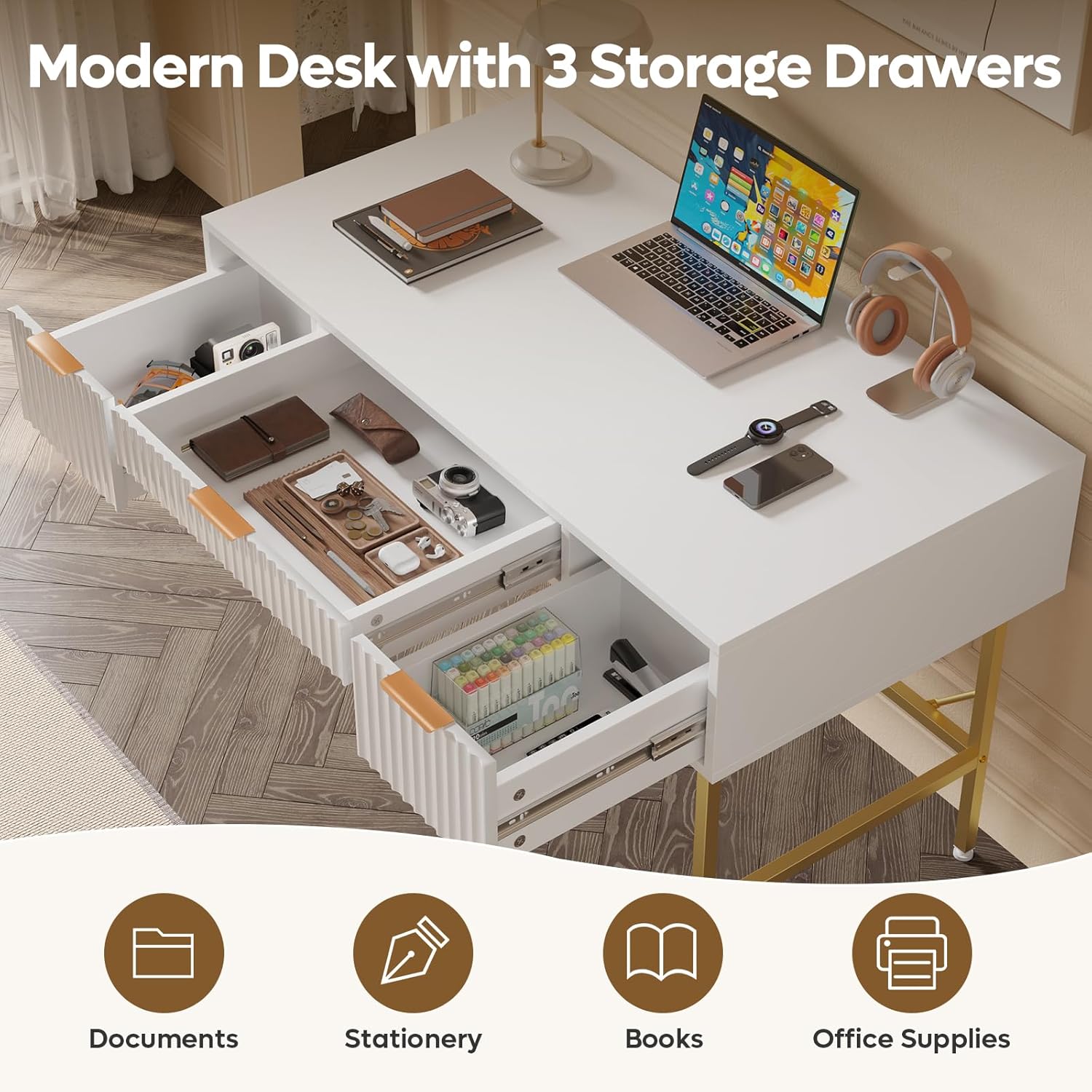
The desk features three thoughtfully designed drawers for efficient organization. The two tall drawers on the sides (each 7.6 inches high) are suitable for larger items such as skincare bottles or office supplies. The central drawer (3.3 inches high) is ideal for slimmer items like notebooks and tablets, keeping your essentials within easy reach.
Versatile Workspace
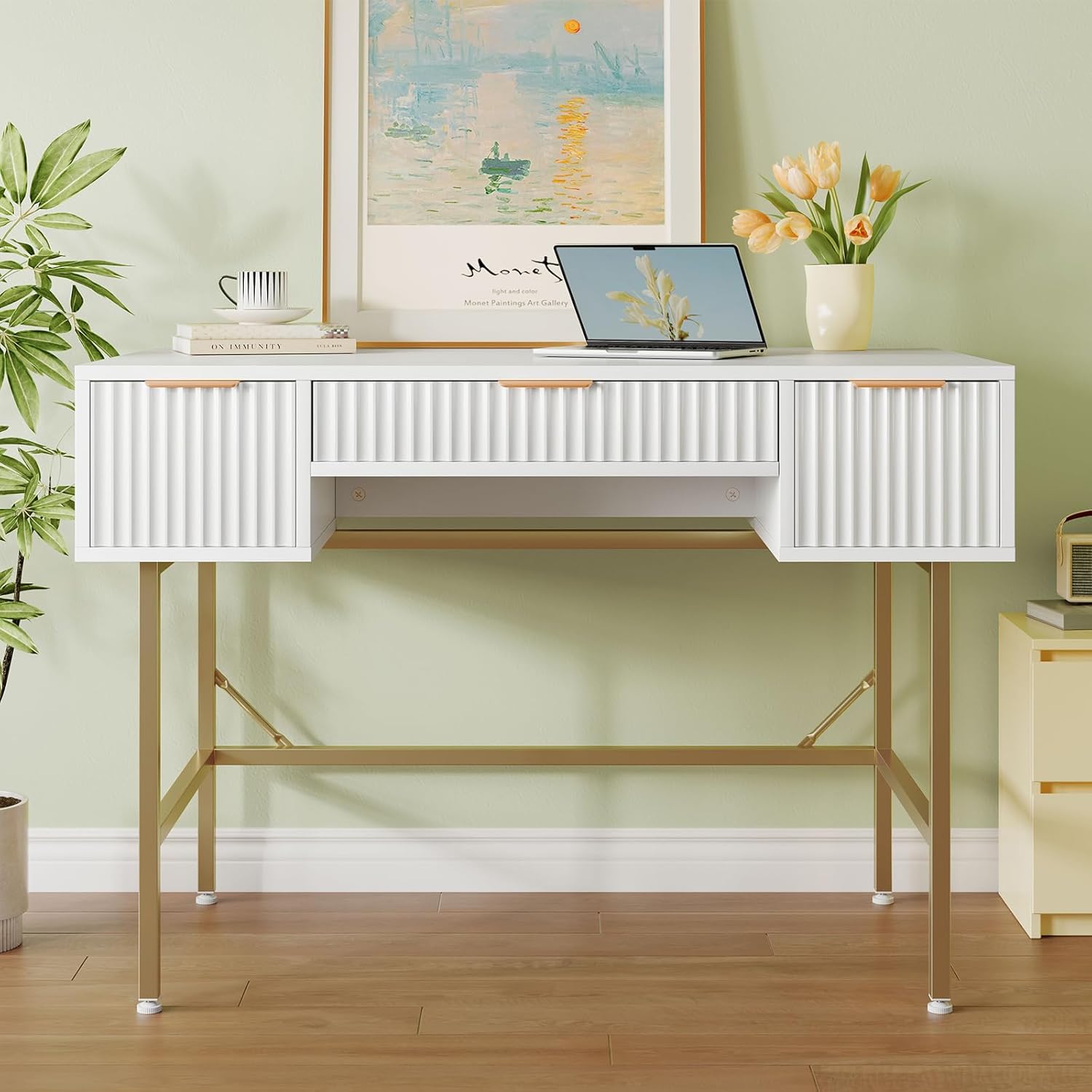
The expansive 47.6" W x 23.6" D desktop provides generous space for various activities. It can comfortably accommodate a computer setup for work or study, or serve as a spacious vanity for makeup application. The design allows for easy transition between different uses.

Maintenance
To maintain the appearance and longevity of your Bestier desk, follow these simple care instructions:
- Wipe surfaces with a damp cloth for general cleaning.
- Follow with a dry cloth to remove any moisture and prevent water spots.
- Avoid using harsh chemicals or abrasive cleaners, which can damage the finish.
- Protect the tabletop from scratches by using coasters or desk pads, especially when placing heavy or sharp objects.
Troubleshooting
| Issue | Possible Cause | Solution |
|---|---|---|
| Desk feels unstable or wobbly. | Uneven floor surface; loose connections; weak leg structure. | Adjust the leveling feet on the bottom of the legs. Ensure all screws and bolts are tightened securely. If moving the desk, lift it completely rather than dragging to prevent bending the legs. |
| Drawers do not slide smoothly. | Improper installation of drawer slides; obstruction in the tracks. | Recheck the installation of the drawer slides according to the assembly guide. Ensure no debris is blocking the tracks. |
| Chipped or damaged parts upon arrival. | Shipping damage; manufacturing defect. | Contact Bestier customer support immediately with photos of the damage for assistance with replacement parts. |
| Missing assembly instructions. | Packaging error. | Refer to the official assembly video provided or contact customer support for a digital copy of the instructions. |
Specifications
| Feature | Detail |
|---|---|
| Brand | Bestier |
| Model Number | H105860G-BWHT |
| Product Dimensions | 23.62"D x 47.24"W x 29.53"H |
| Color | White and Gold |
| Style | Modern |
| Base Material | Metal |
| Top Material Type | Engineered Wood |
| Number of Drawers | 3 |
| Maximum Weight Recommendation (Desktop) | 66 Pounds |
| Maximum Weight Recommendation (Per Drawer) | 22 Pounds |
| Required Assembly | Yes |
| Recommended Number of People for Assembly | 1 (2 recommended for ease) |

Warranty and Support
This Bestier product comes with a Limited Warranty. For specific details regarding coverage and duration, please refer to the warranty information included with your purchase or contact Bestier customer support.
Bestier is committed to providing excellent customer service. If you encounter any product issues, have questions, or require assistance, please do not hesitate to contact us. Our team is dedicated to offering satisfying solutions.
For customer support, please visit the Bestier Store on Amazon or refer to the contact information provided in your purchase documentation.


