
ZAFRO OL20D-D029B
Contents
Zafro 2000 Sq. Ft Dehumidifier User Manual
Model: OL20D-D029B
Introduction
Thank you for choosing the Zafro 2000 Sq. Ft Dehumidifier. This manual provides important information for the proper operation, maintenance, and troubleshooting of your new appliance. Please read it thoroughly before use and keep it for future reference.

Figure 1: Zafro 2000 Sq. Ft Dehumidifier
This image displays the Zafro 2000 Sq. Ft Dehumidifier from a front-angle perspective, showcasing its compact design, control panel on top, and the water tank indicator on the lower front. The unit is white with black accents.
Important Safety Instructions
To reduce the risk of fire, electric shock, or injury when using your dehumidifier, follow these basic precautions:
- Read all instructions before using the appliance.
- Do not operate any appliance with a damaged cord or plug.
- Do not place the dehumidifier near heat sources or in direct sunlight.
- Always ensure the unit is placed on a level, stable surface.
- Keep the air inlet and outlet grilles clear of obstructions.
- Unplug the dehumidifier before cleaning or performing any maintenance.
- This appliance is for residential use only.
Product Overview
The Zafro Dehumidifier is designed to efficiently remove excess moisture from your indoor environment, improving air quality and comfort. It features a portable design with flexible wheels and recessed handles for easy movement.

Figure 2: Portability Features
This image highlights the portability of the Zafro Dehumidifier, showing its recessed handles on the top sides and four castor wheels at the base, designed for easy relocation between rooms.
Key Benefits
This 3-in-1 dehumidifier offers multiple benefits for a healthier environment:
- Helps keep food fresh longer.
- Can reduce joint pain by lowering humidity.
- Aids in reducing allergy symptoms and eczema flare-ups.
- Eliminates musty smells.
- Assists in drying wet clothes.
- Reduces water condensation on surfaces.

Figure 3: Dehumidifier Benefits
This illustration visually represents the various benefits of using the Zafro Dehumidifier, including improved food freshness, reduced joint pain, alleviation of allergy and eczema symptoms, elimination of musty odors, assistance with drying clothes, and reduction of water condensation.
Setup
Unpacking
- Carefully remove the dehumidifier from its packaging.
- Remove all packing materials, including any tape or protective films.
- Inspect the unit for any shipping damage. If damaged, do not operate and contact customer support.
Placement
Place the dehumidifier on a firm, level surface in the area where moisture removal is desired. Ensure there is at least 8 inches (20 cm) of space around the unit for proper airflow.
Power Connection
Plug the power cord into a grounded electrical outlet. Ensure the voltage matches the specifications of the unit.
Drainage Methods
Your Zafro dehumidifier offers two convenient drainage options:
- Manual Drain (Water Tank): The unit collects water in its internal 0.53-gallon water tank. When the tank is full, the dehumidifier will automatically stop operating and an indicator will light up. Empty the tank by carefully pulling it out, discarding the water, and reinserting it until it clicks into place.
- Continuous Drain (Drain Hose): For continuous operation without needing to empty the tank, attach the included 3.3-foot drain hose to the continuous drain port on the back of the unit. Route the hose to a floor drain or a suitable receptacle, ensuring the hose is sloped downwards to allow gravity drainage.
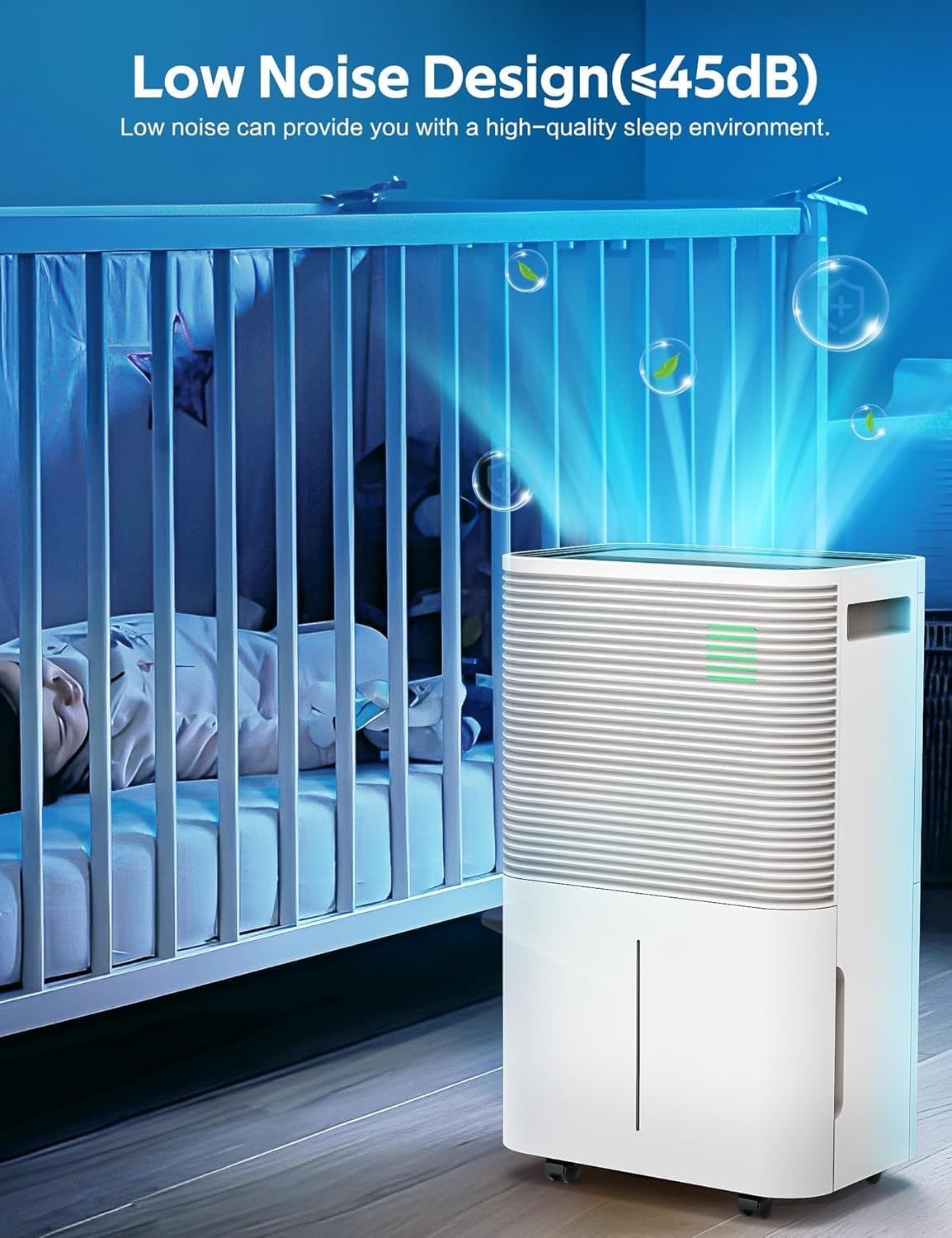
Figure 4: Drainage Options
This image illustrates the two methods for water drainage: the manual drain method, which involves emptying the internal water tank, and the continuous drain method, which uses a hose connected to a drain outlet for uninterrupted operation.
Operating Instructions
The dehumidifier features an intelligent operation panel for easy control.

Figure 5: Control Panel
This image provides a detailed view of the Zafro Dehumidifier's control panel, labeling each button and its function, including Mode, Lock, Humidity, Stand-by (Power), Speed, Timer, and Sleep.
Control Panel Functions:
- POWER Button: Press to turn the unit ON or OFF.
- MODE Button: Cycles through operating modes: Auto Mode, Continuous Drying Mode, and Sleep Mode.
- HUMIDITY Button: Adjusts the desired humidity level (30%RH to 80%RH) in Auto Mode.
- SPEED Button: Adjusts fan speed (High wind, Low wind cycle).
- TIMER Button: Sets the 1-24 hour timing function for automatic shut-off.
- LOCK Button: Press and hold for 3 seconds to activate/deactivate the child lock function.
- SLEEP Button: One press activates Sleep Mode.
Operating Modes:
- Auto Mode: In this mode, you can adjust both the desired humidity level (30%RH to 80%RH) and the fan speed. The unit will operate to maintain the set humidity.
- Continuous Drying Mode: The dehumidifier will run continuously regardless of the humidity level. Humidity cannot be adjusted in this mode. This is ideal for very damp conditions or for drying clothes.
- Sleep Mode: Designed for quiet operation, the humidity and fan speed are adjusted to settings optimized for sleep. The operating noise is less than 48 decibels.
Maintenance
Regular maintenance ensures optimal performance and extends the lifespan of your dehumidifier.
Cleaning the Air Filter
The air filter should be cleaned every two weeks or more frequently depending on usage and air quality.
- Unplug the dehumidifier from the power outlet.
- Locate and remove the air filter (usually on the back or side of the unit).
- Wash the filter with warm, soapy water. Rinse thoroughly.
- Allow the filter to air dry completely before reinserting it into the unit. Do not use a dryer or direct heat.
Emptying and Cleaning the Water Tank
Even if using continuous drainage, it's recommended to periodically clean the water tank to prevent mold and mildew growth.
- Unplug the dehumidifier.
- Remove the water tank.
- Clean the tank with warm water and a mild detergent. Rinse thoroughly.
- Dry the tank completely before placing it back into the unit.
Storage
If the dehumidifier will not be used for an extended period:
- Unplug the unit and empty the water tank.
- Clean the air filter and the water tank.
- Coil the power cord neatly.
- Store the unit upright in a cool, dry place, away from direct sunlight and extreme temperatures.
Troubleshooting
Before contacting customer support, please refer to the following troubleshooting guide for common issues.
| Problem | Possible Cause | Solution |
|---|---|---|
| Dehumidifier does not turn on. | No power; Water tank full or not properly seated. | Check power cord connection; Empty and re-seat water tank. |
| No water collected. | Humidity level too low; Room temperature too low; Air filter clogged. | Adjust desired humidity lower; Ensure room temperature is above 41°F (5°C); Clean air filter. |
| Unit is noisy. | Unit not on a level surface; Air filter clogged. | Place on a level surface; Clean air filter. |
| Water leaks from unit. | Drain hose not properly connected or clogged; Water tank not properly seated. | Check drain hose connection and ensure it's sloped; Re-seat water tank. |
Specifications
| Feature | Detail |
|---|---|
| Brand | ZAFRO |
| Model Name | Dehumidifier |
| Item Model Number | OL20D-D029B |
| Floor Area Coverage | Up to 2000 Sq. Ft. |
| Moisture Removal Capacity | 22 Pints/Day (AHAM Standard: 65°F, 60%RH) 45 Pints/Day (Max: 86°F, 80%RH) |
| Humidity Adjustment Range | 30%RH to 80%RH |
| Water Tank Capacity | 0.53 Gallons (approx. 4.24 Pints) |
| Product Dimensions (D x W x H) | 22.83" x 9.25" x 13.78" |
| Item Weight | 37 pounds |
| Operating Noise Level | < 48 dB (in Sleep Mode) |
| Special Features | Portable, Child Lock, Timer, Auto Shut-off, Continuous Drainage |
| Color | WHITE |
Warranty and Support
Zafro stands behind the quality of its products. For warranty information, technical support, or any questions regarding your dehumidifier, please contact Zafro customer service. Please have your model number (OL20D-D029B) and purchase information ready when contacting support.
For the most up-to-date contact information, please visit the official ZAFRO Store on Amazon: ZAFRO Store
Ask a question about this manual
Ask about setup, troubleshooting, compatibility, parts, safety, or missing instructions. Manuals+ will review the question and use this page’s manual context to help answer it.