
1. Introduction
This manual provides detailed instructions for the installation, operation, and maintenance of your COOLCRAZY Hardwire Kit. This kit is designed to provide continuous power to your N8/N7 dash cam, enabling 24-hour parking monitoring and offering low voltage protection for your vehicle's battery. Please read this manual carefully before installation and use.
2. Product Contents
The COOLCRAZY Hardwire Kit package includes the following components:
- Hardwire Kit (with Type-C USB connector)
- Add-A-Circuit Fuse Taps (various types for compatibility)
- User Manual

Image: Components included in the Hardwire Kit package.
3. Specifications
| Input Voltage | DC 12V-24V |
| Output Voltage/Current | 5V / 2.5A |
| ACC Output | 5V |
| Low Voltage Protection Parameters | 11.8V±0.2V, 12.0V±0.2V, 12.2V±0.2V |
| Cable Length | Approximately 11.5 ft (3.5 meters) |
| Connector Type | Type-C USB |
| Protection Features | Overcurrent, Overheating, Low Voltage Disconnection |
| Compatibility | Most vehicles with 12-24V electrical systems (Car, Truck, SUV) |

Image: The hardwire kit is compatible with various vehicle types including sedans, SUVs, and trucks.
4. Setup and Installation
Follow these steps to properly install your COOLCRAZY Hardwire Kit:
4.1 Wire Connection Diagram
The hardwire kit features three wires for connection:
- Yellow Wire (BAT+): Connect to a constant power fuse slot in your vehicle's fuse box. This slot provides power even when the ignition is off.
- Red Wire (ACC): Connect to an ACC (Accessory) fuse slot in your vehicle's fuse box. This slot provides power only when the ignition is on.
- Black Wire (GND): Connect to any unpainted metal part of the car chassis to establish a ground connection.
Important Note: We recommend using fuse slots rated 10A-30A for sufficient dash cam power.

Image: Wire connection diagram for the hardwire kit.
4.2 Installation Steps
- Locate Fuse Box: Refer to your vehicle's owner's manual to find the location of the fuse box (typically under the dashboard, in the engine bay, or in the trunk).
- Find Fuse Slot: Identify suitable constant power (BAT+) and ACC fuse slots. Use a circuit tester to confirm which slots are constant and which are ignition-switched.
- Identify Fuse Type: Determine the type of fuses used in your vehicle (e.g., Mini, ATO, Micro2) to select the correct add-a-circuit fuse tap.
- Identify Fuse Slots Sides: Insert the add-a-circuit fuse tap correctly into the fuse slot, ensuring the power input side is aligned.
- Connect Wires to Add-A-Fuse: Crimp or securely connect the yellow and red wires from the hardwire kit to the appropriate add-a-circuit fuse taps. Insert the original fuse and a new fuse for the dash cam into the tap.
- Insert Wires into Fuse Box: Plug the add-a-circuit fuse taps into the identified fuse slots.
- Locate Ground Point: Find an unpainted metal bolt or screw on the vehicle's chassis and securely attach the black ground wire.
- Test Dash Cam: Connect the Type-C end of the hardwire kit to your dash cam and test its functionality, including parking mode.

Image: Visual guide for the installation process.

Image: Close-up views of fuse box connections and ground point location.
5. Operating Instructions
5.1 24-Hour Parking Monitoring
The COOLCRAZY Hardwire Kit enables your dash cam to operate continuously, even when your vehicle's engine is off. By connecting directly to the car's battery via the fuse box, the dash cam can record important events 24 hours a day, providing surveillance for your parked vehicle.

Image: Illustration of 24-hour parking monitoring.
5.2 Low Voltage Protection
To prevent your vehicle's battery from draining completely, the hardwire kit includes a low voltage protection feature. If the car battery voltage drops below a preset threshold (e.g., 11.8V, 12.0V, or 12.2V, depending on your dash cam's settings), the kit will automatically cut off power to the dash cam. This ensures that there is sufficient power remaining to start your vehicle.
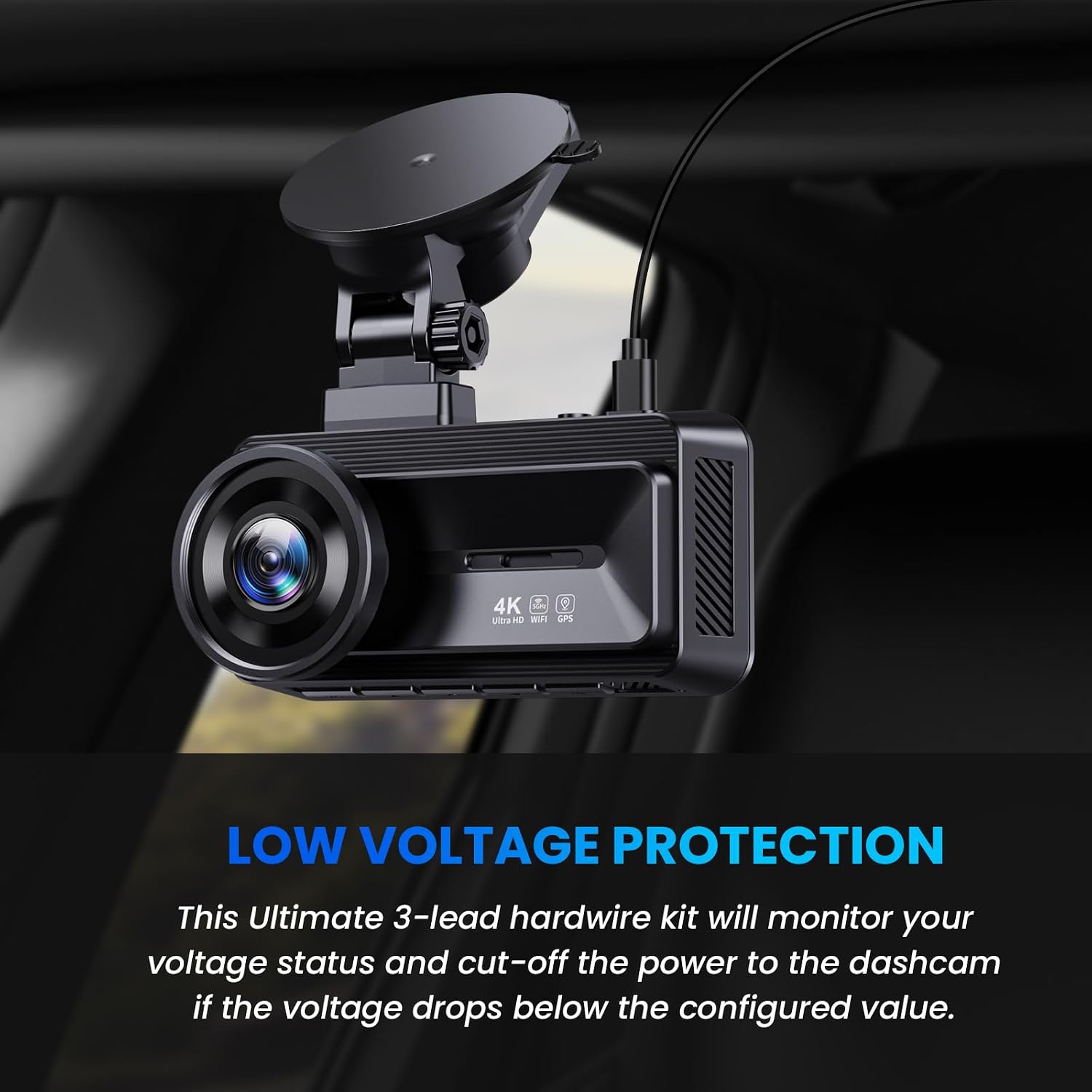
Image: Low Voltage Protection feature explanation.
5.3 Automatic Parking Mode Switching
The hardwire kit utilizes ACC detection. When the vehicle's engine is turned off, the dash cam will automatically switch to parking mode (if supported by your dash cam). When the car engine starts, the dash cam will revert to normal recording mode.
6. Maintenance
The COOLCRAZY Hardwire Kit requires minimal maintenance. To ensure optimal performance:
- Periodically check all wire connections to ensure they remain secure.
- Inspect the fuse taps and fuses for any signs of wear or damage. Replace fuses if they are blown.
- Keep the hardwire kit and dash cam free from excessive dust or moisture.
7. Troubleshooting
If you encounter issues with your hardwire kit, refer to the following common problems and solutions:
7.1 Dash Cam Not Receiving Power
- Check Connections: Ensure all three wires (Yellow, Red, Black) are securely connected as per the installation instructions.
- Inspect Fuses: Verify that the fuses in the add-a-circuit taps are not blown. Replace any blown fuses.
- Confirm Fuse Slots: Double-check that the constant power and ACC fuse slots are correctly identified and providing power. Use a circuit tester if unsure.
7.2 Fuse Adapters Do Not Fit
Vehicle fuse boxes come with various fuse types (e.g., Mini, ATO, Micro2, Low Profile Mini). The kit includes several common types of add-a-circuit fuse taps. If the provided adapters do not fit your vehicle's fuse box:
- Consult your vehicle's owner's manual to identify the specific fuse type.
- Purchase compatible add-a-circuit fuse taps from an automotive parts store.
- If you are unsure, it is recommended to seek professional installation assistance.
7.3 Low Voltage Cutoff Not Working / Battery Drains
If your vehicle's battery still drains despite the low voltage protection feature:
- Check Battery Health: An aging or weak car battery may not hold a charge effectively, leading to quicker drainage. Have your car battery tested by a professional.
- Verify Dash Cam Settings: Ensure your dash cam's low voltage cutoff settings are configured correctly and are compatible with the hardwire kit's thresholds.
- Power Consumption: Confirm the power consumption of your dash cam. High power draw over extended periods can still strain a battery.
- Professional Inspection: If the issue persists, consult an automotive electrician to inspect the wiring and battery system.
8. Warranty and Support
8.1 Warranty Information
The COOLCRAZY Hardwire Kit comes with a 12-month warranty from the date of purchase. This warranty covers manufacturing defects and ensures the product meets its specified performance standards. Please retain your proof of purchase for warranty claims.
8.2 Customer Support
For any questions, technical assistance, or warranty inquiries, please contact COOLCRAZY customer service:
- Email: help@coolcrazycam.com
- Our dedicated customer service team is available for 24/7 quick response.

Image: COOLCRAZY customer support and warranty details.
