Introduction
This manual provides comprehensive instructions for the safe and efficient operation, setup, and maintenance of your JAYGOVAN Tumbler Heat Press Machine. Please read all instructions carefully before using the machine to ensure optimal performance and safety.
Important Safety Instructions
- Always connect the machine to a grounded power outlet with the correct voltage (110V).
- Do not operate the machine with wet hands or in damp conditions.
- Keep children and pets away from the machine during operation.
- The heating element becomes extremely hot. Avoid direct contact during and immediately after use. Use heat-resistant gloves when handling hot tumblers.
- Ensure proper ventilation in the work area.
- Unplug the machine from the power source when not in use or before cleaning and maintenance.
- Do not attempt to modify or repair the machine yourself. Contact qualified service personnel for assistance.
Package Contents
Verify that all items are present in the package:
- 1 × Car Cup Mug Press Machine
- 1 × Power Cord
- 2 × Fuses
- 1 × English User Manual
Setup
- Unpacking: Carefully remove the heat press machine and all accessories from the packaging.
- Placement: Place the machine on a stable, heat-resistant, and level surface. Ensure there is adequate space around the machine for ventilation and safe operation.
- Power Connection: Connect the power cord to the machine and then plug it into a standard 110V grounded electrical outlet.

Image: Side view of the JAYGOVAN Tumbler Heat Press Machine, showing its overall structure and handles.
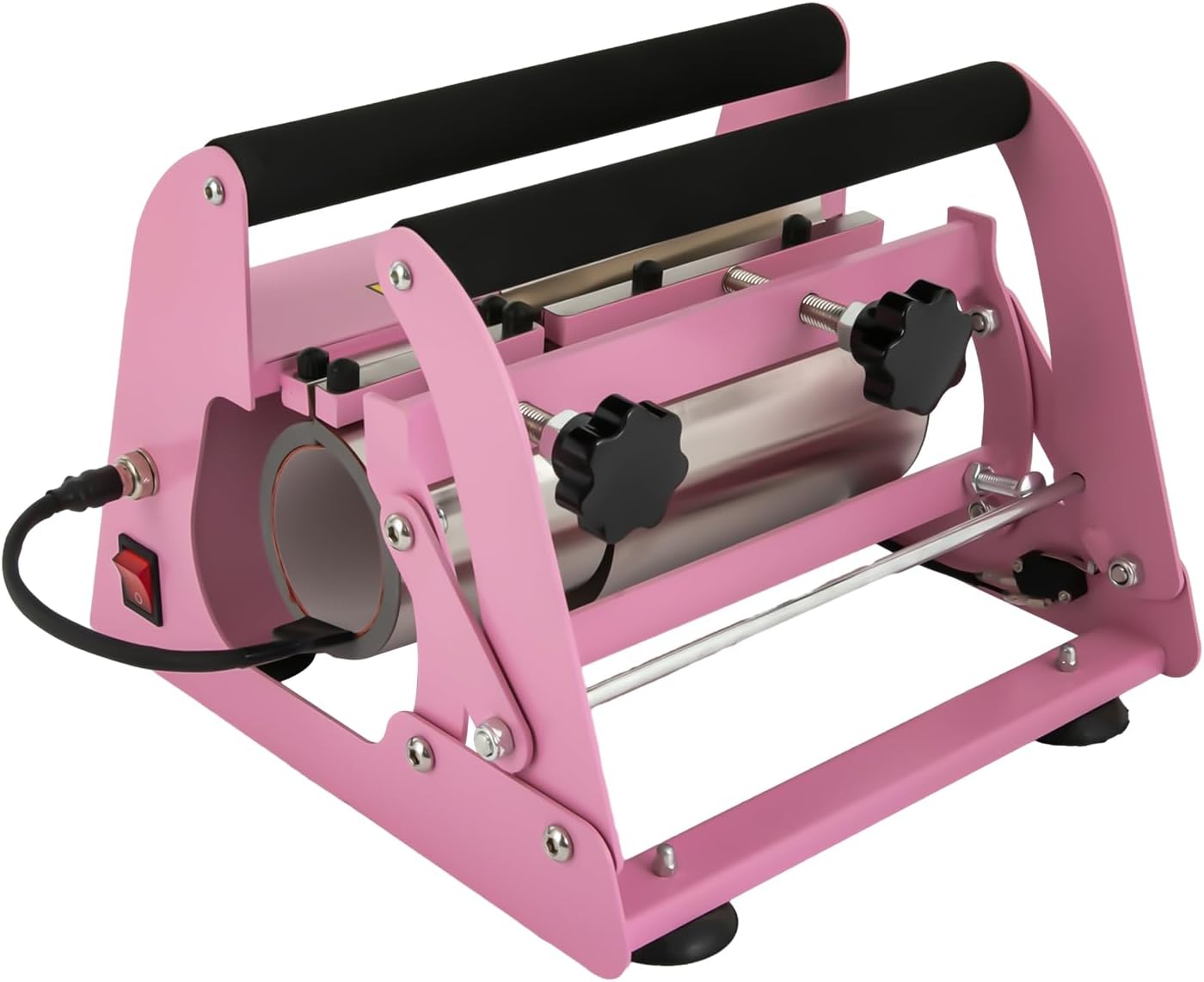
Image: Rear view of the JAYGOVAN Tumbler Heat Press Machine, highlighting the power switch and power input port.
Operating Instructions
- Power On: Turn on the power switch located on the side of the machine. The digital display will illuminate.
- Prepare Tumbler: Wrap your sublimation design around the 40oz straight tumbler, securing it with heat-resistant tape. Ensure the design is smooth and free of wrinkles.
- Set Temperature and Time:
- Press the 'SET' key to adjust the temperature. Use the up/down arrows to set the desired temperature (e.g., 180°C / 362°F).
- Press the 'SET' key again to adjust the time. Use the up/down arrows to set the desired time (e.g., 120 seconds).
- Long press the 'SET' key to save the settings.
- Insert Tumbler: Carefully place the prepared tumbler into the heating element.
- Close Handle: Close the handle firmly to apply pressure to the tumbler. The machine will automatically begin the countdown.
- Remove Tumbler: Once the countdown is complete and the alarm sounds (if configured), open the handle and carefully remove the hot tumbler using heat-resistant gloves.
- Peel Design: Allow the tumbler to cool slightly before carefully peeling off the sublimation paper to reveal your design.
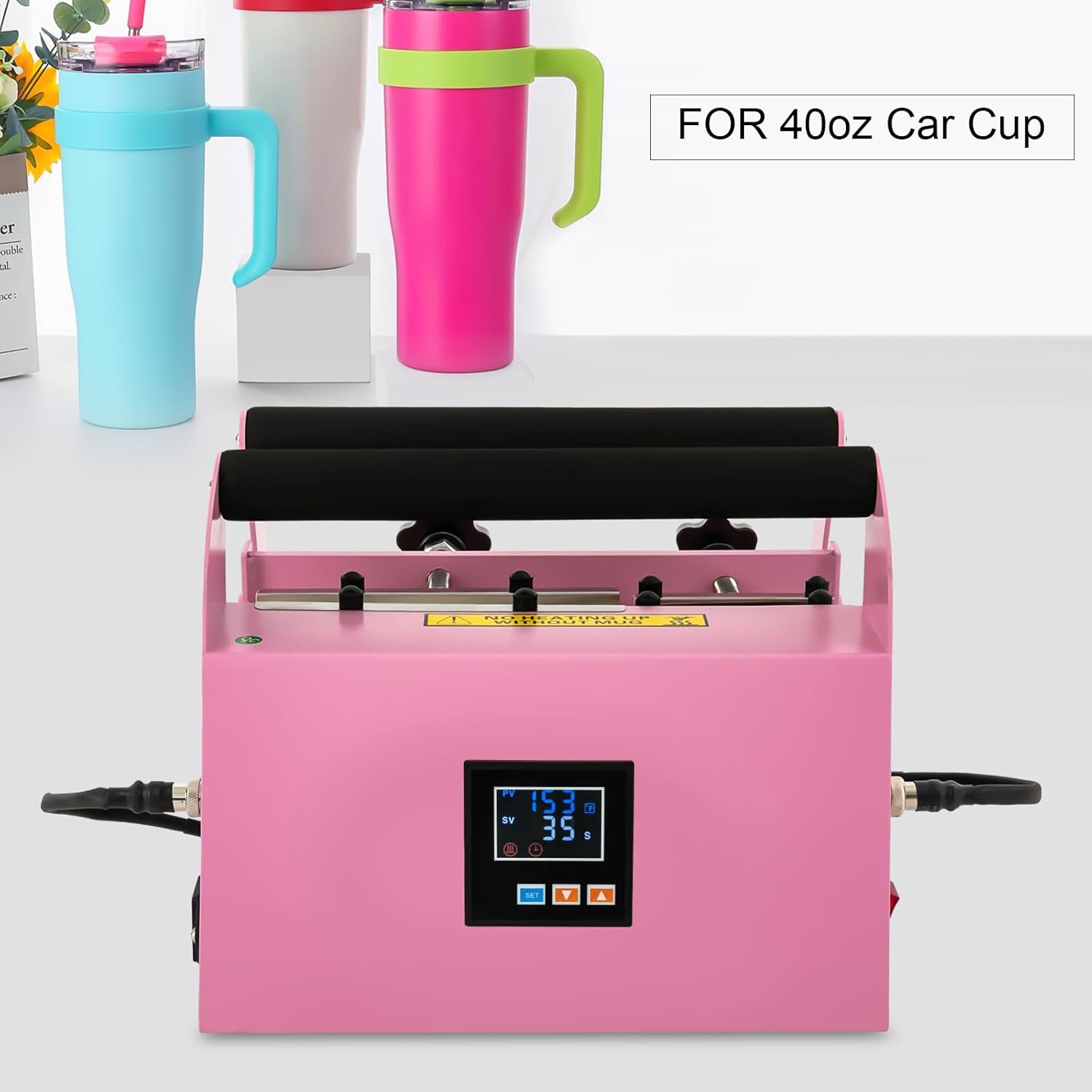
Image: Front view of the JAYGOVAN Tumbler Heat Press Machine, showing the digital control panel and two finished tumblers in the background.

Image: A user carefully placing a 40oz tumbler into the heating element of the JAYGOVAN Tumbler Heat Press Machine.

Image: A finished sublimation-printed tumbler with a cartoon design standing next to the JAYGOVAN Tumbler Heat Press Machine.
Video: Demonstration of the JAYGOVAN Tumbler Heat Press Machine in operation, including power-on, setting temperature and time, inserting a tumbler, and removing the finished product.
Maintenance
- Cleaning: After each use, ensure the machine is unplugged and completely cooled. Wipe down the exterior with a soft, dry cloth. Do not use abrasive cleaners or solvents.
- Heating Element Care: Avoid scratching or damaging the heating element. If any residue builds up, gently wipe it with a soft cloth.
- Fuse Replacement: The machine is equipped with fuses for safety. If the machine fails to power on, check and replace the fuses as needed. Refer to the fuse compartment for specifications. Always unplug the machine before replacing fuses.
- Storage: Store the machine in a clean, dry place away from direct sunlight and extreme temperatures.
Troubleshooting
| Problem | Possible Cause | Solution |
|---|---|---|
| Uneven heating or inconsistent print results. | Incorrect pressure, uneven surface of the tumbler, or improper temperature/time settings. | Ensure the tumbler is straight and fits snugly in the heating element. Adjust pressure knobs for even contact. Verify temperature and time settings are appropriate for your sublimation blanks and paper. |
| Counter/timer does not work or does not beep at the end of the cycle. | Incorrect settings, sensor malfunction, or internal error. | Check if the timer is correctly set and saved. Ensure the handle is fully closed to trigger the countdown. If the issue persists, unplug the machine, wait a few minutes, and plug it back in. If the problem continues, contact customer support. |
| Machine does not power on. | Power cord not connected, power outlet issue, or blown fuse. | Ensure the power cord is securely plugged into both the machine and a working outlet. Check the fuses and replace if necessary (refer to fuse replacement instructions in Maintenance section). |
Specifications
| Feature | Detail |
|---|---|
| Color | Pink |
| Material | Iron (Plastic Spraying Process) |
| Power Source | Corded Electric |
| Plug Type | US Standard |
| Power | 500W |
| Voltage | 110V |
| Temperature Range | 0-204°C / 0-400°F |
| Applicable Cup Capacity | 1182.8ml / 40oz |
| Time Range | 0-999s |
| Product Dimensions (L x W x H) | 32.7 × 31.3 × 23.8 cm / 12.87 × 12.32 × 9.37 inches |
| Net Weight | 8 kg / 17.64 lbs |

Image: Diagram showing the dimensions of the JAYGOVAN Tumbler Heat Press Machine in centimeters and inches.
Warranty and Support
For warranty information or technical support, please refer to the contact details provided with your purchase documentation or visit the official JAYGOVAN website. Keep your purchase receipt as proof of purchase.