
1. Product Overview
The wegear MW16 is a 2.4G wireless optical mouse designed for comfortable and efficient use across various devices. It features 6 buttons, adjustable DPI settings, and an ergonomic design for extended use.
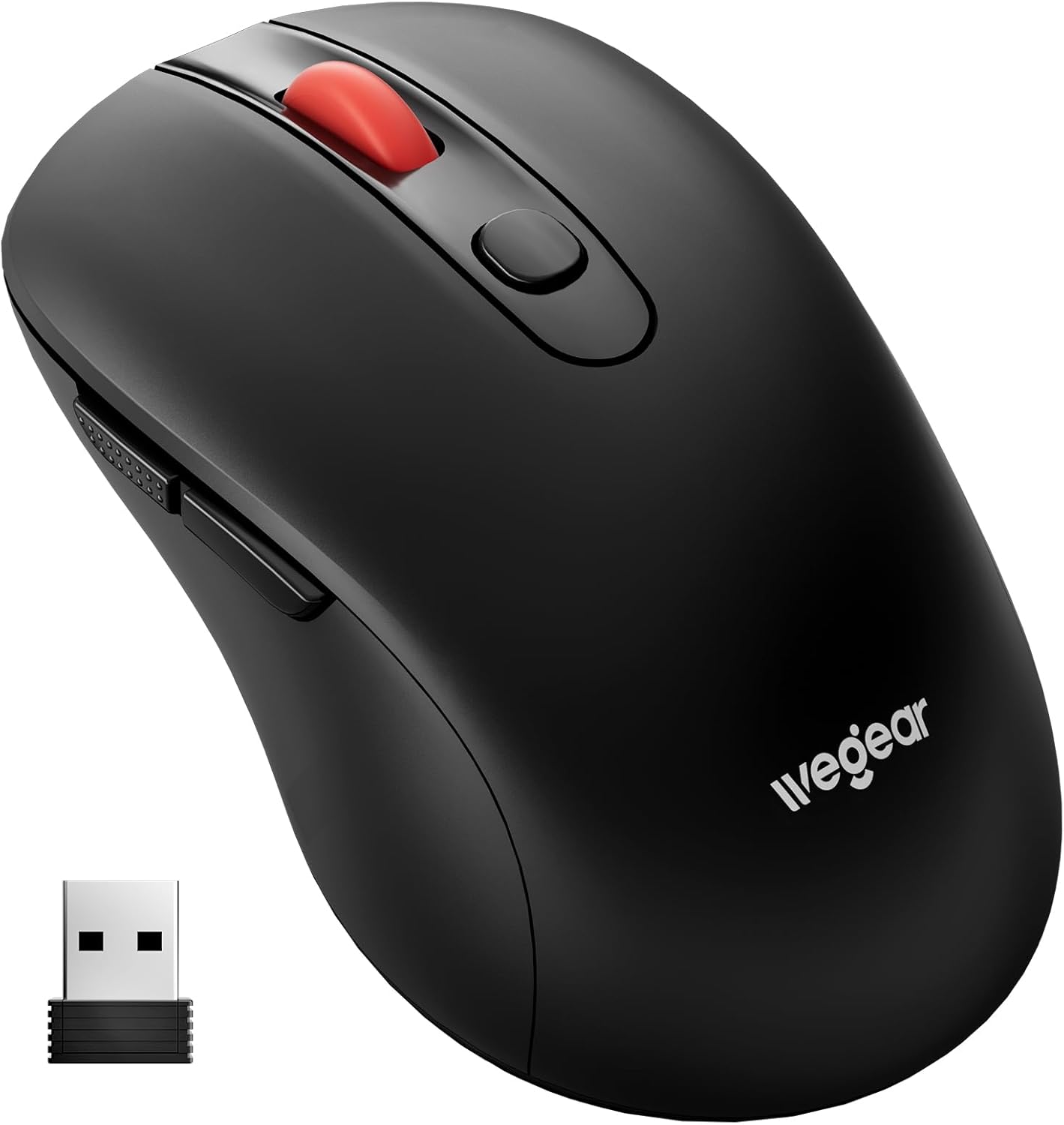
Image 1.1: wegear MW16 Wireless Mouse and USB Receiver.
Package Contents:
- wegear MW16 Wireless Mouse
- USB Receiver (stored at the bottom of the mouse)
- Instruction Manual
2. Setup Guide
2.1 Battery Installation
- Locate the battery compartment on the underside of the mouse.
- Open the battery compartment cover.
- Insert one (1) AA battery (not included), ensuring correct polarity (+/-).
- Close the battery compartment cover securely.

Image 2.1: Battery compartment and installation.
2.2 Connecting the USB Receiver
- Locate the USB receiver, which is stored in a slot on the bottom of the mouse.
- Remove the USB receiver from its storage slot.
- Plug the USB receiver into an available USB port on your computer, laptop, or compatible device.
- The mouse is plug-and-play; no additional drivers are required. It should connect automatically within a few seconds.
The 2.4GHz wireless technology provides a stable connection up to 33 feet (10 meters).

Image 2.2: USB receiver connection and wireless range.
3. Operating Instructions
3.1 Button Functions
The wegear MW16 mouse features 6 buttons for enhanced productivity:
- Left Button: Standard click function.
- Right Button: Standard right-click function.
- Scroll Wheel: Scroll up/down, middle-click.
- DPI Button: Adjusts cursor sensitivity (DPI).
- Forward Button: Navigates forward in web browsers or file explorers.
- Back Button: Navigates backward in web browsers or file explorers.
Note: The Forward and Back buttons may not be recognized or function on Mac operating systems.

Image 3.1: Mouse button layout and functions.
3.2 Adjusting DPI (Cursor Sensitivity)
The mouse offers 5 adjustable DPI levels (800/1200/1600/2400/4000) to customize cursor speed and precision.
- Press the DPI Button (located below the scroll wheel) to cycle through the sensitivity levels.
- Each press will change the DPI setting. The red LED below the scroll wheel will flash to indicate the current DPI level:
- 1 flash: 800 DPI
- 2 flashes: 1200 DPI
- 3 flashes: 1600 DPI
- 4 flashes: 2400 DPI
- 5 flashes: 4000 DPI
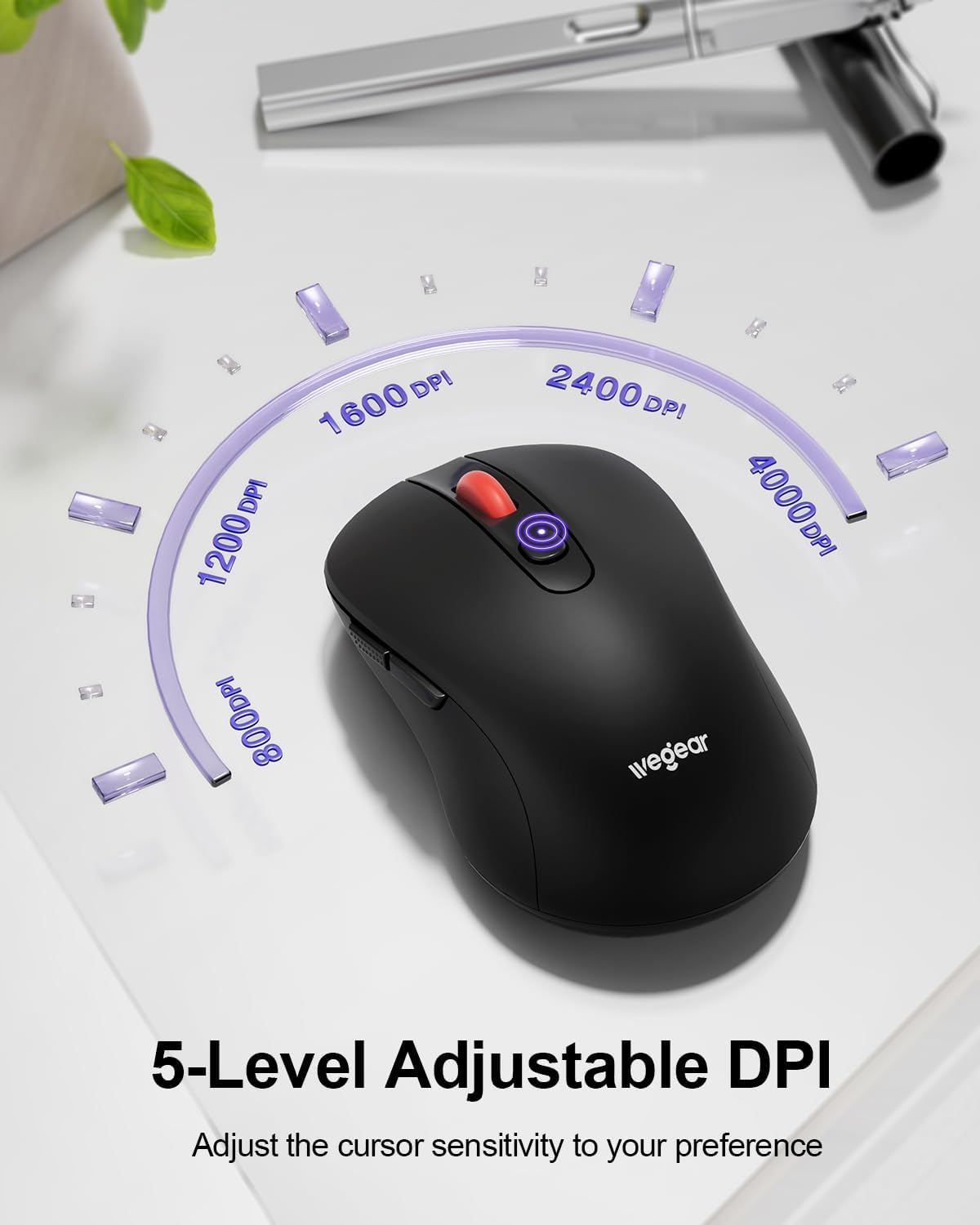
Image 3.2: DPI adjustment and indicator.
3.3 Power Saving Mode
To conserve battery life, the mouse automatically enters sleep mode after 8 minutes of inactivity. To reactivate the mouse, simply click any button.
4. Maintenance
4.1 Battery Replacement
The mouse is designed for up to 24 months of battery life. When the battery is low, a red light will flash to warn you. Replace the AA battery as described in Section 2.1.
4.2 Cleaning
To maintain optimal performance, periodically clean the mouse:
- Use a soft, dry cloth to wipe the exterior of the mouse.
- For stubborn dirt, slightly dampen the cloth with water or a mild cleaning solution. Avoid excessive moisture.
- Do not use harsh chemicals or abrasive cleaners.
5. Troubleshooting
- Mouse not responding:
- Ensure the USB receiver is securely plugged into a working USB port.
- Check the battery level and replace the AA battery if necessary.
- Move the mouse closer to the USB receiver to ensure it is within the 33ft (10m) range.
- Try plugging the USB receiver into a different USB port.
- Cursor lag or erratic movement:
- Ensure there are no obstructions between the mouse and the USB receiver.
- Avoid using the mouse on highly reflective or transparent surfaces.
- Adjust the DPI setting to a lower level if the cursor is too sensitive.
- Check for potential wireless interference from other 2.4GHz devices.
- Forward/Back buttons not working on Mac:
- This is a known compatibility limitation. These buttons are generally not recognized by macOS without third-party software.
- Low battery indicator:
- A red light flashing indicates low battery. Replace the AA battery promptly.
6. Specifications
| Feature | Detail |
|---|---|
| Model Number | MW16 |
| Connectivity | 2.4G Wireless (USB Receiver) |
| Wireless Range | Up to 33 ft (10 m) |
| DPI Levels | 800, 1200, 1600, 2400, 4000 (Adjustable) |
| Buttons | 6 (Left, Right, Scroll Wheel, DPI, Forward, Back) |
| Movement Detection | Optical (Laser) |
| Battery Type | 1 x AA Battery (not included) |
| Battery Life | Up to 24 months |
| Auto-Sleep | After 8 minutes of inactivity |
| Keystroke Durability | 60,000,000 times |
| Compatibility | Windows 98SE/ME/2000/XP/Vista/Win7/Win 10/Win11/Mac10.x |
| Dimensions | 4.65 x 2.91 x 2.05 inches |
| Weight | 3.52 ounces |
7. Warranty and Support
Specific warranty details are not provided in this manual. For warranty information, technical support, or further assistance, please refer to the official wegear website or contact their customer service directly.
You can often find support information on the product packaging or by visiting the manufacturer's official website:


