
1. Product Overview
The keepLiNK 24 Port Industrial Gigabit PoE Switch is an unmanaged network switch designed for robust performance in demanding environments. It features 24 Gigabit PoE+ ports and 4 Gigabit SFP+ slots, providing a total power budget of 400W to support various Power over Ethernet (PoE) devices.
Key features include:
- Industrial Grade Design: Built to withstand harsh conditions with IP40 protection, making it dust-proof, shock-proof, lightning-proof, and anti-static.
- High Power PoE+: 24 Gigabit PoE+ ports supporting IEEE802.3AF/AT standards, with a maximum power output of 30W per port.
- Fiber Uplink Capability: 4 Gigabit SFP+ slots for high-speed fiber optic connections over longer distances.
- Redundant Power Supply Support: Ensures stable network operation with automatic fault switching (power supply sold separately).
- Fanless Operation: Features a fanless design with a built-in cooling strip for quiet and stable operation, adapting to extreme temperatures from -40℉ to 158℉.
- Plug and Play: No configuration required for immediate use.
2. Package Contents
Verify that all items are present in your package:
- keepLiNK 24 Port Industrial Gigabit PoE Switch
- Rack Mount Ears (x2)
- User’s Manual
- Power Cord (may vary by region)
- Mounting Screws
3. Physical Description
Front Panel
The front panel of the switch features 24 Gigabit PoE+ ports (1-24) and 4 Gigabit SFP+ slots (25-28), along with LED indicators for power and port status.

Figure 1: Front view of the keepLiNK 24 Port Industrial Gigabit PoE Switch, highlighting the 24 PoE+ ports (1-24) and 4 SFP slots (25-28), along with the input voltage range (DC48-58V).
Side and Rear Panels
The side panels feature heat dissipation strips for efficient cooling. The rear panel includes the power input and a power switch.

Figure 2: Side view of the switch, illustrating its dimensions (440mm length, 245mm depth, 44mm height) and the heat dissipation strip for increased cooling surface area.
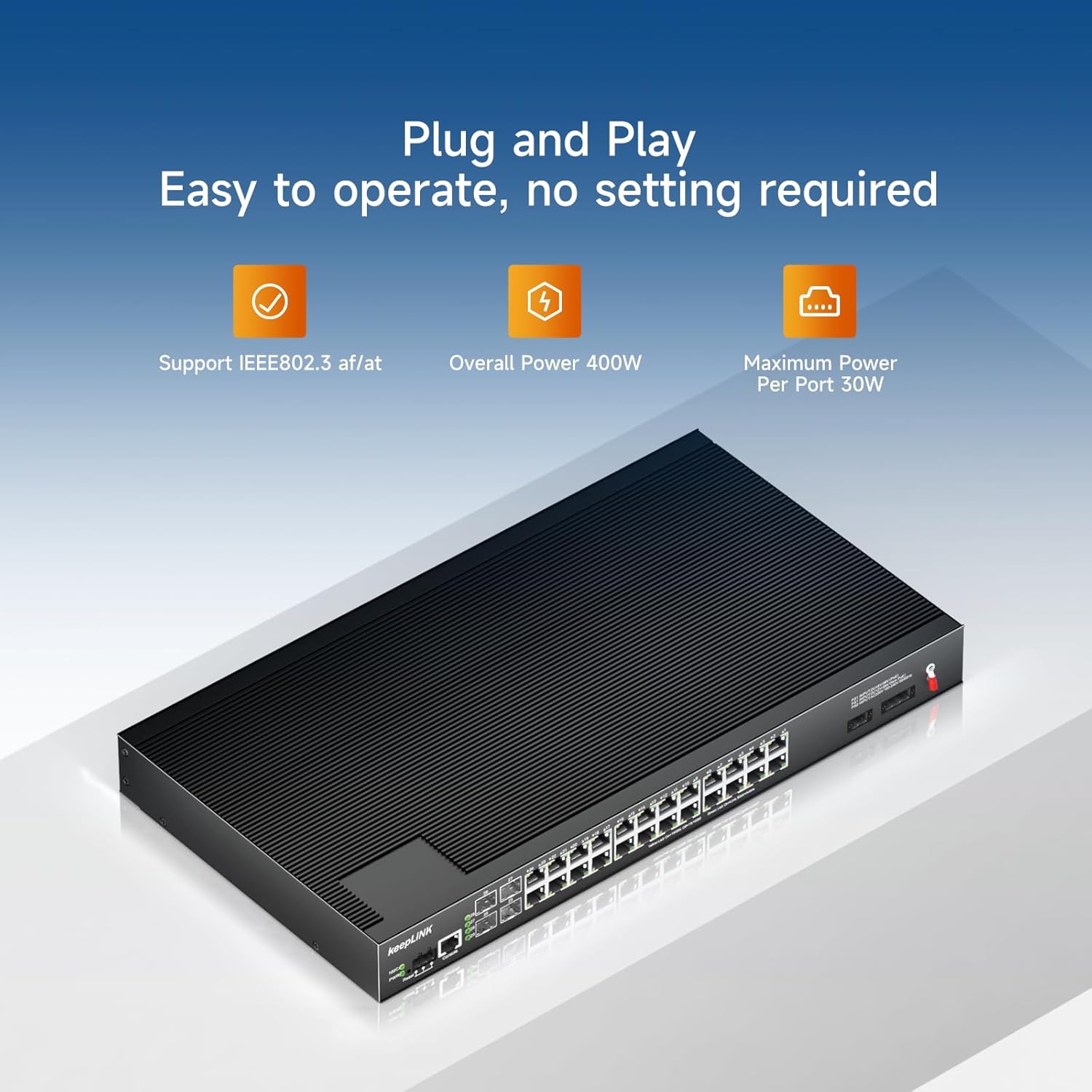
Figure 3: Detail of the fanless cooling design, ensuring quiet and stable operation without internal moving parts.
4. Installation
Desktop Placement
Place the switch on a flat, stable surface. Ensure adequate ventilation around the device to prevent overheating.
Rackmount Installation
The switch can be installed in a standard 19-inch equipment rack using the included rackmount ears. Attach the rackmount ears to the sides of the switch using the provided screws, then secure the switch into the rack.

Figure 4: The switch comes with two rackmount ears for desktop or cabinet mounting, providing flexible installation options.
5. Powering On
- Connect the power cable to the AC power inlet on the rear panel of the switch.
- Plug the other end of the power cable into a grounded electrical outlet.
- Flip the power switch to the 'ON' position. The Power LED on the front panel should illuminate, indicating the switch is receiving power.
6. Connecting Devices
This is an unmanaged switch, meaning it operates on a plug-and-play basis without requiring complex configuration.
- PoE+ Devices: Connect your PoE-powered devices (e.g., IP cameras, VoIP phones, wireless access points) to any of the 24 Gigabit PoE+ ports (1-24) using standard Ethernet cables. The switch will automatically detect and provide power to compliant devices.
- Network Uplink: Use the 4 Gigabit SFP+ slots (25-28) to connect to your core network, router, or other switches via fiber optic cables for high-speed data transmission.
Video 1: KeepLiNK High Quality Production Workshop Display. This video provides a visual overview of the product in a manufacturing and operational setting, demonstrating its industrial application.
Video 2: Aumox Pro 24 Port PoE Switch Gigabit + 2 Uplink + 2 SFP 400W. This video illustrates the connection of various devices like IP phones, IP cameras, and access points to a 24-port PoE switch, demonstrating its plug-and-play functionality and power delivery.
7. LED Indicators
The front panel LEDs provide real-time status information:
- PWR LED: Indicates the power status of the switch.
- Link/Act LEDs (per port): Indicates network activity and connection status for each port.
8. Maintenance
To ensure optimal performance and longevity of your keepLiNK Industrial Gigabit PoE Switch, follow these maintenance guidelines:
- Cleaning: Regularly clean the exterior of the switch with a soft, dry cloth. Do not use liquid or aerosol cleaners.
- Ventilation: Ensure that the heat dissipation strips on the sides are not obstructed to allow for proper airflow.
- Environmental Conditions: The switch is designed for industrial environments with IP40 protection. Avoid exposing it to extreme moisture or temperatures outside its specified operating range (-40℉ to 158℉).
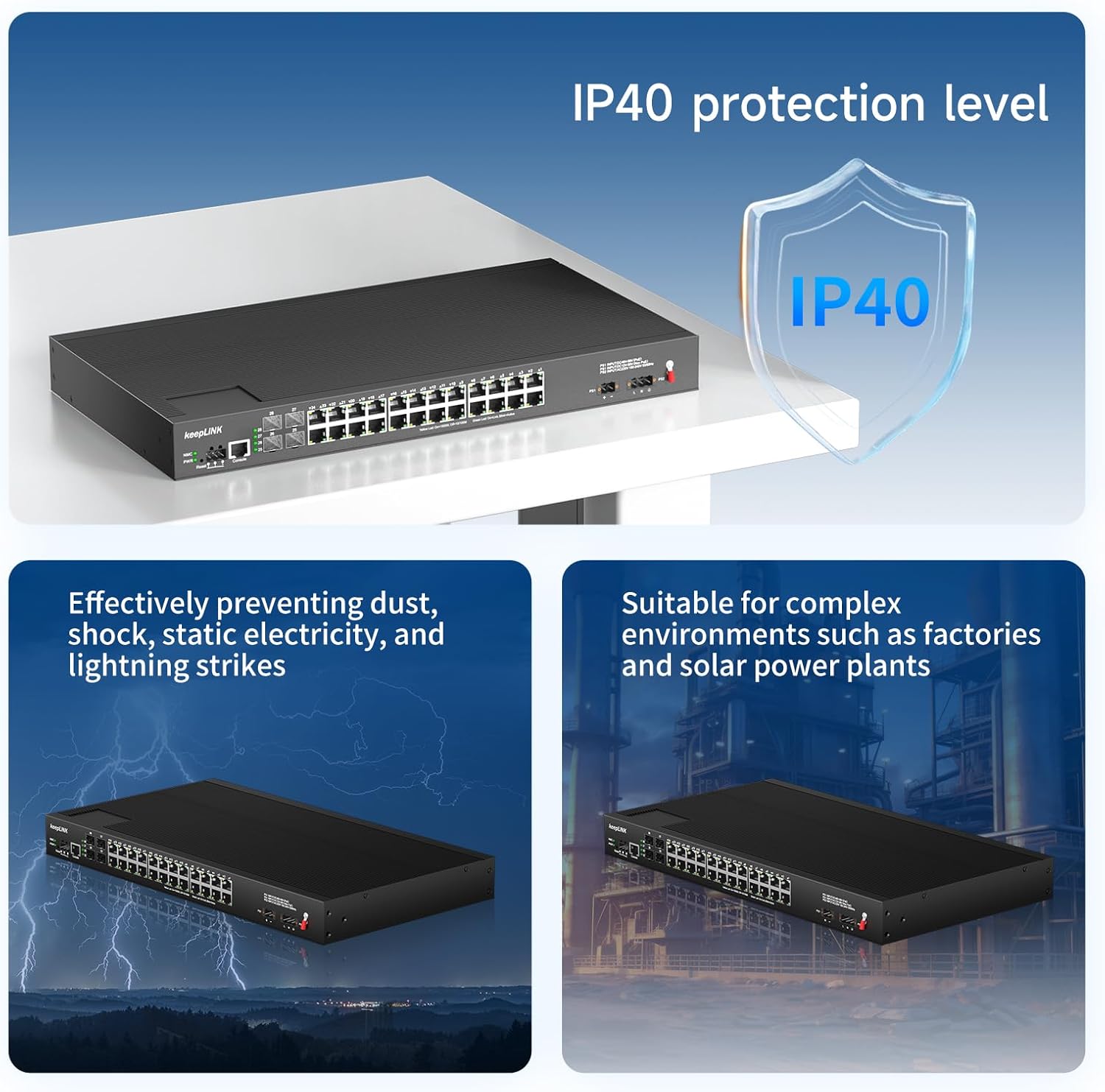
Figure 5: The switch features IP40 protection, effectively preventing dust, shock, static electricity, and lightning strikes, making it suitable for complex environments like factories and solar power plants.
9. Troubleshooting
If you encounter issues with your switch, refer to the following common troubleshooting steps:
- No Power: Check if the power cable is securely connected to both the switch and the power outlet. Verify the power outlet is functional.
- No Link/Activity LED: Ensure the Ethernet cable is properly connected to both the switch port and the connected device. Check the cable for damage. Verify the connected device is powered on and functioning correctly.
- PoE Device Not Powering On: Confirm the connected device is PoE-compatible (IEEE802.3AF/AT). Check the total power budget of the switch (400W) and ensure it's not exceeded by the combined power draw of all connected PoE devices.
- Slow Network Speed: Ensure all connected devices and cables support Gigabit Ethernet speeds.
10. Technical Specifications
| Feature | Specification |
|---|---|
| Brand | keepLiNK |
| Model | B0DHLHSN4D |
| Number of Ports | 28 (24 x Gigabit PoE+, 4 x Gigabit SFP+) |
| Interface Type | RJ45, SFP+ |
| Maximum Power | 400 Watts |
| PoE Standard | IEEE802.3AF/AT (Max 30W/port) |
| Data Transfer Rate | 1 Gigabits Per Second |
| Case Material | Metal |
| IP Rating | IP40 |
| Operating Temperature | -40℉ to 158℉ (-40℃ to 70℃) |
| Voltage | 48 Volts |
| Package Dimensions | 17.3 x 9.64 x 1.73 inches |
| Item Weight | 7.93 pounds |
| Certifications | FCC, RoHS, CE |
11. Warranty and Support
The keepLiNK 24 Port Industrial Gigabit PoE Switch is built with quality and reliability in mind. It has passed FCC, RoHS, and CE certifications, and includes overload and reverse connection protection to safeguard your devices.
For specific warranty details and technical support, please refer to the official keepLiNK website or contact your vendor. Keep your purchase receipt for warranty claims.


