
1. Introduction
Thank you for choosing the Ocean Loong 1500W Space Heater and Bladeless Fan. This innovative appliance combines the functionality of a powerful space heater and a high-velocity bladeless fan, providing year-round comfort. Designed for efficiency and safety, it features an adjustable thermostat, multiple speed settings, oscillation, and a tilt head for optimal air distribution. Please read this manual thoroughly before operation to ensure proper use and maintenance.
2. Safety Information
Your safety is paramount. This appliance is equipped with several safety features to ensure secure operation. Always adhere to the following guidelines:
- Tip-Over Switch: The unit will automatically shut off if accidentally knocked over.
- Overheat Protection: If the internal components reach an unsafe temperature, the heater will automatically power down to prevent damage.
- Efficient Heat Dissipation & Cool-to-Touch Exterior: The self-contained ceramic heating element is designed for efficient heat dissipation, keeping the exterior cool to the touch during operation, except for the hot air outlet and plug.
- Always place the unit on a firm, level surface.
- Do not cover the appliance or block air inlets/outlets.
- Keep children and pets away from the appliance during operation. The bladeless design enhances safety for children and pets.
- Unplug the unit when not in use or before cleaning.

Figure 2.1: Multiple security protection features of the Ocean Loong heater and fan.
3. Product Overview
3.1 Components
- Main Unit (Bladeless Fan & Heater)
- Remote Control (requires 2 AAA batteries, included)
- Power Cord

Figure 3.1: Front view of the Ocean Loong 1500W Space Heater and Bladeless Fan.
3.2 Controls
The appliance can be controlled via the integrated LED Touch Screen or the included Remote Control.
- LED Touch Screen: Located on the top of the main unit, providing direct access to all functions.
- Remote Control: Allows convenient operation from up to 10 meters away.

Figure 3.2: Dual control methods: LED Touch Screen and Remote Control.
4. Setup
- Unpack: Carefully remove the unit and all accessories from the packaging. Retain packaging for future storage or transport.
- Placement: Place the unit on a stable, flat, and heat-resistant surface. Ensure there is adequate clearance around the unit for proper airflow (at least 12 inches from walls or furniture).
- Power Connection: Plug the power cord into a standard 110V AC electrical outlet.
- Remote Control Batteries: Insert the two included AAA batteries into the remote control, observing polarity.
5. Operating Instructions
The Ocean Loong appliance offers versatile operation for both heating and cooling.
5.1 Power On/Off
Press the Power button on the touch screen or remote control to turn the unit on or off.
5.2 Fan Mode (Cooling)
In fan mode, the unit provides a high-velocity airflow for cooling and ventilation. There are 9 fan speeds available. Speeds 1-3 are designed for a quiet sleeping mode.
- Press the 'Fan' button on the remote or touch screen to activate fan mode.
- Use the '+' and '-' buttons to adjust the fan speed from 1 to 9.

Figure 5.1: The unit providing both heating and cooling airflow.
5.3 Heater Mode (Heating)
In heater mode, the unit provides warm air. It features an adjustable thermostat to maintain your desired room temperature.
- Press the 'Heater' button on the remote or touch screen to activate heater mode.
- Use the '+' and '-' buttons to set the desired temperature between 60°F (16°C) and 99°F (38°C). The unit will automatically adjust its heating output to maintain this temperature, promoting energy efficiency.

Figure 5.2: Ceramic heating with adjustable thermostat for comfortable winter use.
5.4 Oscillation
Activate the oscillation function for wider air distribution.
- Press the 'Oscillation' button (often depicted as a circular arrow) on the remote or touch screen. The unit will oscillate up to 120 degrees horizontally.
5.5 Tilt Head
The head of the unit can be tilted to direct airflow vertically.
- Manually adjust the head of the unit up or down to achieve the desired tilt angle, up to 260 degrees.

Figure 5.3: Adjustable tilt head and oscillation for wide coverage.
5.6 Timer Function
Set a timer for automatic shut-off.
- Press the 'Timer' button on the remote or touch screen. Each press will increase the timer setting by 1 hour, up to a maximum of 9 hours.
- The unit will automatically turn off once the set time has elapsed.
5.7 Remote Control Usage
The remote control provides full functionality from a distance of up to 10 meters.
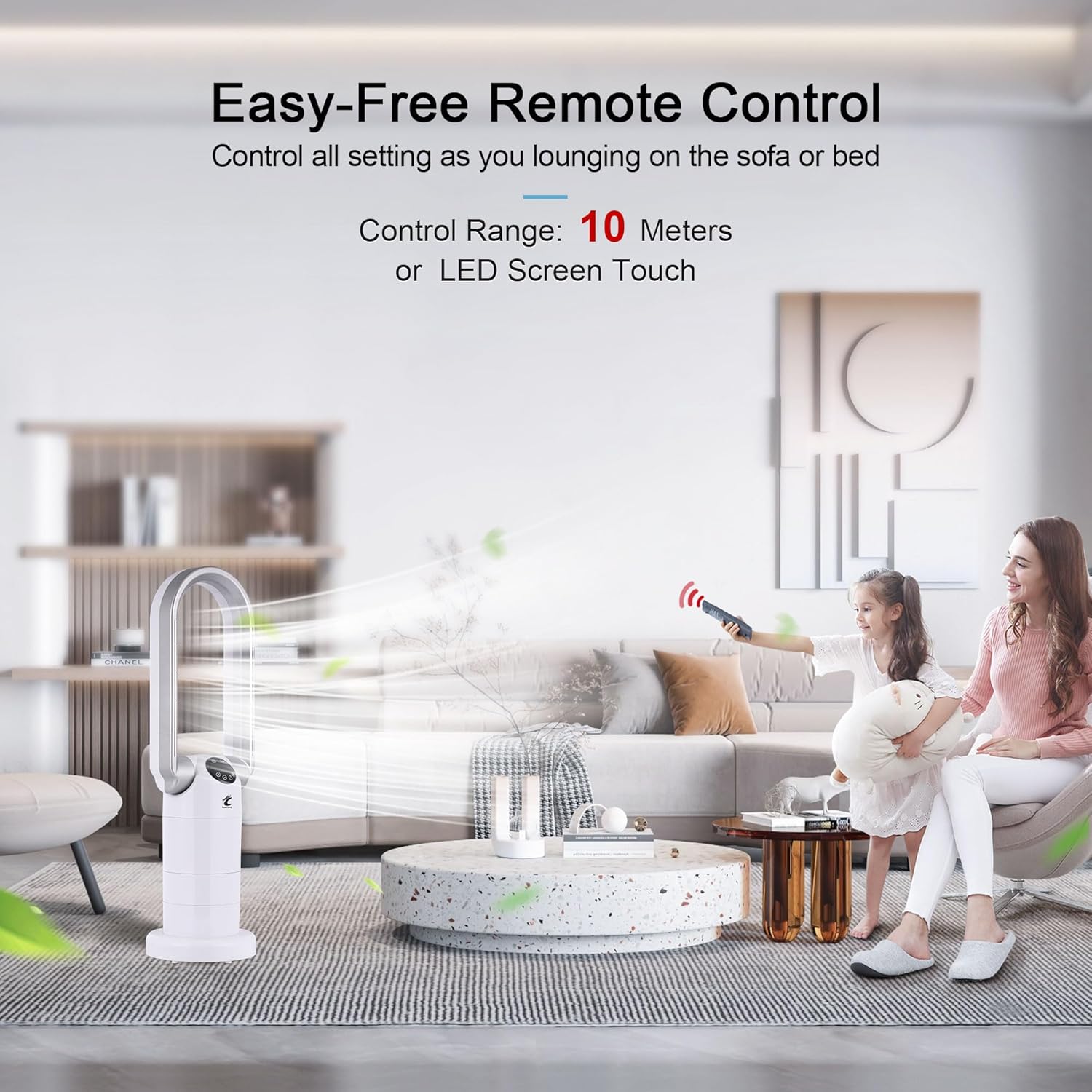
Figure 5.4: Effortless control with the remote from a comfortable distance.
5.8 Switching Temperature Display (Celsius/Fahrenheit)
You can switch the displayed temperature unit between Celsius and Fahrenheit.
Video 5.1: Demonstration on how to switch the displayed temperature from Celsius to Fahrenheit using the remote control.
6. Maintenance
Regular maintenance ensures optimal performance and longevity of your appliance.
- Cleaning:
- Always unplug the unit before cleaning.
- Wipe the exterior with a soft, damp cloth. Do not use abrasive cleaners or solvents.
- Ensure no water enters the internal components.
- Storage:
- If storing for an extended period, clean the unit thoroughly.
- Store in a cool, dry place, preferably in its original packaging.
7. Troubleshooting
If you encounter issues with your Ocean Loong appliance, refer to the following common problems and solutions:
| Problem | Possible Cause | Solution |
|---|---|---|
| Unit does not turn on. | No power, unit unplugged, tip-over switch activated, overheat protection activated. | Ensure unit is plugged in securely. Check power outlet. Place unit upright on a flat surface. Allow unit to cool down if it overheated. |
| No heat/fan output. | Incorrect mode selected, thermostat set too low (for heating), blocked air inlets/outlets. | Verify correct mode (heater/fan) is selected. Adjust thermostat to a higher setting than room temperature. Clear any obstructions from air vents. |
| Unit makes unusual noise. | Obstruction in fan area, unit not on a stable surface. | Unplug and inspect for foreign objects. Ensure unit is on a stable, level surface. |
| Remote control not working. | Dead batteries, remote out of range, obstruction between remote and unit. | Replace AAA batteries. Ensure remote is within 10 meters and pointed at the unit. Remove any obstructions. |
If the problem persists after attempting these solutions, please contact customer support.
8. Specifications
| Brand | Ocean Loong |
| Model Number | AB01H |
| Color | White |
| Form Factor | Tower |
| Product Dimensions | 8.3"D x 8.3"W x 29"H |
| Item Weight | 6 pounds |
| Voltage | 110 Volts |
| Number of Speeds | 9 (Fan Mode) |
| Thermostat Range | 60°F (16°C) to 99°F (38°C) |
| Oscillation | 120° Horizontal |
| Tilt Head | 260° Vertical |
| Timer | Up to 9 Hours |
| Remote Control Range | 10 Meters |
| Batteries (Remote) | 2 AAA (included) |
| Manufacturer | Shenzhen Senhai Power Tech. Co., Ltd |
9. Warranty and Support
Ocean Loong products are manufactured to high-quality standards. For information regarding warranty coverage or technical support, please refer to the warranty card included with your purchase or visit the official Ocean Loong website. If you require assistance with troubleshooting or have questions not covered in this manual, please contact our customer support team.
For further assistance, you may visit the Ocean Loong Store on Amazon.


