
1. Introduction
This manual provides essential instructions for the safe and effective operation, maintenance, and troubleshooting of your HITBOX ARC200D MINI3 Ultra Mini Inverter Welder. Please read this manual thoroughly before operating the device to ensure proper usage and to prevent injury or damage.
Safety Precautions
- Always wear appropriate personal protective equipment (PPE), including welding helmet, gloves, and protective clothing.
- Ensure adequate ventilation in the work area to disperse welding fumes.
- Do not operate the welder in damp or wet conditions.
- Disconnect power before performing any maintenance or adjustments.
- Keep children and unauthorized personnel away from the welding area.
2. Product Overview
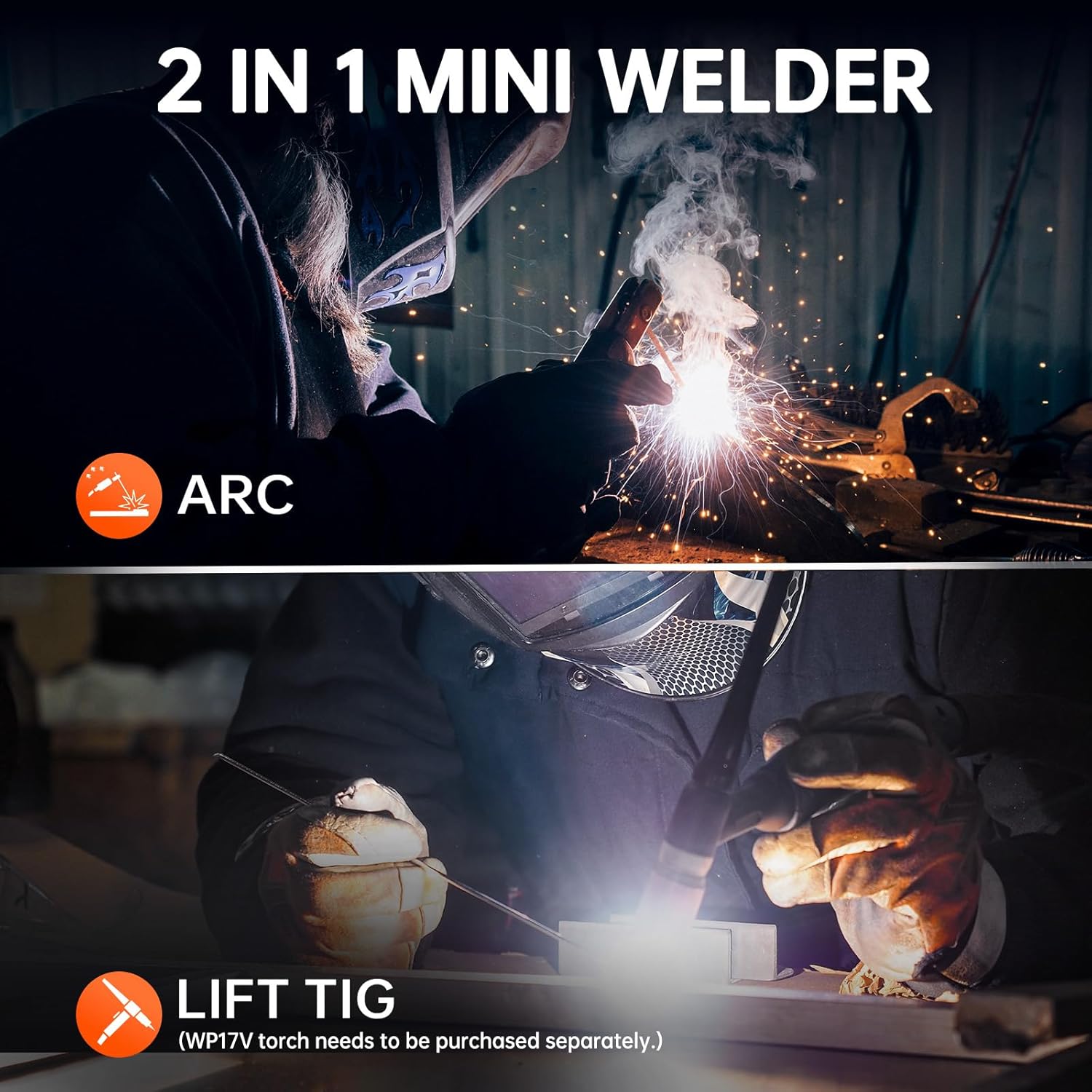
The HITBOX ARC200D MINI3 is a compact and portable 2-in-1 inverter welder, capable of both MMA (Stick) welding and Lift TIG welding. It features a digital display for easy parameter adjustment and various safety protections.
Key Features:
- 2-in-1 Welding: Supports MMA (Stick) and Lift TIG welding modes.
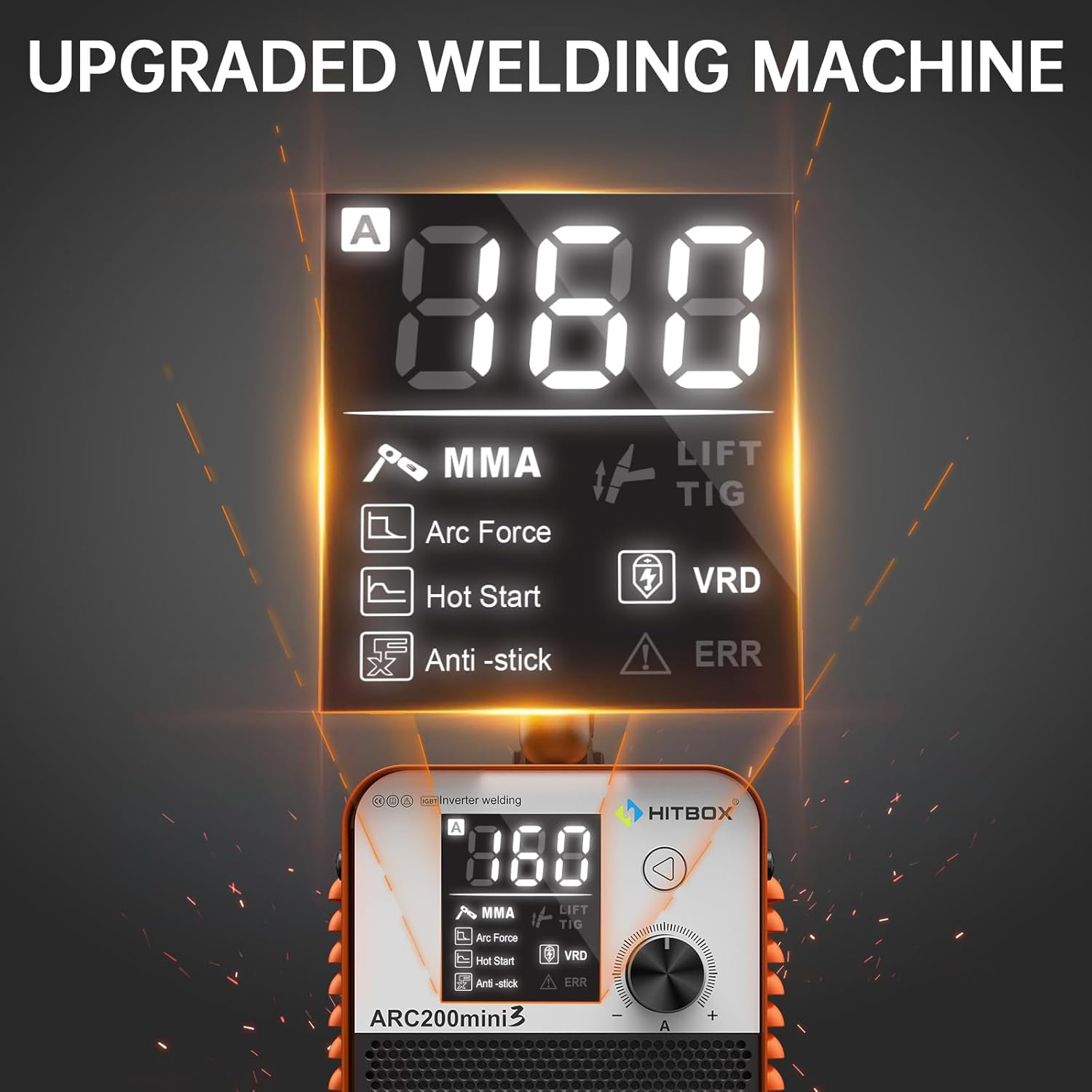
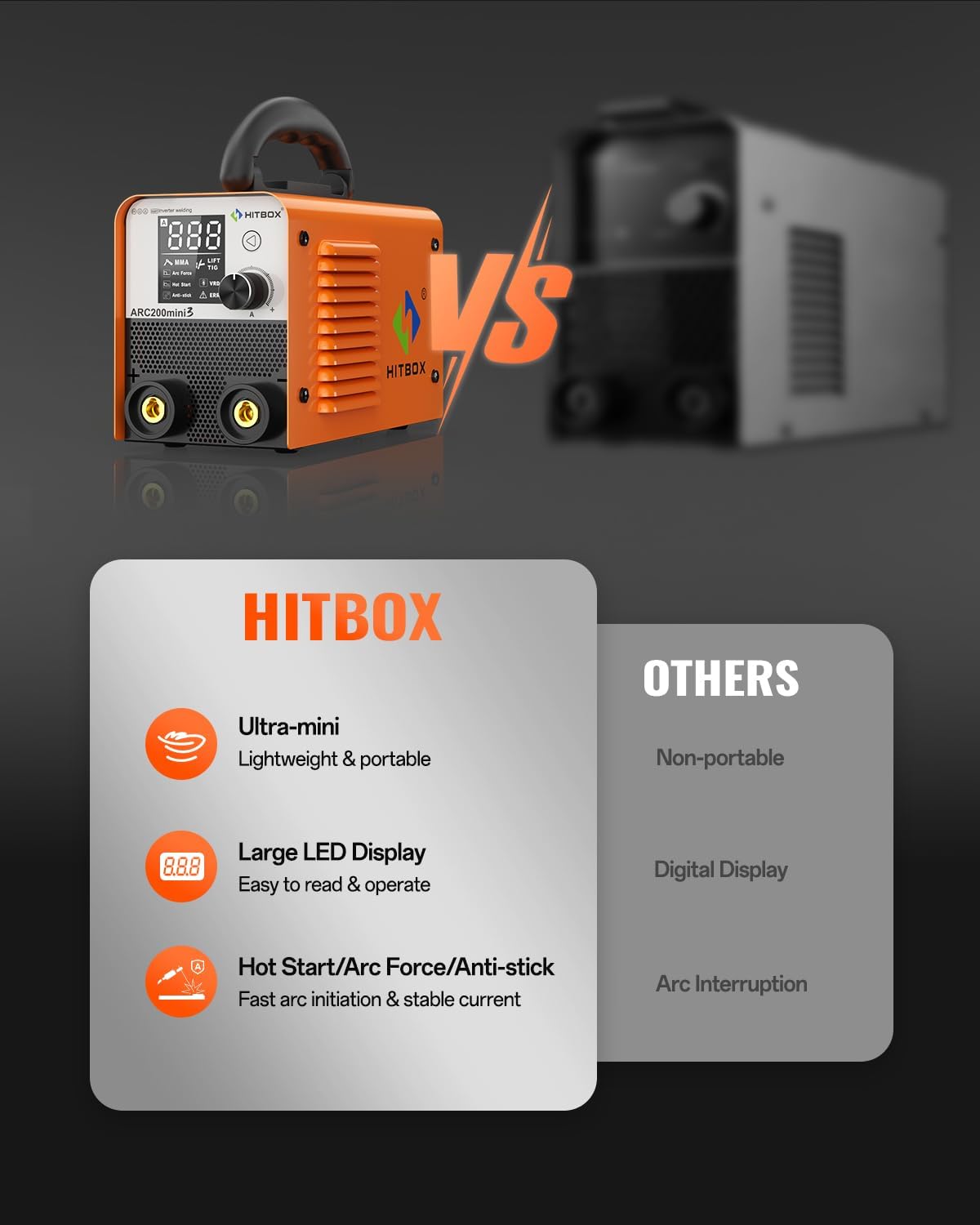
- Digital Display: Clear LCD display for welding current indication and alarm lights.
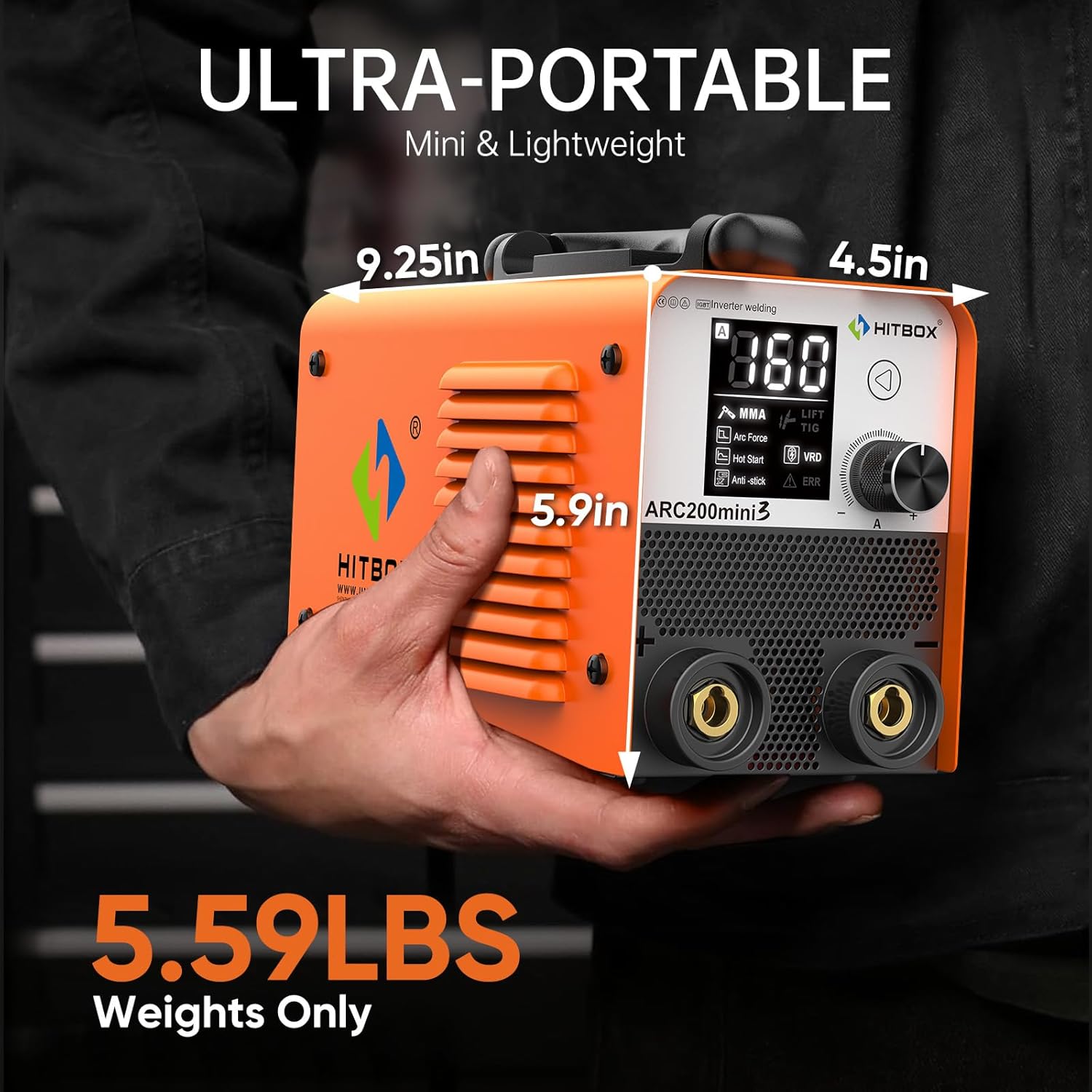
- Portable Design: Compact and lightweight (2.1kg) with an adjustable shoulder strap.
- Synergistic Technology: Automatically adjusts current intensity based on material thickness (for specific modes).
- Quick Arc Ignition: Facilitates easy priming of 3.2mm electrodes (E7018/E6013 compatible).
- Safety Protections: Internal protection devices against overheating and over-current.
- Optimized Display: Improved internal structure and clearer parameter panel for enhanced user experience.
Components:

- Welding Machine Unit
- Electrode Holder Cable
- Ground Clamp Cable
- Shoulder Strap (pre-attached or included)
3. Setup
3.1 Power Connection
Connect the welder to a suitable power supply. The unit operates on 230 Volts. Ensure the power source is stable and can provide the necessary current without fluctuations.
3.2 Cable Connections
- Connect the ground clamp cable to the negative (-) terminal on the welder. Secure the ground clamp to the workpiece, ensuring good electrical contact.
- Connect the electrode holder cable to the positive (+) terminal on the welder for MMA welding. Insert the welding electrode into the holder.
- For Lift TIG welding, connect the TIG torch (purchased separately) to the appropriate terminal as per the torch's instructions, typically the negative (-) terminal for DC TIG.
4. Operating Instructions
4.1 Powering On and Mode Selection
- Turn on the main power switch located on the rear of the unit.
- The digital display will illuminate. Use the mode selection button (if available, or the main knob) to choose between MMA (Stick) or Lift TIG welding.
4.2 MMA (Stick) Welding
- Select MMA mode.
- Adjust the welding current using the control knob. Refer to electrode manufacturer specifications for recommended current settings. The digital display shows the current.
- The welder features Hot Start for easier arc ignition, Arc Force for stable arc performance, and Anti-stick to prevent electrodes from sticking.
- Begin welding, maintaining proper arc length and travel speed.
4.3 Lift TIG Welding
- Select Lift TIG mode. (Note: A WP17V TIG torch needs to be purchased separately for this function).
- Adjust the welding current as required for the material and tungsten electrode size.
- To initiate the arc, gently touch the tungsten electrode to the workpiece and then lift it slightly. The arc will ignite.
- Maintain a consistent arc length and feed filler rod as needed.
4.4 Material Compatibility
The HITBOX ARC200D MINI3 is suitable for welding various materials, including:
- Mild Steel
- Sheet Metal
- Square Pipe
- Cast Iron
- Metal Cage
- Stainless Steel

5. Maintenance
5.1 Cleaning
- Regularly clean the exterior of the welder with a dry, soft cloth.
- Periodically use compressed air to blow out dust and debris from the ventilation openings. Ensure the power is disconnected before cleaning.
5.2 Storage
- Store the welder in a dry, dust-free environment.
- Protect the unit from extreme temperatures and humidity.
6. Troubleshooting
This section addresses common issues you might encounter. For problems not listed here, please contact customer service.
| Problem | Possible Cause | Solution |
|---|---|---|
| Welder does not power on | No power supply; faulty power cable; internal fuse blown. | Check power connection and outlet; inspect power cable; contact service if fuse is suspected. |
| No arc ignition | Poor ground connection; incorrect current setting; damp electrode; faulty electrode holder. | Ensure solid ground connection; adjust current; use dry electrodes; check electrode holder. |
| Arc is unstable or stops | Low input voltage; incorrect current/arc force settings; overheating. | Check power supply; adjust settings; allow welder to cool down if protection light is on. |
| "ERR" indicator on display | Internal error; overheating; over-current. | Turn off the welder, allow it to cool. If the error persists, contact customer service. |
7. Specifications
| Specification | Value |
|---|---|
| Model Number | ARC200D MINI3 |
| Manufacturer | HITBOX |
| Product Dimensions | 23.4 x 11.4 x 15 cm |
| Item Weight | 2.7 kg (5.95 lbs) |
| Power Source | Hand-powered (requires external electrical supply) |
| Voltage | 230 Volts |
| Welding Modes | MMA (Stick), Lift TIG |
| Electrode Compatibility | E7018/E6013 (up to 3.2mm) |
| Working Thickness | Up to 5mm |
| Included Components | Welding machine, electrode holder cable, ground clamp cable |
8. Warranty and Support
For any issues or questions regarding your HITBOX ARC200D MINI3 welder, please contact HITBOX customer service. Refer to your purchase documentation for specific warranty terms and conditions.
Customer Service: Please feel free to contact us if you have any problems during use.
You can often find support contact information on the official HITBOX website or through your retailer.


