
1. Introduction
This manual provides essential information for the safe and efficient use of your GUY-TECH AC DC Adapter, model WM06P6-240-C-7. This adapter is designed to convert alternating current (AC) from a wall outlet to direct current (DC) suitable for compatible electronic devices, such as monitors. It features a compact design for portability and incorporates protection mechanisms to safeguard your connected devices.
Key features include:
- Small and lightweight design for convenience and portability.
- High efficiency and low energy consumption.
- Integrated protection against over voltage, over current, and short circuits.
- Wide input voltage range (100V - 240V) for worldwide compatibility.
2. Safety Information
Please read and understand all safety instructions before using this product. Failure to follow these instructions may result in electric shock, fire, or damage to the product or connected devices.
- Do not expose the adapter to water, rain, or excessive moisture.
- Do not disassemble or modify the adapter. There are no user-serviceable parts inside.
- Do not use the adapter if the casing or cable is damaged.
- Ensure the adapter is used with devices that match its output voltage and current specifications.
- Keep the adapter away from heat sources and direct sunlight.
- Unplug the adapter from the wall outlet when not in use for extended periods.
- Insert the plug fully into the wall socket.
3. Setup and Connection
Follow these steps to properly set up and connect your AC DC adapter:
- Verify Compatibility: Before connecting, ensure your device requires a 24V DC input and that the adapter's connector type is compatible. This adapter is designed for devices requiring 24V DC at 0.25A (6W).
- Connect to Device: Plug the DC output connector of the adapter firmly into the power input port of your electronic device.
- Connect to Power Outlet: Insert the AC input plug of the adapter into a standard 100V-240V AC wall outlet. Ensure the connection is secure.
- Power On Device: Once connected, your device should receive power. Refer to your device's manual for specific power-on procedures.
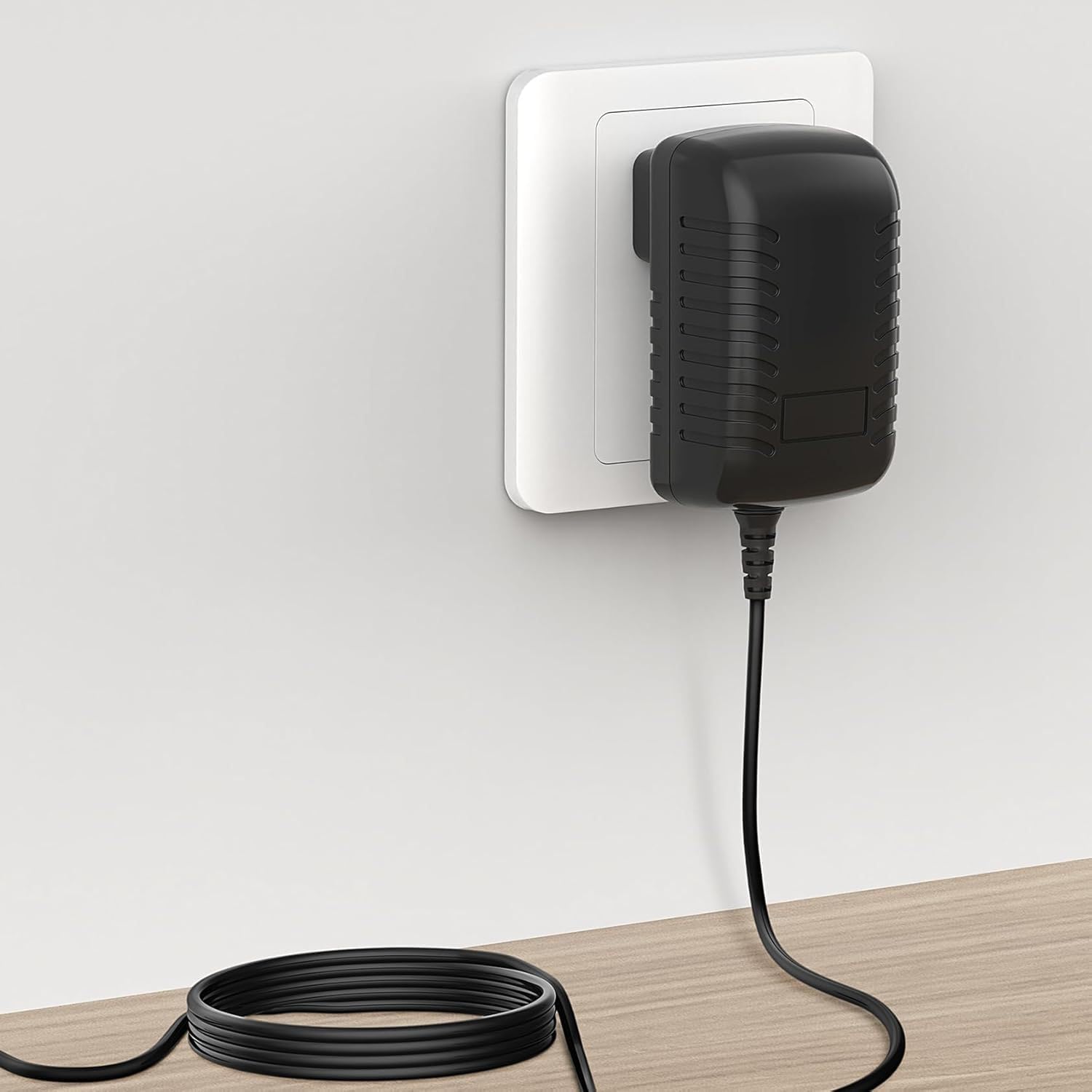
Image: The GUY-TECH AC DC Adapter connected to a wall outlet, demonstrating proper setup.
4. Operating Instructions
The GUY-TECH AC DC Adapter operates automatically once connected to a power source and a compatible device. It provides a stable 24V DC output to power or charge your device.
- The adapter is designed for continuous operation within its specified limits.
- It features built-in protection circuits to prevent damage from over-voltage, over-current, and short-circuit conditions.
- The adapter is designed to operate with low heat generation and minimal noise.

Image: Detailed view of the adapter highlighting its American plug, thick copper core for efficient power transfer, and the flexible design of the power cord.
5. Maintenance and Care
Proper maintenance ensures the longevity and reliable performance of your adapter.
- Cleaning: Disconnect the adapter from all power sources and devices before cleaning. Use a soft, dry cloth to wipe the exterior. Do not use liquid cleaners or solvents.
- Storage: When not in use, store the adapter in a cool, dry place, away from direct sunlight and extreme temperatures. Avoid tightly coiling the cable to prevent damage.
- Handling: Avoid dropping the adapter or subjecting it to strong impacts. Do not pull the cable to disconnect it from the wall outlet; always grasp the plug itself.

Image: The compact adapter being placed into a bag, illustrating its ease of transport and storage.
6. Troubleshooting
If you encounter issues with your adapter, refer to the following common problems and solutions:
| Problem | Possible Cause | Solution |
|---|---|---|
| Device not receiving power. |
|
|
| Adapter feels excessively hot. |
|
|
If the problem persists after attempting these solutions, contact customer support.
7. Specifications
| Feature | Detail |
|---|---|
| Model | WM06P6-240-C-7 |
| Input Voltage | AC 100V - 240V (Worldwide) |
| Output Voltage | DC 24V |
| Output Current | 0.25A |
| Power Output | 6W |
| Connector Type | Plug (Standard American type) |
| Compatible Devices | Monitors (and other devices requiring 24V 0.25A) |
| Protection Features | Over Voltage Protection, Over Current Protection, Short Circuit Protection |
| Material | Metal, Plastic |
| Certifications | CCC, CE |

Image: Dimensions of the adapter, showing its compact size for easy integration.
8. Warranty and Support
This product is designed for reliability and performance. For warranty information or technical support, please refer to the retailer's return policy or contact the manufacturer directly through their official channels. Keep your purchase receipt as proof of purchase.
For further assistance, please visit the GUY-TECH support page or contact your point of purchase.

