Introduction
Thank you for purchasing the Dolphin LX-30 Waterproof Bluetooth Speaker. This manual provides essential information for setting up, operating, and maintaining your speaker to ensure optimal performance and longevity. The Dolphin LX-30 is designed for robust audio performance in various environments, featuring IPX5 water resistance, powerful 26W sound, and a long-lasting battery, making it ideal for outdoor and wet conditions.
Safety Information
Please read all safety warnings and instructions carefully before using this product to prevent injury or damage.
- Do not expose the speaker to extreme temperatures (hot or cold) or high humidity.
- While the speaker is IPX5 water-resistant, it is not designed for full submersion. Avoid prolonged exposure to water or direct water jets.
- Keep the speaker away from direct sunlight and heat sources.
- Do not disassemble, repair, or modify the speaker. This will void the warranty and may cause damage or injury.
- Use only the provided Type-C cable for charging. Ensure the charging port is dry before connecting the cable.
- Keep out of reach of children.
- Clean the speaker with a soft, dry cloth. Do not use abrasive cleaners or solvents.
Product Overview
Components and Controls

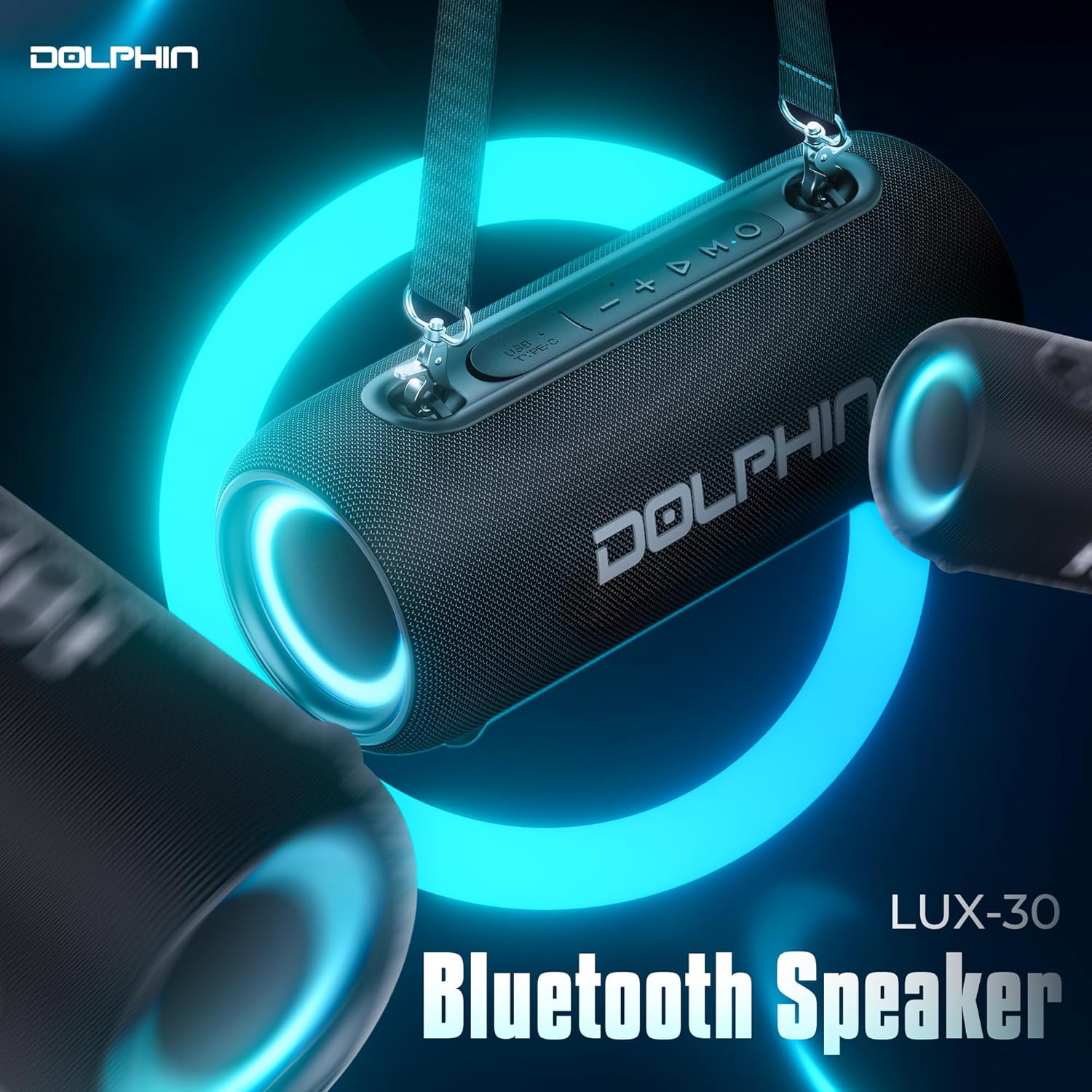
The Dolphin LX-30 features an intuitive control panel located on the top surface. Key controls include:
- Power Button: Press and hold to turn the speaker on or off.
- Mode (M) Button: Short press to switch between Bluetooth and USB input modes.
- Play/Pause Button: Press to play or pause audio. Also used for answering/ending calls.
- Volume Down (-): Short press to decrease volume. Long press for previous track.
- Volume Up (+): Short press to increase volume. Long press for next track.
- USB Type-C Port: For charging the speaker.
- Shoulder Strap Attachment Points: Located on both ends for easy portability.
Key Features
- IPX5 Water Resistance: Designed to withstand splashes and light rain, making it suitable for outdoor and wet environments.
- Powerful 26W Sound: Equipped with dual 2.75-inch woofers for rich, immersive audio with enhanced bass.
- Long-Lasting Battery: A built-in 3600mAh rechargeable battery provides up to 7 hours of continuous playtime.
- Bluetooth 5.3: Ensures stable and efficient wireless connectivity with compatible devices.
- WaveSync Technology: Allows pairing of two Dolphin LX-30 speakers for a true stereo sound experience.
- Portable Design: Compact and lightweight, includes a detachable shoulder strap for convenient transport.
- RGB Lighting: Integrated lighting for an enhanced visual experience.
Setup
Charging the Speaker
Before first use, fully charge the Dolphin LX-30 speaker. A full charge typically takes approximately 3.5 hours with a standard 5V/2A charger (not included).
- Ensure the USB Type-C charging port on the speaker is dry and free of debris.
- Connect the provided Type-C USB cable to the speaker's charging port.
- Connect the other end of the USB cable to a 5V/2A USB power adapter or a computer's USB port.
- The charging indicator light will illuminate during charging and turn off once fully charged.

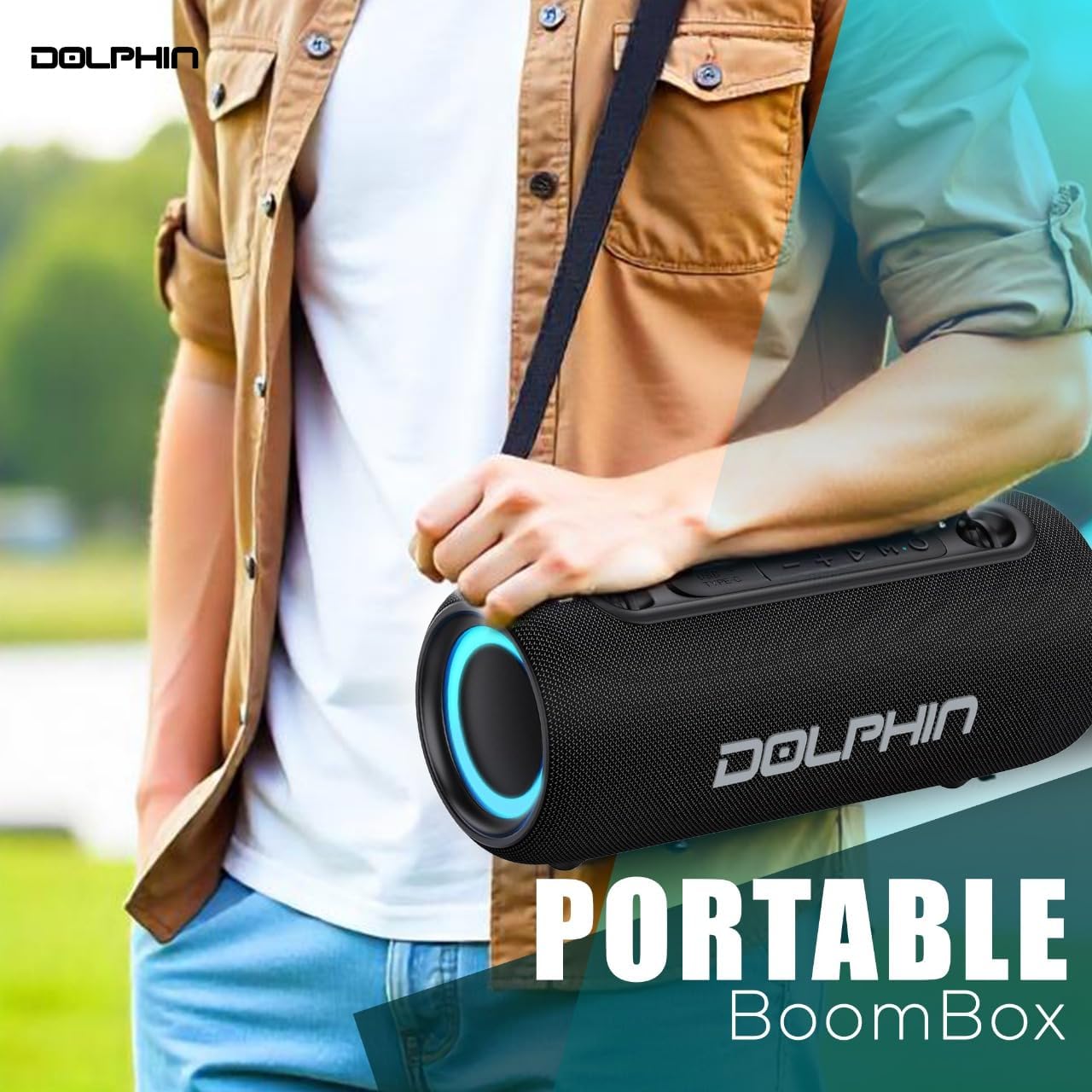
Attaching the Shoulder Strap
The included shoulder strap enhances portability.
- Locate the two attachment points on each end of the speaker.
- Securely clip each end of the shoulder strap to these attachment points.
Operating Instructions
Powering On/Off
- To turn on: Press and hold the Power Button until you hear an audible prompt and the indicator lights illuminate.
- To turn off: Press and hold the Power Button again until the lights turn off.
Bluetooth Pairing
The Dolphin LX-30 will automatically enter Bluetooth pairing mode when powered on for the first time or if no device is connected.
- Ensure the speaker is powered on and in Bluetooth mode (indicated by a flashing blue light). If not, short press the Mode (M) Button to switch to Bluetooth mode.
- Enable Bluetooth on your smartphone, tablet, or other audio device.
- Search for "Dolphin LX-30" in your device's Bluetooth settings.
- Select "Dolphin LX-30" to connect. Once connected, the speaker will provide an audible confirmation, and the blue light will become solid.
The speaker will automatically reconnect to the last paired device if it is within range and Bluetooth is enabled.
WaveSync Technology (Stereo Pairing)
To achieve a true wireless stereo experience, you can pair two Dolphin LX-30 speakers together.
- Ensure both Dolphin LX-30 speakers are powered on and in Bluetooth mode, but not connected to any other device.
- On one of the speakers (this will be your primary speaker), double-press the Play/Pause Button. The speaker will emit a pairing tone.
- The two speakers will automatically search for and connect to each other. Once connected, you will hear a confirmation tone.
- Now, connect your audio device to the primary speaker via Bluetooth as described in the "Bluetooth Pairing" section. Audio will play through both speakers in stereo.
Controlling Playback and Volume
- Play/Pause: Short press the Play/Pause Button.
- Volume Up: Short press the + Button.
- Volume Down: Short press the - Button.
- Next Track: Long press the + Button.
- Previous Track: Long press the - Button.
Mobile Functions (Calls)
- Answer Call: Short press the Play/Pause Button when a call comes in.
- End Call: Short press the Play/Pause Button during a call.
- Reject Call: Long press the Play/Pause Button when a call comes in.
RGB Lighting
The Dolphin LX-30 features integrated RGB lighting for visual enhancement. The lighting automatically activates when the speaker is powered on. There is no explicit control for turning off the lights mentioned in the product details, suggesting they are always on when the speaker is active.
Maintenance
Cleaning
- Always power off the speaker and disconnect any cables before cleaning.
- Wipe the exterior of the speaker with a soft, slightly damp cloth.
- Do not use harsh chemicals, cleaning solvents, or strong detergents.
- Ensure all ports are dry before reconnecting any cables or using the speaker near water.
Storage
- Store the speaker in a cool, dry place away from direct sunlight and extreme temperatures.
- If storing for an extended period, charge the battery to approximately 50% every few months to maintain battery health.
Water Resistance Guidelines (IPX5)
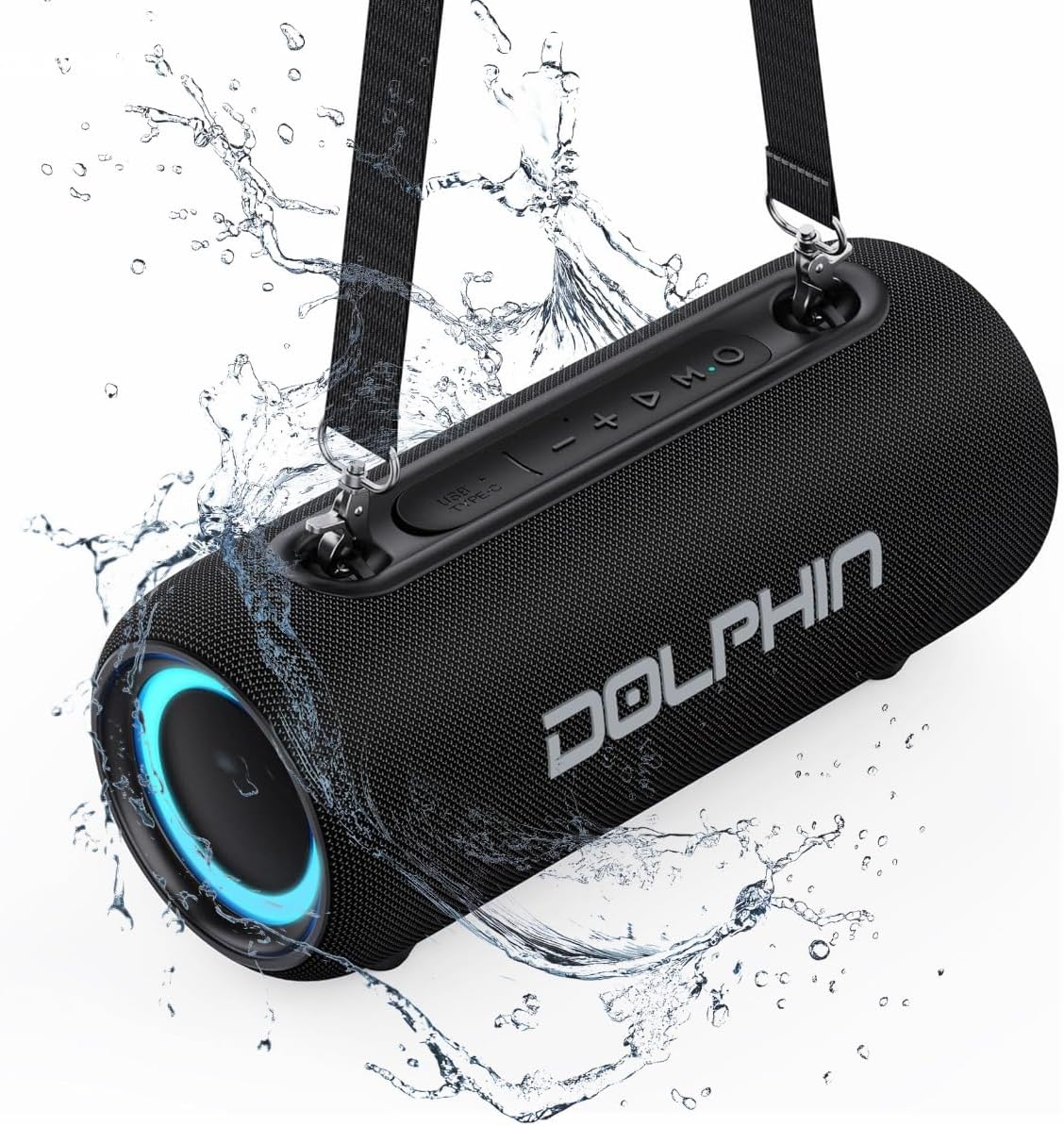
The Dolphin LX-30 is rated IPX5, meaning it is protected against low-pressure water jets from any direction. This makes it suitable for use in environments where it might encounter splashes, such as by a pool, at the beach, or in a shower.
- Do not submerge the speaker in water.
- Ensure the charging port cover is securely closed before exposing the speaker to water.
- After exposure to water, wipe the speaker dry with a soft cloth before charging or connecting other devices.
Troubleshooting
| Problem | Possible Cause | Solution |
|---|---|---|
| Speaker does not turn on. | Battery is depleted. | Charge the speaker fully using the provided Type-C cable. |
| Cannot pair via Bluetooth. | Speaker is not in pairing mode; Device Bluetooth is off; Speaker is too far from device; Speaker is connected to another device. | Ensure speaker is in Bluetooth pairing mode (flashing blue light). Turn on Bluetooth on your device. Move device closer to speaker (within 33 feet/10 meters). Disconnect from other devices or restart speaker. |
| No sound or low volume. | Volume too low on speaker or device; Incorrect input mode. | Increase volume on both the speaker and your connected device. Press the Mode (M) Button to ensure the correct input mode (Bluetooth/USB) is selected. |
| Sound distortion. | Volume too high; Low battery; Interference. | Reduce volume. Charge the speaker. Move speaker away from other electronic devices that may cause interference. |
| WaveSync pairing fails. | Speakers are too far apart; One speaker is already connected to a device. | Ensure both speakers are within close proximity. Disconnect both speakers from any other Bluetooth devices before attempting WaveSync pairing. |
Specifications
| Model Name | LX-30 |
| Speaker Type | Portable Speaker |
| Connectivity Technology | Bluetooth, Auxiliary, USB |
| Wireless Communication | Bluetooth 5.3 |
| Speaker Maximum Output Power | 26 Watts |
| Audio Driver Size | Dual 2.75 Inches |
| Frequency Response | 40 Hz (minimum) |
| Battery Capacity | 3600 mAh |
| Battery Life | Up to 7 Hours |
| Charging Time | Approx. 3.5 hours (with 5V/2A charger) |
| Water Resistance Level | IPX5 (Water Repellent) |
| Product Dimensions (D x W x H) | 4.88" x 11.14" x 4.72" |
| Item Weight | 3 Pounds |
| Included Components | Type-C Cable, Shoulder Strap |
| UPC | 810059432529 |
What's in the Box
- Dolphin LX-30 Waterproof Bluetooth Speaker
- Type-C Charging Cable
- Shoulder Strap
- User Manual (this document)
Warranty and Support
The Dolphin LX-30 speaker comes with a limited warranty. For detailed warranty information, please refer to the warranty card included with your product or contact Dolphin customer support.
For technical support, troubleshooting assistance, or warranty claims, please visit the official Dolphin website or contact their customer service department. Contact information can typically be found on the product packaging or the brand's official website.
Manufacturer: General Sound Co
Date First Available: September 19, 2024




