
Introduction
Thank you for choosing the Lexibook Disney The Lion King Simba Nightlight with Speaker. This product is designed to provide a soft, reassuring light and integrated audio playback for children's bedrooms. Featuring an energy-saving LED light and a convenient automatic shut-off timer, it creates a peaceful environment for sleep. The built-in speaker allows for connection to an external audio device to play lullabies, stories, or music.
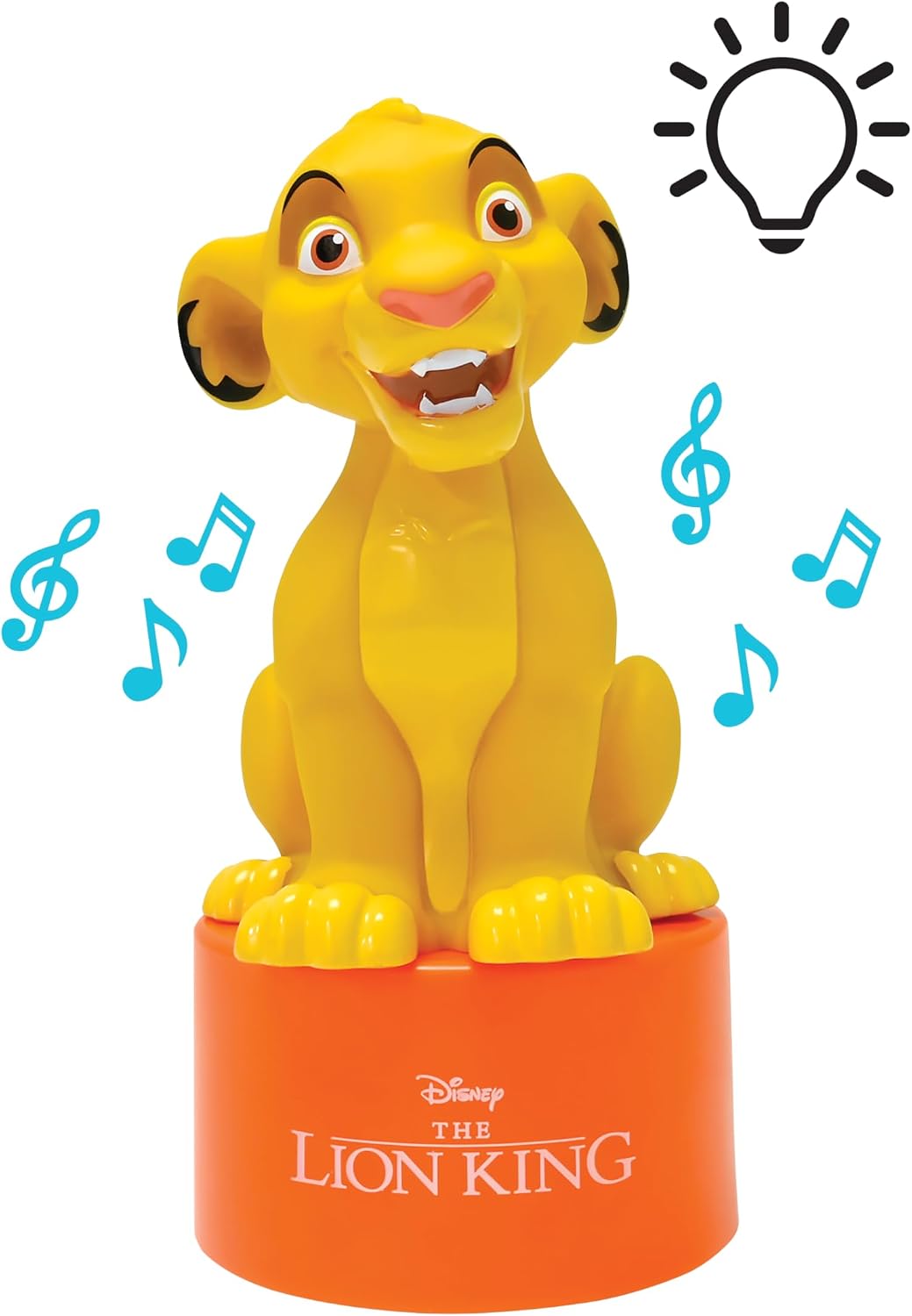
Image: The Simba Nightlight with Speaker, illustrating its light and sound capabilities.
Important Safety Information
Please read all safety instructions carefully before using the product and retain them for future reference.
- WARNING! Not suitable for children under the age of 3. Risk of suffocation due to small parts.
- WARNING! This toy produces flashes that may trigger epilepsy in sensitive persons.
- Do not expose the product to water or excessive moisture.
- Do not attempt to disassemble or modify the product.
- Use only the specified battery type (3 AAA batteries). Ensure correct polarity when inserting batteries.
- Remove batteries if the product will not be used for an extended period.
Package Contents
Please check that all items are present in the package:
- 1 x Simba Nightlight with Speaker
- 1 x User Manual
- 1 x Auxiliary Cable (double-headed)

Image: The product packaging, showing the nightlight and its accessories.
Setup
1. Battery Installation
- Locate the battery compartment on the underside of the nightlight.
- Using a small screwdriver, open the battery compartment cover.
- Insert 3 x AAA batteries, ensuring correct polarity (+/-) as indicated inside the compartment.
- Replace the battery compartment cover and secure it with the screw.

Image: Rear view of the nightlight, highlighting the battery compartment and auxiliary input.
2. Initial Placement
Place the nightlight on a stable, flat surface in the child's room, away from direct sunlight or heat sources. Ensure it is within reach for easy operation but safely positioned to prevent accidental knocking over.
Operating Instructions
1. Nightlight Function
- To turn on the nightlight, press the power button located on the base of the unit. The LED light will illuminate with a soft glow.
- The nightlight features an integrated timer and will automatically turn off after approximately 15 minutes to conserve battery life and energy.
- To manually turn off the nightlight before the timer expires, press the power button again.

Image: The Simba Nightlight providing a comforting glow in a child's sleeping environment.
2. Speaker Function
- To use the speaker, locate the auxiliary input port on the back of the nightlight.
- Connect one end of the provided double-headed auxiliary cable to the nightlight's auxiliary input.
- Connect the other end of the auxiliary cable to the headphone jack or audio output of your external audio device (e.g., smartphone, tablet, MP3 player).
- Ensure your external audio device is powered on and playing audio. The sound will be emitted through the nightlight's speaker.
- Adjust the volume directly on your external audio device.

Image: The Simba Nightlight with its speaker connected to a smartphone, ready for audio playback.
Maintenance
- Cleaning: Wipe the nightlight with a soft, dry cloth. Do not use abrasive cleaners or immerse the unit in water.
- Battery Replacement: When the light dims or the speaker audio becomes distorted, it is time to replace the batteries. Follow the battery installation steps in the Setup section.
- Storage: If storing the nightlight for an extended period, remove the batteries to prevent leakage. Store in a cool, dry place.
Troubleshooting
| Problem | Possible Cause | Solution |
|---|---|---|
| Nightlight does not turn on. | Batteries are dead or incorrectly inserted. | Replace batteries with new AAA batteries, ensuring correct polarity. |
| Speaker produces no sound or distorted sound. | Auxiliary cable not properly connected; external device volume too low; external device not playing audio; batteries low. | Ensure auxiliary cable is fully inserted into both devices. Check volume on external device. Verify external device is playing audio. Replace batteries. |
| Nightlight turns off too quickly. | This is normal operation. | The nightlight has an automatic 15-minute shut-off timer. This is a feature, not a malfunction. |
Product Specifications
| Feature | Detail |
|---|---|
| Model Name | NS01AN |
| Brand | LEXiBOOK |
| Light Source Type | LED |
| Power Source | Battery Powered (3 x AAA batteries required) |
| Special Feature | 15-minute Auto-off Timer, Built-in Speaker |
| Material | Plastic |
| Product Dimensions | 4.29 x 2.76 x 6.69 inches |
| Item Weight | 4.2 ounces (0.12 Kilograms) |
| Recommended Age | 3 years and up |
| Indoor/Outdoor Usage | Indoor |
Warranty and Support
This product is covered by a manufacturer's warranty. For detailed warranty information, please refer to the documentation included with your purchase or visit the official Lexibook website. For technical support or further assistance, please contact Lexibook customer service through their official channels.
You can find more information and support on the LEXiBOOK Store.