
Apowking SOLAR GENERATOR WITH PANELS INCLUDED
Contents
Apowking Portable Solar Generator Power Station
Model: SOLAR GENERATOR WITH PANELS INCLUDED
1. Product Overview
The Apowking Portable Solar Generator Power Station is a versatile and compact power solution, ideal for various applications from outdoor adventures to emergency home backup. This unit combines a powerful 220Wh/60000mAh lithium-ion battery with a 40W solar panel, providing reliable and clean energy wherever you need it.
What's Included:
- Apowking 300W Rated Solar Generator Power Station with 40W Solar Panels (1 unit)
- AC Power Adapter (1 unit)
- Car Charging Cable (1 unit)
- Carport Cable (for output only) (1 unit)
- User Manuals (2 units: 1 for power station, 1 for solar panel)

2. Safety Information
Read all safety warnings and instructions before operating this product. Failure to follow the warnings and instructions may result in electric shock, fire, and/or serious injury.
General Safety Guidelines:
- Do not expose the unit to rain or wet conditions.
- Do not use the unit near open flames or in explosive atmospheres.
- Ensure proper ventilation during use to prevent overheating.
- Keep out of reach of children.
- Do not disassemble, repair, or modify the unit. Contact customer support for service.
- Use only specified accessories and charging methods.
Advanced Battery Management System (BMS):
This power station is equipped with an advanced BMS that provides multiple layers of protection, including:
- Voltage control
- Optimal temperature regulation
- Over-current protection
- Short-circuit protection
- Overpower protection
- Pure Sine Wave AC inverter for sensitive devices

3. Setup
Before first use, fully charge the power station using one of the available methods.
Charging the Power Station:
The Apowking power station offers three convenient charging methods:
- AC Wall Outlet: Connect the included AC power adapter to the DC input port on the power station and plug it into a standard 110V AC wall outlet. A full charge typically takes 6-7 hours.
- Solar Panel: Connect the included 40W solar panel to the DC input port. Place the solar panel in direct sunlight for optimal charging. The 24% high conversion efficiency monocrystalline solar cells ensure effective charging even in less ideal light conditions.
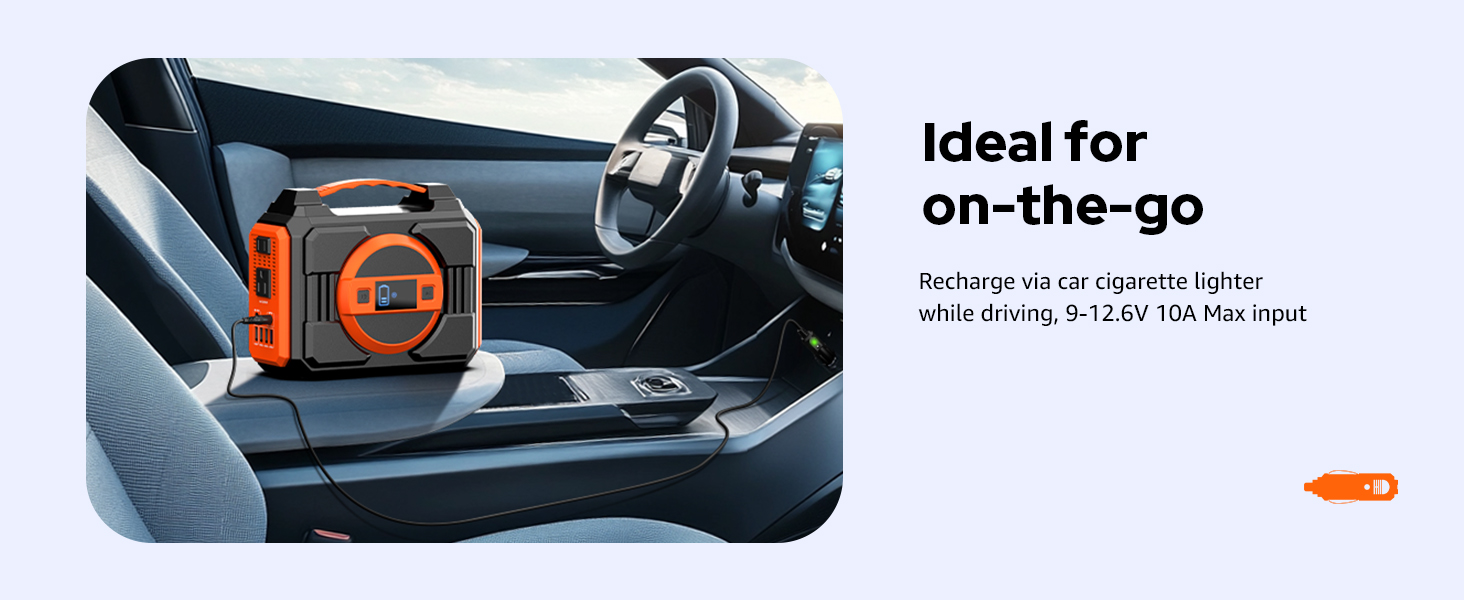
- Car Charger: Use the included car charging cable to connect the power station to your vehicle's 12V cigarette lighter outlet. This method is ideal for charging while on the go.


4. Operating Instructions
The Apowking power station is designed for ease of use, providing power to up to 7 devices simultaneously.
Output Ports:
The unit features a variety of output ports to accommodate different devices:
- 2 x 110V AC Outlets: Pure Sine Wave output, suitable for appliances up to 300W (600W peak).
- 3 x USB-A Ports: 5V/3.1A Max output for charging smartphones, tablets, and other USB-powered devices.
- 1 x USB-C Port: 5V/3A, 9V/2A output for faster charging of compatible devices.
- 1 x DC Vehicle Output Port: 9-12.6V, 10A max, suitable for car appliances.


Using the LED Light:
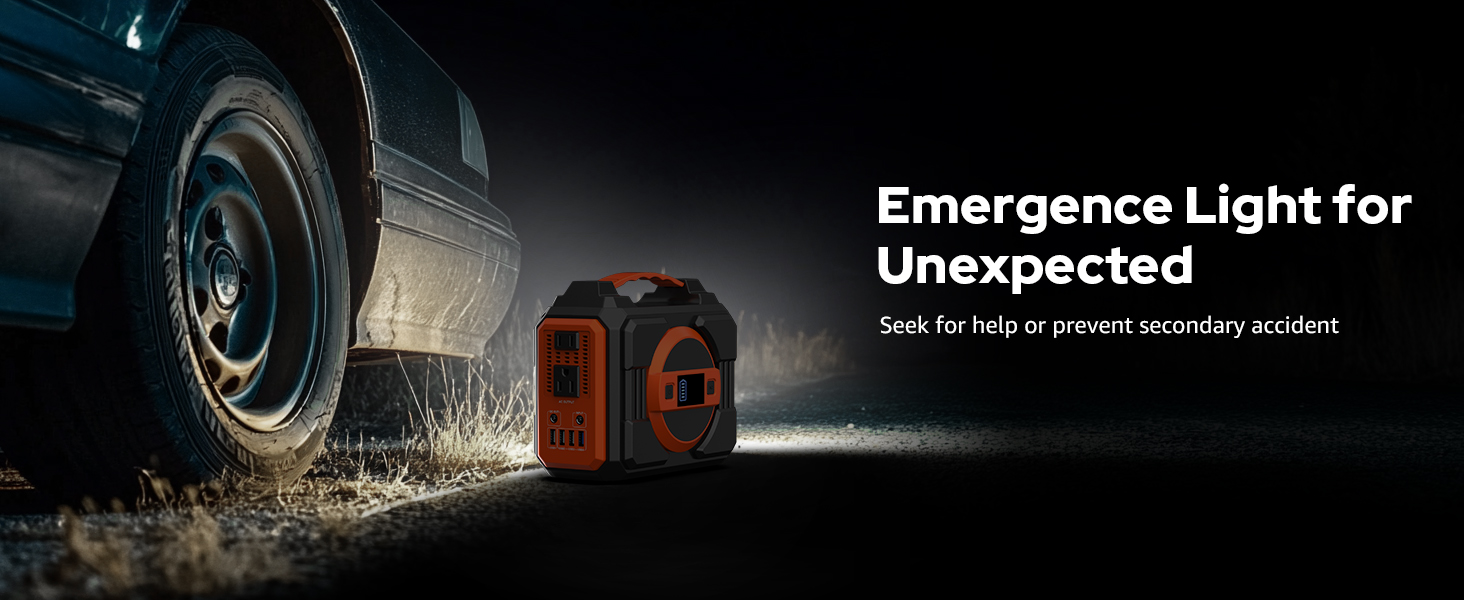
The power station features a large, bright LED light on the back, providing illumination for various situations, from camping to power outages. Refer to the user manual for specific instructions on activating and cycling through light modes.

5. Maintenance
Proper maintenance ensures the longevity and optimal performance of your Apowking power station.
Storage:
- Store the unit in a cool, dry place away from direct sunlight and extreme temperatures.
- Recommended charging and operating temperature range is 0-40°C (32-104°F).
- For long-term storage, charge the unit to approximately 50-80% every 3-6 months to preserve battery health.
Cleaning:
- Wipe the exterior with a soft, dry cloth.
- Do not use abrasive cleaners or solvents.
- Ensure ventilation ports are clear of dust and debris.

6. Troubleshooting
If you encounter issues with your Apowking power station, refer to the common problems and solutions below. If the problem persists, contact customer support.
| Problem | Possible Cause | Solution |
|---|---|---|
| Unit does not turn on | Battery is fully discharged | Charge the unit using AC adapter, solar panel, or car charger. |
| No output from ports | Output port not activated or device exceeds power limit | Ensure the specific output (AC/DC/USB) is turned on. Check device wattage against unit's rated output (300W AC). |
| Solar panel not charging | Insufficient sunlight, panel not connected properly, or panel is dirty | Ensure panel is in direct sunlight, check connections, clean panel surface. |
| Unit overheats | Poor ventilation or excessive load | Ensure vents are clear. Reduce connected load. Allow unit to cool down. |
7. Specifications
| Feature | Detail |
|---|---|
| Model Number | SOLAR GENERATOR WITH PANELS INCLUDED |
| Battery Capacity | 220Wh / 60000mAh |
| AC Output | 2 x 110V Pure Sine Wave, 300W Rated (600W Peak) |
| USB Output | 3 x USB-A (5V/3.1A Max), 1 x USB (5V/3A, 9V/2A) |
| DC Output | 1 x DC Vehicle Output (9-12.6V, 10A Max) |
| Solar Panel | 40W Monocrystalline, 24% Conversion Efficiency |
| Charging Time (AC) | Approx. 6-7 hours |
| Item Weight | 8.42 pounds |
| Product Dimensions | 8.5 x 6.7 x 4.1 inches |
| Color | Orange |
| Special Features | Automatic Shut Down, Automatic Voltage Regulation, Digital Display, Extra-Long Run Time, Heavy Duty, Portable, Built-in LED Light |
8. Warranty and Support
Apowking is committed to providing high-quality products and excellent customer service.
Warranty Information:
This Apowking solar generator power station with solar panels included is covered by a 12-month customer support warranty from the date of purchase. Please retain your proof of purchase for warranty claims.
Customer Support:
If you have any questions, concerns, or require technical assistance, please do not hesitate to contact our customer service team. We offer 7*24 hours customer support and lifetime technical support.
For contact information, please refer to the contact details provided in your product packaging or visit the official Apowking website.

Ask a question about this manual
Ask about setup, troubleshooting, compatibility, parts, safety, or missing instructions. Manuals+ will review the question and use this page’s manual context to help answer it.