
Introduction
This manual provides detailed instructions for the proper use, setup, and maintenance of your Tronsmart Sounfii Q20 Active Noise Cancelling Headphones. Please read this manual thoroughly before using the product to ensure optimal performance and longevity.
Package Contents
- 1x Tronsmart Sounfii Q20 Active Noise Cancelling Headphones
- 1x Type-C Charging Cable
- 1x Aux-in Cable
- 1x Warranty Card
- User Manual
Product Overview
The Tronsmart Sounfii Q20 headphones are designed for an immersive audio experience with advanced active noise cancelling capabilities. They feature a comfortable over-ear design, long battery life, and customizable sound settings via a dedicated application.

Image: The Tronsmart Sounfii Q20 headphones in black, showcasing their sleek over-ear design.
Key Features
Advanced Active Noise Cancelling Technology
The headphones utilize advanced active noise cancelling microphones to detect and eliminate up to 85% of ambient noise, ensuring an immersive listening experience in various environments such as commuting or traveling.

Image: A man wearing the Tronsmart Sounfii Q20 headphones on an airplane, with text indicating 'Active Noise Cancellation' and 'Filter out noise, such as cars and airplane engines'.
Rich, Detailed Sound
Equipped with finely-tuned 40mm dynamic drivers, the Sounfii Q20 headphones deliver deep bass and crisp highs, allowing users to experience detailed audio across various music genres.

Image: A detailed view of the 40mm dynamic drivers, emphasizing the rich and detailed sound quality with 'Thumping Bass' indicated.
Unmatched Comfort
The headphones feature ultra-soft memory foam earpads that conform to the shape of your ears, providing hours of fatigue-free listening. The 90° swivel headband and adjustable slider ensure a custom, pressure-free fit.

Image: A man wearing the headphones, looking up at the sky, with text emphasizing 'Unrivaled Comfort' and the lightweight nature (246g).
Customizable EQ
Users can fine-tune the equalizer settings to their preferences using the free Tronsmart App. The EQ button allows effortless switching between six different sound modes, enhancing the audio experience.

Image: Multiple smartphone screens displaying the Tronsmart App, showing options for music equalizer, sound modes, and device control, labeled 'Customize EQ Via Tronsmart App'.
60-Hour Playtime
The headphones offer up to 60 hours of continuous playtime with Active Noise Cancellation (ANC) off, at 50% volume. A full recharge takes approximately 2 hours using the included Type-C charging cable. The 3.5mm audio jack provides a wired listening option.
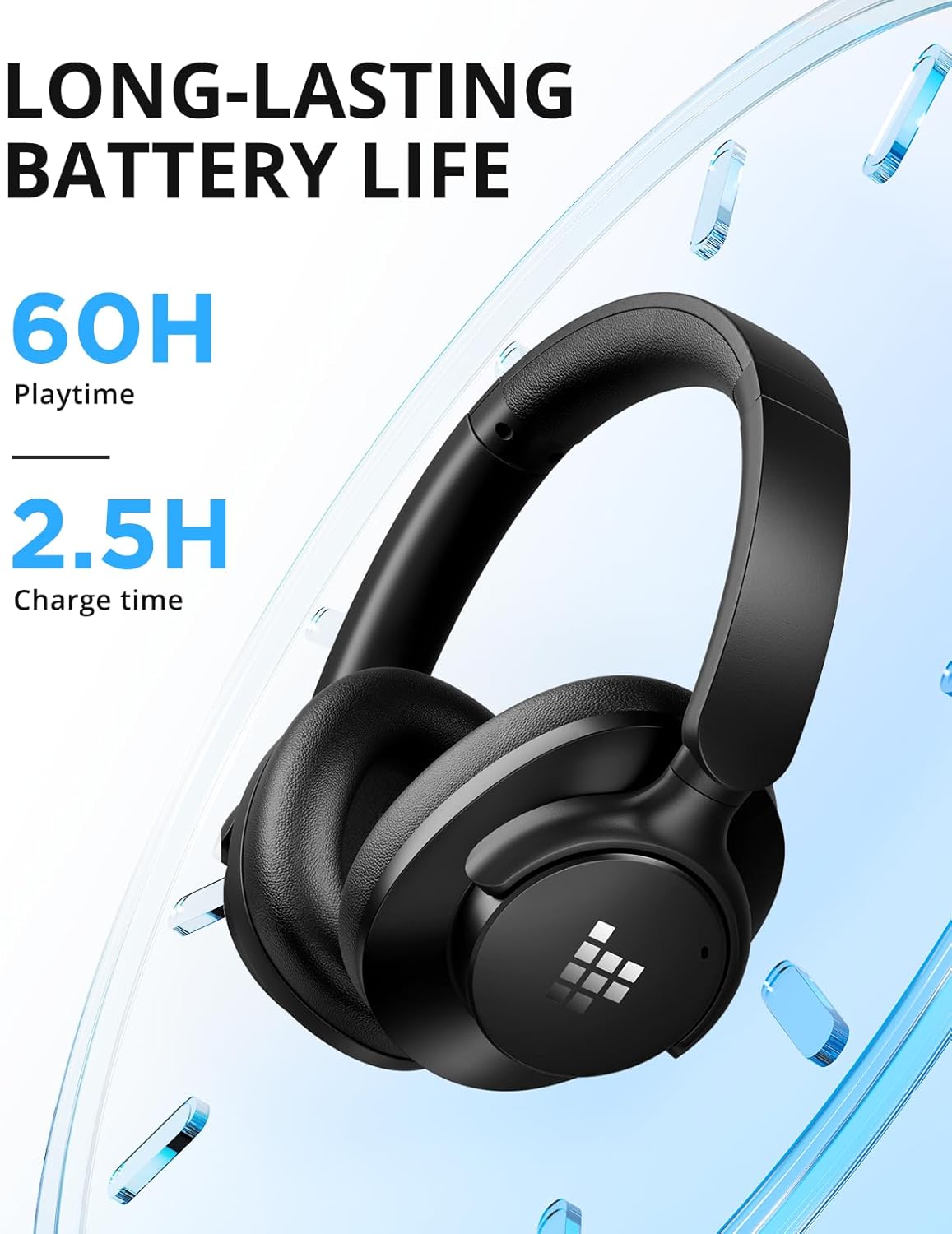
Image: The headphones with graphical elements indicating 'Long-Lasting Battery Life', '60H Playtime', and '2.5H Charge time'.
Lightweight & Foldable Design
The foldable design enhances portability, making these headphones easy to pack and carry for travel, workouts, or daily use.

Image: The headphones shown in a folded configuration, labeled 'Foldable & Portable', indicating their suitability for travel.
BT5.3 & Crystal Clear Call
Advanced Bluetooth 5.3 technology ensures a fast and stable connection up to 49 feet (15 meters). The built-in microphone provides crystal clear sound for hands-free calls.

Image: A woman smiling and talking on a phone call while wearing the headphones, with text stating 'Superior Call Clarity' and 'Built-in microphone ensures clear call'.
Setup Guide
Initial Charging
Before first use, fully charge your Tronsmart Sounfii Q20 headphones. Connect the provided Type-C charging cable to the charging port on the headphones and the other end to a compatible USB power source. The LED indicator will show charging status and turn off when fully charged.
Bluetooth Pairing
- Ensure the headphones are powered off.
- Press and hold the Power button until the LED indicator flashes blue and red, indicating pairing mode.
- On your device (smartphone, tablet, laptop), enable Bluetooth and search for available devices.
- Select "Tronsmart Sounfii Q20" from the list of devices.
- Once connected, the LED indicator will turn solid blue.
Operating Instructions
Controls Overview
The Tronsmart Sounfii Q20 headphones feature intuitive button controls located on the earcup for easy access to various functions.
| Button/Port | Function |
|---|---|
| Power Button | Power On/Off, Play/Pause, Answer/End Call |
| Volume Up (+) | Increase Volume, Next Track (long press) |
| Volume Down (-) | Decrease Volume, Previous Track (long press) |
| ANC Button | Toggle Active Noise Cancellation On/Off |
| EQ Button | Switch between preset EQ modes via Tronsmart App |
| Type-C Charging Port | For charging the headphones |
| 3.5mm Audio Jack | For wired audio connection |
Using the Tronsmart App
Download the free Tronsmart App from your device's app store to unlock full customization options. The app allows you to:
- Fine-tune the equalizer (EQ) settings to match your audio preferences.
- Switch between various sound modes.
- Manage device settings and firmware updates.
Care and Maintenance
- Cleaning: Use a soft, dry cloth to clean the headphones. Do not use abrasive cleaners or solvents.
- Storage: When not in use, store the headphones in a cool, dry place, away from direct sunlight and extreme temperatures. The foldable design allows for compact storage.
- Battery Care: To preserve battery life, avoid fully discharging the headphones frequently. Charge them regularly, even if not in constant use.
- Water Resistance: These headphones are not water resistant. Avoid exposure to liquids.
Troubleshooting
| Problem | Solution |
|---|---|
| Headphones do not power on. | Ensure the headphones are fully charged. Connect to a power source and try again. |
| Cannot pair with device. | Ensure headphones are in pairing mode (flashing blue/red LED). Turn off and on Bluetooth on your device. Clear previous pairings on your device. |
| No sound or low volume. | Check volume levels on both headphones and connected device. Ensure headphones are properly connected via Bluetooth or Aux-in cable. |
| Active Noise Cancellation not working effectively. | Ensure ANC is enabled. Check that the earpads form a good seal around your ears. |
| Sound quality issues (e.g., distorted sound). | Try adjusting the EQ settings in the Tronsmart App. Ensure the audio source is of good quality. |
Technical Specifications
| Specification | Value |
|---|---|
| Model Name | Sounfii Q20 |
| Connectivity Technology | Wireless (Bluetooth 5.3) |
| Noise Control | Active Noise Cancellation |
| Headphones Jack | 3.5 mm Jack |
| Battery Life | Up to 60 Hours (ANC off) |
| Charging Time | 2.5 Hours |
| Audio Driver Type | Dynamic Driver (40mm) |
| Bluetooth Range | 49 Feet (15 meters) |
| Control Type | Button Control |
| Item Weight | 8.6 ounces |
| Product Dimensions | 7.32 x 7.17 x 8.23 inches |
| Frequency Range | 20Hz – 20KHz |
| Impedance | 16 Ohm |
Warranty and Support
Your Tronsmart Sounfii Q20 headphones come with a warranty as detailed on the included Warranty Card. For specific warranty terms and conditions, please refer to the card or contact Tronsmart customer support.
For further assistance, troubleshooting, or product inquiries, please visit the official Tronsmart website or utilize the Tronsmart App for support resources.


