
OiDiPi D9
OiDiPi Portable DAB/FM Radio User Manual
Model: D9
Brand: OiDiPi
Introduction
Welcome to the user manual for your new OiDiPi Portable DAB/FM Radio, Model D9. This digital radio is designed to provide clear and crisp audio reception for both DAB/DAB+ and FM radio stations. With its compact size, long-lasting rechargeable battery, and user-friendly interface, it is ideal for use at home or on the go. This manual will guide you through the setup, operation, maintenance, and troubleshooting of your device to ensure you get the best experience.

Image: The OiDiPi Portable DAB/FM Radio, featuring a black casing, an LCD screen displaying "BBC Radio 2 BREAKFAST SHOW", and an extendable antenna. Musical notes are depicted around the speaker grille.
What's in the Box
Please check the contents of your package. If any items are missing or damaged, please contact customer support.
- 1 x OiDiPi DAB Radio
- 1 x USB Power Cable
- 1 x User Guide
Key Features
- DAB/DAB+ and FM Radio: Enjoy clear digital radio quality and access to a wide range of stations.
- Clear Sound Quality: Equipped with a strong magnetic loudspeaker for loud and clear audio output.
- Built-in Rechargeable Battery: Features a 2500mAh battery providing up to 15 hours of playback on a full charge.
- Preset Stations: Easily store up to 40 DAB and 40 FM preset stations for quick access.
- 3.5mm Headphone Jack: Connect your headphones for private listening.
- Portable Design: Compact and lightweight for easy carrying.

Image: A close-up of the OiDiPi radio highlighting its strong magnetic loudspeaker, indicating enhanced sound quality. The image emphasizes the speaker's internal components with a blue circular aura.

Image: The OiDiPi radio displayed on a kitchen counter, illustrating its compact and portable design. Dimensions are overlaid, showing approximately 7 inches in length, 1.77 inches in width, and 3.58 inches in height.
Setup Guide
1. Charging the Battery
The radio comes with a built-in 2500mAh rechargeable lithium-ion battery. Before first use, it is recommended to fully charge the device.
- Connect the supplied USB power cable to the radio's USB port.
- Connect the other end of the USB cable to a compatible USB power adapter (not included) or a computer's USB port.
- The charging indicator on the radio will show the charging status. Once fully charged, the radio can provide up to 15 hours of playback time.
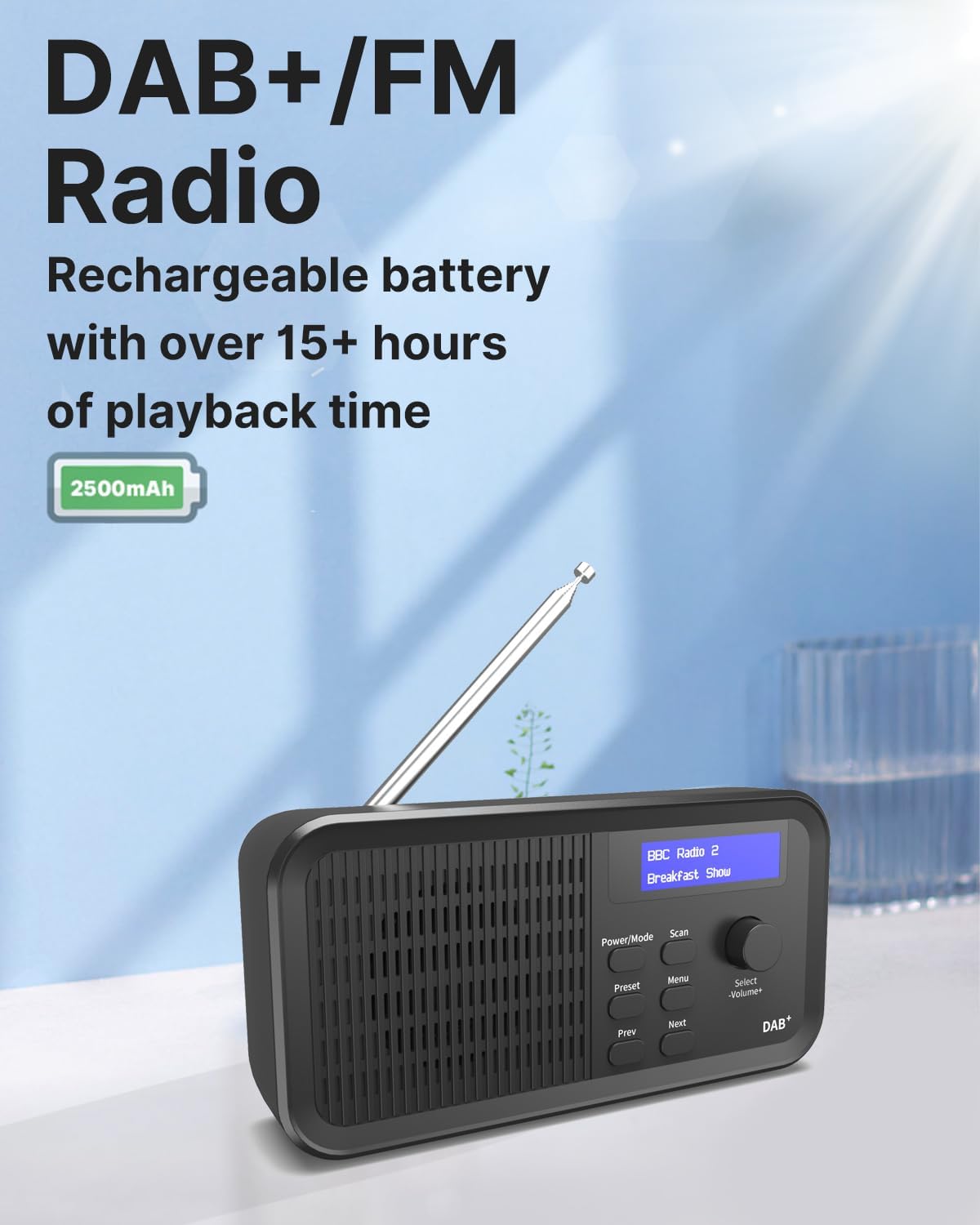
Image: The OiDiPi radio on a table, highlighting its DAB+/FM capabilities and a rechargeable battery with over 15 hours of playback time, powered by a 2500mAh capacity.
2. Antenna Adjustment
For optimal signal reception, fully extend the telescopic antenna before operating the radio. Adjust its position for the best possible reception.
3. Powering On/Off
Press the Power/Mode button located on the front panel to turn the radio on or off.
Operating Instructions
1. Initial Scan and Station Presets (DAB/DAB+)
When you power on the radio for the first time, it will automatically perform a full scan for available DAB/DAB+ stations. This process may take a few minutes.
- Ensure the antenna is fully extended.
- Press the Power/Mode button to turn on the radio. It will typically start in DAB mode.
- The radio will automatically begin scanning for DAB/DAB+ stations. The LCD screen will display "Scanning..." and a progress bar.
- Once the scan is complete, the radio will tune to the first available station.
- To manually initiate a scan, press the Scan button.
- To save a station as a preset:
- Tune to the desired station.
- Press and hold the Preset button until "Preset Store" appears on the display.
- Use the Select -Volume+ knob to choose a preset number (1-40).
- Press the Select -Volume+ knob to confirm and save the station.
- To recall a preset station:
- Press the Preset button briefly.
- Use the Select -Volume+ knob to navigate through your saved presets.
- Press the Select -Volume+ knob to select the desired preset.
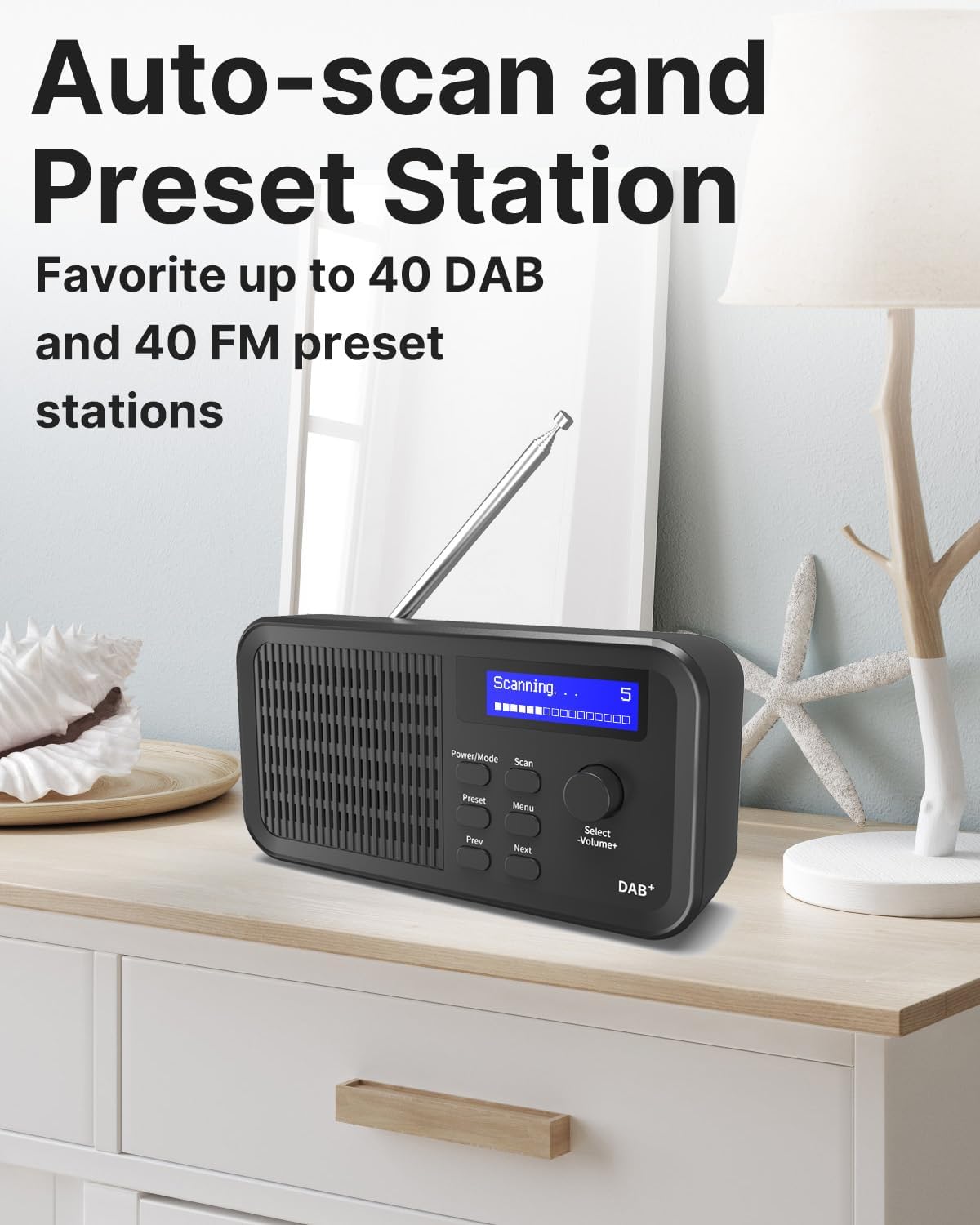
Image: The OiDiPi radio displaying "Scanning..." on its LCD screen, indicating the automatic station scanning process. The image highlights the radio's ability to auto-scan and store up to 40 DAB and 40 FM preset stations.
2. FM Radio Operation
To switch to FM mode:
- Press the Power/Mode button repeatedly until "FM" appears on the display.
- To auto-scan for FM stations, press the Scan button. The radio will scan and save available stations.
- To manually tune, use the Prev and Next buttons to fine-tune the frequency.
- Saving and recalling FM preset stations follows the same procedure as DAB/DAB+ presets.
3. Volume Control
Rotate the Select -Volume+ knob clockwise to increase the volume and counter-clockwise to decrease it.
4. Headphone Use
For private listening, connect any standard 3.5mm stereo headphones into the headphone jack located on the side of the radio. The internal speaker will automatically mute when headphones are connected.

Image: A person relaxing while listening to the OiDiPi radio with headphones connected to its 3.5mm AUX Out port. A close-up inset shows the headphone jack and USB charging port on the side of the radio.
Maintenance
- Cleaning: Use a soft, dry cloth to clean the radio's surface. Do not use abrasive cleaners or solvents.
- Storage: When not in use for extended periods, store the radio in a cool, dry place away from direct sunlight and extreme temperatures.
- Battery Care: To prolong battery life, avoid fully discharging the battery frequently. Charge the radio regularly, even if not in active use.
- Water Exposure: This radio is not waterproof. Avoid exposing it to water or high humidity.
Troubleshooting
| Problem | Possible Cause | Solution |
|---|---|---|
| No power / Radio does not turn on. | Battery is depleted. | Connect the radio to a USB power source using the provided cable and allow it to charge. |
| Poor DAB/FM reception or no stations found. | Antenna not extended or poor signal area. | Fully extend the telescopic antenna and try repositioning the radio. Perform a new auto-scan. If indoors, try moving closer to a window. |
| Sound is distorted or unclear. | Poor signal reception; Volume too high. | Adjust the antenna and radio position for better signal. Lower the volume. |
| Radio freezes or becomes unresponsive. | Temporary software glitch. | Press and hold the Power/Mode button to force a shutdown, then restart the radio. If the issue persists, a factory reset may be necessary (refer to the full user manual for specific steps, if available). |
Technical Specifications
| Feature | Detail |
|---|---|
| Model Number | D9 |
| Brand | OiDiPi |
| Color | Black |
| Connectivity Technology | USB |
| Tuning Technology | DAB+ |
| Supported Radio Bands | FM/DAB/DAB+ |
| Power Source | Battery Powered |
| Battery Type | Lithium-ion (2500mAh) |
| Battery Life | Up to 15 hours |
| Product Dimensions | 17.8L x 4.5W x 9.1H cm (approx. 7L x 1.77W x 3.58H inches) |
| Compatible Devices | Headphones (3.5mm jack) |
Warranty and Support
Your OiDiPi Portable DAB/FM Radio comes with a 1-year hassle-free warranty. We are committed to providing high-quality products and excellent customer service.
If you encounter any issues or have questions not covered in this manual, please do not hesitate to contact OiDiPi customer support. You can typically find contact information on the product packaging or the retailer's website where you purchased the product.
We also offer an easy return policy for your peace of mind.
Ask a question about this manual
Ask about setup, troubleshooting, compatibility, parts, safety, or missing instructions. Manuals+ will review the question and use this page’s manual context to help answer it.