
Introduction
This manual provides comprehensive instructions for the DURLK ZX-808 Rechargeable Walkie Talkies. Please read this manual thoroughly before operating your device to ensure proper use and to maximize its performance and longevity. Keep this manual for future reference.
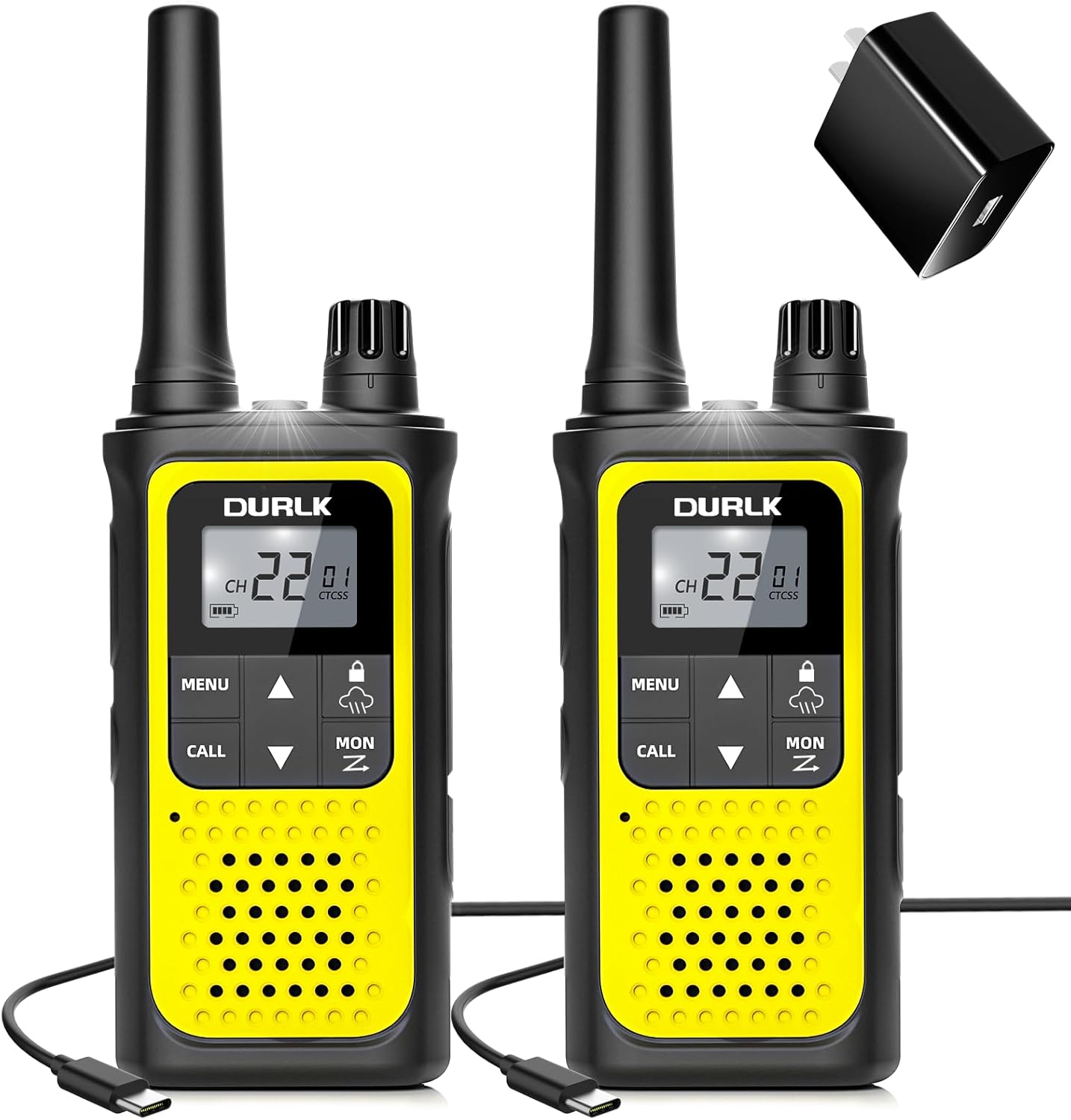
Figure 1: DURLK ZX-808 Walkie Talkies and accessories.
Product Overview
The DURLK ZX-808 walkie talkies are designed for reliable two-way communication, featuring 22 FRS channels, NOAA weather alerts, and a built-in rechargeable battery. Key components are illustrated below:

Figure 2: Labeled components of the DURLK ZX-808 Walkie Talkie.
Key Features:
- Long Range Communication: Up to 3 miles in ideal conditions.
- 22 FRS Channels & 121 Privacy Codes: Provides 2,662 secure communication combinations.
- NOAA Weather Alerts: Access to 10 NOAA weather channels for real-time updates.
- Rechargeable Battery: Built-in 1800mAh Li-ion battery with USB-C charging.
- VOX (Voice-Activated Transmission): Hands-free operation.
- Integrated LED Flashlight: For illumination in low-light conditions.
- HD LCD Screen with Backlight: Clear display of settings.
- Additional Functions: Auto squelch, auto memory, auto scan, low battery alert, keypad lock.
Setup
1. What's in the Box
Verify that all items are present in your package:

Figure 3: Package contents.
- 2 x DURLK ZX-808 Walkie Talkies (with built-in 1800mAh Li-ion Batteries)
- 1 x Charge Adapter
- 1 x 2-in-1 USB-C Cable
- 2 x Belt Clips
- 1 x User Manual (this document)
2. Charging the Battery
The walkie talkies come with built-in rechargeable Li-ion batteries. Before first use, fully charge both devices.
- Connect the 2-in-1 USB-C charging cable to the USB-C port on each walkie talkie.
- Plug the USB-C cable into the provided charge adapter.
- Insert the adapter into a standard wall outlet.
- The battery indicator on the LCD screen will show charging status. A full charge typically takes 3-4 hours.
- Once fully charged, the battery indicator will show full. Disconnect the devices from the charger.

Figure 4: Charging the walkie talkies.
A full charge provides up to 72 hours of standby time.
3. Attaching the Belt Clip
Align the belt clip with the designated slots on the back of the walkie talkie and slide it down until it clicks into place. To remove, lift the tab and slide the clip upwards.
Basic Operation
1. Power On/Off and Volume
Rotate the Volume/Power knob (located on top of the unit) clockwise to turn the walkie talkie ON. Continue rotating to increase the volume. Rotate counter-clockwise to decrease volume and turn OFF the device.
2. Selecting Channels
- Press the MENU button once. The channel number on the LCD will flash.
- Use the ▲ (Up) or ▼ (Down) buttons to select your desired channel (1-22).
- Press MENU again or wait a few seconds for the selection to be saved.
3. Setting Privacy Codes (CTCSS/DCS)
Privacy codes help reduce interference from other users on the same channel. Both walkie talkies must be set to the same channel and privacy code to communicate.
- Press the MENU button twice. The privacy code number will flash.
- Use the ▲ (Up) or ▼ (Down) buttons to select a privacy code (01-121). Code '00' disables the privacy code.
- Press MENU again or wait a few seconds to confirm.
4. Transmitting and Receiving (Push-to-Talk - PTT)
- To Transmit: Press and hold the PTT button (located on the side). Speak clearly into the microphone. Release the PTT button when finished speaking.
- To Receive: Ensure the PTT button is not pressed. The walkie talkie will automatically receive transmissions on the selected channel and privacy code.
5. Monitoring Channels
Press and hold the MON button to temporarily disable squelch and listen for weak signals or activity on the current channel, regardless of privacy codes.
6. Call Tone
Press the CALL button to send an audible call tone to other walkie talkies on the same channel and privacy code, alerting them to your presence.
7. Keypad Lock
To prevent accidental changes to settings, press and hold the MENU button until the lock icon appears on the LCD. Repeat to unlock.
8. VOX (Voice-Activated Transmission)
VOX allows hands-free communication. When enabled, the walkie talkie transmits automatically when it detects your voice.
- Press MENU three times. The VOX icon and sensitivity level will flash.
- Use the ▲ (Up) or ▼ (Down) buttons to select a sensitivity level (1-3, with 3 being most sensitive) or 'OF' to disable.
- Press MENU again or wait a few seconds to confirm.
9. LED Flashlight
Press the Flashlight button (located on the side, below the PTT button) once to turn the LED flashlight ON. Press again to turn it OFF.
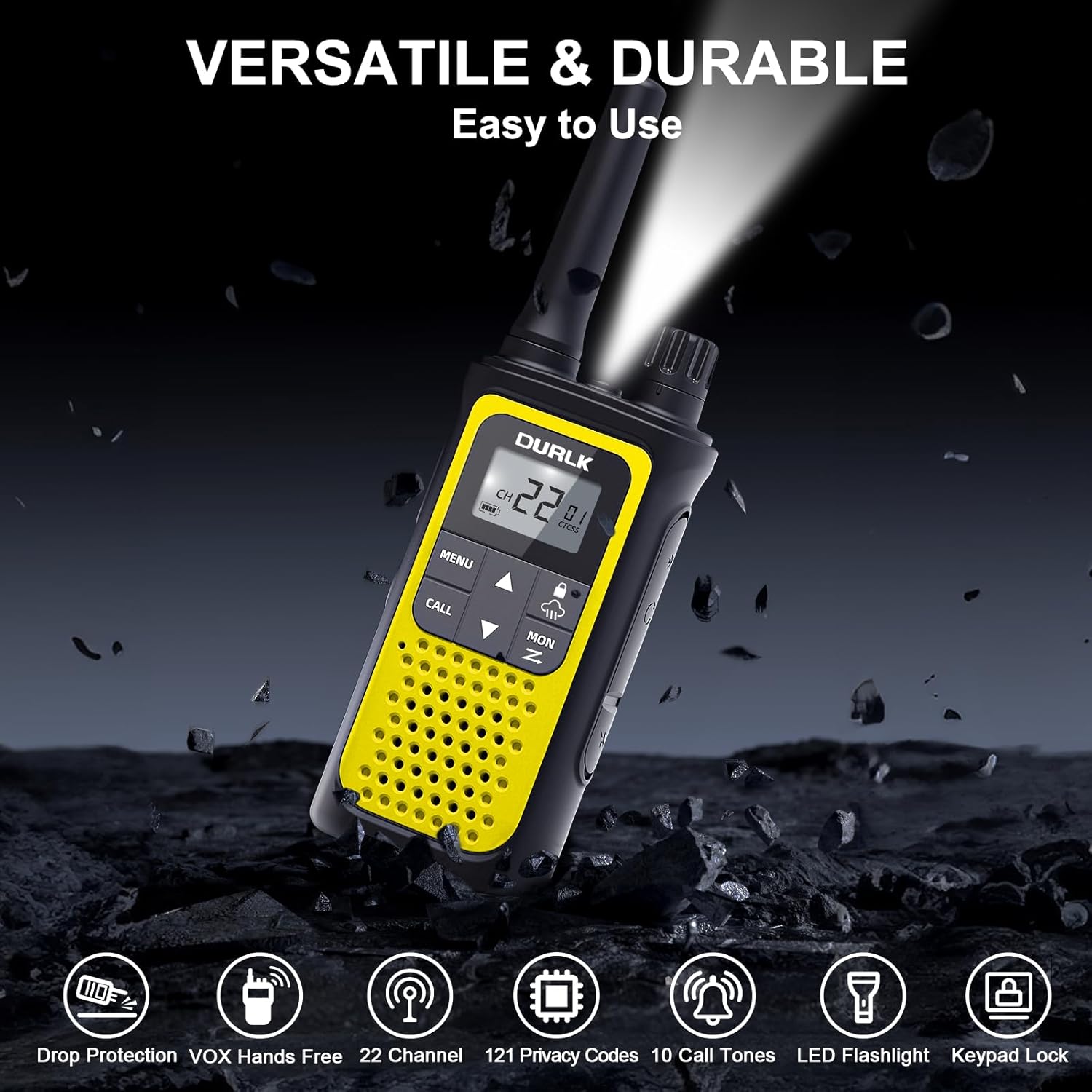
Figure 5: Using the integrated LED flashlight.
Advanced Features
1. NOAA Weather Alert
The DURLK ZX-808 can receive NOAA Weather Radio alerts, providing critical information during severe weather events.
- Press the NOAA button (located on the side, below the PTT button) to enter NOAA weather mode. The display will show a weather channel.
- Use the ▲ (Up) or ▼ (Down) buttons to cycle through the 10 available NOAA channels.
- To exit NOAA weather mode, press the NOAA button again.
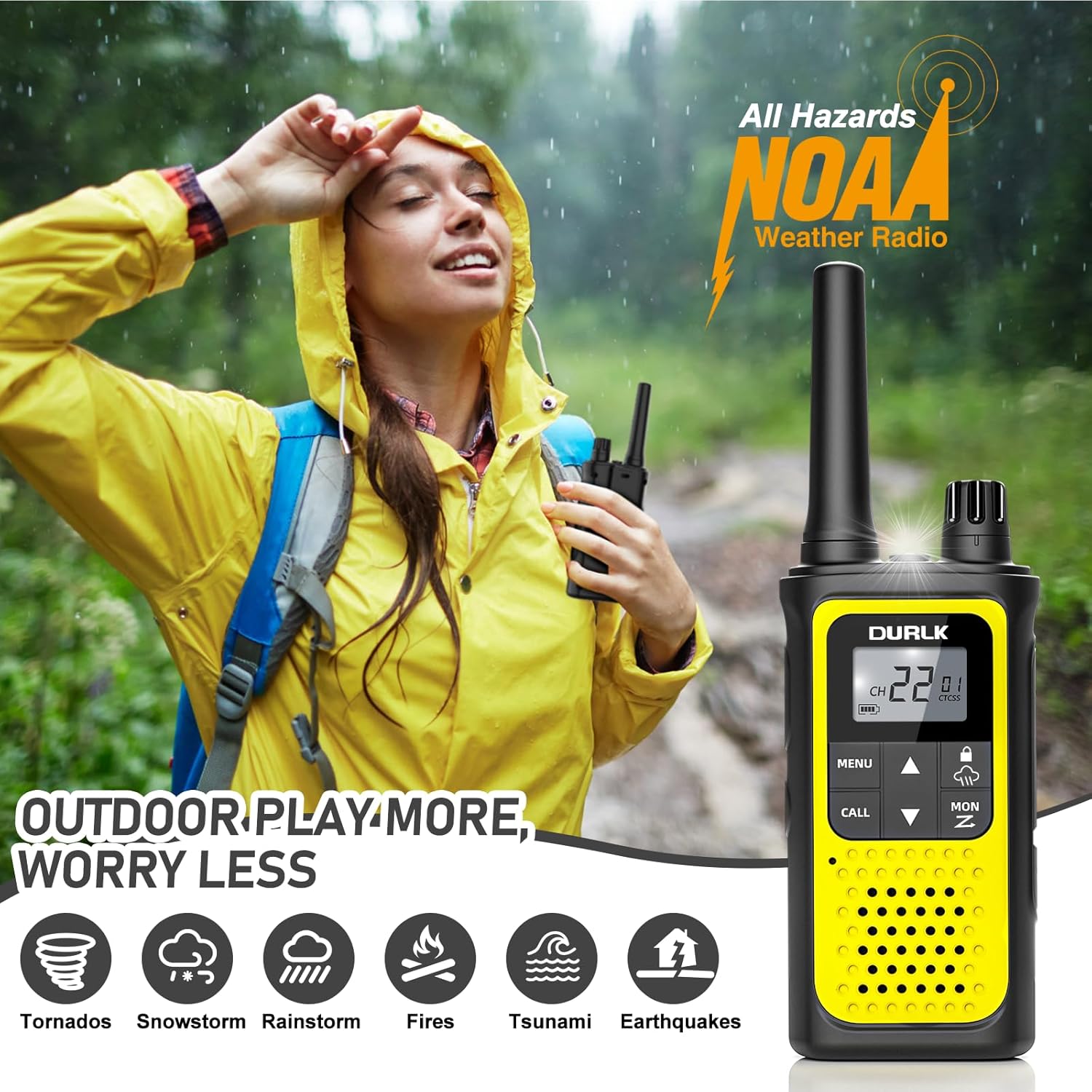
Figure 6: NOAA Weather Alert feature.
2. Auto Scan
The auto scan feature allows the walkie talkie to automatically scan through channels to find active conversations.
- Press and hold the SCAN button (often combined with the Flashlight/Monitor button) to initiate scanning. The scan icon will appear on the LCD.
- The walkie talkie will stop on an active channel.
- To stop scanning, press the SCAN button again or the PTT button.
3. Auto Squelch
The auto squelch feature automatically mutes weak transmissions and unwanted noise, improving audio clarity. This feature is enabled by default.
4. Auto Memory
The device automatically saves your last selected channel and privacy code settings when powered off.
5. Low Battery Alert
When the battery level is low, an audible tone will sound, and the battery icon on the LCD will flash, indicating that the device needs recharging.
Maintenance
1. Cleaning
Wipe the device with a soft, damp cloth. Do not use abrasive cleaners or solvents. Ensure the USB-C port cover is securely closed to prevent dust and moisture ingress.
2. Battery Care
- Avoid fully discharging the battery frequently.
- Charge the battery in a cool, dry environment.
- If storing the device for an extended period, charge the battery to approximately 50% every few months to maintain battery health.
3. Storage
Store the walkie talkies in a cool, dry place away from direct sunlight and extreme temperatures. Keep them away from strong magnetic fields.
Troubleshooting
| Problem | Possible Cause | Solution |
|---|---|---|
| No power | Battery discharged | Charge the battery fully. |
| Cannot communicate with other radios | Incorrect channel or privacy code | Ensure all radios are on the same channel and privacy code. |
| Poor audio quality / Static | Out of range; Obstructions; Low battery | Move closer to the other radio; Move to an open area; Recharge battery. |
| VOX not working | VOX sensitivity too low or OFF | Adjust VOX sensitivity (levels 1-3) in the MENU. |
| Keypad locked | Keypad lock activated | Press and hold the MENU button until the lock icon disappears. |
Specifications
| Feature | Detail |
|---|---|
| Model Number | ZX-808 |
| Channels | 22 FRS Channels |
| Privacy Codes | 121 (CTCSS/DCS) |
| Frequency Range | 462.5500-462.7250MHz, 462.5625-462.7125 MHz, 467.5625-467.7125MHz |
| Talking Range (Maximum) | 3 Miles (ideal conditions) |
| Battery Type | Built-in 1800mAh Li-ion |
| Charging Time | Approx. 3-4 hours |
| Standby Time | Up to 72 hours |
| Voltage | 3.7 Volts |
| Item Weight | 107 Grams (3.77 ounces) |
| Package Dimensions | 6.97 x 3.19 x 2.32 inches |
| Water Resistance Level | Not Water Resistant |
Warranty and Support
DURLK provides a 365-day warranty for the ZX-808 Walkie Talkies. We also offer lifetime reliable technical support for our products. For warranty claims, technical assistance, or any questions regarding your device, please contact DURLK customer service through the retailer's platform or the official DURLK website.