1. Introduction
Thank you for choosing the Panasonic Frost Free Refrigerator NR-BB64PV1XA. This manual provides essential information for the safe and efficient use of your appliance. Please read it thoroughly before installation and operation, and keep it for future reference.
This refrigerator features advanced technologies such as Smartsense for daily usage monitoring with artificial intelligence, an Antibacteria Ag System to keep your refrigerator free of bacteria, and an intuitive EasyTouch LED Panel for convenient control.
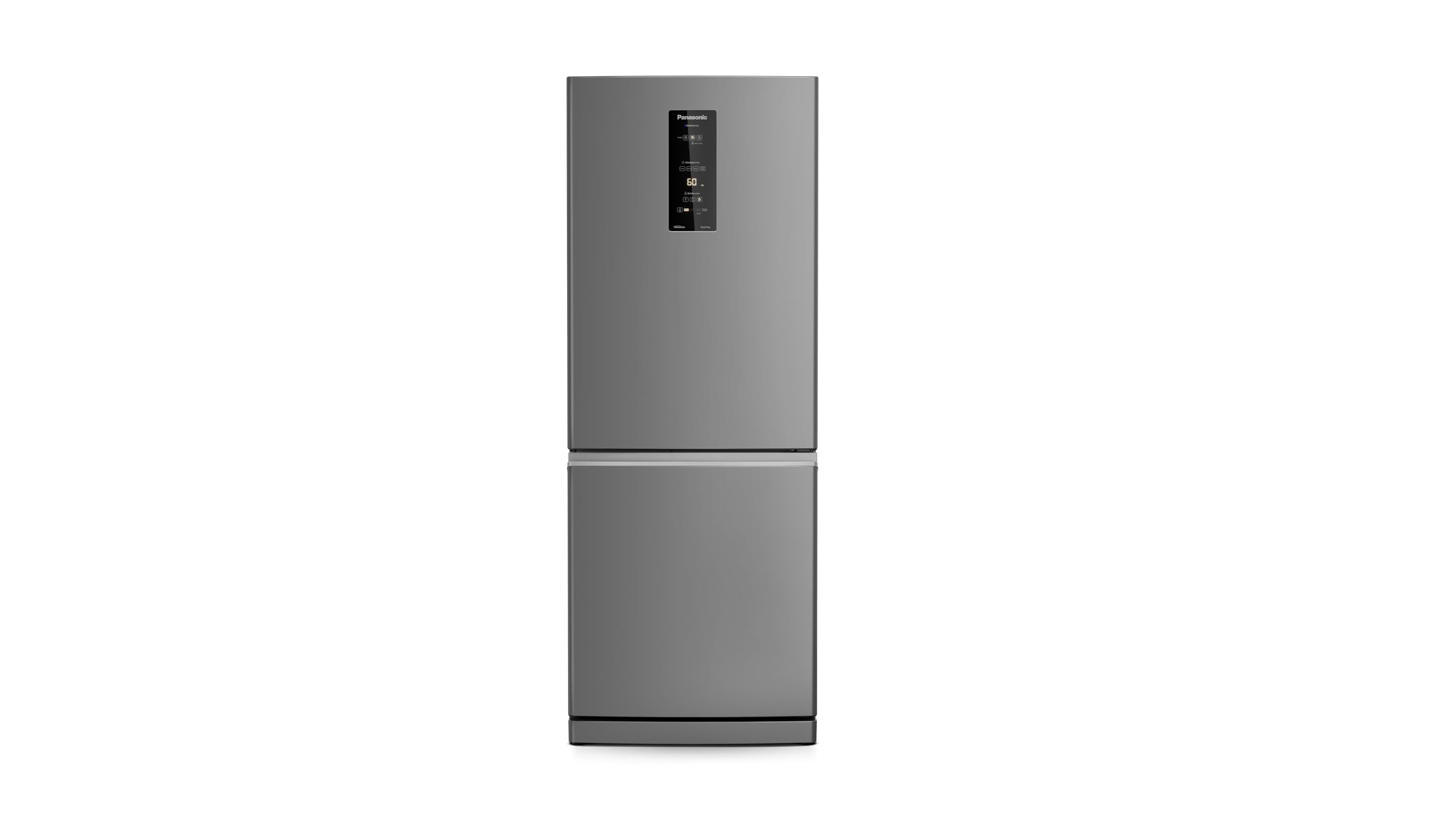
Image: Front view of the Panasonic NR-BB64PV1XA Frost Free Refrigerator in brushed steel finish.
2. Setup and Installation
2.1 Unpacking
- Carefully remove all packaging materials, including tape and protective films.
- Inspect the refrigerator for any damage incurred during transit. Do not operate if damaged.
- Keep packaging materials out of reach of children.
2.2 Placement
- Place the refrigerator on a firm, level floor.
- Ensure adequate ventilation around the appliance. Maintain at least 10 cm (4 inches) clearance from walls on the sides and back, and 30 cm (12 inches) at the top.
- Avoid direct sunlight or heat sources (e.g., stoves, radiators) as this can affect cooling performance and energy consumption.
2.3 Leveling
- Adjust the leveling feet at the bottom front of the refrigerator to ensure it is stable and level. This prevents vibrations and ensures proper door sealing.
2.4 Electrical Connection
- Ensure the power supply matches the refrigerator's voltage (127 Volts).
- Plug the refrigerator into an exclusive, grounded wall outlet. Do not use extension cords or adapters.
- After plugging in, wait at least 2-4 hours before loading food to allow the refrigerant to settle and the appliance to reach optimal temperature.
3. Operating Instructions
3.1 EasyTouch LED Panel
The refrigerator features an intuitive EasyTouch LED panel on the door for temperature control and feature activation.

Image: Detailed view of the EasyTouch LED control panel on the refrigerator door.
3.2 Temperature Control
- Use the temperature control buttons on the LED panel to adjust the desired temperature for the refrigerator and freezer compartments.
- Refer to the display for current temperature settings.
3.3 Smartsense Technology
Smartsense monitors daily usage patterns and adjusts cooling automatically using artificial intelligence to optimize energy consumption and maintain ideal temperatures.

Image: Diagram showing the Smartsense technology and its sensors for intelligent monitoring.
3.4 Antibacteria Ag System
The integrated Antibacteria Ag System helps eliminate 99.9% of bacteria, ensuring a hygienic environment for your food storage.

Image: Interior view of the refrigerator highlighting the Antibacteria Ag feature, with food items stored.
3.5 Inverter Technology
This refrigerator utilizes Inverter technology for energy efficiency, quieter operation, and faster food freezing.

Image: Diagram illustrating the energy efficiency benefits of Inverter technology compared to traditional systems.
3.6 Interior Organization
The refrigerator is designed with multiple shelves and compartments for efficient storage. The freezer compartment offers ample space for frozen goods.

Image: Interior view of the refrigerator compartment, showing shelves, drawers, and door bins filled with various food items.

Image: Interior view of the freezer compartment, showing clear storage containers for organized freezing.
4. Maintenance and Care
4.1 Cleaning the Interior
- Always unplug the refrigerator before cleaning.
- Clean the interior regularly with a soft cloth dampened with a mild detergent solution.
- Wipe dry thoroughly to prevent odors and mildew.
- Removable shelves and drawers can be washed with warm soapy water.
4.2 Cleaning the Exterior
- Wipe the exterior surfaces with a soft, damp cloth. For brushed steel, wipe in the direction of the grain.
- Avoid abrasive cleaners or solvents that can damage the finish.
4.3 Frost Free Feature
- This refrigerator is Frost Free, meaning manual defrosting is not required. The system automatically prevents ice buildup.
4.4 Power Outage
- During a power outage, keep the refrigerator and freezer doors closed to maintain temperature for as long as possible.
5. Troubleshooting
Before contacting service, please check the following common issues:
| Problem | Possible Cause | Solution |
|---|---|---|
| Refrigerator not cooling | Not plugged in; power outage; temperature setting too high; door left open. | Check power connection; verify power supply; adjust temperature setting; ensure door is fully closed. |
| Unusual noise | Refrigerator not level; items vibrating inside; compressor noise (normal). | Level the appliance; rearrange items; normal operation may produce some sounds. |
| Water on floor | Drain tube clogged; door not sealing properly. | Clear drain tube (refer to full manual); check door gasket for obstructions or damage. |
| Odor inside | Food not properly sealed; interior needs cleaning. | Seal all food containers; clean the interior thoroughly. |
6. Specifications
| Feature | Detail |
|---|---|
| Brand | Panasonic |
| Model | NR-BB64PV1XA |
| Product Dimensions (H x W x D) | 194 cm x 76 cm x 80 cm (approx. 77 kg) |
| Total Capacity | 459.99 Liters |
| Freezer Capacity | 151 Liters |
| Voltage | 127 Volts |
| Defrost Type | Automatic (Frost Free) |
| Energy Efficiency | A+++ (INMETRO Certified) |
| Annual Energy Consumption | 434.4 Kilowatt Hours |
| Installation Type | Freestanding |
| Shelves | 3 |

Image: Energy efficiency label indicating A+++ rating for the refrigerator.
7. Warranty Information
This Panasonic refrigerator comes with a standard manufacturer's warranty. The duration and terms of the warranty may vary by region and purchase date. Please refer to the warranty card included with your product or visit the official Panasonic website for detailed information.
Extended warranty options may be available from your retailer at the time of purchase.
8. Support
For technical assistance, spare parts, or further inquiries, please contact Panasonic customer support:
- Website: Visit the official Panasonic website for your region.
- Phone: Refer to your product documentation for local service numbers.
- Service Centers: A list of authorized service centers can be found on the Panasonic website.
When contacting support, please have your model number (NR-BB64PV1XA) and serial number ready.


