
Introduction
Thank you for choosing the KASOHQEE HBL100 Portable Karaoke Machine. This device combines high-quality audio with versatile connectivity and fun lighting effects, making it perfect for various occasions. Please read this manual carefully to ensure proper use and maintenance of your new karaoke machine.
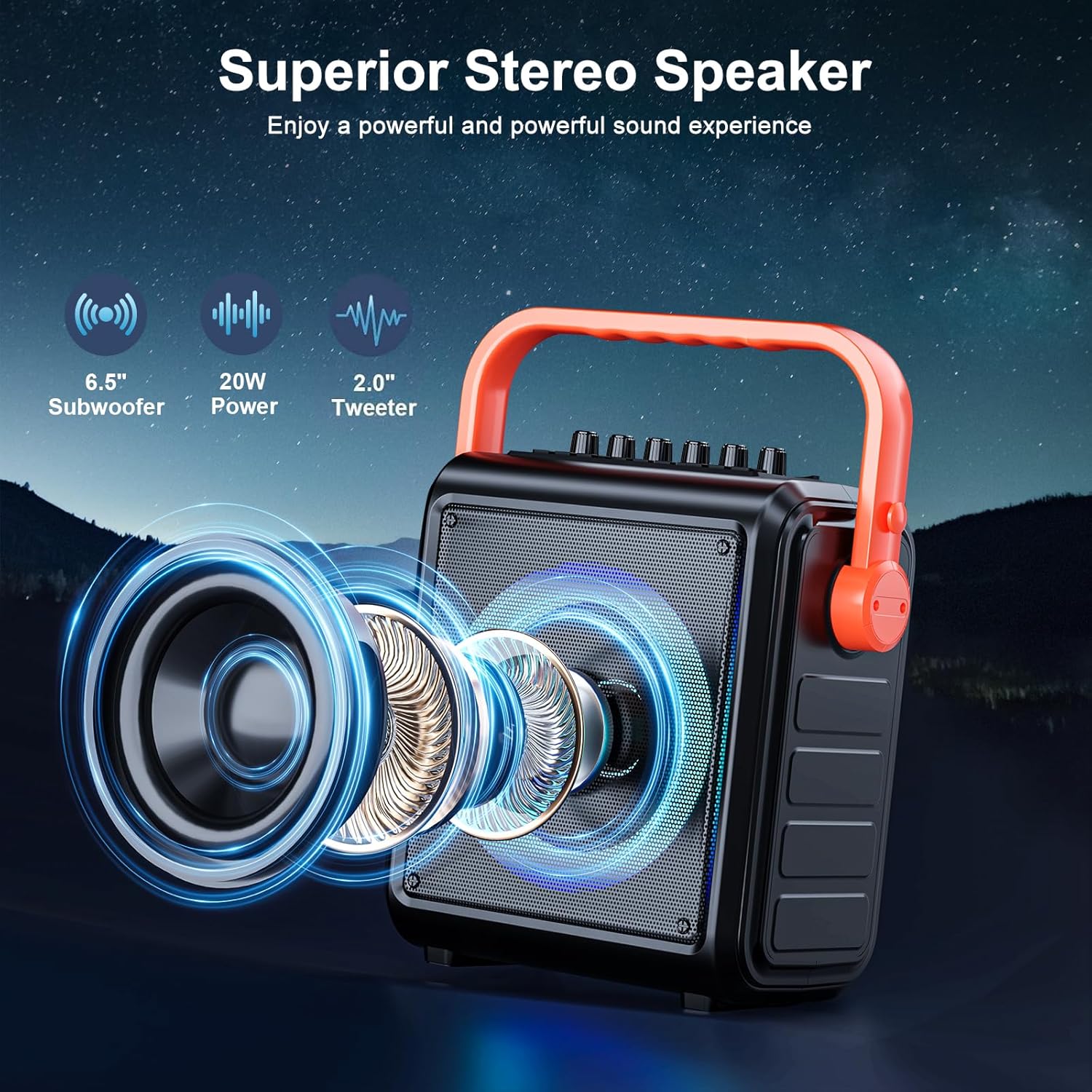
- HD Stereo Sound Quality: Equipped with high-performance audio drivers, advanced digital signal processors, 6.5-inch full-range speakers, high-bass separation technology, and professional reverb adjustment for clear, powerful sound.
- Large Battery Capacity: Features a built-in 8000mAh battery providing 12-15 hours of continuous use. Portable design with a movable handle and detachable shoulder strap for easy transport.
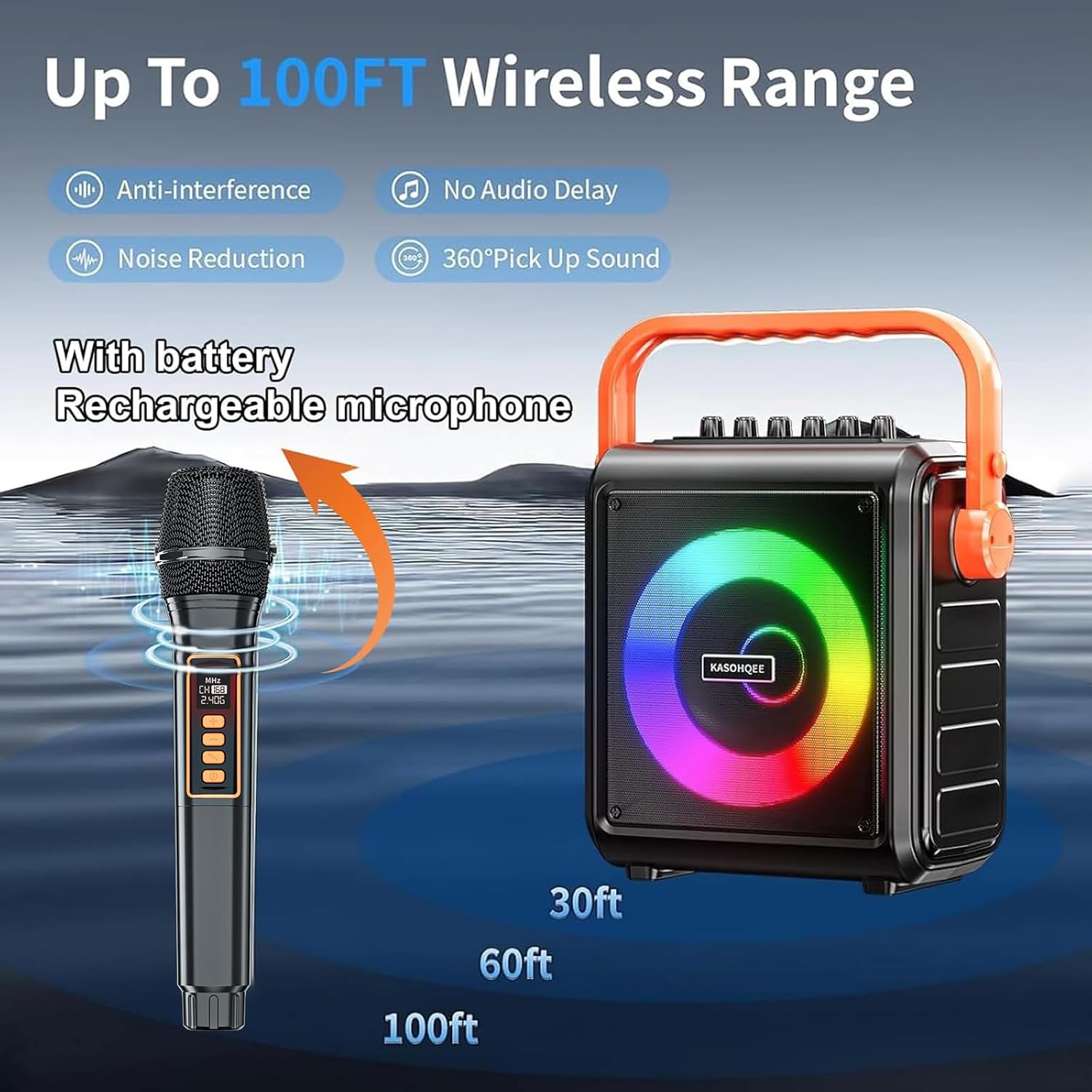
- 2 Rechargeable Microphones: Includes two wireless microphones with ultra-long battery life and Type-C charging. Dynamic microphone cores ensure clear, high-fidelity vocals with anti-whistling and noise reduction.
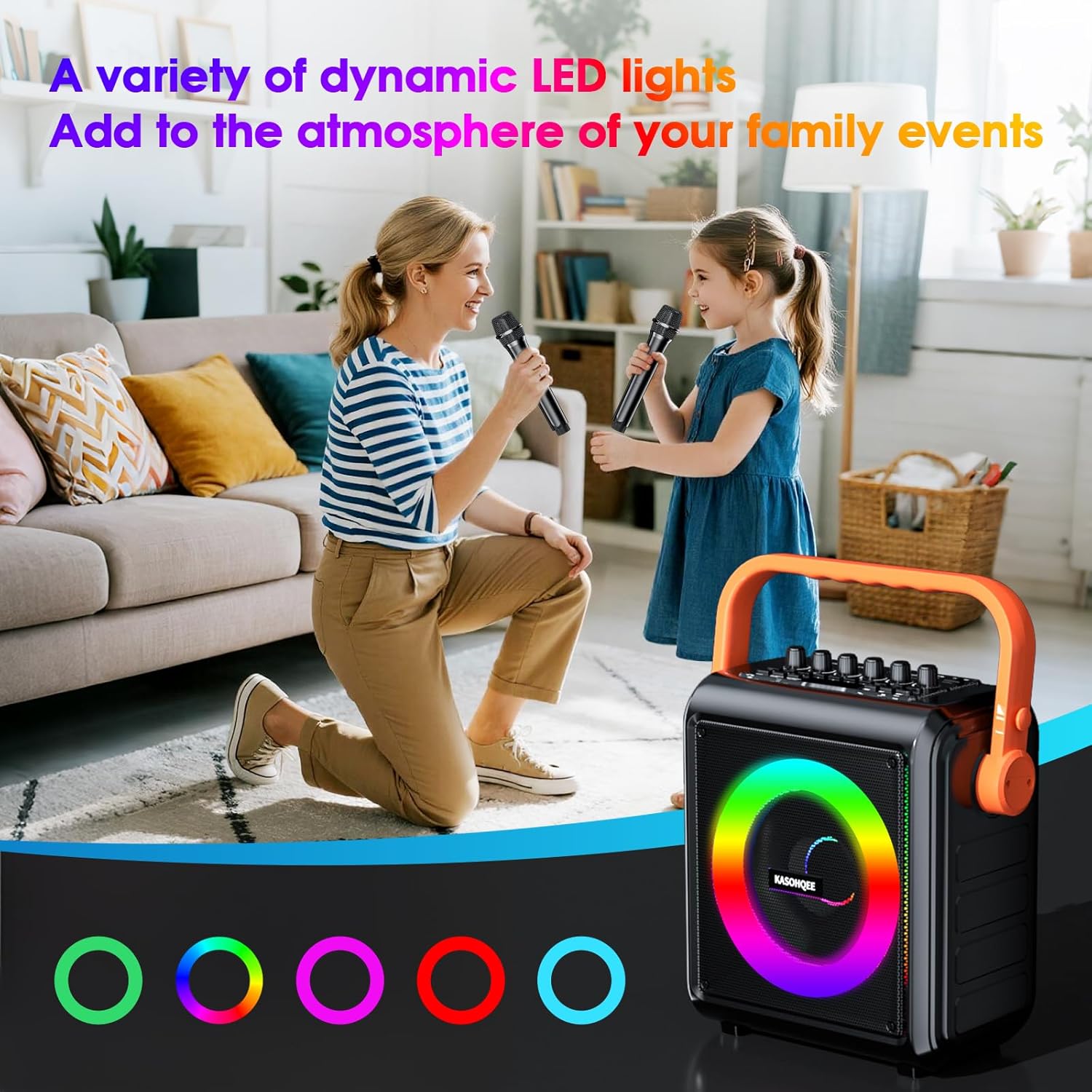
- 5-Color Light Mode: Dynamic RGB lighting with multiple effects synchronized to the music rhythm, transforming any space into a lively concert venue.
- Movable Handle: The flexible handle design enhances portability and convenience for various events.
What's in the Box
- KASOHQEE HBL100 Portable Karaoke Machine
- 2 Wireless Rechargeable Microphones
- USB Type-C Charging Cable
- Remote Control
- Detachable Shoulder Strap
- User Manual
Setup
- Unboxing: Carefully remove all components from the packaging. Ensure all items listed in the "What's in the Box" section are present.
- Charging the Unit: Before first use, fully charge the karaoke machine and both wireless microphones using the provided USB Type-C cable. The charging lamp on the unit will indicate charging status.
- Attaching the Shoulder Strap (Optional): If desired, attach the detachable shoulder strap to the designated points on the side of the karaoke machine for easier portability.
- Microphone Batteries: Ensure the rechargeable batteries are correctly inserted into the microphones.
- Power On: Locate the POWER switch on the top panel of the karaoke machine and slide it to the "ON" position. The unit will power on and enter Bluetooth pairing mode automatically.
Operating Instructions
1. Bluetooth Connection
- Turn on the karaoke machine. It will automatically enter Bluetooth mode, indicated by "bt" on the LED display.
- On your mobile device (smartphone, tablet, etc.), enable Bluetooth and search for "KASOHQEE HBL100".
- Select the device to pair. A confirmation sound will indicate a successful connection.
- You can now play audio from your device through the karaoke machine.
2. Using Wireless Microphones
- Turn on each microphone using its power button. They will automatically pair with the karaoke machine.
- Adjust microphone volume using the "MIC.VOL+" knob on the top panel or the remote control.
- Adjust echo effect using the "ECHO+" knob on the top panel or the remote control.
- For optimal sound, hold the microphone a few inches from your mouth.
3. Controls and Inputs
The top panel features various controls and input ports:
- MIC IN (3.5mm): For connecting a wired microphone.
- AUX IN/OUT: For connecting external audio devices.
- TF CARD Slot: Insert a TF card with MP3 audio files for playback.
- USB Port: Insert a USB drive with MP3 audio files for playback.
- GT IN: For connecting a guitar or other musical instrument.
- Knobs: Adjust GT.VOL (guitar volume), ECHO, MIC.VOL (microphone volume), BASS, TREBLE, and main VOLUME.
- Buttons: Control playback (play/pause, next/previous track), mode selection (Bluetooth, FM, AUX, USB, TF Card), LED light mode, and recording functions.
- Remote Control: Provides full control over all functions from a distance.
4. LED Light Modes
Press and hold the "MODE LED" button on the top panel or use the remote control to cycle through different 5-color RGB lighting effects. The lights can be set to solid colors, flashing, or dynamic patterns synchronized with the music.
5. Recording Function
To record your karaoke sessions or speeches, insert a USB drive or TF card into the respective port. Press the "REC/REPLAY" button to start recording. Press again to stop. You can replay your recordings using the same button.
Media Integration
Product Images




Official Product Videos
Specifications
| Feature | Detail |
|---|---|
| Mounting Type | Portable |
| Power Source | Battery Powered |
| Connector Type | USB Type C |
| Material | Engineered Wood, Plastic |
| Item Weight | 3.07 Kilograms (6.76 pounds) |
| Number of Channels | 2 |
| Audio Input | Instrument, Auxiliary |
| Recommended Uses | Home, Parties, Outdoor |
| Product Dimensions | 10.81 x 14.21 x 5.91 inches |
| Batteries | 4 Lithium Ion batteries required (included) |
| Output Wattage | 20 Watts |
| Connectivity Technology | Bluetooth 5.1, USB, TF Card, AUX |
| Color | Black |
Maintenance
- Keep the device dry and clean. Avoid exposure to water or excessive humidity.
- Clean the exterior with a soft, dry cloth. Do not use abrasive cleaners or solvents.
- Store the karaoke machine in a cool, dry place when not in use.
- Ensure microphones are fully charged before extended use to maintain battery health.
Troubleshooting
- No Power: Ensure the unit is charged. Connect to a power source using the USB Type-C cable.
- No Sound: Check volume levels on both the karaoke machine and your connected device. Ensure microphones are turned on and paired.
- Bluetooth Disconnection: Ensure your device is within the 100FT wireless range. Try re-pairing the device.
- Microphone Feedback/Noise: Adjust microphone volume and echo levels. Ensure microphones are not too close to the speaker.
- LED Lights Not Working: Check the LED mode button. Ensure the unit is powered on.
Warranty and Support
For warranty information, technical support, or any inquiries regarding your KASOHQEE HBL100 Portable Karaoke Machine, please refer to the contact information provided in the packaging or visit the official KASOHQEE website. Keep your purchase receipt for warranty claims.