
Introduction
This manual provides essential information and instructions for the safe and effective use of your PKPOWER Micro USB Charger Cable. Please read this manual thoroughly before using the product and retain it for future reference. This cable is specifically designed for charging compatible devices such as the Petrainer PET998DRU and PET998DRB1 dog training remotes.
Product Overview
The PKPOWER Micro USB Charger Cable is a durable and flexible power cord designed to provide reliable charging for your compatible electronic devices. It features a standard USB-A connector on one end and a Micro USB connector on the other.

Image 1: The PKPOWER Micro USB Charger Cable, shown coiled. This cable is used for charging devices with a Micro USB port.
Key Features:
- Cable Length: Approximately 5 feet (1.5 meters) for convenient reach.
- Input Voltage Compatibility: Designed for use with standard 100-240V power sources (when connected to a compatible USB power adapter, not included).
- Safety Performance: Manufactured to meet safety standards, ensuring a secure charging experience.
- Durability: Constructed with quality materials for enhanced flexibility and a longer lifespan.

Image 2: The PKPOWER Micro USB Charger Cable, displaying both the USB-A connector (left) and the Micro USB connector (right).
Setup
- Identify Ports: Locate the Micro USB charging port on your device (e.g., Petrainer PET998DRU/PET998DRB1 remote) and an available USB-A port on a power source (e.g., wall adapter, computer, power bank).
- Connect to Power Source: Insert the standard USB-A end of the PKPOWER cable into a compatible USB-A power adapter or port. Ensure the power source is active and provides the correct voltage (100-240V input for the adapter).
- Connect to Device: Carefully insert the Micro USB end of the PKPOWER cable into the Micro USB charging port of your device. Ensure the connector is oriented correctly to avoid damage. Do not force the connector.
- Verify Connection: Once connected, your device should indicate that it is charging (e.g., a charging indicator light or on-screen icon).

Image 3: A close-up view of the Micro USB connector on the PKPOWER charger cable, which connects to your device.
Operating Instructions
Once the cable is properly connected as described in the Setup section, the charging process will begin automatically. The cable facilitates power transfer from the USB power source to your device.
- Charging Indication: Monitor your device's charging indicator to confirm that it is receiving power.
- Charging Time: Charging time will vary depending on your device's battery capacity and the output of your USB power source.
- Disconnection: Once your device is fully charged, carefully disconnect the Micro USB end from your device, then disconnect the USB-A end from the power source.
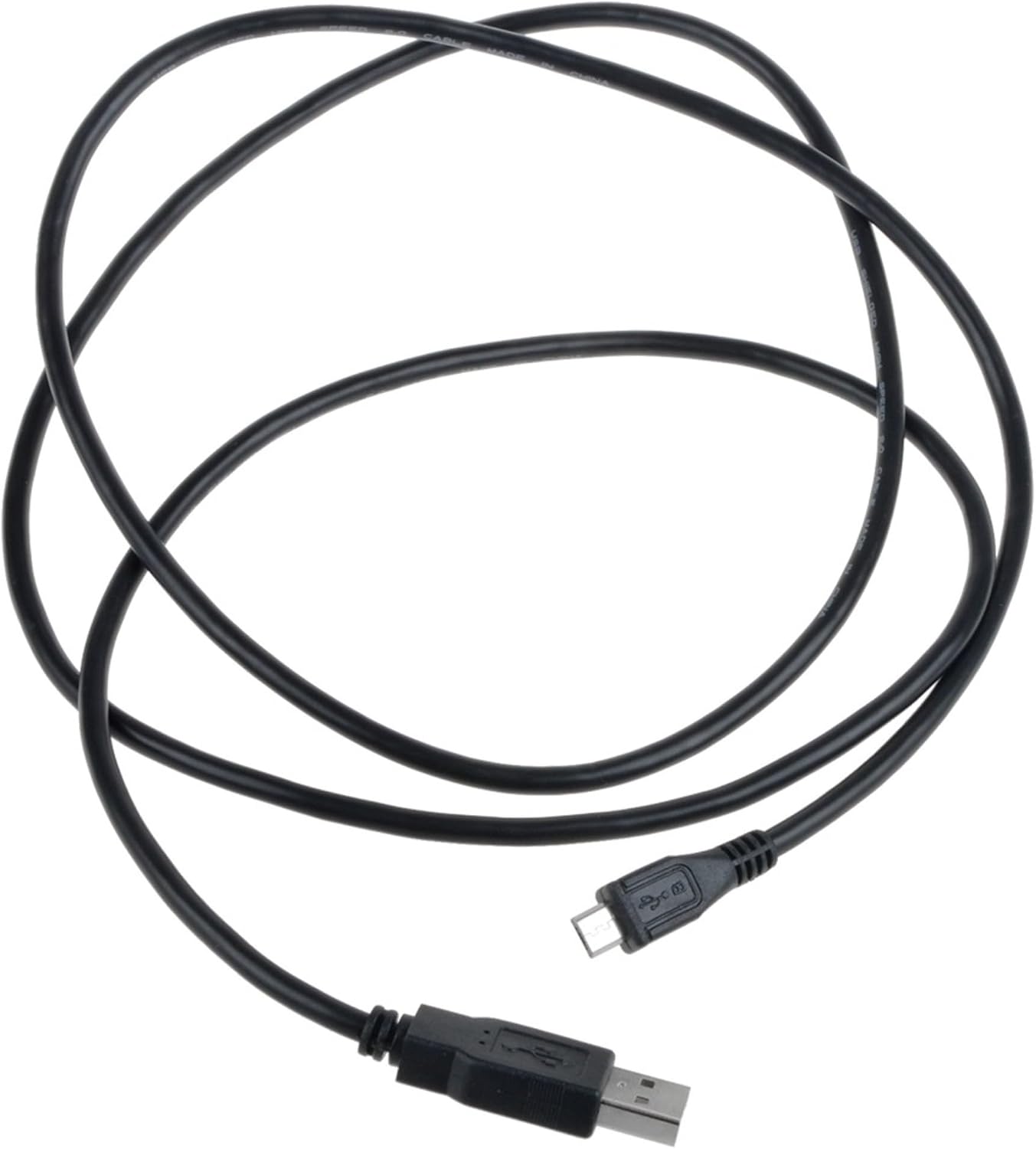
Image 4: A close-up view of the USB-A connector on the PKPOWER charger cable, which connects to a power adapter or USB port.
Maintenance
Proper care and maintenance will extend the life of your PKPOWER Micro USB Charger Cable.
- Cleaning: Use a soft, dry cloth to wipe the cable and connectors. Do not use liquid cleaners or abrasive materials.
- Storage: Store the cable in a cool, dry place away from direct sunlight and extreme temperatures. Avoid tightly coiling or bending the cable at sharp angles to prevent internal wire damage.
- Handling: Always grasp the connector head when plugging or unplugging the cable. Do not pull on the cable itself, as this can damage the internal wiring.
- Inspection: Periodically inspect the cable for any signs of wear, fraying, or damage to the insulation or connectors. Discontinue use if any damage is observed.

Image 5: Another perspective of the PKPOWER Micro USB Charger Cable, illustrating its length and flexibility.
Troubleshooting
If you encounter issues with your PKPOWER Micro USB Charger Cable, refer to the following common problems and solutions:
- Device Not Charging:
- Ensure both ends of the cable are securely connected to the power source and the device.
- Try using a different USB power adapter or USB port.
- Verify that the power source is active and functioning correctly.
- Check the device's charging port for any debris or damage.
- Test the cable with another compatible device, if available, to determine if the issue is with the cable or the device.
- Slow Charging:
- Ensure you are using a power adapter with sufficient output (amperage) for your device.
- Avoid charging through unpowered USB hubs or older computer USB ports, which may provide lower power.
- Cable Damage:
- If the cable shows signs of fraying, cuts, or bent connectors, discontinue use immediately to prevent potential hazards.
Specifications
| Brand | PKPOWER |
| Model | Micro USB Charger Cable |
| Connector Type | USB-A to Micro USB |
| Connector Gender | Male-to-Male (USB-A Male to Micro USB Male) |
| Cable Length | 5 feet (approximately 1.5 meters) |
| Color | Black |
| Product Dimensions | 3 x 2 x 0.5 inches (packaging/coiled dimensions) |
| Item Weight | 2 ounces |
| Manufacturer | Shenzhen AiNaU Technology Co.,Ltd |
Warranty and Support
PKPOWER products are manufactured with quality and reliability in mind. For any questions, technical support, or warranty inquiries regarding your Micro USB Charger Cable, please contact the manufacturer or your point of purchase. Please refer to your purchase documentation for specific warranty terms and conditions.
Manufacturer: Shenzhen AiNaU Technology Co.,Ltd
For further assistance, please visit the PKPOWER Store on Amazon.