
Introduction
Thank you for choosing the Kaiser KXB-5010 Bluetooth Speaker. This powerful and versatile speaker is designed to deliver high-quality audio with dynamic light effects, making it ideal for parties, events, karaoke, and general entertainment. Please read this manual carefully to ensure proper use and to maximize your enjoyment of the product.
Key Features
- Bluetooth 5.3: Offers enhanced energy efficiency, faster data transfer, and improved connection stability. It supports simultaneous connection with multiple devices, reducing interference and enhancing overall signal quality.
- 60W RMS Power: Provides consistent and high-quality audio performance, ensuring clear and powerful sound for extended periods without quality degradation.
- Rechargeable Battery: Enjoy up to 6 hours of continuous playback on a single charge. The 4500 mAh capacity (7.4 Vcc) ensures stable and efficient operation for portable use.
- Independent Knobs: Gain detailed control over various sound sources with dedicated knobs for volume, bass, treble, microphone volume, and echo.
- Flame Light Effects: Features 10 distinct light modes (5 music-synced, 5 standby) that simulate the appearance of a flame or fire. These LED lights create a warm and dynamic atmosphere with colors ranging from warm yellow to orange, red, or blue.
Setup
Unpacking
Carefully remove all components from the packaging. Ensure you have the main speaker unit, wireless microphone, power adapter, and this instruction manual.
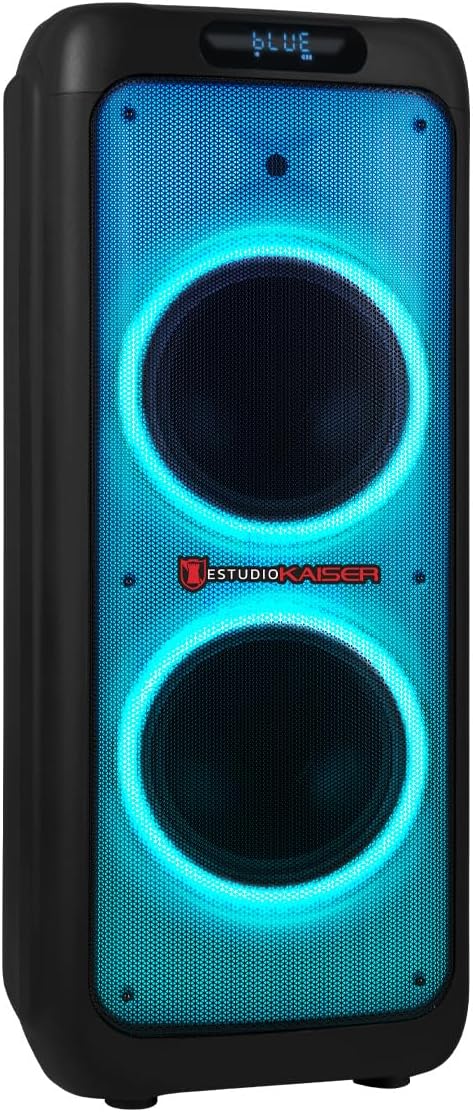
Figure 1: Front view of the Kaiser KXB-5010 speaker, showcasing its dual 10-inch woofers and vibrant blue LED lighting.
Charging the Battery
Before first use, fully charge the speaker's internal battery. Connect the power adapter to the speaker's charging port and then to a power outlet. The charging indicator will show the charging status. A full charge provides up to 6 hours of playback.

Figure 2: Rear panel of the speaker, featuring various input ports and controls.
Microphone Setup
The KXB-5010 includes a wireless microphone. Ensure the microphone has fresh batteries (if applicable). Turn on the microphone and the speaker. The microphone should automatically pair with the speaker. Adjust microphone volume using the dedicated knob on the control panel.
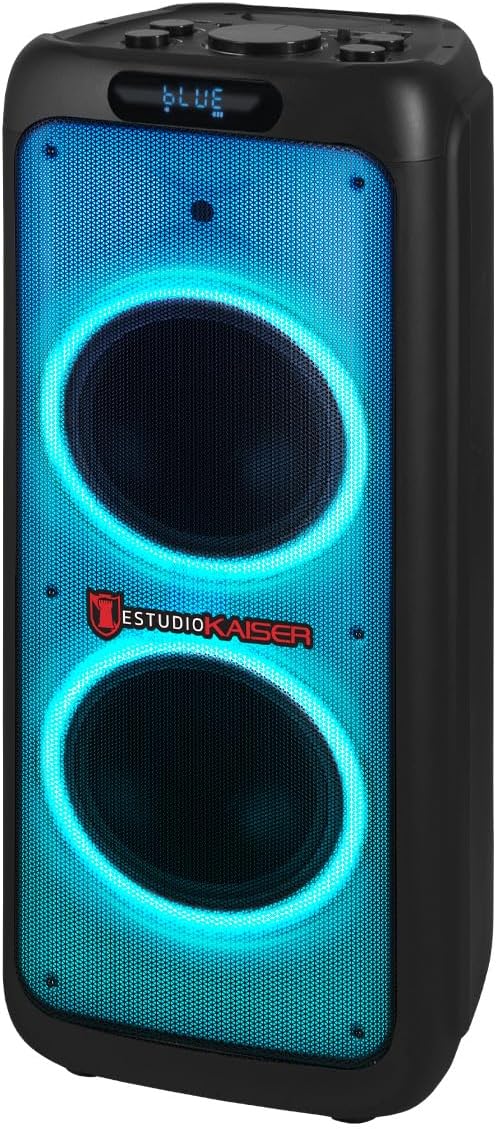
Figure 3: The wireless microphone provided with the speaker for karaoke and vocal performances.
Operating Instructions
Control Panel Overview
The speaker's control panel is located on the top of the unit. It features independent knobs for volume, bass, treble, microphone volume, and echo, along with buttons for mode selection, playback control, and LED light effects.

Figure 4: Detailed view of the speaker's top control panel, showing volume, EQ, microphone, and playback controls.
Power On/Off
To turn the speaker on or off, use the power switch located on the control panel.
Bluetooth Connection
- Turn on the speaker. The display will show "BLUE" or a similar indicator for Bluetooth mode.
- On your mobile device (smartphone, tablet, laptop), enable Bluetooth and search for available devices.
- Select "KXB-5010" from the list of devices.
- Once paired, you will hear a confirmation sound, and you can start playing audio from your device. The Bluetooth range is up to 10 meters.
USB/Micro SD Playback
- Insert a USB flash drive or Micro SD card (with MP3 audio files) into the corresponding port on the control panel.
- The speaker will automatically switch to USB/Micro SD mode and begin playing the audio files.
- Use the playback control buttons (Play/Pause, Previous, Next) to manage your music.
FM Radio
- Press the "MODE" button until "FM" appears on the display.
- Press and hold the Play/Pause button to automatically scan and save available FM radio stations.
- Use the Previous/Next buttons to navigate through the saved stations.
Auxiliary Input (AUX)
Connect an external audio device (e.g., MP3 player, computer) using a 3.5mm audio cable to the AUX input port on the control panel. Press the "MODE" button to select AUX input.
Microphone and Guitar Inputs
The speaker features dedicated 6.3mm inputs for microphones (MIC 1, MIC 2) and a guitar (GUITAR IN). Connect your wired microphones or guitar to these ports. Adjust their respective volumes and echo effects using the independent knobs.
Light Effects (Flame Light)
The KXB-5010 features 10 Flame Light modes (5 music-synced, 5 standby). Press the "LED MODE" button on the control panel to cycle through the different lighting effects and create a dynamic visual experience.
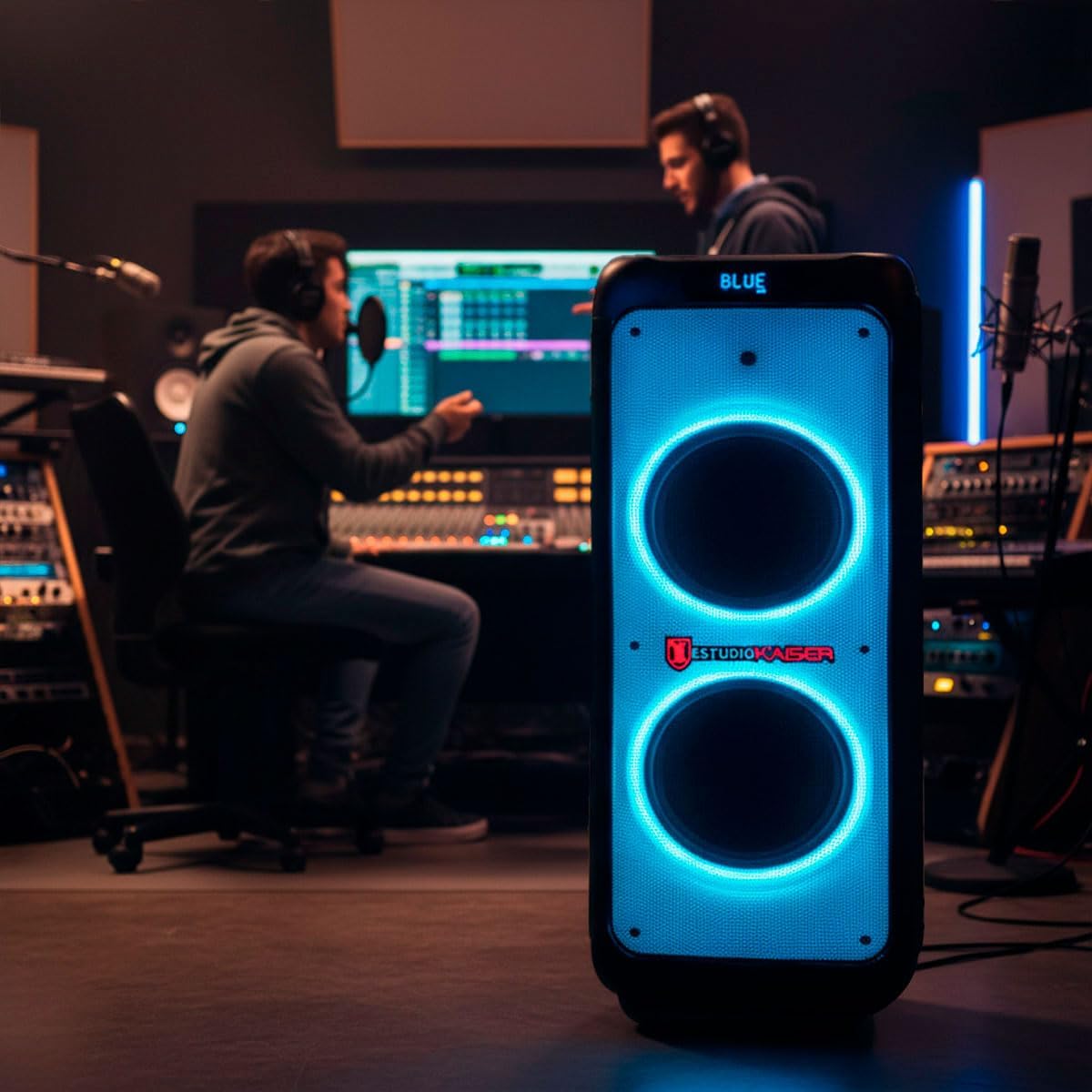
Figure 5: The speaker illuminating a party scene with its dynamic LED light effects.
Maintenance
Cleaning
Wipe the speaker's exterior with a soft, dry cloth. Do not use abrasive cleaners or solvents. Keep the ports free of dust and debris.
Battery Care
To prolong battery life, avoid fully discharging the battery frequently. Recharge the speaker regularly, even if not in use, to maintain battery health.
Storage
Store the speaker in a cool, dry place away from direct sunlight and extreme temperatures when not in use for extended periods.
Troubleshooting
| Problem | Possible Cause | Solution |
|---|---|---|
| No power | Battery is discharged; Power switch is off. | Charge the battery; Turn on the power switch. |
| No sound | Volume is too low; Incorrect input mode selected; Device not connected properly. | Increase volume; Select the correct input mode (Bluetooth, USB, AUX); Reconnect your device. |
| Bluetooth connection fails | Speaker is not in pairing mode; Device is out of range; Interference. | Ensure speaker is in Bluetooth mode; Move device closer to speaker; Turn off other Bluetooth devices. |
| Microphone not working | Microphone is off; Microphone volume is low; Batteries are dead. | Turn on microphone; Increase microphone volume; Replace microphone batteries. |
Specifications
| Feature | Detail |
|---|---|
| Brand | Kaiser |
| Model Name | KXB-5010 |
| Speaker Maximum Output Power | 60 Watts RMS |
| Connectivity Technology | Bluetooth, USB |
| Audio Output Mode | Stereo |
| Speaker Type | Atmospheric |
| Other Features | Bluetooth, Portable |
| Recommended Uses | For parties, events, karaoke, and general entertainment |
| Control Method | Application (App) |
| Average Battery Life | 6 Hours |
| Waterproof | False |
| Warranty Type | Limited |
| Speaker Size | 10 Inches |
| Woofer Diameter | 10 Inches |
| Bluetooth Range | 10 Meters |
| Battery Capacity | 4500 mAh |
| Contents of the Box | Wireless microphone |
| Item Dimensions (Depth x Width x Height) | 39 x 38 x 93.6 centimeters |
| Item Weight | 13 Kilograms |
| Compatible Devices | Smartphone, Tablet, Laptop, MP3 Player |
| Power Source | Battery |
Warranty and Support
Warranty Information
This product comes with a 90-day factory limited warranty. Please retain your proof of purchase for any warranty claims.
Customer Support
For technical assistance, troubleshooting, or warranty inquiries, please contact Kaiser customer support. Refer to the product packaging or the official Kaiser website for contact details.


