1. Introduction
Welcome to the user manual for your new ICE-WATCH ICE fit 1.0 AMOLED Smartwatch. This device, model number 024305, is designed for sports and performance enthusiasts, offering a range of features to support your active lifestyle. This manual provides essential information on setting up, operating, maintaining, and troubleshooting your smartwatch to ensure optimal performance.
2. Package Contents
Please verify that all items are present in your product packaging:
- ICE-WATCH ICE fit 1.0 Smartwatch
- Charging Cable
- Instruction Manual (this document)
3. Watch Overview
Familiarize yourself with the physical components of your ICE fit 1.0 smartwatch.
3.1 Front View

Image: Front view of the ICE-WATCH ICE fit 1.0 smartwatch, displaying a watch face with time, date, battery level, heart rate (108 BPM), steps (10090), and calories burned (1048 Kcal).
3.2 Side View
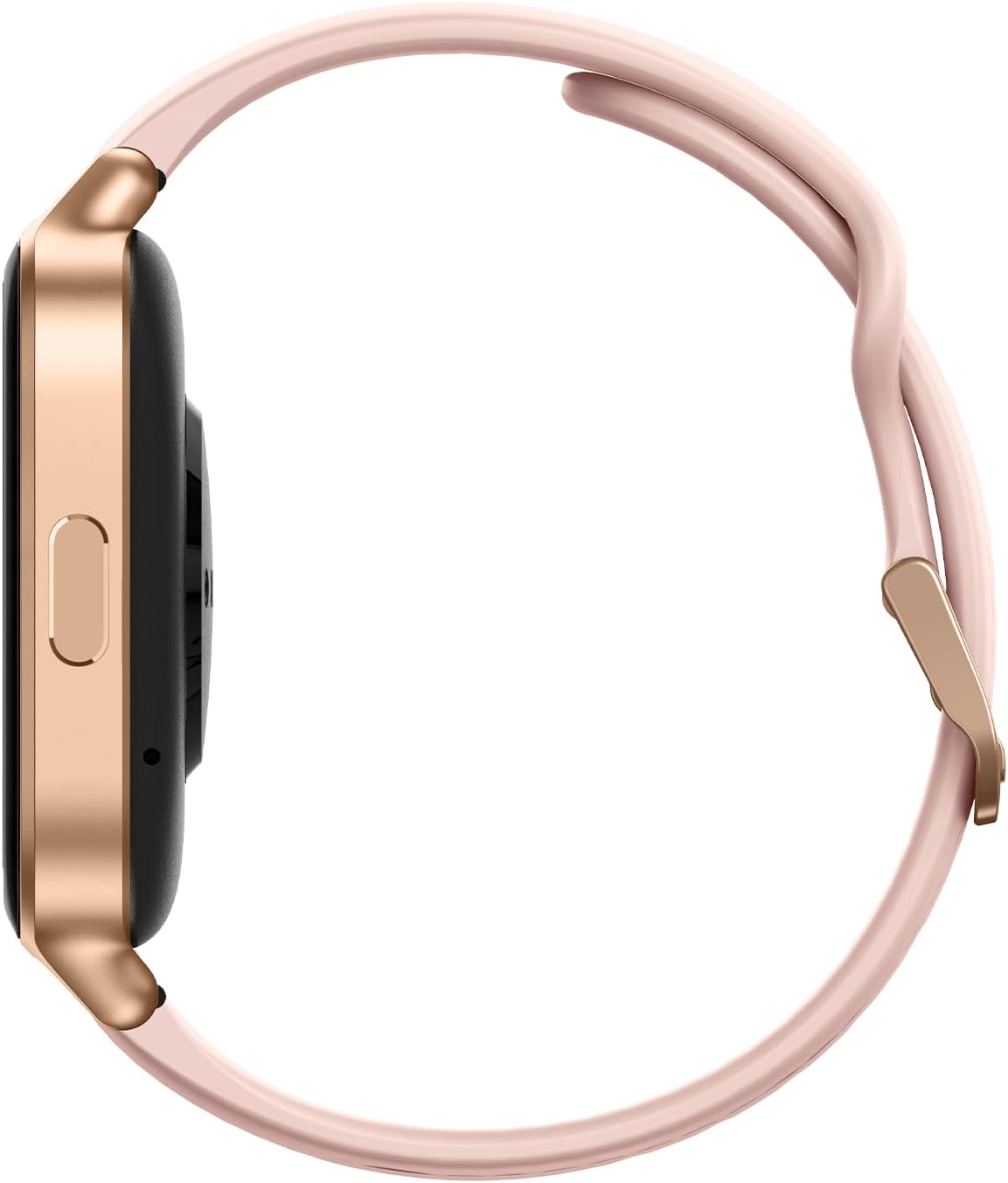
Image: Side view of the ICE-WATCH ICE fit 1.0 smartwatch, highlighting the rose-gold casing and the single physical button located on the right side.
3.3 Back View
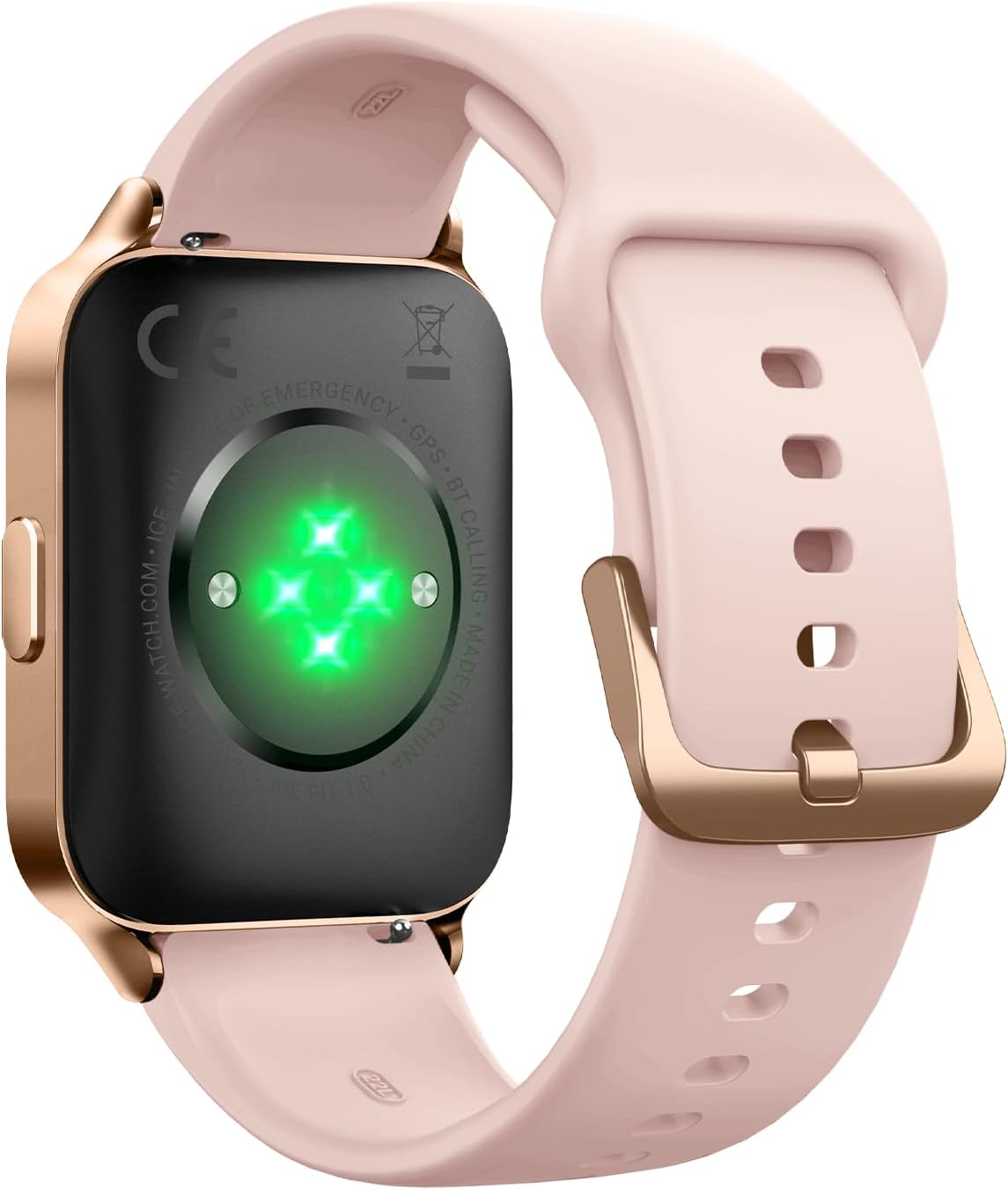
Image: Back view of the ICE-WATCH ICE fit 1.0 smartwatch, showing the optical heart rate sensors with green lights and the charging contacts.
4. Setup
4.1 Charging the Smartwatch
Before first use, fully charge your ICE fit 1.0 smartwatch. Connect the provided charging cable to the charging contacts on the back of the watch and plug the USB end into a standard USB power adapter (not included) or a computer's USB port. The watch display will indicate charging status. A full charge typically takes approximately 2 hours.
4.2 Powering On/Off
- To Power On: Press and hold the side button until the ICE-WATCH logo appears on the screen.
- To Power Off: Press and hold the side button, then select 'Power Off' on the screen, or navigate to the settings menu and choose 'Power Off'.
4.3 App Installation and Pairing
To unlock the full functionality of your ICE fit 1.0 smartwatch, you need to download and install the companion application on your smartphone. Refer to the quick start guide included in the box for the specific app name and QR code, or search for 'ICE-WATCH ICE fit' in your smartphone's app store (iOS or Android).
- Download and install the ICE-WATCH companion app on your smartphone.
- Ensure Bluetooth is enabled on your smartphone.
- Open the app and follow the on-screen instructions to create an account or log in.
- Select 'Add Device' or 'Pair New Device' within the app.
- The app will search for your ICE fit 1.0. Select it from the list of available devices.
- Confirm the pairing request on both your smartphone and the smartwatch.
5. Operating the Smartwatch
The ICE fit 1.0 features a responsive touchscreen and a side button for navigation and control.
5.1 Touchscreen Navigation
- Swipe Up/Down: Scroll through menus and notifications.
- Swipe Left/Right: Access different widgets or quick settings.
- Tap: Select an item or open an application.
- Press and Hold: Customize watch faces or access specific functions.
5.2 Key Features

Image: The ICE-WATCH ICE fit 1.0 smartwatch showcasing icons representing its features, including emergency contacts, Google & App Health integration, running programs, music storage, Strava link, and built-in GPS.
- Fitness Tracking: Monitor steps, distance, calories burned, and sleep patterns.
- Heart Rate Monitoring: Continuous heart rate tracking for health insights.
- Integrated GPS: Track your outdoor activities like running and cycling with precise location data.
- Music Storage (4GB): Store and play your favorite music directly from the watch without needing your phone.
- Strava Compatibility: Sync your activity data with Strava to share with friends and track progress.
- Notifications: Receive alerts for calls, messages, and app notifications from your paired smartphone.
- Customizable Watch Faces: Personalize your watch with various digital and analog watch face options.
6. Maintenance
6.1 Cleaning Your Smartwatch
Regular cleaning helps maintain the appearance and functionality of your watch.
- Wipe the screen and casing with a soft, lint-free cloth.
- For stubborn dirt, slightly dampen the cloth with water. Avoid harsh chemicals.
- Clean the charging contacts periodically with a dry cloth to ensure proper connection.
- Rinse the silicone strap with clean water after intense workouts or exposure to sweat.
6.2 Water Resistance
The ICE fit 1.0 smartwatch is rated IP68, meaning it is resistant to immersion in water up to 1.5 meters for a maximum of 30 minutes. It is suitable for everyday use and light water exposure like hand washing or rain. It is not designed for swimming, diving, or high-pressure water activities.
6.3 Battery Care
To prolong the life of your smartwatch battery:
- Avoid extreme temperatures.
- Charge the watch regularly, but avoid leaving it fully charged or fully depleted for extended periods.
- Disable unnecessary features like continuous heart rate monitoring or GPS when not in use to conserve power.
6.4 Software Updates
Periodically check the companion app for available software updates. Updates can provide new features, performance improvements, and bug fixes. Follow the app's instructions to install any updates.
7. Troubleshooting
If you encounter issues with your ICE fit 1.0 smartwatch, refer to the following common solutions:
| Problem | Solution |
|---|---|
| Watch does not power on | Ensure the watch is fully charged. Connect it to the charger for at least 30 minutes. |
| Cannot pair with smartphone | Ensure Bluetooth is enabled on your phone and the watch. Restart both devices. Check if the app is updated. |
| Inaccurate fitness data | Ensure the watch is worn snugly on your wrist. Calibrate settings in the companion app (e.g., stride length). |
| Short battery life | Reduce screen brightness, disable continuous heart rate monitoring, turn off notifications for less important apps, and limit GPS usage. |
| Watch is unresponsive | Perform a soft reset by pressing and holding the side button for approximately 10-15 seconds until the watch restarts. |
8. Specifications
- Model Number: 024305
- Display: 1.78-inch AMOLED
- Storage: 4 GB
- Connectivity: Bluetooth, Integrated GPS
- Water Resistance: IP68 (up to 1.5 meters for 30 minutes)
- Battery Type: Lithium-polymer
- Operating System: Wear OS 1.3 (Compatibility)
- Dimensions: 16.2 x 9.7 x 3.5 cm (packaging)
- Weight: 42 grams
- Manufacturer: Ice-Watch
9. Warranty and Support
Your ICE-WATCH ICE fit 1.0 smartwatch comes with a standard manufacturer's warranty. Please refer to the warranty card included in your packaging for specific terms and conditions, including the warranty period and coverage details.
For technical support, service, or further inquiries, please visit the official ICE-WATCH website or contact their customer service department. Contact information can typically be found on the brand's website or in your product documentation.


