1. Introduction
This manual provides detailed instructions for the AWEI H37 Smartwatch. It covers setup, operation, maintenance, and troubleshooting to ensure optimal use of your device. The H37 Smartwatch features a 2.01-inch display, Bluetooth calling, multi-sport modes, and health monitoring capabilities.
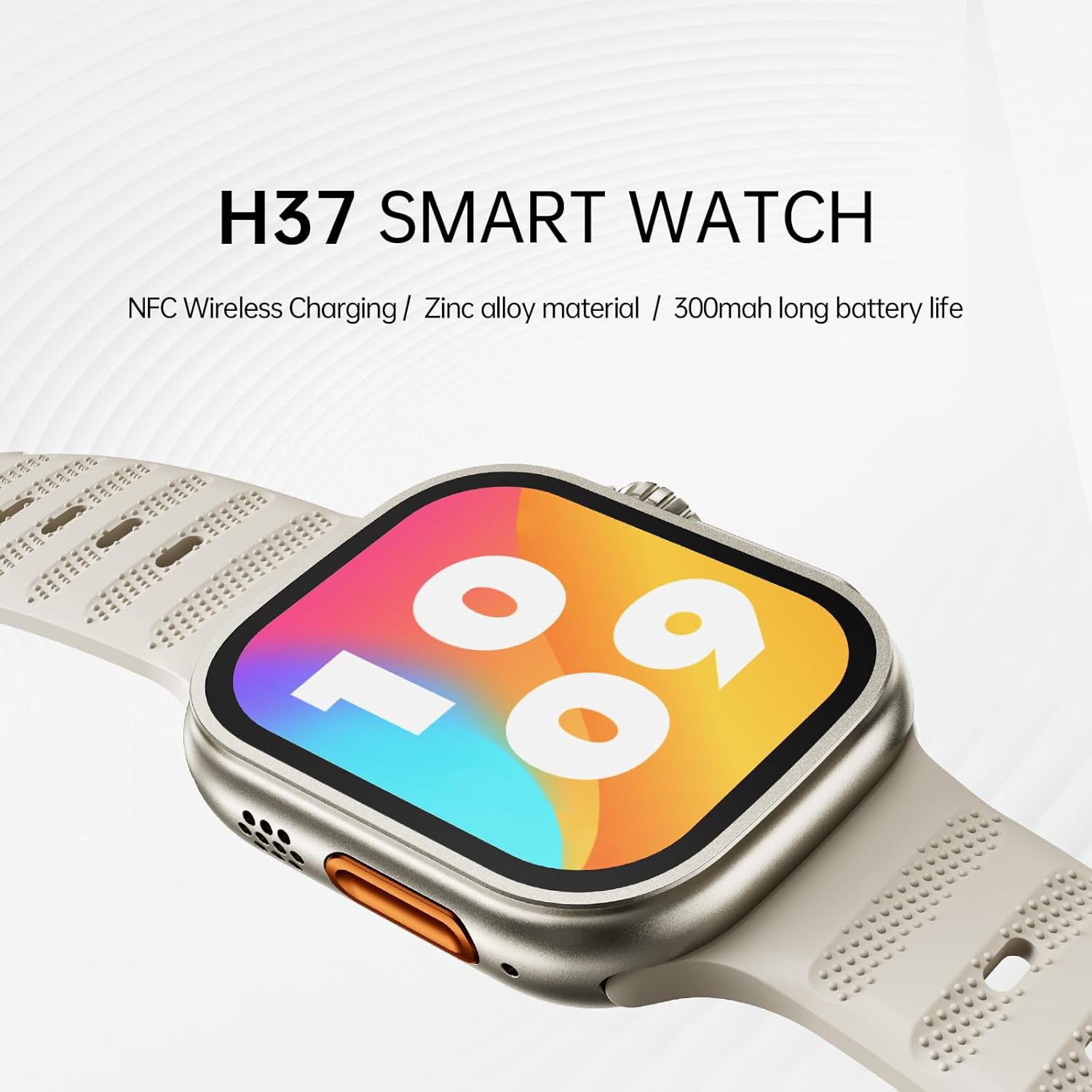
Image: The AWEI H37 Smartwatch, highlighting its NFC wireless charging capability, zinc alloy construction, and 300mAh battery life.
2. Safety Information
- Do not expose the device to extreme temperatures (hot or cold).
- Avoid strong impacts or dropping the device.
- Keep the device away from strong magnetic fields.
- Do not attempt to disassemble or repair the device yourself.
- The device has an IP65 waterproof rating, suitable for hand washing and light rain. It is not recommended for use in hot water, seawater, swimming, or diving.
- Consult a medical professional before starting any new exercise regimen, especially if you have pre-existing health conditions.
3. Package Contents
Ensure all items are present in the package:
- AWEI H37 Smartwatch
- Charging Cable
- User Manual
4. Product Overview
Familiarize yourself with the components of your AWEI H37 Smartwatch.

Image: The smartwatch display, illustrating its rounded square watch case and 2.5D narrow-edged glass. The screen shows various fitness metrics like steps, calories, current time, heart rate (BPM), and distance (KM).
4.1 Physical Components
- Display: 2.01-inch touchscreen for interaction and information display.
- Side Button/Crown: Used for power on/off, screen wake, menu navigation, and selection.
- Microphone: For voice input during calls.
- Speaker: For audio output during calls and notifications.
- Heart Rate Sensor: Located on the back of the watch, used for health monitoring.
- Charging Contacts: Located on the back, for connecting the charging cable.
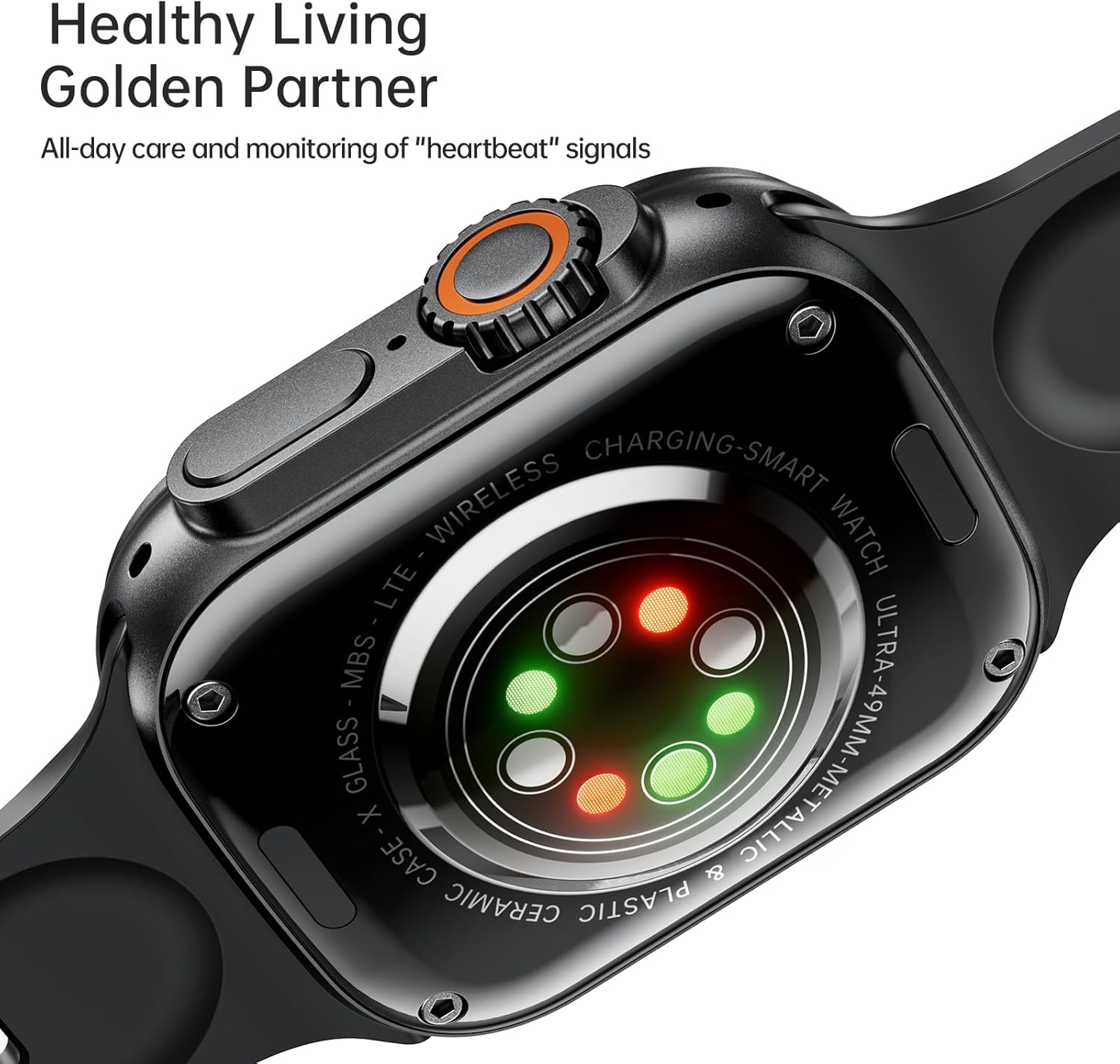
Image: The back of the AWEI H37 Smartwatch, featuring the heart rate sensor with green and red lights for health monitoring.
5. Setup
5.1 Charging the Smartwatch
Before first use, fully charge your smartwatch.
- Connect the charging cable to the charging contacts on the back of the watch.
- Connect the other end of the charging cable to a USB power adapter (not included) or a computer's USB port.
- The watch display will show the charging status. A full charge typically takes 2.5-3 hours.

Image: The AWEI H37 Smartwatch displaying a charging icon on its screen, indicating the device is receiving power. This image also highlights the battery performance: 5-7 hours of airtime, 300mAh battery capacity, and 3 hours charging time.
5.2 Pairing with Your Smartphone
To access all features, pair your smartwatch with the companion app on your smartphone.
- Download the App: Search for the official AWEI smartwatch app in your smartphone's app store (Google Play Store for Android, Apple App Store for iOS). Install the app.
- Enable Bluetooth: Ensure Bluetooth is enabled on your smartphone.
- Open the App: Launch the installed app and follow the on-screen instructions to create an account or log in.
- Add Device: In the app, navigate to the "Add Device" or "Pair Device" section.
- Select H37: The app will scan for nearby devices. Select "AWEI H37" from the list.
- Confirm Pairing: A pairing request may appear on both your phone and the smartwatch. Confirm the pairing on both devices.
- Complete Setup: Follow any remaining prompts in the app to complete the initial setup, including personal information and notification permissions.
6. Operating Instructions
6.1 Basic Navigation
- Power On/Off: Press and hold the side button to power on or off.
- Wake Screen: Press the side button or raise your wrist (if enabled) to wake the screen.
- Touchscreen Gestures:
- Swipe Up/Down: Scroll through menus or notifications.
- Swipe Left/Right: Access quick functions or widgets.
- Tap: Select an item or confirm an action.
- Press and Hold: Customize watch faces (on the home screen).
6.2 Bluetooth Calling
Once paired with your smartphone, you can make and receive calls directly from your smartwatch.
- Answering Calls: When a call comes in, tap the green answer icon on the watch screen.
- Rejecting Calls: Tap the red reject icon on the watch screen.
- Making Calls: Access the dialer or contact list on your watch to initiate a call.
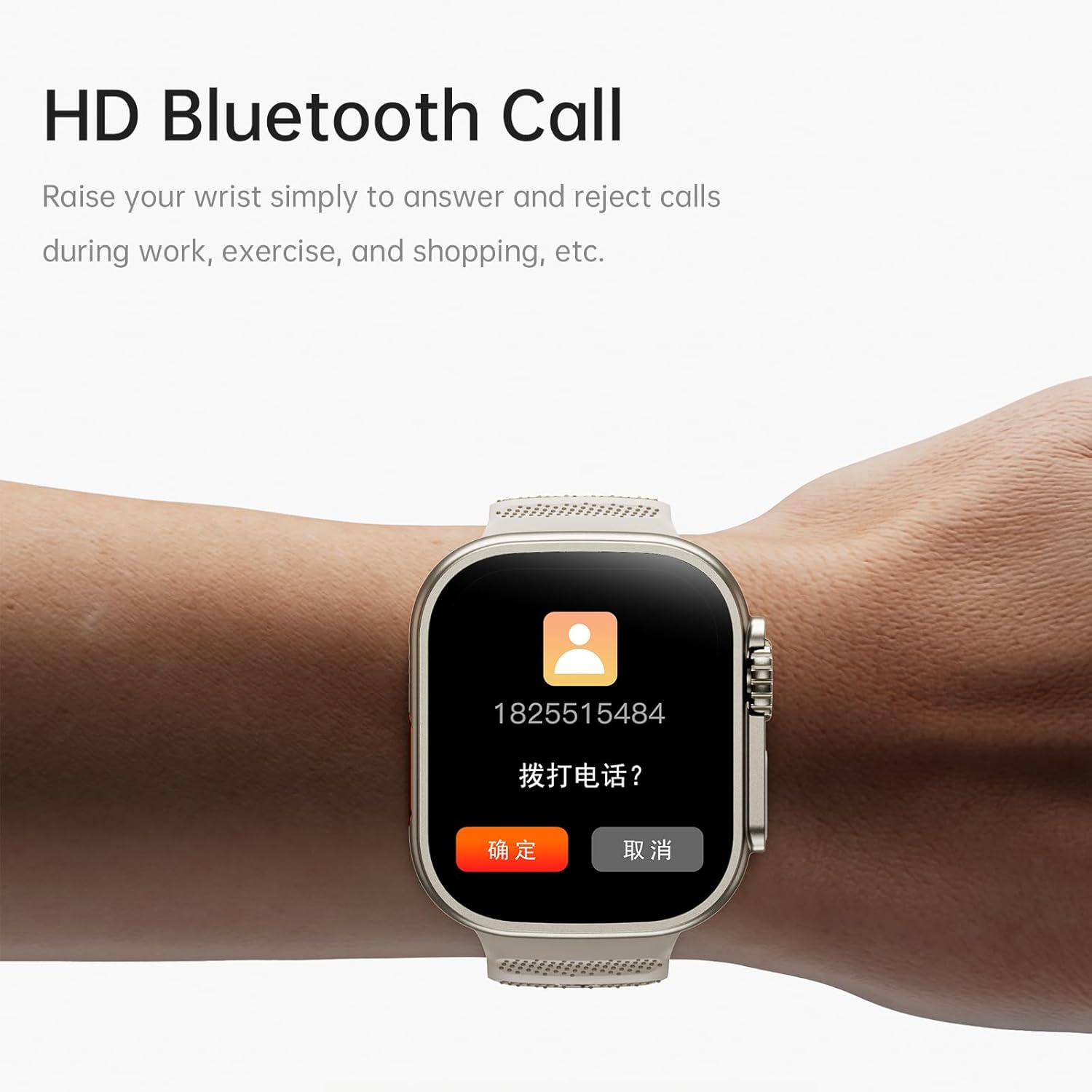
Image: The AWEI H37 Smartwatch screen showing an incoming call with the caller's number and options to answer or reject the call. This illustrates the HD Bluetooth Call feature.
6.3 Sport Modes
The H37 Smartwatch supports multiple sport modes to track your activities.
- Navigate to the "Sport" or "Workout" menu on your watch.
- Select your desired activity (e.g., Running, Walking, Cycling, Yoga).
- Tap to start the activity. The watch will begin tracking metrics like duration, distance, calories burned, and heart rate.
- To pause or end an activity, swipe or press the side button as prompted on the screen.
6.4 Health Monitoring
The smartwatch monitors various health metrics throughout the day.
- Heart Rate: Continuous heart rate monitoring can be enabled in the app. View real-time data on the watch or detailed history in the app.
- Steps & Calories: The watch automatically tracks your steps taken and estimated calories burned.
- Sleep Tracking: Wear the watch to bed to track your sleep patterns. View sleep data in the companion app.
- Female Physiological Cycle: Track and predict menstrual cycles through the app.
- Sedentary Reminder: Receive alerts if you have been inactive for too long.
6.5 Customization and Other Features
- Watch Faces: Press and hold the home screen to change watch faces. More options are available in the app, including uploading your own photos.
- Music Control: Control music playback on your smartphone (play, pause, skip) directly from the watch.
- Remote Photography: Use the watch as a remote shutter for your smartphone camera.
- Alarm Clock: Set alarms through the app, and the watch will vibrate to notify you.
- Raise to Wake: Enable this feature in the app to automatically wake the screen when you raise your wrist.
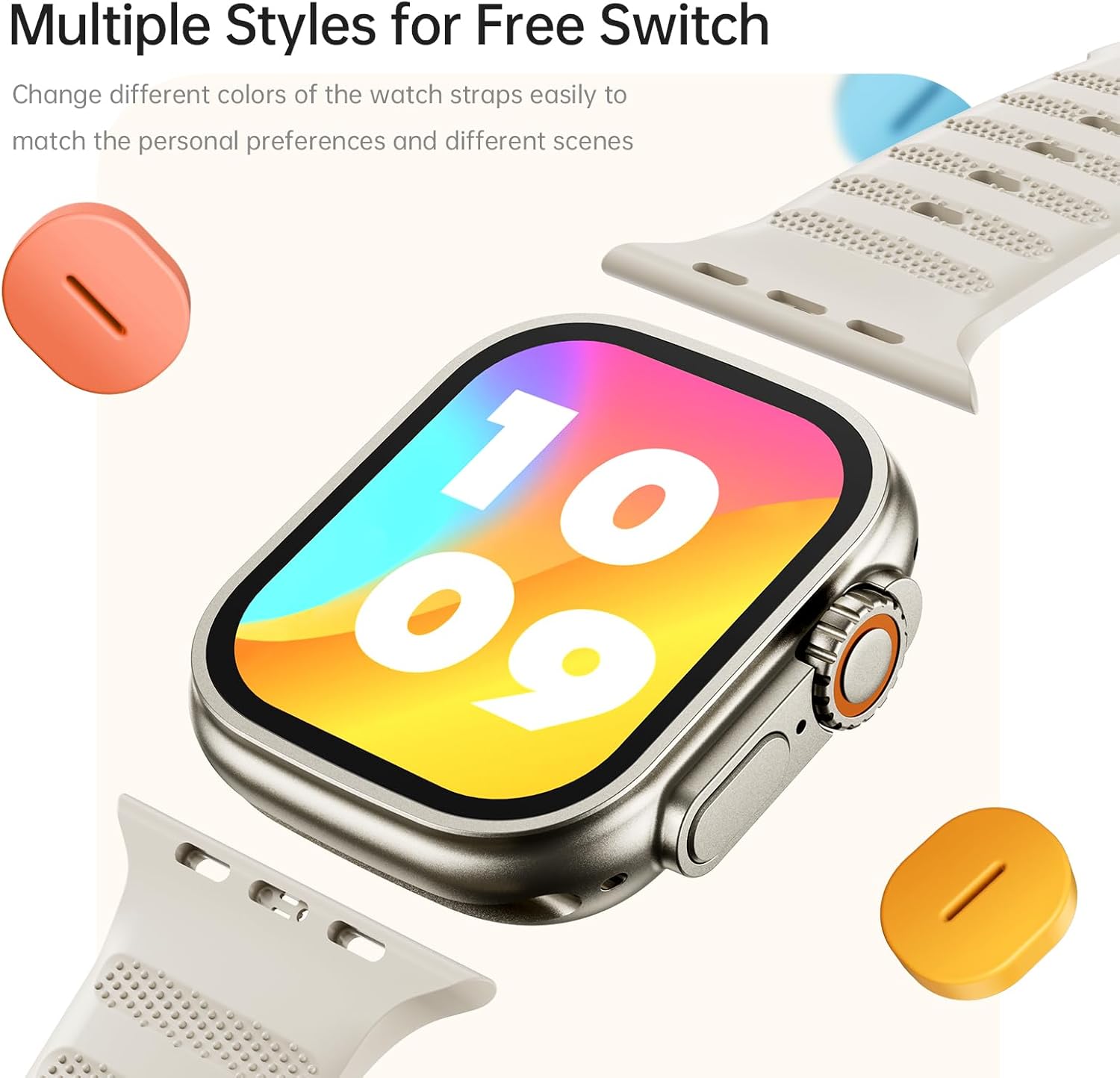
Image: The AWEI H37 Smartwatch shown with various colored straps, illustrating the option to change watch straps to match personal preferences and different occasions.
7. Maintenance
7.1 Cleaning the Device
- Wipe the watch and strap regularly with a soft, damp cloth.
- Do not use harsh chemicals, abrasive cleaners, or solvents.
- Ensure the charging contacts are clean and dry before charging.
7.2 Battery Care
- Avoid fully discharging the battery frequently.
- Charge the device using the provided charging cable.
- Store the device in a cool, dry place if not used for extended periods, with the battery partially charged.
7.3 Water Resistance
The AWEI H37 has an IP65 waterproof rating. This means it is protected against dust ingress and low-pressure water jets from any direction. It is suitable for daily use such as hand washing or light rain. However, it is not designed for swimming, showering with hot water, or exposure to seawater. Water damage caused by improper use is not covered under warranty.
8. Troubleshooting
| Problem | Possible Solution |
|---|---|
| Watch does not power on. | Ensure the watch is fully charged. Connect it to the charger for at least 30 minutes. |
| Cannot pair with smartphone. |
|
| Notifications are not received. |
|
| Inaccurate health data. |
|
| Short battery life. |
|
9. Specifications
| Feature | Detail |
|---|---|
| Model | H37 |
| Display Size | 2.01 Inches |
| Display Resolution | 360 x 360 pixels |
| Battery Capacity | 300 mAh |
| Charging Time | Approximately 2.5-3 hours |
| Typical Usage Time | 5-7 days |
| Standby Time | Up to 30 days |
| Waterproof Rating | IP65 |
| Connectivity | Bluetooth |
| Compatible OS | Android, iOS |
| Material | Zinc alloy (case) |
| Special Features | Multi-sport mode, One-touch Bluetooth calling, NFC Wireless Charging, Heart Rate Monitoring, Sleep Tracking, Sedentary Reminder, Female Physiological Cycle, Music Control, Remote Photography |
10. Warranty and Support
The AWEI H37 Smartwatch comes with a one-year warranty from the date of purchase. This warranty covers manufacturing defects under normal use. It does not cover damage caused by misuse, accidents, unauthorized repairs, or water damage from improper use (e.g., swimming or hot water exposure).
For warranty claims, technical support, or any questions regarding your device, please contact AWEI customer service through the contact information provided on the official AWEI website or your purchase platform. Please have your purchase receipt and product model number (H37) ready when contacting support.


