
1. Product Overview
The K&F CONCEPT MS09 is a versatile selfie stick and tripod designed for cameras and smartphones. It offers adjustable height, a robust load capacity, and a 360-degree rotating ball head for flexible shooting angles. Its compact and portable design makes it suitable for various photography needs.

Image: K&F CONCEPT MS09 Mini Tripod Selfie Stick overview.
Key Features:
- Adjustable Height: Extends up to 34 cm (13.4 inches) with 5-section legs for varied shooting requirements.
- Strong Load Capacity: Supports devices up to 2 kg (4.4 lbs).
- Broad Compatibility: Features a standard 1/4" screw mount for cameras and a phone holder for devices 2.2–3.74 inches wide.
- 360° Panoramic Shooting: Ball head allows 360° horizontal rotation and 90° vertical tilt.
- Stable & Portable Design: Equipped with a wide base, anti-slip silicone pads, reinforced tubes, and shock-absorbing rings. Weighs only 116g (4.1 oz).
- Bluetooth Remote: Includes a remote for effortless shooting from up to 10 meters, with quick pairing and up to 10 hours of continuous use.

Image: The MS09 tripod is compact and portable, weighing only 116g.
2. What's in the Box
Verify that all components are present in the package:
- Selfie Stick Tripod (1 unit)
- Phone Clip (1 unit)
- Bluetooth Remote Control (1 unit)

Image: Package contents of the K&F CONCEPT MS09.
3. Product Components
Familiarize yourself with the main parts of your MS09 Selfie Stick Tripod:
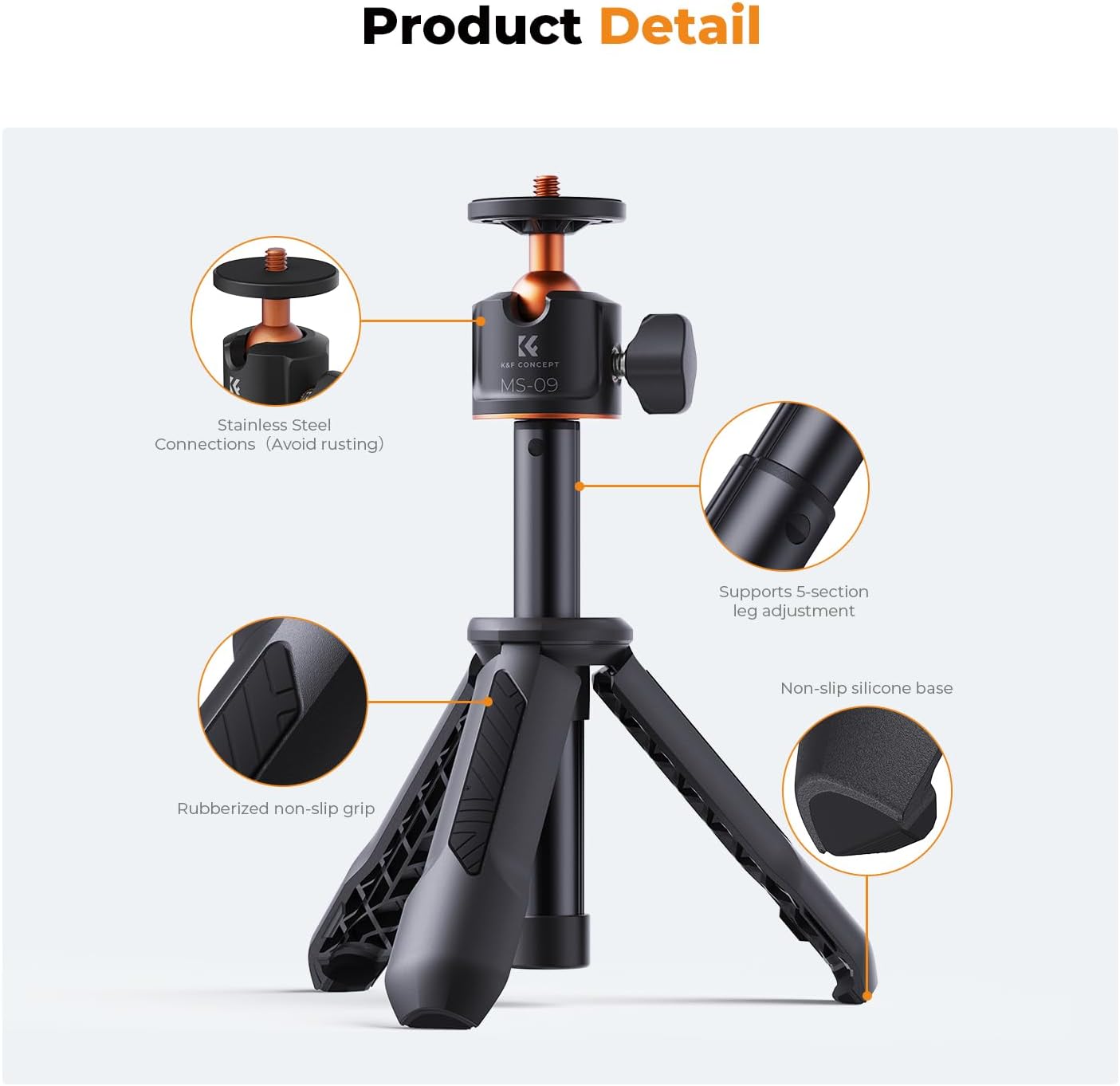
Image: Key components of the MS09 tripod.
- 1/4" Screw Mount: Universal screw for attaching cameras or the phone clip.
- Ball Head: Allows for 360° rotation and 90° tilt.
- Extension Rod: 5-section adjustable rod for height extension.
- Tripod Legs: Foldable legs with anti-slip silicone pads for stability.
- Handle/Grip: Ergonomic design for comfortable handheld use.
- Phone Clip: Adjustable clip to secure smartphones.
- Bluetooth Remote: Detachable remote for wireless control.
4. Setup Instructions
4.1 Attaching Your Device
- For Cameras: Screw your camera directly onto the 1/4" screw mount at the top of the tripod. Ensure it is securely tightened.
- For Smartphones: Attach the provided phone clip to the 1/4" screw mount. Open the phone clip and carefully insert your smartphone, ensuring it is centered and held firmly.

Image: Compatibility with 1/4" screw devices and phone holder.
4.2 Pairing the Bluetooth Remote
- Ensure the Bluetooth remote has a working AAA battery installed.
- Turn on the remote control (usually by pressing and holding a button until an indicator light flashes).
- On your smartphone, go to Bluetooth settings and search for available devices.
- Select the device named 'AB Shutter 3' or similar (refer to remote for exact name) to pair. No password is required.
- Once paired, the indicator light on the remote will stop flashing or show a steady light.

Image: Bluetooth remote control pairing process.
5. Operating Instructions
5.1 Switching Between Modes (Selfie Stick & Tripod)
The MS09 offers a two-in-one design, allowing seamless transition between selfie stick and tripod modes.
- Selfie Stick Mode: Keep the tripod legs folded together to form a comfortable handle. Extend the rod to your desired length.
- Tripod Mode: Unfold the three legs at the base until they are fully extended and stable on a flat surface.
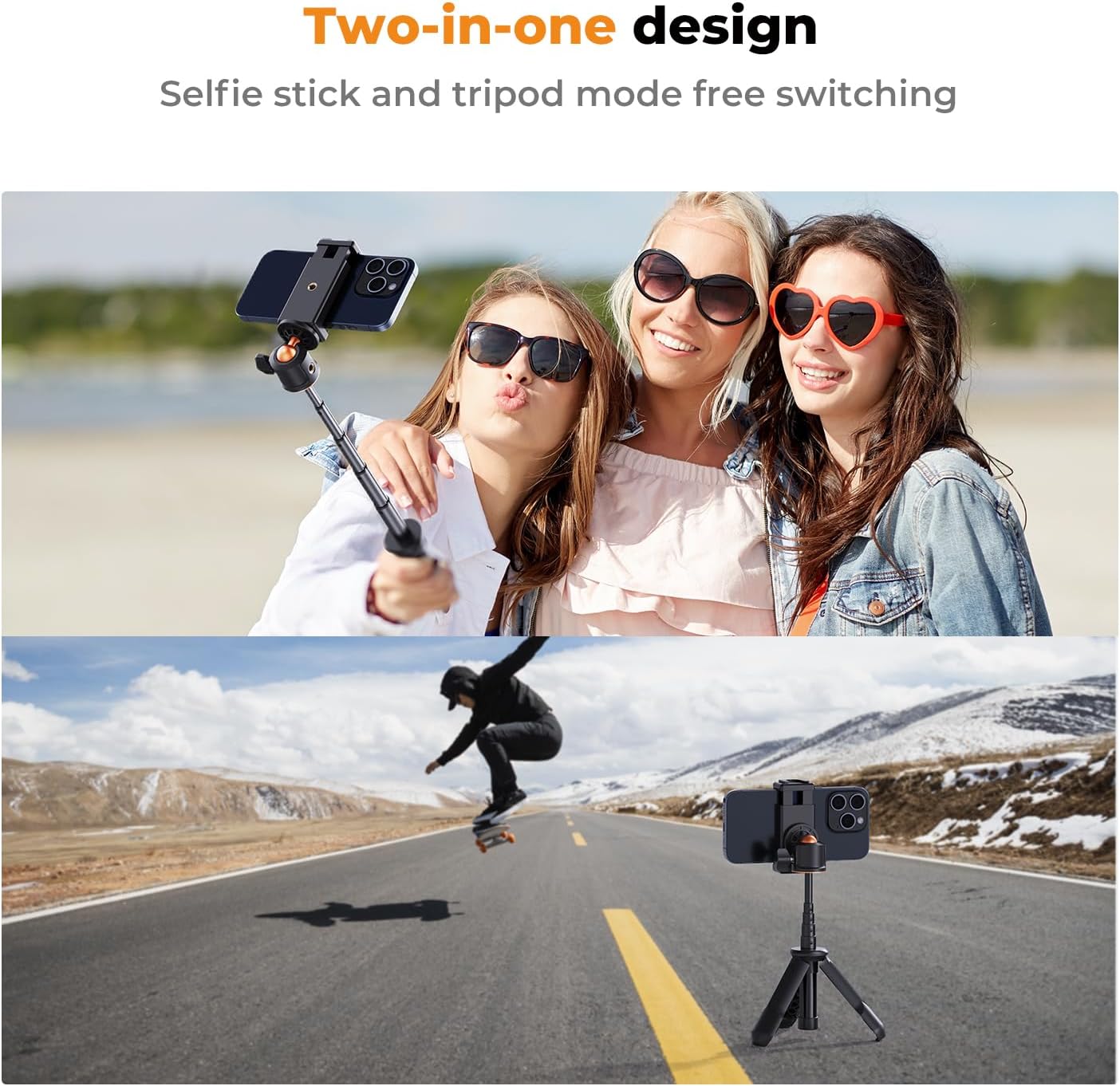
Image: Two-in-one design for selfie stick and tripod use.

Image: Instant selfies in handheld or remote mode.
5.2 Adjusting Height
The extension rod features 5 sections. To adjust the height:
- Gently pull the top section upwards to extend.
- Push down to retract. The sections will lock into place at various lengths, from 13cm (5.11in) to 34cm (13.38in).

Image: Adjustable height from 13cm to 34cm.
5.3 Adjusting Shooting Angle
The integrated ball head allows for precise angle adjustments:
- Loosen the locking knob on the side of the ball head.
- Adjust your device to the desired horizontal (360°) or vertical (90°) angle.
- Tighten the locking knob to secure the position.

Image: 360° ball head for full coverage.
5.4 Using the Bluetooth Remote
Once paired, simply press the button on the Bluetooth remote to trigger your device's camera shutter. This allows for remote photography and video recording from a distance of up to 10 meters.
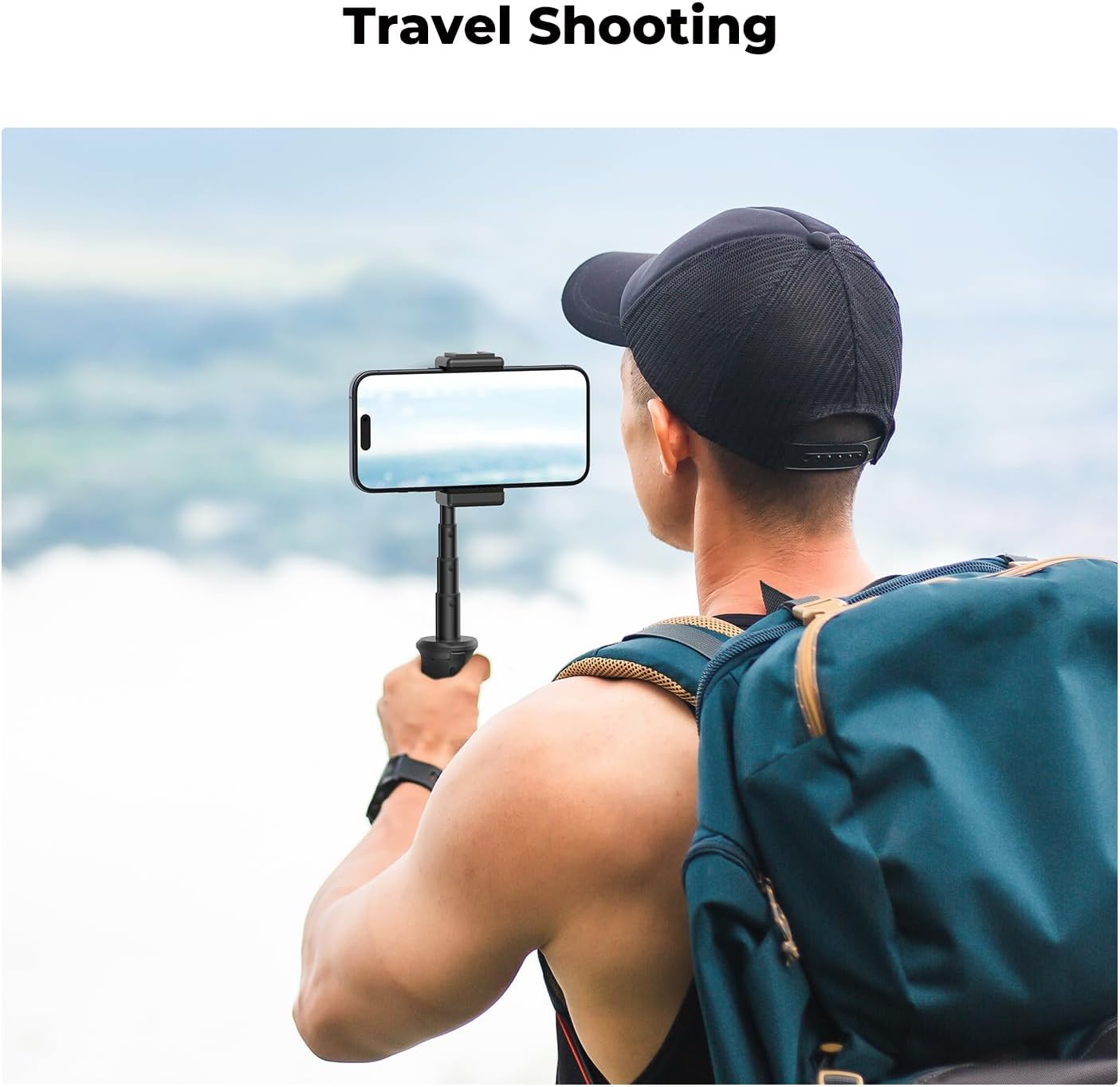
Image: The MS09 is ideal for travel shooting.
6. Maintenance
- Cleaning: Wipe the tripod and remote with a soft, dry cloth. Avoid using harsh chemicals or abrasive materials.
- Storage: Store the tripod in a cool, dry place away from direct sunlight and extreme temperatures. Ensure it is fully retracted and the legs are folded for compact storage.
- Battery Replacement: If the Bluetooth remote's indicator light does not turn on or it fails to pair, replace the AAA battery.
- Load Capacity: Do not exceed the maximum load capacity of 2kg (4.4 lbs) to prevent damage to the tripod and your device.
7. Troubleshooting
- Remote Not Pairing:
- Ensure the remote is turned on and within 10 meters of your device.
- Check if the remote's battery needs replacement.
- Delete the remote from your device's Bluetooth history and attempt to re-pair.
- Tripod Instability:
- Ensure the tripod legs are fully extended and placed on a flat, stable surface.
- Verify that your device's weight does not exceed the 2kg (4.4 lbs) load capacity.
- Check that the ball head locking knob is securely tightened.
- Extension Rod Not Extending/Retracting Smoothly:
- Ensure no debris is lodged in the rod sections.
- Avoid forcing the rod; it should extend and retract with moderate effort.
8. Specifications
| Feature | Specification |
|---|---|
| Model Name | MS09 |
| Item Weight | 116 Grams (4.1 ounces) |
| Weight Limit | 2 Kilograms (4.4 lbs) |
| Maximum Height | 34 Centimeters (13.4 inches) |
| Material | Aluminum |
| Special Feature | Foldable |
| Tripod Head Type | Ball Heads |
| Bluetooth Remote Battery | 1 AAA battery (included) |
| Phone Clip Compatibility | Devices 2.2–3.74 inches wide |
9. Warranty Information
Warranty information for the K&F CONCEPT MS09 Selfie Stick Tripod is not provided in the available product data. Please refer to the product packaging or the official K&F CONCEPT website for detailed warranty terms and conditions.
10. Support
Specific customer support contact information is not provided in the available product data. For assistance, please visit the official K&F CONCEPT website or contact the retailer where the product was purchased.
You can visit the K&F CONCEPT store at: K&F CONCEPT Store