
TOZO NC9
TOZO NC9 Hybrid Active Noise Cancelling Wireless Earbuds User Manual
Model: NC9
Introduction
The TOZO NC9 Hybrid Active Noise Cancelling Wireless Earbuds are designed to provide a superior audio experience with advanced noise cancellation, clear call quality, and a comfortable fit. This manual provides detailed instructions for setting up, operating, maintaining, and troubleshooting your earbuds.
What's in the Box
- TOZO Hybrid Active Noise Cancelling Wireless Earbuds
- Charging Case
- Eartips (multiple sizes)
- USB-C (A to C) cable (20cm)
- User Manual
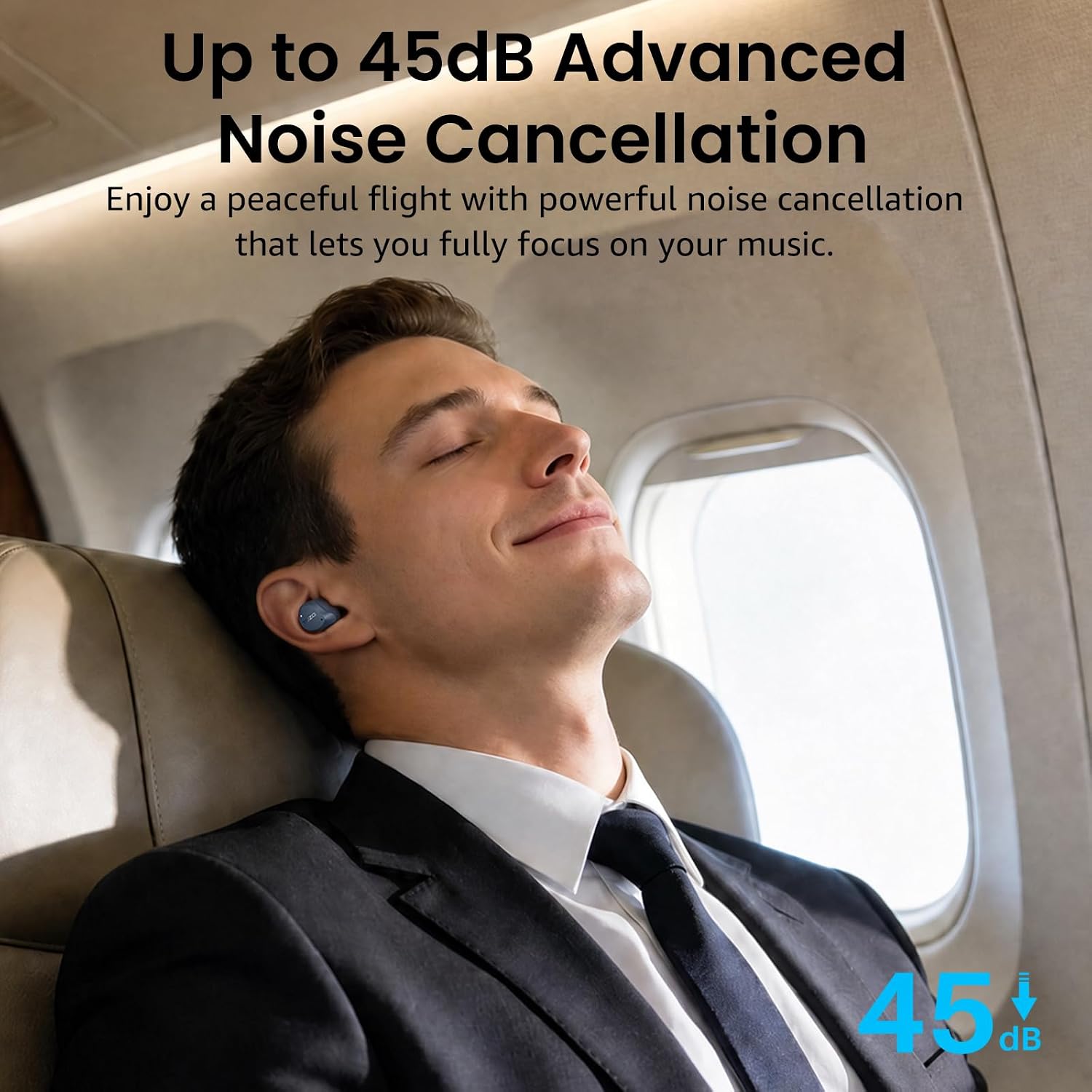
Image: The TOZO NC9 earbuds, charging case, and accessories as packaged.
Setup
1. Initial Charging
Before first use, fully charge the earbuds and charging case. Connect the provided USB-C cable to the charging case and a power source. The LED display on the case will indicate the battery level. A full charge takes approximately 1.5 hours.

Image: The TOZO NC9 charging case displaying battery percentage.
2. Pairing with Your Device
- Open the charging case. The earbuds will automatically enter pairing mode.
- On your device (smartphone, tablet, laptop), enable Bluetooth.
- Search for "TOZO NC9" in the list of available Bluetooth devices and select it to connect.
- Once connected, you will hear an audio prompt, and the earbuds will be ready for use.
The earbuds support Bluetooth 5.3 for a stable connection up to 15 meters (approximately 49 feet).

Image: Visual representation of Bluetooth 5.3 connectivity for the TOZO NC9 earbuds.
3. Optimal Fit
For the best audio quality and noise cancellation, select the eartips that provide a secure and comfortable seal in your ear canal. The NC9 comes with six sizes of replaceable earcaps. Experiment with different sizes to find your ideal fit.

Image: A user demonstrating the comfortable fit of the TOZO NC9 earbuds.
Operating Instructions
Touch Controls
The TOZO NC9 earbuds feature intuitive touch controls for managing audio playback, calls, and noise cancellation modes.
| Action | Left Earbud | Right Earbud |
|---|---|---|
| Play/Pause | Single Tap | Single Tap |
| Volume Up | N/A | Hold |
| Volume Down | Hold | N/A |
| Next Track | N/A | Double Tap |
| Previous Track | Double Tap | N/A |
| Answer/End Call | Single Tap | Single Tap |
| Reject Call | Hold (2 seconds) | Hold (2 seconds) |
| Switch ANC/Transparency Mode | Triple Tap | Triple Tap |
| Activate Voice Assistant | Quadruple Tap | Quadruple Tap |
Active Noise Cancellation (ANC) and Transparency Mode
The NC9 earbuds offer Hybrid Active Noise Cancellation up to 45dB to reduce ambient noise, allowing you to focus on your audio. Transparency Mode allows you to hear your surroundings without removing the earbuds, enhancing safety and convenience.
- ANC On: Reduces external noise for an immersive listening experience.
- Transparency Mode: Amplifies ambient sounds, useful for conversations or awareness of your environment.
- Normal Mode: Standard audio playback without noise cancellation or transparency.
Switch between these modes by triple-tapping either earbud.

Image: A user experiencing noise cancellation with TOZO NC9 earbuds.
TOZO App Customization
Enhance your audio experience by downloading the TOZO app. The app provides access to 32 preset EQ options, custom EQ adjustments, and various noise cancellation modes. You can also explore user-shared EQ settings.

Image: The TOZO app interface for sound customization.
Call Functions
The earbuds are equipped with 6 microphones and Environmental Noise Cancellation (ENC) technology for clear calls, even in noisy environments. Your voice will be transmitted clearly while background sounds are minimized.

Image: A user making a clear call with TOZO NC9 earbuds.
Water Resistance
The TOZO NC9 earbuds are IPX8 waterproof, meaning they can withstand sweat, rain, and accidental splashes. This makes them suitable for workouts and outdoor activities. The charging case is not waterproof.

Image: TOZO NC9 earbuds demonstrating IPX8 water resistance.
Maintenance
- Cleaning: Regularly clean the earbuds and charging contacts with a dry, soft cloth. Remove eartips and clean them with mild soap and water, then dry thoroughly before reattaching.
- Storage: Store the earbuds in their charging case when not in use to protect them and ensure they remain charged. Avoid extreme temperatures.
- Battery Care: To prolong battery life, avoid fully discharging the earbuds and charging case frequently. Charge them regularly, even if not in constant use.
Troubleshooting
If you encounter issues with your TOZO NC9 earbuds, refer to the following common solutions:
- Earbuds not charging:
- Ensure the charging cable is securely connected to both the case and the power source.
- Verify that the charging contacts on the earbuds and inside the case are clean and free of debris.
- Check the charging case battery level.
- Earbuds not pairing/connecting:
- Make sure Bluetooth is enabled on your device and the earbuds are in pairing mode (open case).
- Forget "TOZO NC9" from your device's Bluetooth list and attempt to pair again.
- Ensure the earbuds are sufficiently charged.
- Try resetting the earbuds (refer to the full user guide for specific reset instructions if available, otherwise, place them in the case, close, and reopen).
- No sound or low volume:
- Adjust the volume on both your device and the earbuds.
- Ensure the earbuds are properly seated in your ears to create a good seal.
- Check if the earbuds are connected to the correct device.
- Noise cancellation not effective:
- Ensure you have selected the correct eartip size for a tight seal.
- Verify that Active Noise Cancellation mode is enabled (not Transparency or Normal mode).
For further assistance, consult the official TOZO support resources.
Specifications
| Model Name | NC9 |
| Brand | TOZO |
| Connectivity Technology | Wireless (Bluetooth 5.3) |
| Bluetooth Range | Up to 20 meters |
| Ear Placement | In Ear |
| Noise Control | Active Noise Cancellation (Hybrid) |
| Water Resistance Level | IPX8 (Earbuds only) |
| Battery Life (ANC Off) | Up to 14 hours (single charge), 60 hours (with charging case) |
| Battery Life (ANC On) | Up to 10 hours (single charge), 40 hours (with charging case) |
| Battery Charge Time | 1.5 hours |
| Audio Driver Size | 10 millimeters |
| Frequency Response | 20 Hz - 20,000 Hz |
| Impedance | 32 ohm |
| Sensitivity | 120 dB |
| Item Weight | 0.01 kg (per earbud) |
| Carrying Case Weight | 33.2 g |
Warranty and Support
TOZO provides a warranty for its products. For specific warranty details and to register your product, please visit the official TOZO website or refer to the warranty information included in your product packaging.
For technical support, troubleshooting assistance, or customer service inquiries, please contact TOZO customer support through their official channels. You can often find support contact information on the TOZO website or within the TOZO app.
Official TOZO Store: TOZO Store on Amazon
Official Product Videos
TOZO ANC Wireless Earbuds Overview
Video: An official overview of the TOZO ANC Wireless Earbuds, demonstrating key features and design. This video is provided by the seller, Worgo.
Related documentsNC9


Ask a question about this manual
Ask about setup, troubleshooting, compatibility, parts, safety, or missing instructions. Manuals+ will review the question and use this page’s manual context to help answer it.