
1. Introduction
Thank you for choosing the Retevis NR630 Walkie Talkie. This device is designed for reliable and efficient communication in various environments. Featuring IP67 waterproofing, long-range capabilities, and intelligent noise reduction, the NR630 is suitable for professional and recreational use. Please read this manual carefully to ensure proper operation and maintenance of your device.

Figure 1: Retevis NR630 Walkie Talkie
2. Package Contents
Upon unpacking, please verify that all items listed below are included and in good condition. If any items are missing or damaged, contact your retailer.
- 3 x Retevis Walkie Talkie
- 3 x Antenna
- 3 x Hand Strap
- 3 x Type-C Charging Cable
- 3 x Belt Clip
- 3 x Charging Base
- 3 x User Manual

Figure 2: Package Contents
3. Product Features
- Long Range Communication: Designed for adults, this walkie-talkie features a high-gain long antenna, high power, and strong penetration to efficiently achieve long-distance communication.
- IP67 Waterproof and Dustproof: The transceiver is professionally waterproof and dustproof, capable of being submerged in 1 meter of water for 30 minutes. This allows for reliable operation in harsh environments.
- Intelligent Noise Reduction: Equipped with an independent noise reduction chip, this technology effectively filters out ambient noise, ensuring clear voice transmission and reception, unlike standard squelch functions.
- One-Key Group Call: The one-key group call function facilitates efficient multi-sector cooperation and improves overall work efficiency.
- Long Battery Life (2800 mAh): Equipped with a large 2800 mAh battery, the radio supports high-intensity daily use, ensuring reliable communication throughout your workday.
- Sturdy and Durable Design: Built to withstand demanding conditions, ensuring longevity and reliability.
- Emergency Alarm: Features a dedicated emergency alarm function for local and remote alerts, enhancing user safety.

Figure 3: Wide Range Communication

Figure 4: IP67 Waterproof Feature

Figure 5: Noise Reduction Technology

Figure 6: One-Key Group Call Function

Figure 7: 2800 mAh Battery
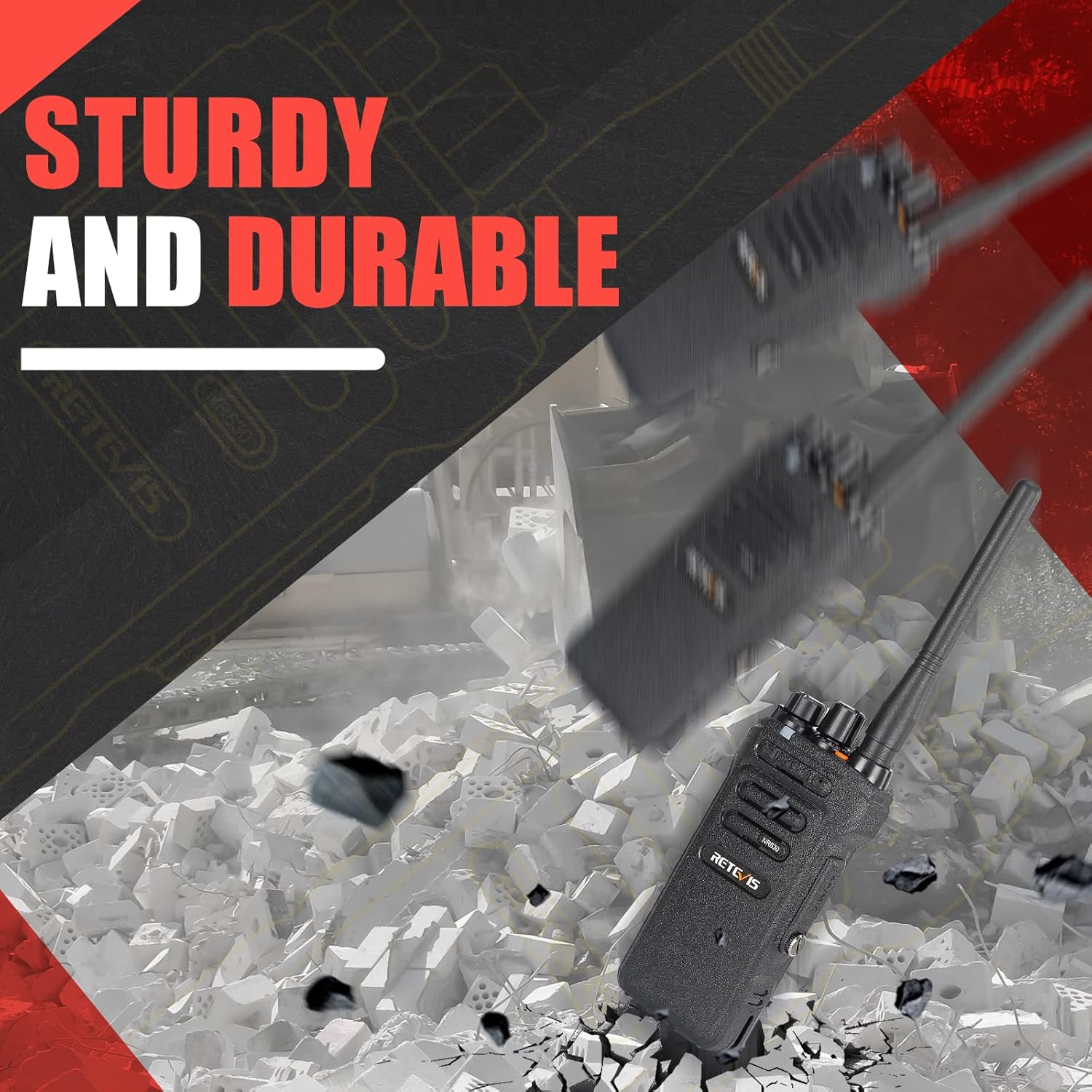
Figure 8: Sturdy and Durable Construction

Figure 9: Emergency Alarm Button
4. Setup
4.1. Battery Installation and Charging
- Ensure the walkie-talkie is powered off.
- Align the battery with the compartment on the back of the radio and slide it into place until it clicks securely.
- To charge, place the walkie-talkie in the charging base. Connect the Type-C charging cable to the base and a suitable power source. The indicator light on the base will show charging status.
- A full charge typically takes several hours. Do not overcharge the battery.
4.2. Antenna Attachment
- Screw the antenna clockwise into the connector on the top of the walkie-talkie until it is firmly seated. Do not overtighten.
4.3. Belt Clip Attachment
- Attach the belt clip to the designated slots on the back of the walkie-talkie using the provided screws.
5. Operating Instructions
5.1. Power On/Off and Volume Control
- To power on, rotate the Power/Volume Knob clockwise until you hear a click and a tone.
- To power off, rotate the Power/Volume Knob counter-clockwise until you hear a click.
- Adjust the volume by rotating the Power/Volume Knob. Clockwise increases volume, counter-clockwise decreases it.
5.2. Channel Selection
- Rotate the Channel Selector Knob (usually the top-most knob) to select the desired channel. Ensure all radios in your group are on the same channel for communication.
5.3. Transmitting and Receiving
- To transmit, press and hold the Push-to-Talk (PTT) button on the side of the radio. Speak clearly into the microphone.
- Release the PTT button to receive.
5.4. Group Call Function
The NR630 supports a one-key group call function. Consult the full programming software for detailed setup of group call channels and members.
5.5. Emergency Alarm
To activate the emergency alarm, briefly press the designated Emergency Alarm button (often an orange button on top or side). This will trigger both local and remote alarms.
5.6. CTCSS/DCS Deactivation
The device supports CTCSS/DCS deactivation for compatibility with various walkie-talkies. Refer to the programming guide for specific steps to disable these tones if needed.
6. Maintenance
6.1. General Care
- Keep the radio dry. If it gets wet, wipe it immediately.
- Do not expose the radio to extreme temperatures.
- Avoid dropping or subjecting the radio to strong impacts.
- Clean the radio's exterior with a soft, damp cloth. Do not use harsh chemicals or solvents.
6.2. Battery Care
- Charge the battery fully before initial use.
- Do not store the battery in a fully charged or completely discharged state for extended periods.
- Replace the battery if its operating time significantly decreases.
7. Troubleshooting
| Problem | Possible Cause | Solution |
|---|---|---|
| No power | Battery discharged or improperly installed. | Charge the battery or re-install it correctly. |
| Cannot communicate with other radios | Different channels, CTCSS/DCS settings, or out of range. | Ensure all radios are on the same channel and have matching CTCSS/DCS settings. Check range. |
| Poor audio quality | Low battery, antenna loose, or interference. | Charge battery, check antenna connection, move to an area with less interference. |
| Radio continuously transmits | PTT button stuck or faulty. | Check PTT button. If stuck, try to free it. If faulty, contact support. |
8. Specifications
| Feature | Specification |
|---|---|
| Brand | Retevis |
| Model | NR630 |
| Product Dimensions | 24.7 x 18 x 6 cm; 550 grams |
| Batteries | 3 Lithium Ion batteries required (included) |
| Hardware Interface | USB |
| Compatible Devices | Various two-way devices and accessories |
| Additional Features | 2800 mAh, Noise Cancellation, Group Call, IP67 Waterproof, Long Range |
| Number of Items | 3 |
| Noise Level | 40 Decibels |
| Voltage | 7.4 Volts |
| Battery Cell Composition | Lithium Ion |
| Connector Type | USB |
| Water Resistance Level | Waterproof |
| Number of Channels | 16 |
| Frequency Spectrum | 400-430 MHz |
| Maximum Talk Range | 7 Kilometers |
9. Warranty and Support
For warranty information and technical support, please refer to the documentation included with your purchase or visit the official Retevis website. Keep your purchase receipt as proof of purchase for warranty claims.


