
1. Introduction
The BioLite Charge 100 Max is a high-performance portable power bank designed to provide fast and flexible charging for multiple personal electronic devices. With its robust battery capacity and versatile charging ports, it ensures your devices remain powered on the go.

Figure 1: BioLite Charge 100 Max Portable Charger. This image displays the compact, grey and orange power bank with its various ports and wireless charging pad.
2. Key Features
- High-performance 25,000mAh power bank with 100W laptop charging.
- Simultaneously charge up to five devices with efficient multi-device power.
- Equipped with high-speed 100W USB-C ports for rapid charging.
- 120W total power output for simultaneous charging without slowing performance.
- Recharges from empty to full in just 90 minutes.
- Features MagSafe wireless charging, USB-C PD, and USB-A ports.
- FAA carry-on compliant with a capacity under 100Wh.
3. Setup
3.1 Initial Charge
Before first use, fully charge your BioLite Charge 100 Max. The device recharges from empty to full in approximately 90 minutes using a compatible 100W USB-C power adapter (not included).
3.2 Identifying Ports
Familiarize yourself with the available ports:
- USB-C PD Ports: For high-speed input and output, supporting up to 100W.
- USB-A Ports: For standard USB device charging.
- Wireless Charging Pad: Located on the top surface for MagSafe compatible devices.
4. Operating Instructions
4.1 Charging Your Devices
Connect your electronic devices to the appropriate ports on the BioLite Charge 100 Max. The power bank supports simultaneous charging of up to five devices.
- USB-C Devices: Use a USB-C to USB-C cable to connect your laptop, tablet, or smartphone to one of the USB-C PD ports.
- USB-A Devices: Use a USB-A cable to connect your smartphone, earbuds, or smartwatch to a USB-A port.
- Wireless Charging: Place your MagSafe compatible device directly onto the wireless charging pad on the top surface of the power bank. Ensure proper alignment for optimal charging.

Figure 2: The BioLite Charge 100 Max simultaneously charging a laptop, smartphone, and wireless earbuds, demonstrating its multi-device capability.
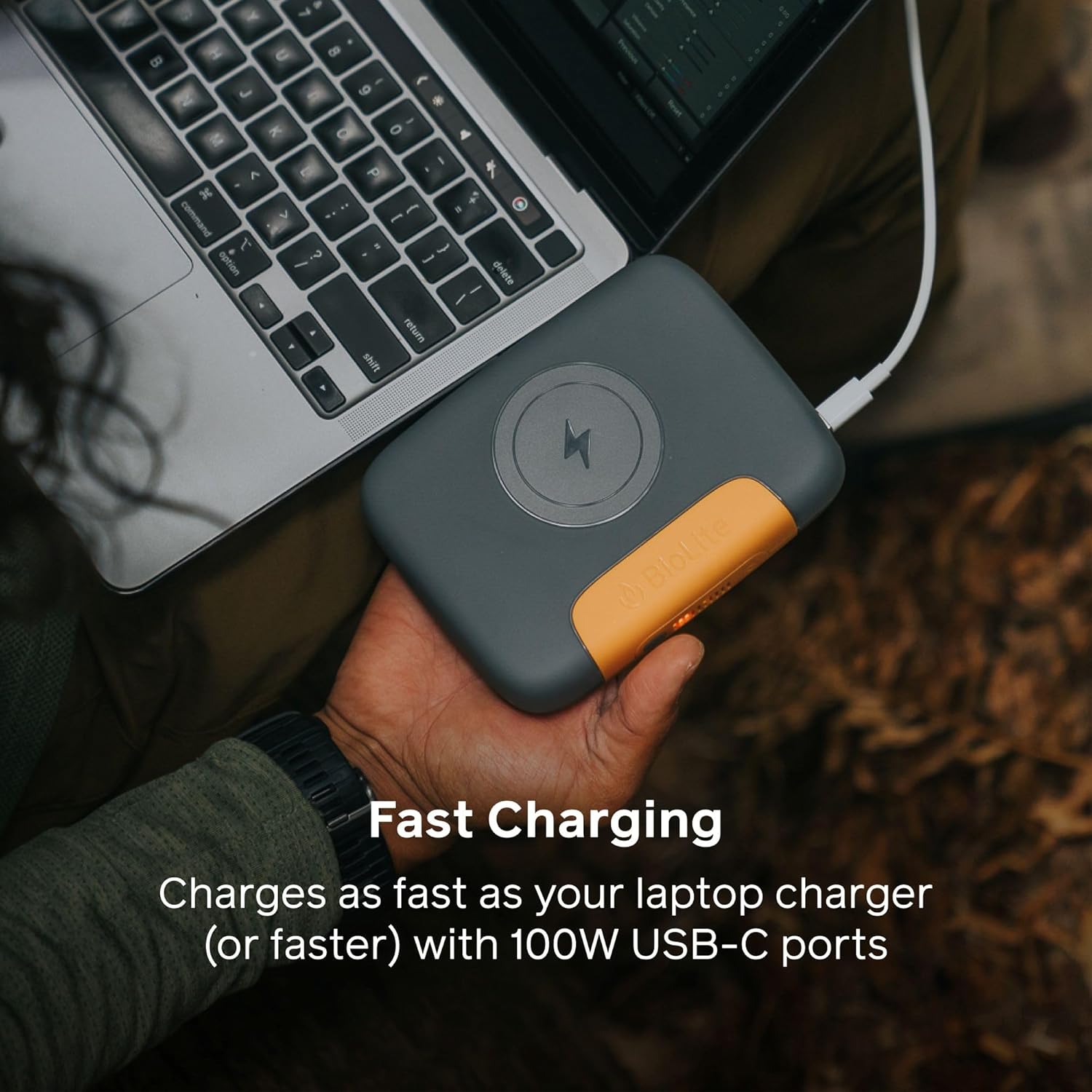
Figure 3: The BioLite Charge 100 Max providing fast charging to a laptop via its 100W USB-C port.

Figure 4: A smartphone wirelessly charging on the magnetic pad of the BioLite Charge 100 Max.
4.2 Checking Battery Level
The integrated digital display shows the remaining battery percentage of the Charge 100 Max. Press the power button to activate the display and view the current charge status.
5. Recharging the Power Bank
To recharge your BioLite Charge 100 Max, connect a compatible USB-C power adapter (not included) to one of the USB-C PD input ports. The digital display will indicate charging progress. A full recharge from empty takes approximately 90 minutes.
Video 1: Official BioLite video demonstrating the features and usage of the Charge 100 Max power bank, including its charging capabilities.
6. Safety Information
- FAA Compliant: The BioLite Charge 100 Max is FAA carry-on compliant with a capacity under 100Wh, making it suitable for air travel.
- Avoid Extreme Temperatures: Do not expose the device to extreme heat or cold.
- Water Exposure: Keep the power bank dry. Avoid exposure to water or excessive moisture.
- Physical Damage: Do not drop, puncture, or disassemble the device.
- Proper Use: Use only with compatible charging cables and devices.
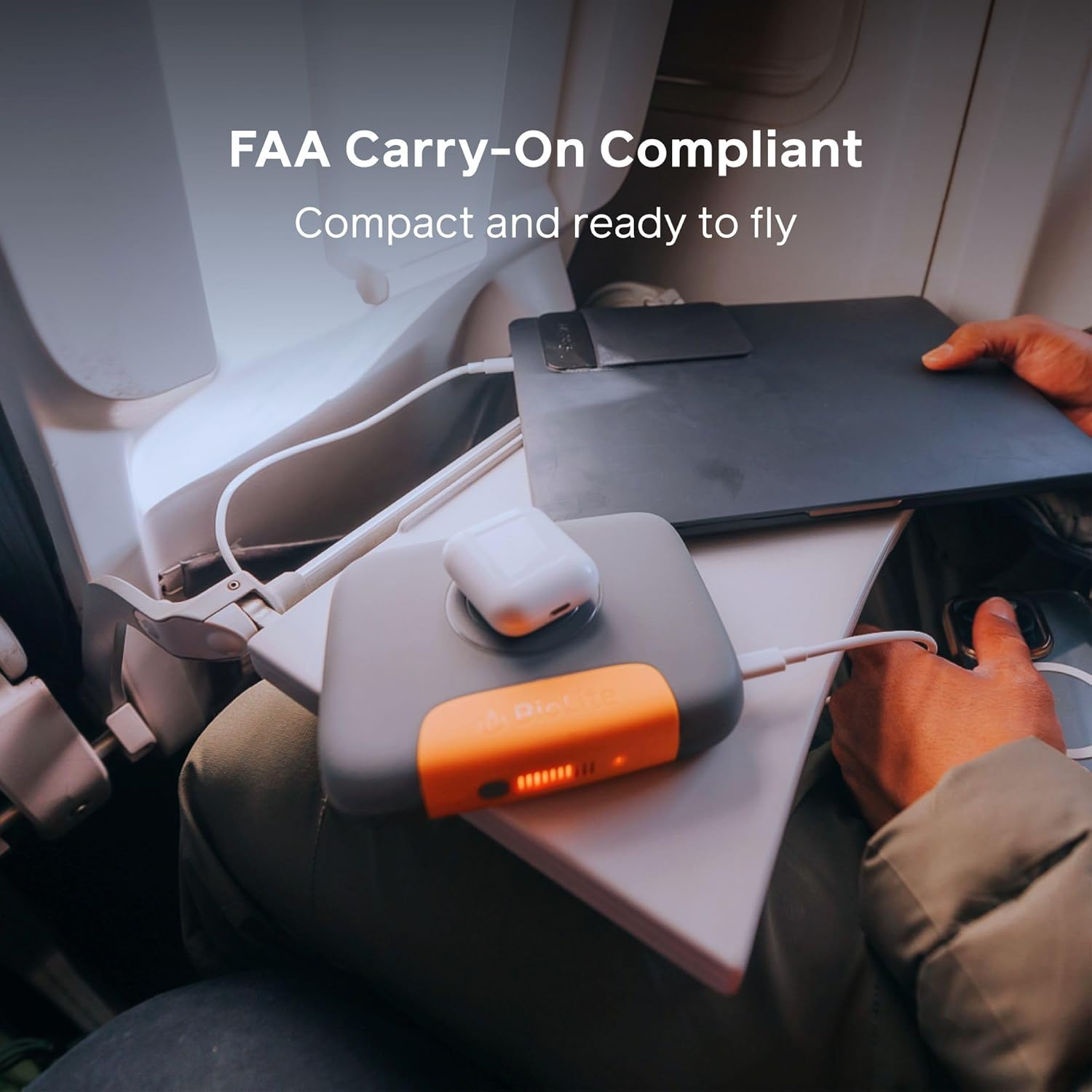
Figure 5: The BioLite Charge 100 Max being used on an airplane tray table, highlighting its FAA compliance and portability for travel.
7. Maintenance
- Cleaning: Wipe the device with a soft, dry cloth. Avoid using harsh chemicals or abrasive materials.
- Storage: Store the power bank in a cool, dry place away from direct sunlight and extreme temperatures.
- Battery Health: For optimal battery longevity, avoid fully discharging the power bank frequently. Recharge it regularly, even if not in constant use.
8. Troubleshooting
- Device Not Charging: Ensure the power bank is sufficiently charged. Check that cables are securely connected to both the power bank and your device. Verify device compatibility.
- Power Bank Not Recharging: Confirm the USB-C power adapter is functioning correctly and connected to a live power outlet. Try a different USB-C cable.
- Slow Charging: Ensure you are using appropriate cables for fast charging. Some devices or cables may limit charging speed.
9. Specifications
| Product Dimensions | 5.51 x 4.41 x 1.38 inches |
| Item Weight | 1.65 pounds |
| Item Model Number | CBD0100 |
| Batteries | 1 Lithium Ion batteries required (included) |
| Manufacturer | BioLite |
| Connector Type | USB Type C |
| Brand | BioLite |
| Battery Capacity | 25000 Milliamp Hours |
| Color | Grey & Orange |
| Special Feature | Slim |
10. Warranty & Support
For warranty information and customer support, please refer to the official BioLite website or contact their customer service directly. Details can typically be found in the product packaging or on the manufacturer's support pages.

