
1. Introduction
Welcome to the user manual for your new Infinix Zero 40 5G smartphone. This guide provides essential information to help you set up, operate, maintain, and troubleshoot your device. Please read this manual carefully to ensure optimal performance and longevity of your smartphone.
2. What's in the Box
Your Infinix Zero 40 5G package includes the following components:
- Infinix Zero 40 5G Device
- Power Adapter
- Headphones
- Protective Case
- Screen Protector
3. Device Overview
Familiarize yourself with the physical features and key components of your Infinix Zero 40 5G.
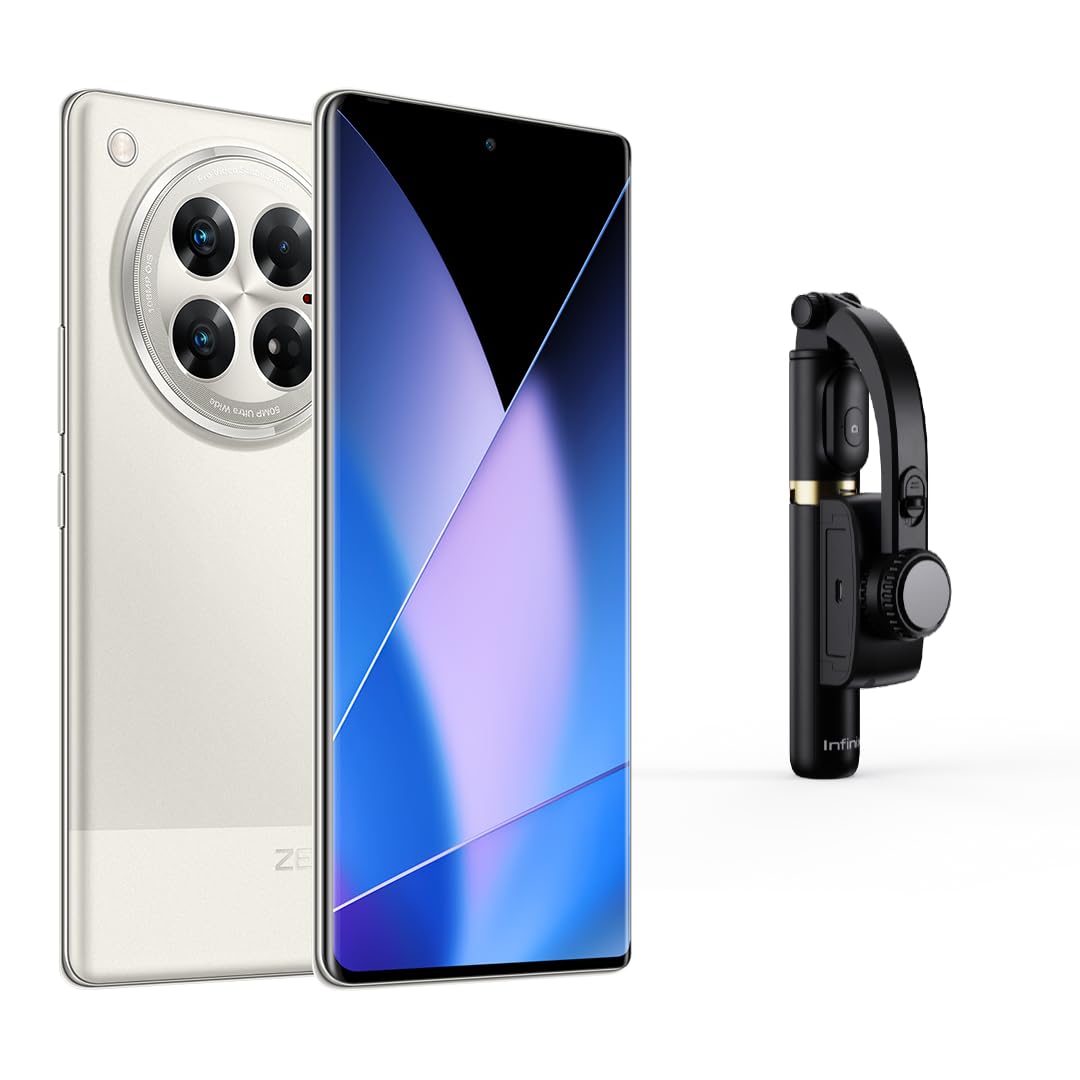
Figure 3.1: Front view of the Infinix Zero 40 5G, showcasing the curved AMOLED display and front camera cutout.
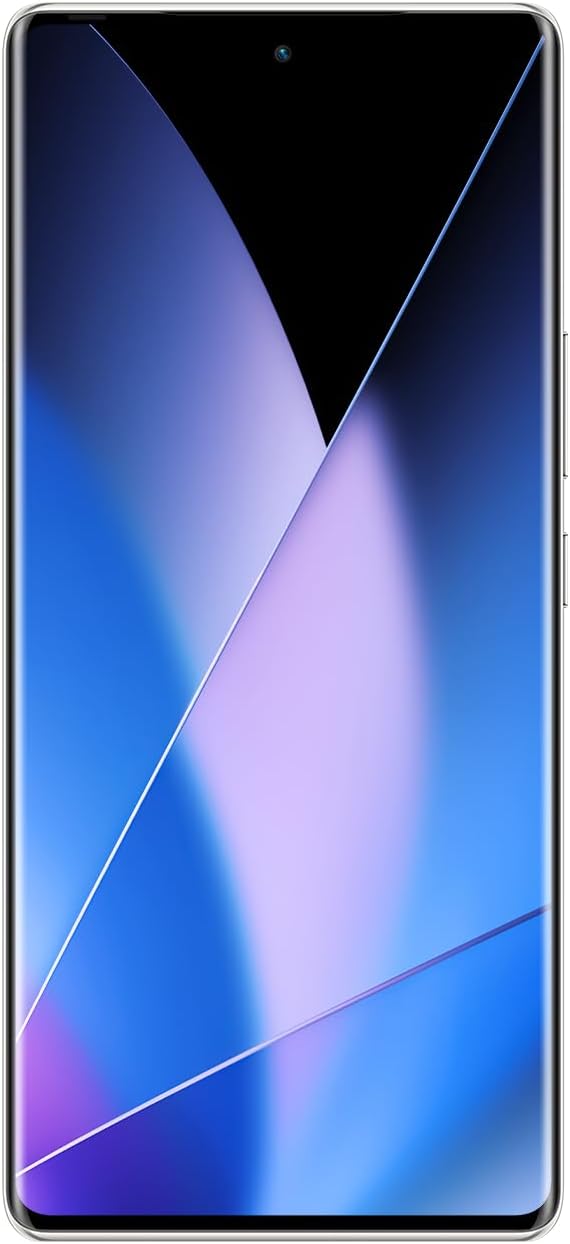
Figure 3.2: Rear view of the Infinix Zero 40 5G, highlighting the camera module and 'ZERO' branding.

Figure 3.3: Side view of the Infinix Zero 40 5G, showing the power and volume buttons.

Figure 3.4: Top/Bottom view of the Infinix Zero 40 5G, illustrating the USB Type-C port and headphone jack.
4. Setup
4.1. SIM Card Installation
- Locate the SIM card tray on the side of your device.
- Insert the SIM ejector tool into the small hole next to the tray and push gently until the tray pops out.
- Place your Nano SIM card(s) into the designated slots on the tray. This device supports Dual SIM.
- Carefully reinsert the SIM tray into the device.
4.2. Initial Power On
Press and hold the Power button until the Infinix logo appears. Follow the on-screen instructions to complete the initial setup, including language selection, Wi-Fi connection, and Google account setup.
4.3. Biometric Security
Your Infinix Zero 40 5G features Face Recognition for quick and secure unlocking. During initial setup or via device settings, you can configure this feature. Ensure your face is well-lit and clear for optimal performance.
5. Operating Instructions
5.1. Operating System
The Infinix Zero 40 5G runs on Android 14, offering a user-friendly interface and access to a wide range of applications through the Google Play Store.
5.2. Display
The device features a 6.78-inch 3D Curved AMOLED display with a 144Hz refresh rate and a resolution of 1920 x 1080 pixels, providing a smooth and vibrant visual experience.
5.3. Performance
Powered by the D8200 Ultimate 5G processor with a CPU speed of 3.1 GHz, and equipped with 12GB of RAM (expandable to 24GB), the Zero 40 5G delivers robust performance for gaming, multimedia, and multitasking. It includes 512GB of internal storage.
5.4. Connectivity
The device supports 5G cellular technology, Wi-Fi, and features a USB Type-C connector for charging and data transfer. It also includes integrated GPS for navigation and mobile hotspot capability.
6. Camera Features
Capture high-quality photos and videos with the advanced camera system of your Infinix Zero 40 5G.
6.1. Rear Camera
The main rear camera boasts a 108MP sensor with OIS (Optical Image Stabilization) and supports 4K video recording. It features Pro-Stable Video for smooth footage.
6.2. Front Camera
The front-facing camera has a 50MP sensor, ideal for high-resolution selfies and video calls.
6.3. Shooting Modes
Explore various shooting modes to enhance your photography:
- Video Blog
- AI Cam with Wide Shot
- Portrait
- Super Night with Wide Shot
- Time-lapse with Wide Shot
- Slow Motion
- Dual Video
- Sky Shop
- Long Exposure
- Documents
- AR Shot
- Pro Mode
- Super Macro
- Panorama
- Google Lens Integration
- Ultra Steady Mode
The camera also features an LED flash for low-light conditions.
7. Maintenance
7.1. Battery Care
The device is equipped with a 5000 mAh Lithium-ion battery, offering up to 50 hours of talk time. To prolong battery life:
- Use the original charger and cable for fast and wireless charging.
- Avoid extreme temperatures.
- Do not let the battery drain completely regularly.
7.2. Water Resistance
The Infinix Zero 40 5G is water-resistant. However, it is not waterproof. Avoid submerging the device in water or exposing it to high-pressure water jets. Liquid damage is not covered under warranty.
7.3. General Care
- Keep your device clean using a soft, dry cloth.
- Avoid dropping the device or exposing it to strong impacts.
- Regularly update the software to ensure optimal performance and security.
8. Troubleshooting
If you encounter issues with your device, try the following general troubleshooting steps:
- Restart the device: A simple restart can resolve many minor software glitches.
- Check for software updates: Ensure your device is running the latest software version.
- Clear app cache: If an app is misbehaving, try clearing its cache in Settings > Apps.
- Factory reset: As a last resort, you can perform a factory reset (back up your data first).
For more complex issues, please contact Infinix customer support.
9. Specifications
| Feature | Specification |
|---|---|
| Brand | Infinix |
| Model Name | Zero 40 |
| Operating System | Android 14 |
| Installed RAM | 12 GB (Extended to 24 GB) |
| CPU Speed | 3.1 GHz |
| Memory Storage Capacity | 512 GB |
| Screen Size | 6.78 inches |
| Display Type | AMOLED |
| Resolution | 1920 x 1080 |
| Refresh Rate | 144 Hz |
| Color | Titanium Mobile |
| Number of SIM Card Slots | Dual SIM |
| SIM Card Size | Nano |
| Connector Type | USB Type-C |
| Biometric Security | Face Recognition |
| Water Resistance Level | Water Resistant |
| Headphone Jack | 3.5 mm |
| Special Features | Integrated GPS, Fast Charging Support, Wireless Charging, Mobile Hotspot Capability |
| Front Camera Resolution | 50 MP |
| Rear Camera Resolution | 108 MP |
| Camera Description | Front and Rear 4K Video Blog | Pro-Stable Video |
| Camera Flash | LED |
| Battery Description | Lithium-ion |
| Battery Power | 5000 mAh |
| Phone Talk Time | 50 hours |
| Item Weight | 195 grams |
| Item Dimensions | 16.4 x 0.8 x 7.4 cm |
| Cellular Technology | 5G |
| Wireless Communication Technology | Wi-Fi |
| Manufacturing Year | 2024 |
| Specific Product Uses | Gaming, Multimedia Consumption, Photography |
| Video Capture Resolution | 3840 x 2160 (4K) |
| Frame Rate | 60 fps |
10. Warranty and Support
10.1. Warranty Information
Your Infinix Zero 40 5G comes with a two-year warranty from the date of purchase. This warranty covers manufacturing defects. Please retain your proof of purchase for warranty claims.
10.2. Manufacturer Contact
For technical support, service, or warranty inquiries, please contact the manufacturer:
Infinix ManufacturerD-197, 198, Sector-63
Noida, Gautam Buddha Nagar
Uttar Pradesh - 201301
You may also visit the official Infinix website for further support resources.