Product Overview
The AC Infinity Type-D Adapter Dongle is designed to integrate third-party LED grow lights, equipped with dimming control wires, into the AC Infinity UIS™ platform. This adapter enables automation of your lighting fixtures through UIS controllers, allowing for precise control over light cycles, scheduling, and dynamic responses to environmental conditions like temperature, humidity, and VPD.
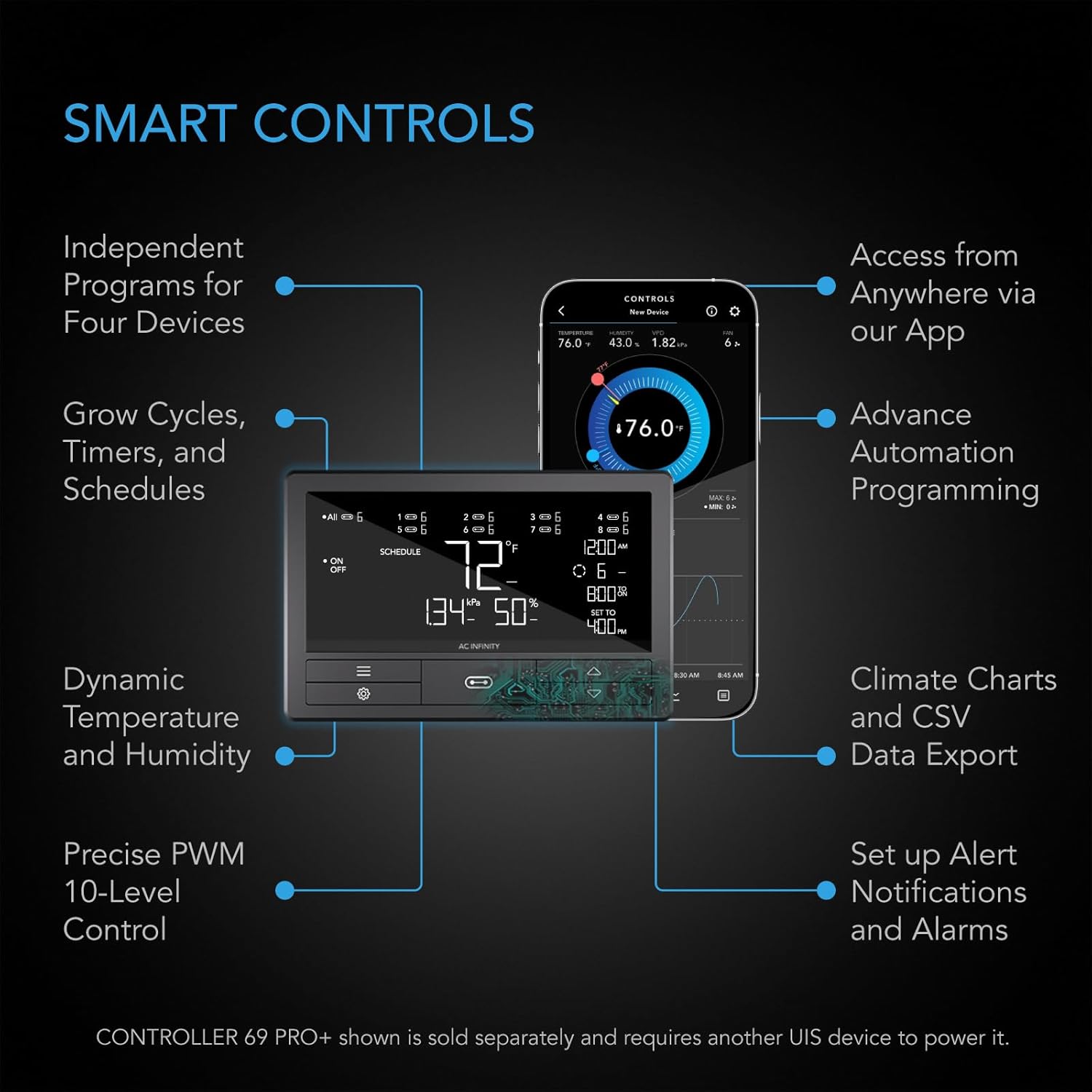
This integration allows you to manage your grow environment remotely via the AC Infinity app, providing data charts and alert notifications.

Key Features
- Connects UIS™ controllers to LED grow light drivers equipped with dimming control wires.
- Compatible with grow lights from various brands using drivers such as Meanwell, Sosen, MOSO, and Inventronics.
- Enables automated light fixture activation with climate triggers, cycle programming, and scheduling.
- Facilitates remote control and monitoring of your grow environment via the AC Infinity app when used with WiFi-enabled UIS controllers.
- Integrates with the UIS platform, allowing multiple grow devices to work cohesively for optimal plant environments.
Compatibility
The Type-D adapter is designed for LED grow lights that utilize drivers with dedicated dim +/- control wires (0-10V protocol). While compatible with many brands, the dimming range may vary depending on the specific LED driver's protocol.
This adapter is compatible with AC Infinity UIS controllers such as CONTROLLER 69, CONTROLLER 69 PRO, and later models. A firmware update for your UIS controller may be necessary for full functionality.

Installation Instructions
- Identify Dimming Wires: Locate the dimming control wires (typically labeled DIM+ and DIM- or similar) from your LED grow light driver. These are usually low-voltage wires, often purple and grey.
- Prepare Wires: If necessary, strip a small portion of insulation (approximately 0.2 inches or 5mm) from the ends of the dimming wires to expose the copper conductors.
- Connect to Adapter: Loosen the screws on the terminal block of the AC Infinity Type-D adapter. Insert the DIM+ wire into the terminal marked '+' and the DIM- wire into the terminal marked '-'. Ensure a secure connection by tightening the screws.
- Connect to UIS Controller: Plug the UIS connector end of the Type-D adapter into an available UIS port on your AC Infinity controller (e.g., CONTROLLER 69, CONTROLLER 69 PRO).
- Power On: Ensure your grow light and UIS controller are powered on.
- Firmware Update (if needed): If prompted by the AC Infinity app or if experiencing issues, update the firmware of your UIS controller to the latest version.

Operation
Once connected, your grow light's dimming function can be controlled directly through your AC Infinity UIS controller or remotely via the AC Infinity app.
Using the UIS Controller:
Navigate to the light settings on your UIS controller. You can manually adjust the dimming level, set schedules for light cycles, or configure dynamic responses based on sensor data (temperature, humidity, VPD).
Using the AC Infinity App:
Download and open the AC Infinity app on your smartphone. Ensure your WiFi-enabled UIS controller is connected to your home network. The app allows for remote monitoring, adjustment of dimming levels, creation of advanced schedules, and setup of climate triggers. You can also access data charts and receive alert notifications.
Note: The dimming range may vary depending on the specific grow light driver. Some drivers may not allow dimming to 0% or may have a limited range.
Maintenance
The AC Infinity Type-D Adapter Dongle requires minimal maintenance.
- Cleaning: Periodically inspect the adapter and connections for dust or debris. Clean with a dry, soft cloth if necessary.
- Connection Check: Ensure all wire connections to the terminal block remain secure. Loose connections can lead to intermittent operation.
- Environmental Conditions: Operate the adapter within typical indoor grow environment conditions. Avoid exposing it to excessive moisture or extreme temperatures.

Troubleshooting
- Light does not dim or respond to controller:
- Verify that the dimming wires from your grow light are correctly connected to the '+' and '-' terminals of the Type-D adapter.
- Ensure the Type-D adapter is securely plugged into a UIS port on your AC Infinity controller.
- Check if your grow light driver uses dimming control wires (0-10V protocol). This adapter is not compatible with all dimming protocols.
- Update your UIS controller's firmware via the AC Infinity app.
- Test with another compatible grow light if available to rule out an issue with the light's driver.
- Limited dimming range:
- Some LED drivers have inherent limitations on their dimming range. This is a characteristic of the grow light's driver, not the adapter.
- Consult your grow light's manual for its specific dimming capabilities.
- Adapter not recognized by UIS controller:
- Ensure the UIS controller has the latest firmware installed.
- Try plugging the adapter into a different UIS port on the controller.
- Restart the UIS controller.
Technical Specifications
| Attribute | Detail |
|---|---|
| Model Name | AC-ADL9 |
| Adapter Type | Type-D |
| Protocol | Dimming Control Wire (0-10V) |
| Male Connector | UIS |
| Female Port | +/- Terminal Block |
| Color | Black |
| Adapter Cord Length | 10.00 inches (25.4 cm) |
| Product Dimensions | 10 x 0.7 x 0.2 inches |
| Item Weight | 0.704 ounces (0.02 Kilograms) |
| Installation Type | Plug-and-play |
| Indoor/Outdoor Usage | Indoor |
| UPC | 819137024472 |

Warranty and Support
For warranty information, technical support, or further assistance, please visit the official AC Infinity website or contact their customer service.


