
1. Introduction
This manual provides essential information for the safe and efficient operation of your Frigidaire 50-Pint Portable Dehumidifier, Model FHDD5033W1. Please read all instructions carefully before using the appliance to ensure proper function and to prevent potential hazards. Keep this manual for future reference.
2. Safety Information
Always follow basic safety precautions when using electrical appliances to reduce the risk of fire, electric shock, and injury.
- Ensure the power cord is not damaged and is properly grounded.
- Do not operate the dehumidifier near water or in excessively wet areas.
- Keep children and pets away from the appliance during operation.
- Unplug the unit before cleaning or performing any maintenance.
- Do not block air inlets or outlets.
- Use only the power supply specified for this unit (115V, 60Hz).
3. Product Overview
The Frigidaire FHDD5033W1 is a 50-pint portable dehumidifier designed to remove excess moisture from medium to large rooms and basements. It features Wi-Fi connectivity for remote control and is Energy Star certified for efficient operation.
Key Features:
- 50-Pint Capacity: Removes up to 50 pints of moisture per day.
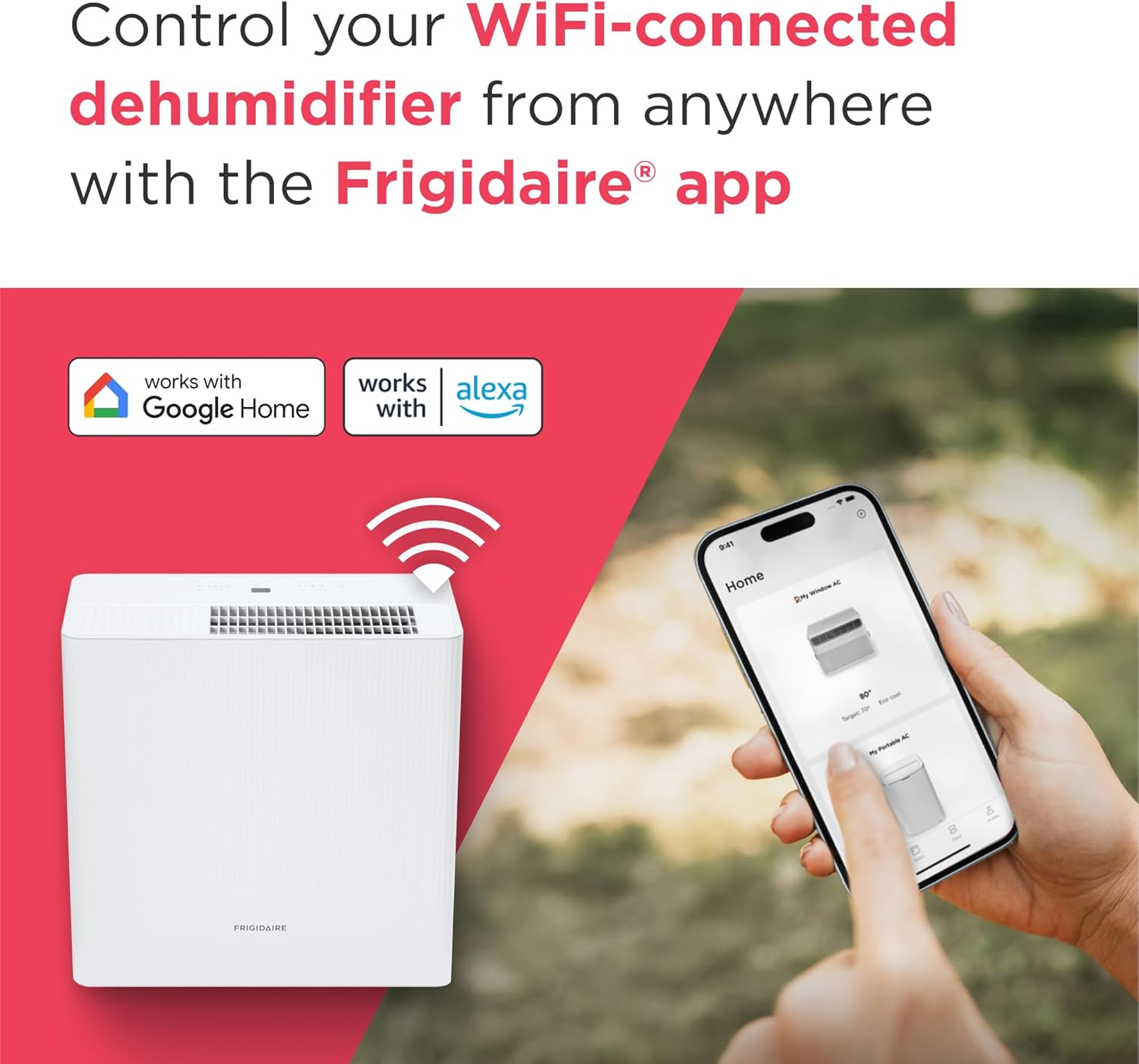
- Wi-Fi Enabled: Control via the Frigidaire app, Amazon Alexa, or Google Home.
- Energy Star Certified: Reduces energy consumption and operating costs.
- Custom Humidity Control: Set your desired humidity level.
- Automatic Shut-Off & Restart: Unit turns off when the bucket is full and restarts after a power outage.
- Continuous Drain Option: Allows for direct drainage without emptying the bucket.
- Washable Filter: Easy to clean and maintain.
- Quiet Operation: Operates at approximately 49 dBA.
- Portable Design: Built-in caster wheels and handle for easy movement.
Product Components:
Familiarize yourself with the main parts of your dehumidifier:
- Control Panel
- Air Inlet Grille (with washable filter)
- Air Outlet Grille
- Water Bucket
- Continuous Drain Outlet
- Power Cord
- Caster Wheels


4. Setup
Unpacking:
- Carefully remove the dehumidifier from its packaging.
- Remove all packing materials, tapes, and temporary labels.
- Inspect the unit for any shipping damage. If damaged, do not operate and contact customer service.
Placement:
- Place the dehumidifier on a firm, level surface that is strong enough to support the unit with a full water bucket.
- Ensure there is at least 8 inches (20 cm) of air space on all sides of the unit for proper air circulation.
- Avoid placing the unit near heat-generating appliances or in direct sunlight.
- For optimal performance, operate the dehumidifier in an enclosed area. Close all doors and windows to the room.
Power Connection:
- Plug the power cord into a grounded 115V, 60Hz electrical outlet.
- Do not use an extension cord or adapter.
5. Operating Instructions
Control Panel:
The control panel allows you to manage all functions of your dehumidifier.
- Power Button: Turns the unit on or off.
- Mode Button: Cycles through different operating modes (e.g., Continuous, Custom Humidity).
- Fan Button: Adjusts fan speed (e.g., Low, High).
- Timer Button: Sets the 24-hour on/off timer.
- Humidity Control Buttons (+/-): Adjusts the desired humidity level.
Setting Desired Humidity:
- Press the 'Mode' button until 'Custom Humidity' is selected.
- Use the '+' or '-' buttons to set the desired humidity level, typically between 35% and 85% relative humidity.
- The unit will operate until the set humidity level is reached, then cycle on and off to maintain it.
Wi-Fi Connectivity:
Your dehumidifier can be controlled remotely using the Frigidaire app or integrated with Amazon Alexa or Google Home.
- Download the Frigidaire app from your device's app store.
- Follow the in-app instructions to connect your dehumidifier to your home Wi-Fi network.
- Once connected, you can monitor and adjust settings from anywhere.
Drainage Options:
The unit offers two methods for water removal:
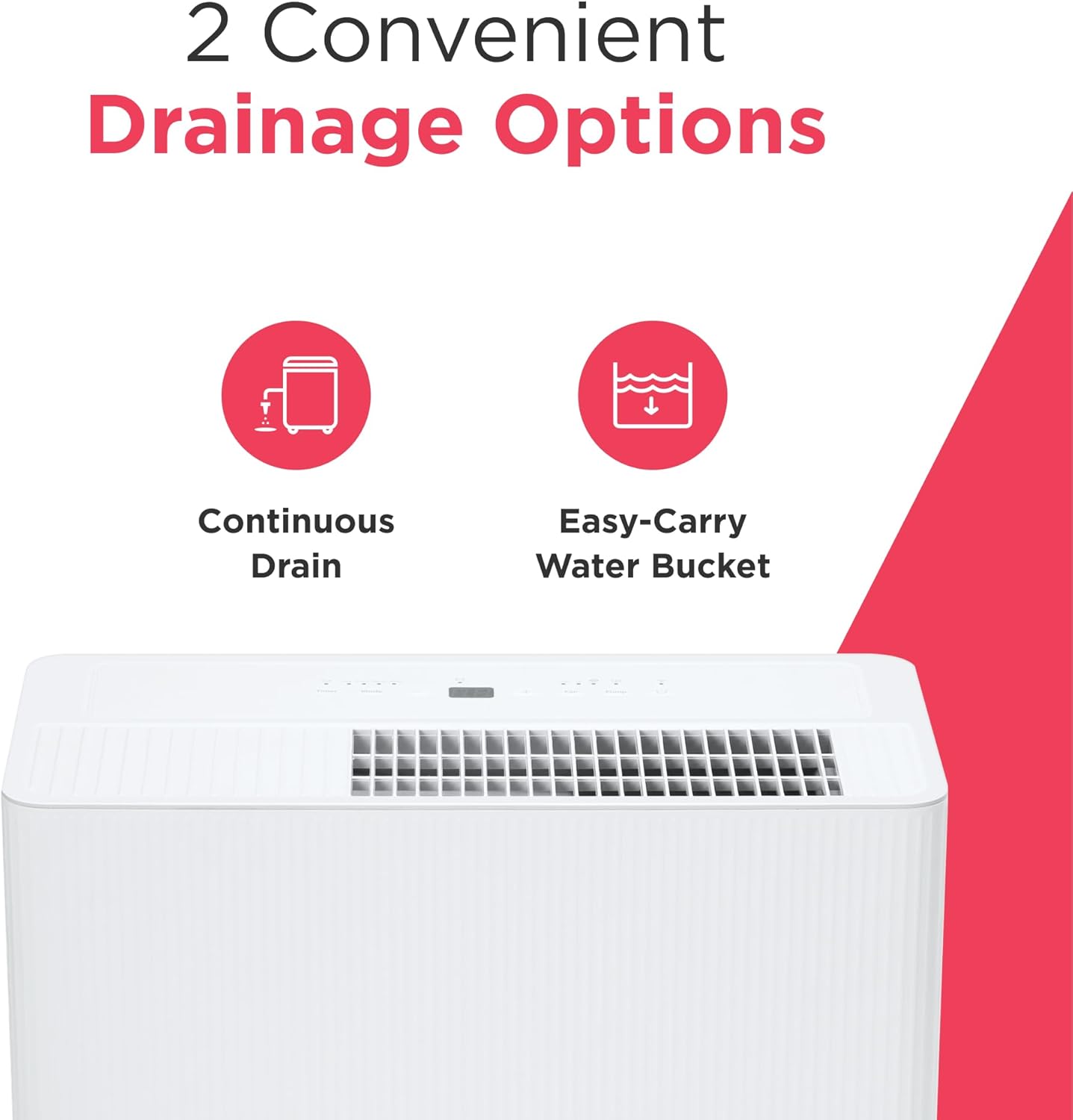
- Easy-Carry Water Bucket: The dehumidifier collects water in an internal bucket. When the bucket is full, the unit will automatically shut off and an indicator light will illuminate. Carefully remove the bucket, empty the water, and replace it securely to resume operation.
- Continuous Drain: For extended operation without manual emptying, connect a standard garden hose (not included) to the continuous drain outlet on the back of the unit. Ensure the hose is sloped downwards to a floor drain or suitable receptacle to allow gravity drainage.
6. Maintenance
Regular maintenance ensures optimal performance and longevity of your dehumidifier.
Cleaning the Air Filter:
The washable air filter should be cleaned every two weeks or when the 'Filter Clean' indicator light illuminates.

- Unplug the dehumidifier from the power outlet.
- Remove the air filter from the back of the unit.
- Wash the filter with warm, soapy water. Rinse thoroughly.
- Allow the filter to air dry completely before reinstalling. Do not use a dryer or direct heat.
- Reinsert the dry filter into the unit.
Cleaning the Water Bucket:
Clean the water bucket periodically to prevent mold and mildew growth.
- Remove the water bucket from the unit.
- Wash the bucket with warm water and a mild detergent.
- Rinse thoroughly and dry completely before replacing.
Long-Term Storage:
If the unit will not be used for an extended period:
- Unplug the unit and empty the water bucket.
- Clean the air filter and water bucket.
- Allow the unit to dry for 24 hours before storing.
- Store the dehumidifier in an upright position in a cool, dry place.
7. Troubleshooting
Before contacting customer service, review the following common issues and solutions:
| Problem | Possible Cause | Solution |
|---|---|---|
| Dehumidifier does not turn on. | No power; Water bucket full or not properly seated. | Check power connection; Empty and re-seat water bucket. |
| No water collected or insufficient dehumidification. | Air filter clogged; Room temperature too low; Humidity setting too high; Doors/windows open. | Clean air filter; Ensure room temperature is above 41°F; Lower humidity setting; Close doors/windows. |
| Unit is noisy. | Unit not level; Air filter clogged. | Place on a level surface; Clean air filter. |
| Water leaks from the unit. | Water bucket not properly seated; Continuous drain hose loose or clogged. | Ensure water bucket is fully inserted; Check continuous drain hose connection and clear any blockages. |
| Wi-Fi connection issues. | Incorrect network password; Router too far; App issues. | Verify Wi-Fi password; Move unit closer to router; Restart app and unit. |
8. Specifications
Technical specifications for the Frigidaire FHDD5033W1 Dehumidifier:
| Feature | Specification |
|---|---|
| Brand | Frigidaire |
| Model Name | FHDD5033W1 |
| Dehumidification Capacity | 50 Pints per Day |
| Recommended Floor Area | Up to 4500 sq ft (for medium/large rooms & basements) |
| Power Supply | 115V, 60Hz, 545W |
| Product Dimensions (D x W x H) | 10" x 19" x 19" |
| Item Weight | 41 Pounds |
| Tank Volume | 1.7 Imperial Gallons (Water Bucket) |
| Noise Level | 49 dBA (at lowest fan setting) |
| Operating Temperature | Down to 41°F |
| Special Features | Wi-Fi, Energy Star, Automatic Moisture Removal, Continuous Draining, Programmable, Washable Filter |
| UPC | 012505285837 |
9. Warranty and Support
Frigidaire is committed to providing reliable appliances. For specific warranty details, please refer to the warranty card included with your product or visit the official Frigidaire website. If you require technical assistance or have questions not covered in this manual, please contact Frigidaire customer support.
You can find more information and support resources by visiting the Frigidaire Store on Amazon.