
Introduction
This manual provides detailed instructions for the safe and effective use of your Dpofirs 4K Pet Collar Camera. This compact and versatile action camera is designed for capturing high-quality 4K video and 8MP photos during various activities, including pet adventures, sports, and travel. Please read this manual thoroughly before operating the device to ensure optimal performance and longevity.
Package Contents
Verify that all items listed below are present in your package:
- 1 x Pet Collar Camera
- 2 x Collar
- 1 x Clip
- 1 x Magnetic Hanging Rope
- 1 x Frame
- 1 x Data Cable
- 1 x Helmet Bracket
- 1 x Water Case
- 1 x Riding Hanging Rope
- 1 x Riding Bracket
- 1 x Side Bracket
- 1 x 360 Degree Adapter
- 1 x Curved and Flat Base
- 1 x User Manual
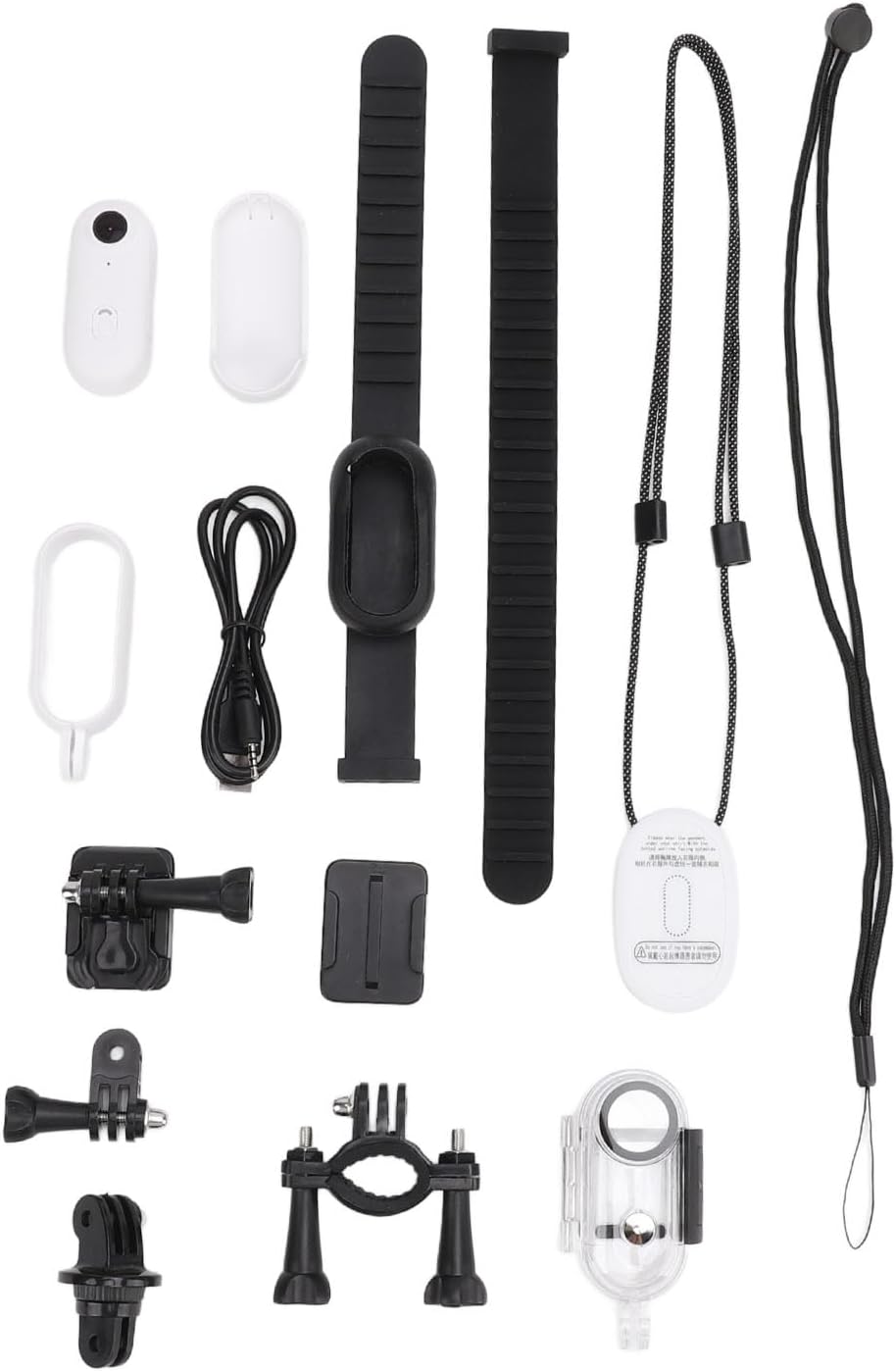
Image: All accessories included with the Dpofirs 4K Pet Collar Camera, including collars, clips, mounts, and cables.
Product Overview
The Dpofirs 4K Pet Collar Camera is engineered for capturing dynamic footage in various environments. Key features include:
- High-Resolution Recording: Capture crisp 8MP photos and detailed 4K videos at 30 frames per second (FPS) with a 120-degree wide-angle lens.
- Versatile Design: Supports first-person view recording and comes with a portable clip-on design for attachment to clothing, backpacks, or waist. A 30-meter waterproof case is included for underwater activities.
- Instant Sharing: Connect wirelessly to your smartphone via a dedicated application to transfer, edit, and share content quickly.
- Magnetic Attachment: Features built-in magnetic attraction and includes a magnetic lanyard for secure and convenient wearing around the neck.
- Continuous Recording: Supports recording while charging for extended video sessions and offers loop recording functionality, automatically overwriting old footage when the memory card is full. Supports up to 256GB memory cards (not included).
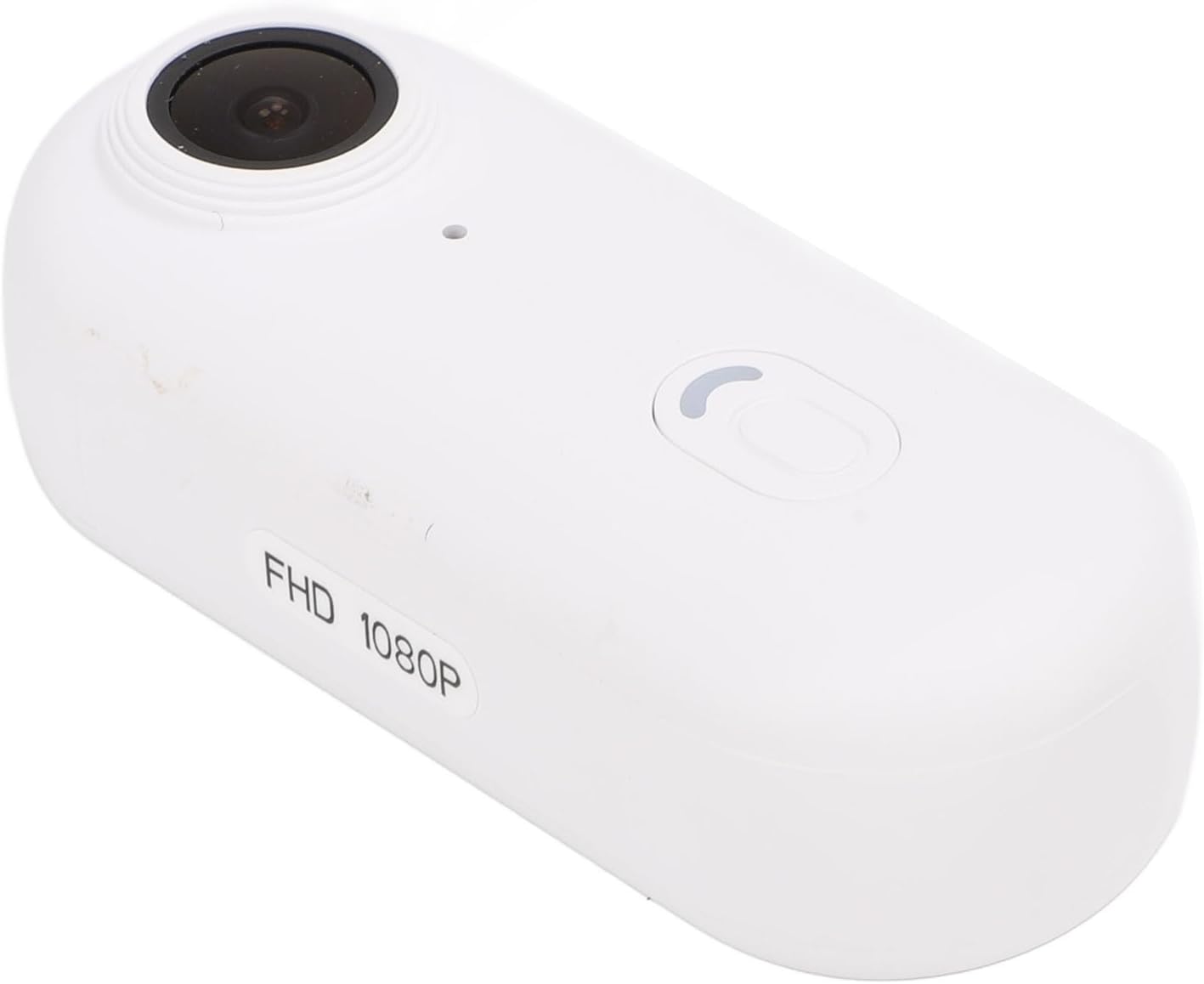
Image: Close-up view of the Dpofirs 4K Pet Collar Camera unit.

Image: Dpofirs 4K Pet Collar Camera in waterproof case being used underwater by a diver.

Image: Dpofirs 4K Pet Collar Camera mounted on a cyclist's helmet, demonstrating loop recording.

Image: Dpofirs 4K Pet Collar Camera showing versatile usage scenarios including pet, running, skydiving, and available colors.
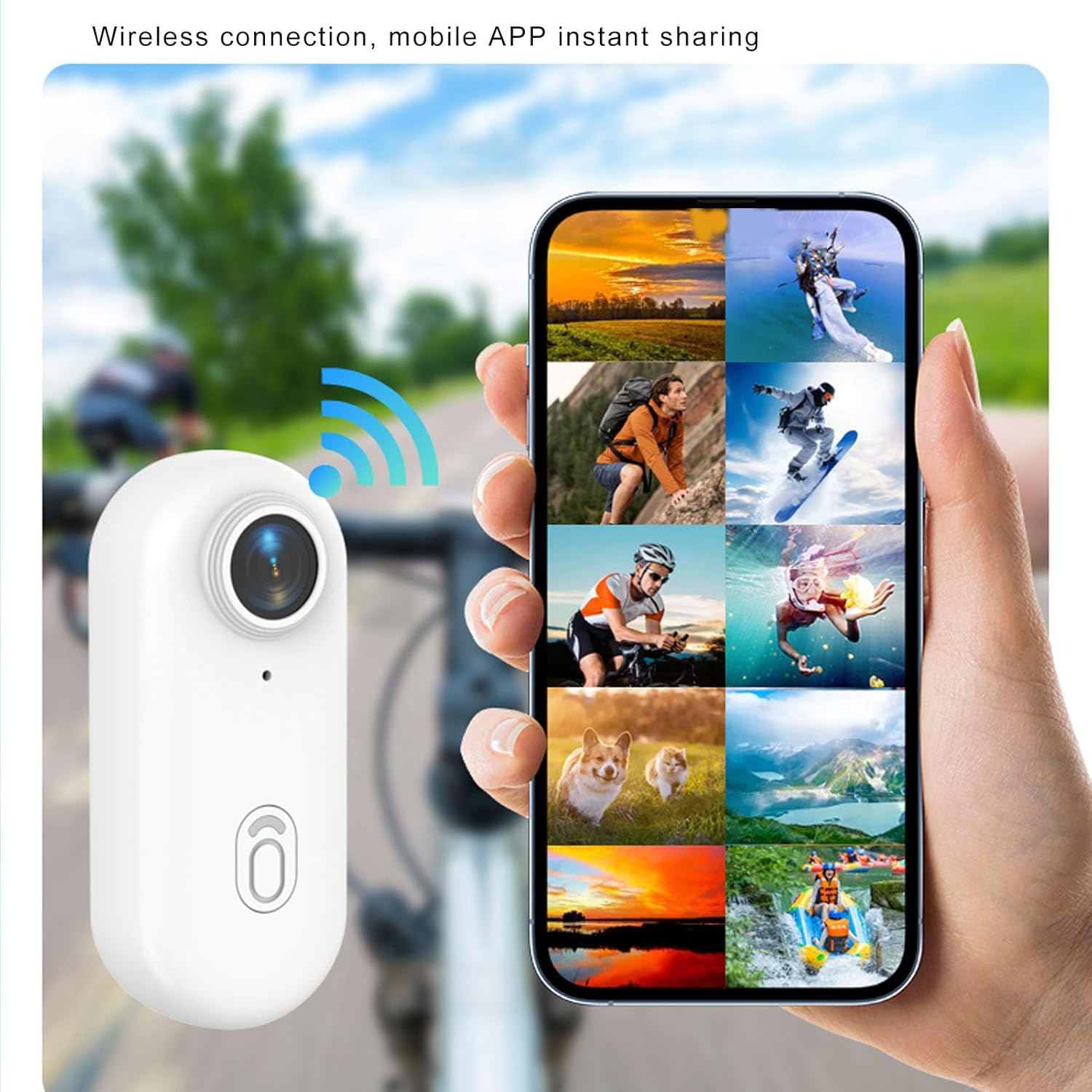
Image: Dpofirs 4K Pet Collar Camera wirelessly connected to a smartphone for instant sharing of photos and videos.

Image: Dpofirs 4K Pet Collar Camera showcasing its 800mAh battery for long battery life.

Image: Dpofirs 4K Pet Collar Camera supporting recording while charging, shown with a skier in the background.
Setup
- Charge the Camera: Before first use, fully charge the camera using the provided data cable connected to a USB power source. The charging indicator light will typically change color or turn off when charging is complete.
- Insert a MicroSD Card: Locate the memory card slot on the camera. Insert a compatible microSD card (Class 10 or higher, up to 256GB, not included) with the gold contacts facing the correct direction. Gently push until it clicks into place.
- Power On: Press and hold the power button for a few seconds until the indicator light illuminates, indicating the camera is powered on.
- Download the Companion App: Search for the official Dpofirs camera application on your smartphone's app store (iOS or Android) and install it.
- Pair with Smartphone: Enable Wi-Fi on your camera and smartphone. Open the Dpofirs app and follow the on-screen instructions to connect your camera to your smartphone via Wi-Fi. This allows for live view, remote control, and file transfer.
Operating Instructions
Recording Video
With the camera powered on, press the video recording button once to start recording. The indicator light will typically flash or change color to confirm recording is in progress. Press the button again to stop recording. Videos are saved to the inserted microSD card.
Taking Photos
While the camera is on, press the photo capture button once to take a still image. Photos are saved to the microSD card.
Using Loop Recording
Loop recording can be enabled through the camera's settings (accessible via the mobile app). When activated, the camera will continuously record. Once the memory card is full, the oldest files will be automatically overwritten by new recordings. Ensure important footage is backed up regularly.
Connecting to Mobile App
After pairing the camera with your smartphone via Wi-Fi (as described in the Setup section), open the Dpofirs app. You can then view a live feed, adjust settings, initiate/stop recording, take photos, and download recorded content directly to your phone for editing and sharing.
Using the Waterproof Case
For underwater activities or protection against water and dust, place the camera securely inside the provided waterproof case. Ensure the case is properly sealed before submerging. The case allows the camera to be used up to a depth of 30 meters.
Mounting Options
- Pet Collar: Attach the camera to one of the provided collars using the clip or frame for pet-level perspective.
- Helmet/Body Mount: Utilize the helmet bracket, riding bracket, or side bracket with the included bases for secure attachment to helmets, bicycles, or other gear.
- Magnetic Lanyard: Use the magnetic hanging rope to wear the camera around your neck for convenient, hands-free recording.
Maintenance
- Cleaning: Use a soft, dry cloth to clean the camera body. For the lens, use a specialized lens cleaning cloth and solution to avoid scratches. Do not use harsh chemicals.
- Waterproof Case Care: After each use in water, rinse the waterproof case with fresh water and allow it to air dry. Regularly check the rubber seals for any signs of wear or damage to ensure continued waterproofing.
- Battery Care: To prolong battery life, avoid fully discharging the camera frequently. Store the camera with a partial charge if it will not be used for an extended period.
- Storage: Store the camera in a cool, dry place away from direct sunlight and extreme temperatures.
Troubleshooting
Camera Not Turning On
- Ensure the battery is fully charged.
- Press and hold the power button firmly for several seconds.
- If the issue persists, contact customer support.
Recording Issues (e.g., freezing, poor quality)
- Check if the microSD card is inserted correctly and has sufficient free space.
- Ensure the microSD card is a high-speed card (Class 10 or UHS-I/UHS-3 recommended).
- Format the microSD card (this will erase all data, so back up first).
- Ensure the camera's firmware is up to date via the mobile app.
App Connection Problems
- Ensure the camera's Wi-Fi is enabled.
- Restart both the camera and your smartphone.
- Forget the camera's Wi-Fi network on your phone and reconnect.
- Ensure the Dpofirs app is updated to the latest version.
Waterproof Case Leakage
- Always perform a dry test before submerging the camera with the case.
- Ensure the case is properly closed and latched.
- Check the rubber seals for any debris, hair, or damage. Clean or replace if necessary.
Specifications
| Video Resolution | 4K, 30FPS |
| Video Encoding | H.265 |
| Photo Resolution | 8MP |
| Battery | 800mAh Lithium Battery (Built-in) |
| Memory Card Support | Maximum 256GB (Not Included) |
| Item Weight | 11.5 ounces |
| Package Dimensions | 7.48 x 5.12 x 2.36 inches |
| Item Model Number | Dpofirs5ek4xpyqrs-12 |
| Color | White |
| Special Features | Adjustable |
Warranty and Support
For warranty information and technical support, please refer to the documentation included with your purchase or visit the official Dpofirs website. Keep your purchase receipt as proof of purchase for any warranty claims.