
Introduction
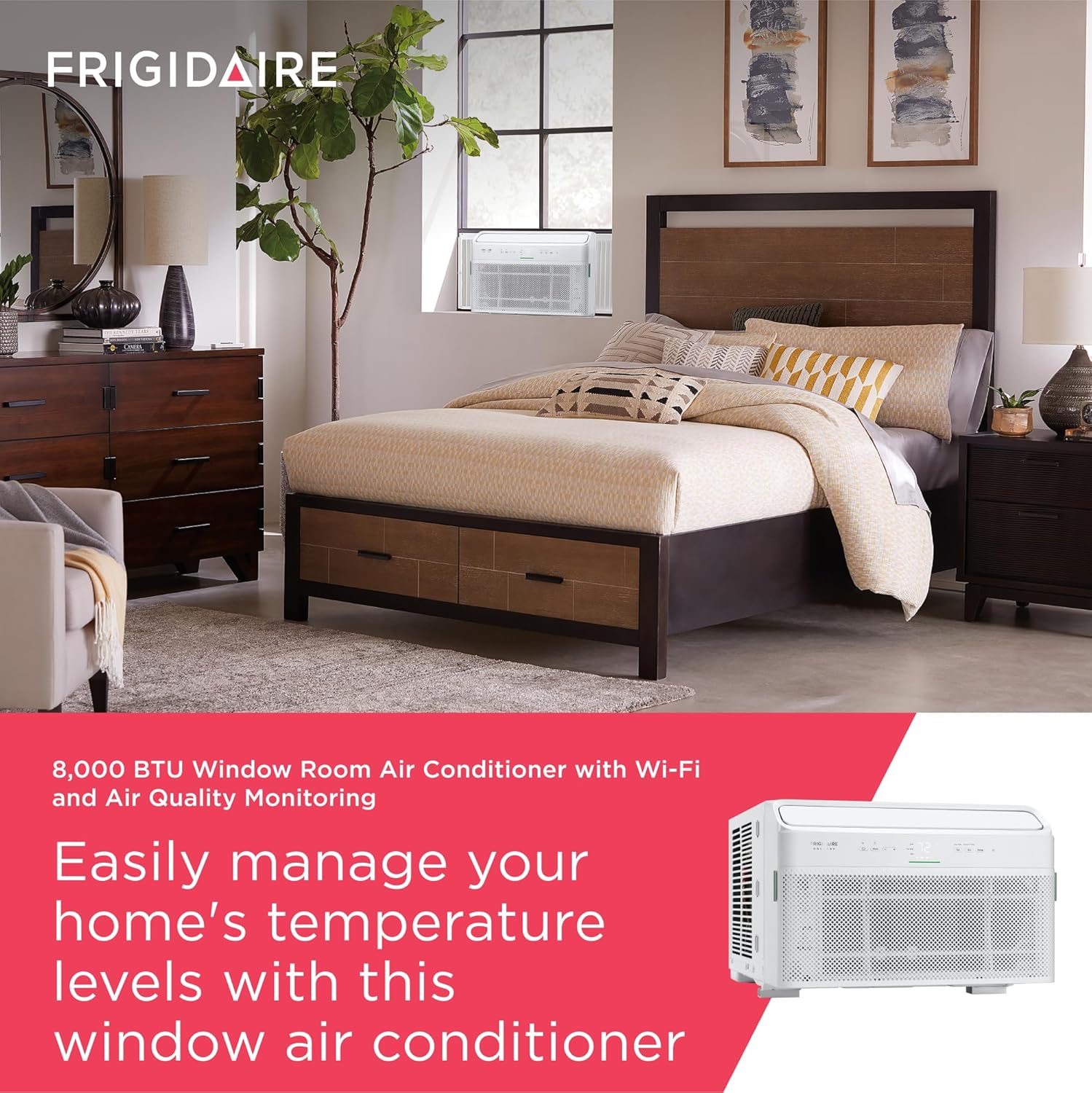
This manual provides comprehensive instructions for the safe and efficient operation, installation, and maintenance of your Frigidaire Gallery GHWW085TE1 8,000 BTU Smart Inverter Window Air Conditioner. Designed for optimal comfort and energy efficiency, this unit features Wi-Fi connectivity, indoor air quality monitoring, and quiet performance. Please read this manual thoroughly before using your air conditioner and retain it for future reference.
Safety Information
Always follow basic safety precautions when using electrical appliances to reduce the risk of fire, electric shock, and injury. This unit operates at 115/120V. Ensure the power cord is properly connected to a grounded outlet. Do not operate the unit with a damaged cord or plug. Do not block air vents. Always unplug the unit before cleaning or performing maintenance. Keep children and pets away from the unit during operation.
- Electrical Safety: Ensure the unit is connected to a properly grounded electrical outlet. Do not use extension cords unless specifically designed for high-power appliances and rated for the unit's wattage.
- Placement: Install the unit securely in a window according to the installation instructions to prevent it from falling.
- Airflow: Do not obstruct the air intake or exhaust vents, as this can lead to overheating and reduced performance.
- Maintenance: Disconnect power before cleaning or servicing the unit.
Product Overview
Key Features
- Wi-Fi Enabled: Control your air conditioner remotely using the Frigidaire app, or integrate with Amazon Alexa and Google Home.
- Energy-Efficient Performance: Inverter technology and Energy Star certification provide better temperature regulation, energy savings, and quieter operation.
- Indoor Air Quality Monitoring: Built-in sensor provides real-time air quality updates via the user interface or Frigidaire app.
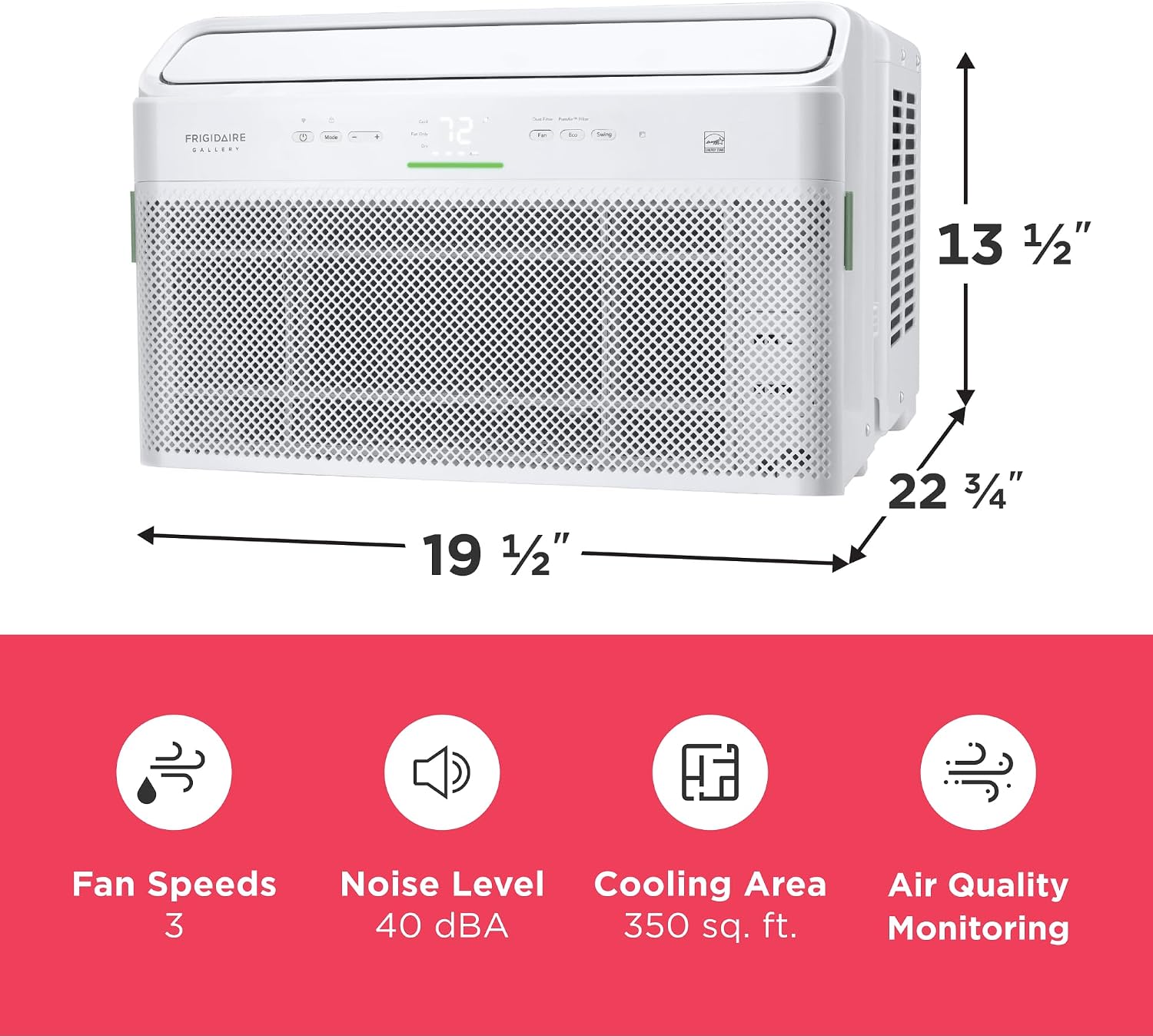
- Customizable Cooling: Features custom temperature settings, 6-way directional airflow, and three fan speeds, suitable for rooms up to 350 sq. ft.
- Easy Maintenance: Includes a remote control and Clean Filter alerts for the washable dust filter.
Components
The Frigidaire Gallery Window Air Conditioner includes the following main components:
- Main Air Conditioner Unit
- Remote Control (with 2 AAA batteries included)
- Window Installation Kit
- Washable Dust Filter

Setup
Installation
The Frigidaire Gallery Window Air Conditioner is designed for window installation. Use the included Window Kit to securely mount the unit. Ensure the window opening meets the product dimensions for proper fit and sealing. Detailed installation instructions are provided in a separate guide included with your purchase. It is recommended to have two people for safe installation due to the unit's weight (approximately 55 pounds).
Power Connection
Connect the unit to a standard 115/120V electrical outlet. The power cord features a safety trip breaker for added protection. Ensure the outlet is properly grounded.
Operating Instructions
Control Panel and Display
The unit features a sleek digital display and touch controls on its front panel. The display shows the current temperature setting and active modes. Buttons allow for mode selection, fan speed adjustment, temperature control, and other functions.
Modes and Settings
- Cool Mode: Provides cooling to reach the set temperature.
- Fan Mode: Circulates air without cooling. Choose from three fan speeds (Low, Medium, High).
- Eco Mode: Optimizes energy consumption by cycling the compressor on and off to maintain the desired temperature.
- Dry Mode (Dehumidifying): Removes excess moisture from the air, helping to maintain a comfortable environment.
- Sleep Mode: Gradually increases the temperature throughout the night to conserve energy and provide a comfortable sleeping environment.
- Temperature Adjustment: Use the '+' and '-' buttons on the control panel or remote to set your desired temperature.
- 6-Way Directional Airflow: Adjust the louvers to direct airflow as needed for optimal cooling distribution.
- 24-Hour On/Off Timer: Program the unit to turn on or off at specific times in half-hour increments.
- Auto Restart: The unit automatically resumes operating at its previous settings after a power interruption.

Wi-Fi Connectivity and App Control
The Frigidaire Gallery Air Conditioner can be controlled remotely via the Frigidaire app. Download the app from your device's app store and follow the in-app instructions to connect your unit to your home Wi-Fi network. Once connected, you can adjust settings, monitor air quality, and schedule operations from anywhere.

Indoor Air Quality Monitoring
The built-in air quality sensor continuously monitors your room's air quality. Updates are displayed on the unit's interface and within the Frigidaire app, allowing you to stay informed about your indoor environment.

Maintenance
Filter Cleaning
Regular cleaning of the washable dust filter is crucial for maintaining optimal performance and air quality. The unit features a "Clean Filter" alert to notify you when cleaning is required. To clean the filter:
- Disconnect the air conditioner from the power supply.
- Locate and remove the washable filter from the unit (refer to your quick start guide for exact location).
- Wash the filter with warm, soapy water. Rinse thoroughly.
- Allow the filter to air dry completely before reinserting it into the unit.
- Reconnect power and reset the filter alert if necessary.

For enhanced air quality, consider purchasing the optional PureAir® Advanced Filter (sold separately).

Troubleshooting
If your air conditioner is not operating correctly, refer to the following common issues and solutions before contacting customer support.
| Problem | Possible Cause | Solution |
|---|---|---|
| Unit does not turn on. | No power, tripped circuit breaker, power cord safety switch activated. | Check power connection, reset circuit breaker, press reset button on power cord plug. |
| Unit not cooling effectively. | Dirty air filter, blocked air vents, room too large, doors/windows open. | Clean air filter, ensure vents are clear, close doors/windows, verify room size is within 350 sq. ft. |
| Unusual noises. | Loose parts, unit not level, normal operating sounds (e.g., refrigerant flow). | Ensure unit is securely installed and level. If persistent or loud, contact customer support. |
| Wi-Fi connection issues. | Incorrect Wi-Fi password, router issues, unit too far from router. | Verify Wi-Fi password, restart router, move unit closer to router or use a Wi-Fi extender. Refer to app instructions for pairing. |
Specifications
| Specification | Detail |
|---|---|
| Brand | Frigidaire |
| Model Number | GHWW085TE1 |
| Cooling Power | 8,000 BTU |
| Cools Up To | 350 sq. ft. |
| Item Weight | 55 pounds |
| Product Dimensions | 23"D x 19.5"W x 13.9"H |
| Color | White |
| Power Source | Corded Electric |
| Voltage | 115/120V (720 Volts AC) |
| Wattage | 690W (720 watts) |
| Sound Level | 40 dBA (Ultra Quiet) |
| Fan Speeds | 3 |
| Installation Method | Window |
| Special Features | Remote Controlled, Filter Light Reminder, Inverter Compressor, WiFi Enabled, Dust Filter, Indoor Air Quality Monitoring |
| Included Components | Window Kit, Washable filter, Remote (2 AAA batteries included) |
| Energy Efficiency | Energy Star Most Efficient Certified, SEER 15 |
| Country of Origin | China |
| Date First Available | September 3, 2024 |


Warranty and Support
This Frigidaire Gallery Air Conditioner comes with a 1 Year Manufacturer Warranty. For warranty claims, technical support, or service inquiries, please contact Frigidaire Customer Service. Keep your purchase receipt and model/serial number handy when contacting support.
For further assistance, visit the official Frigidaire website or refer to the contact information provided in your product packaging.