
Bewinner Bewinnerrg5c8hu0bg-11
Bewinner 24-inch Smart Screen with 5MP Camera User Manual
Model: Bewinnerrg5c8hu0bg-11
1. Introduction
Thank you for purchasing the Bewinner 24-inch Smart Screen with 5MP Camera. This innovative device integrates the functionalities of a television and a tablet, offering a portable and versatile display solution for various applications, including home entertainment, live streaming, and small office use. Its built-in battery, movable pole stand, and touch display provide flexibility and convenience.
This manual will guide you through the setup, operation, and maintenance of your new smart screen, ensuring you get the most out of its features.
2. Safety Information
- Read all instructions carefully before use.
- Do not expose the device to water or excessive moisture.
- Avoid placing the device near heat sources or in direct sunlight.
- Use only the provided power adapter for charging.
- Do not attempt to disassemble or repair the device yourself. Refer to qualified service personnel.
- Keep the device away from children and pets.
- Ensure the pole stand is assembled securely and placed on a stable, level surface to prevent tipping.
3. Package Contents
Please check the package for the following items:
- 1 x Display Screen (24 inch)
- 1 x Pole
- 1 x Stand Base
- 1 x Adapter
- 1 x Adapter Accessory
- 1 x Screwdriver
- 7 x Screws
- 1 x Accessory (unspecified)
- 1 x User Manual (this document)

Image: All components included in the package, laid out on a white background. This includes the 24-inch display, the pole, the circular base, power adapter, screwdriver, and screws.
4. Setup
4.1 Assembly
- Unpack all components from the box.
- Attach the pole to the stand base using the provided screws and screwdriver. Ensure it is firmly secured.
- Carefully attach the display screen to the top of the pole. Align the mounting points and secure with the remaining screws.
- Place the assembled unit on a stable, level surface. The base features 5 rolling wheels for easy movement.

Image: The fully assembled Bewinner 24-inch Smart Screen, showing the display mounted on the white pole stand with a circular base.
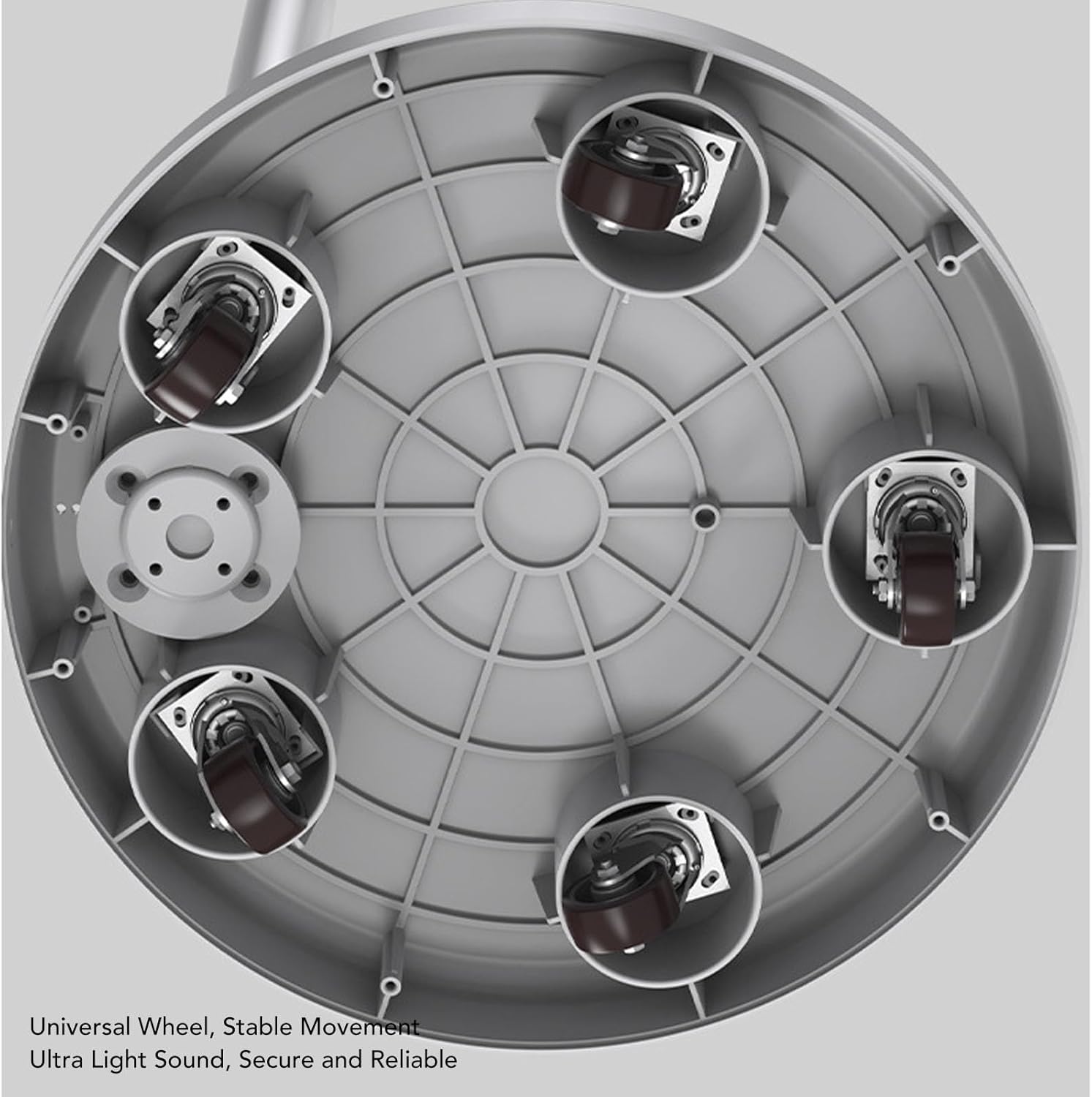
Image: An underside view of the circular base, clearly showing the five universal wheels designed for stable and quiet movement.
4.2 Initial Power On and Charging
- Connect the power adapter to the screen's charging port and plug it into a wall outlet.
- Press the Power Key to turn on the screen. The screen will boot up running on Android 12.
- Allow the device to fully charge before its first extended use. The built-in 7800mAh lithium-ion battery provides significant endurance.
5. Operating Instructions
5.1 Touch Screen Operation
The 24-inch IPS display is a touch screen. Navigate the Android 12 interface by tapping, swiping, and pinching gestures, similar to a large tablet.
5.2 Screen Rotation
The screen supports rotation, allowing you to easily switch between portrait and landscape modes. This is ideal for different content types, such as video viewing or document reading.
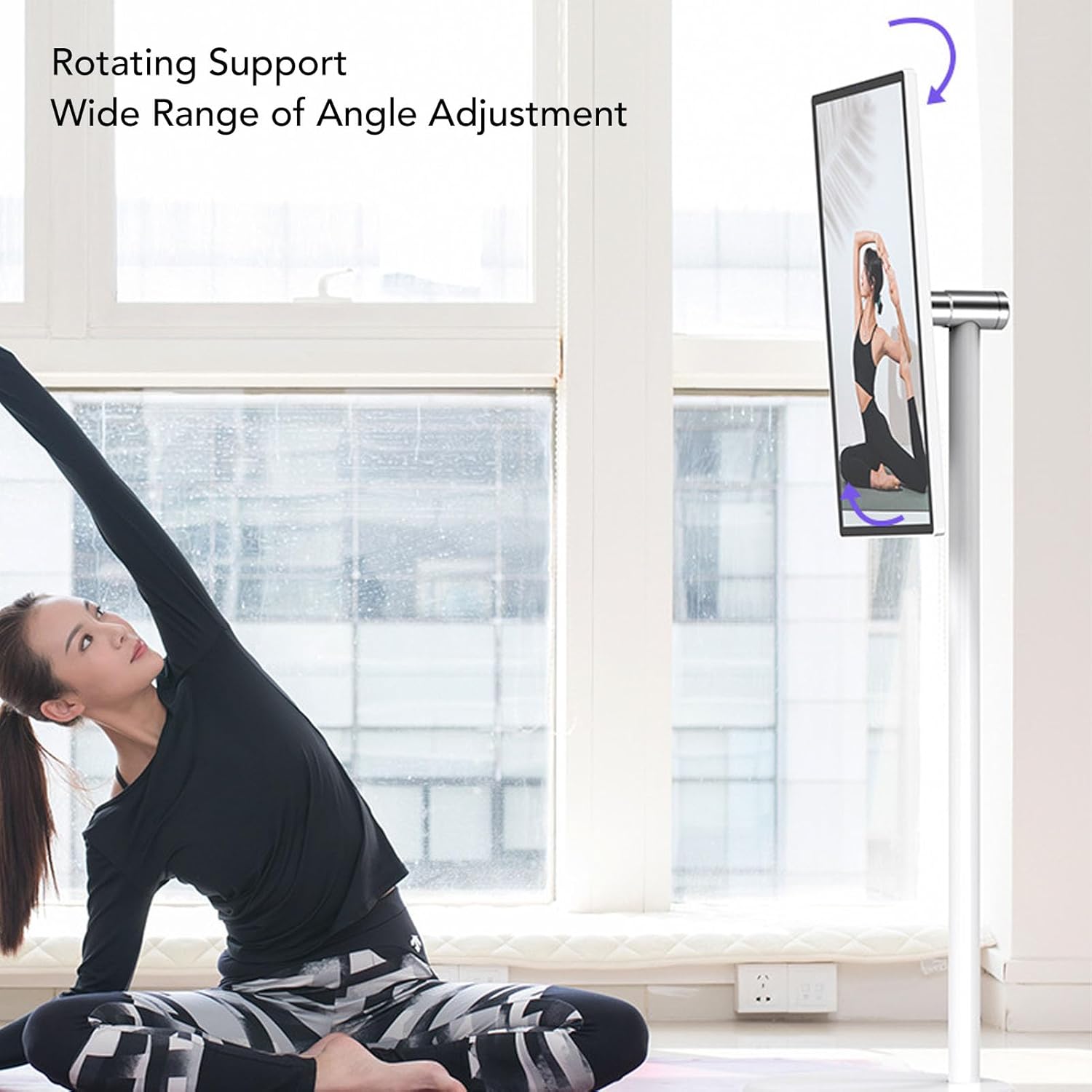
Image: A woman performing yoga, with the Bewinner Smart Screen rotated into portrait mode, demonstrating its wide range of angle adjustment and rotating support.
5.3 Camera and Microphone
The smart screen features a built-in 5MP HD camera and a noise reduction microphone. These are suitable for video chats, online courses, and video conferencing without the need for external peripherals.
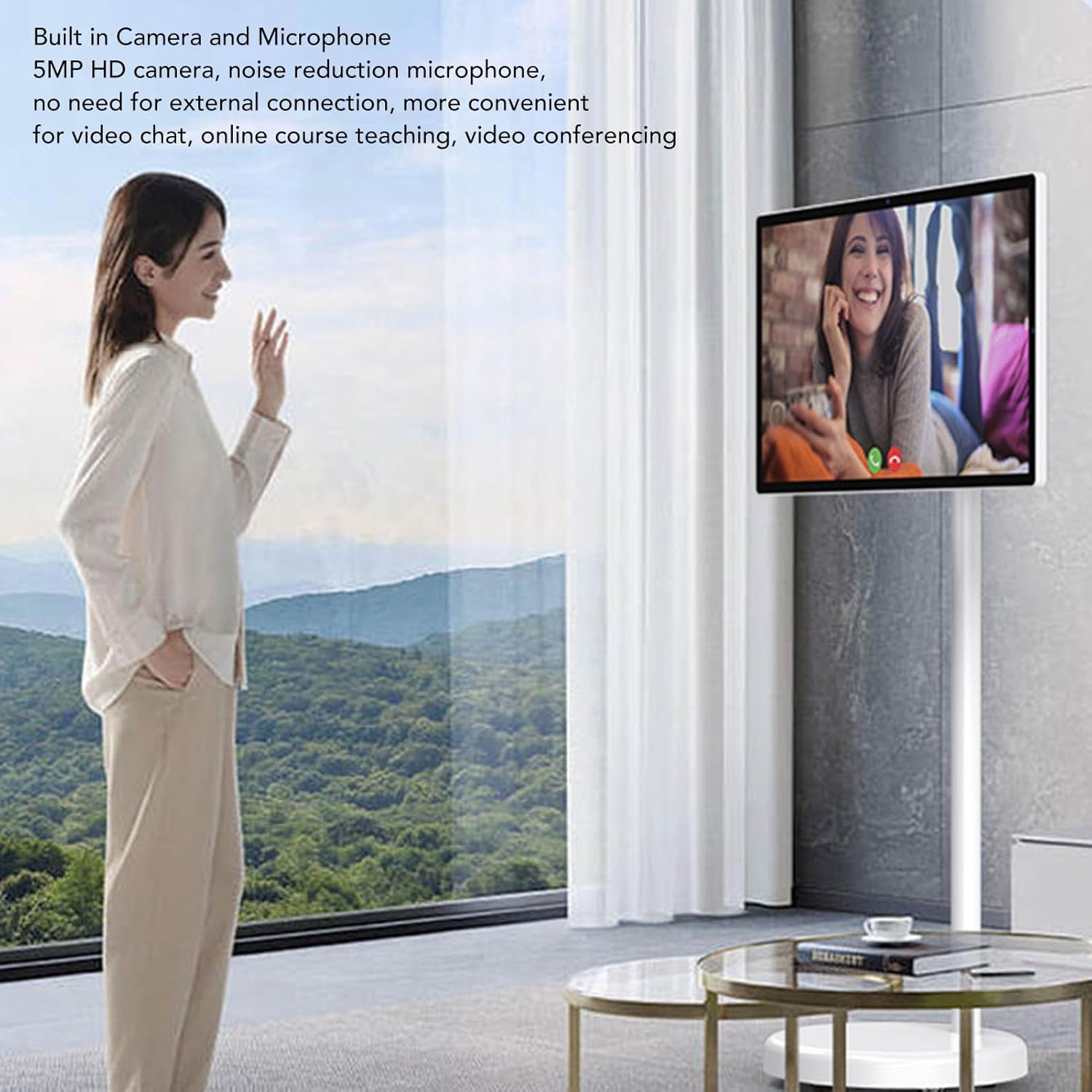
Image: A woman standing in a modern room, waving at the Bewinner Smart Screen, which displays a video call, highlighting its built-in camera and microphone for convenient communication.
5.4 Audio Features
The device includes built-in HiFi 3D Surround Sound, providing clear treble, stable alto, and rich bass for an immersive audio experience.

Image: A parent and child sitting on a couch, looking up at the Bewinner Smart Screen, with visual representations of sound waves emanating from the screen, illustrating its built-in HiFi 3D Surround Sound.
5.5 Connectivity and Applications
- Network: Supports 2.4G and 5.8G Wi-Fi for internet access.
- Bluetooth: Features BT4.2 for connecting wireless accessories.
- Ports: Includes USB, Headphone, and Type-C ports for external connections.
- Mobile APP Control: The screen can be controlled via a mobile application.
- Cordless Projection: Supports mobile phone cordless projection for screen mirroring.
- Whiteboard Function: Enhance creativity with the integrated whiteboard feature.
- Application Access: Running Android 12, the screen allows installation of a wide range of external applications for various entertainment and work needs (e.g., watching TV, videos, live streaming, listening to music, remote video, playing ads).

Image: A woman sitting comfortably on a couch, holding a remote control and looking towards the Bewinner Smart Screen, which displays a scenic view, emphasizing a comfortable viewing experience and AI voice control.
5.6 Battery Life
The built-in 7800mAh battery provides extended usage times:
- Watching videos: Approximately 5 hours
- Listening to music: Approximately 13 hours
- Video conference: Approximately 5 hours
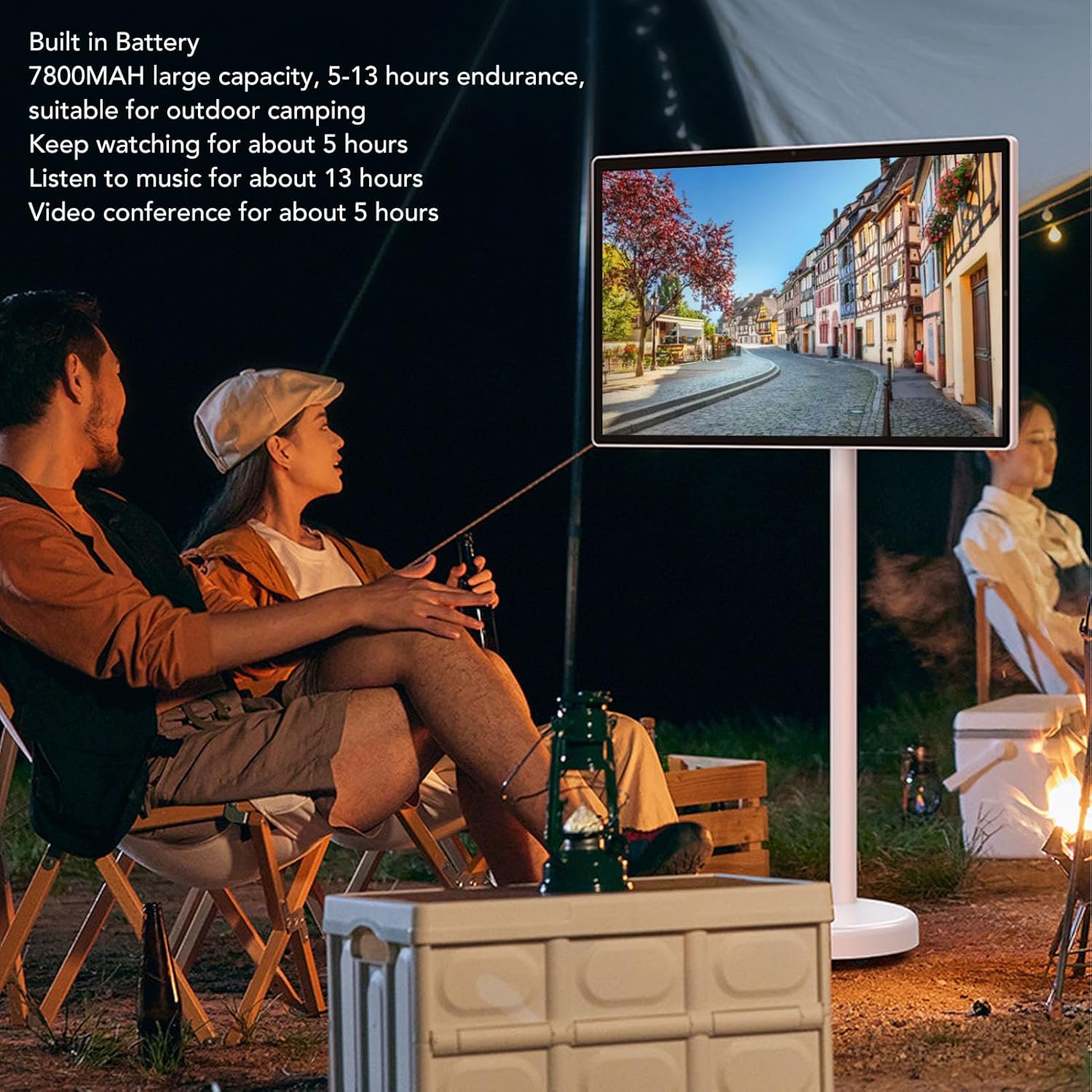
Image: A couple sitting outdoors at night by a campfire, watching the Bewinner Smart Screen, which displays a European street scene, illustrating the long battery endurance suitable for outdoor camping.
6. Maintenance
- Cleaning: Use a soft, lint-free cloth to clean the screen. For stubborn smudges, slightly dampen the cloth with water or a screen-safe cleaner. Do not spray liquid directly onto the screen.
- Storage: When not in use for extended periods, store the device in a cool, dry place away from direct sunlight.
- Battery Care: To prolong battery life, avoid fully discharging the battery frequently. Charge it regularly, even if not in constant use.
7. Troubleshooting
- Screen does not turn on: Ensure the power adapter is securely connected and the device is charged. Press and hold the power button for a few seconds.
- Touch screen unresponsive: Restart the device. If the issue persists, ensure the screen is clean and free of debris.
- No Wi-Fi connection: Check your router and network settings. Ensure the screen's Wi-Fi is enabled and you are entering the correct password.
- Poor audio quality: Check volume settings. Ensure no external headphones are partially plugged in.
- Device is slow: Close unnecessary applications running in the background. Consider clearing cache or performing a factory reset if performance issues persist (note: factory reset will erase all data).
8. Specifications
| Feature | Specification |
|---|---|
| Model Number | Bewinnerrg5c8hu0bg-11 |
| Screen Size | 24 inches |
| Screen Type | IPS Touch Display |
| Resolution | 1920x1080 (HD, FHD 1080p) |
| Display Ratio | 16:9 |
| Screen Brightness (Typical) | 300cd |
| Processor | For MediaTek MT8788, 8 cores (4x A73 2.0GHz + 4x A53 2.0GHz) |
| GPU | For Mali G72 MP3 700MHz |
| RAM + Storage | 6GB + 128GB |
| Operating System | For Android 12 |
| Camera | 5MP HD |
| Microphone | Yes (Noise Reduction) |
| Battery | 7800mAh Lithium Ion (Built-in) |
| Network & Comm | 2.4G, 5.8G Wi-Fi, BT4.2 |
| Ports | USB, Headphone, Type-C |
| Installation Method | Floor Standing (with Pole Stand) |
| Product Weight | Approx. 15000g / 33.1 lbs |
| Screen Dimensions | Approx. 33 x 56cm / 13 x 22in |
| Pole Length | Approx. 98.5cm / 38.8in |
| Base Diameter | Approx. 36.5cm / 14.4in |

Image: A diagram showing the key dimensions of the Bewinner Smart Screen, including the screen width (56cm/22in), screen height (33cm/13in), pole length (98.5cm/38.8in), and base diameter (36.5cm/14.4in).
9. Warranty and Support
For warranty information and technical support, please refer to the documentation provided with your purchase or contact Bewinner customer service through their official channels. Keep your purchase receipt as proof of purchase for warranty claims.
For further assistance, you may visit the Bewinner Store on Amazon: Bewinner Store
Ask a question about this manual
Ask about setup, troubleshooting, compatibility, parts, safety, or missing instructions. Manuals+ will review the question and use this page’s manual context to help answer it.