
1. Introduction
This manual provides detailed instructions for the assembly, operation, and maintenance of your Aheaplus Queen Size Headboard. This headboard features integrated storage, LED lighting, power outlets, and USB charging ports, designed to enhance your bedroom functionality and aesthetic. Please read this manual thoroughly before assembly and use to ensure proper installation and safe operation.
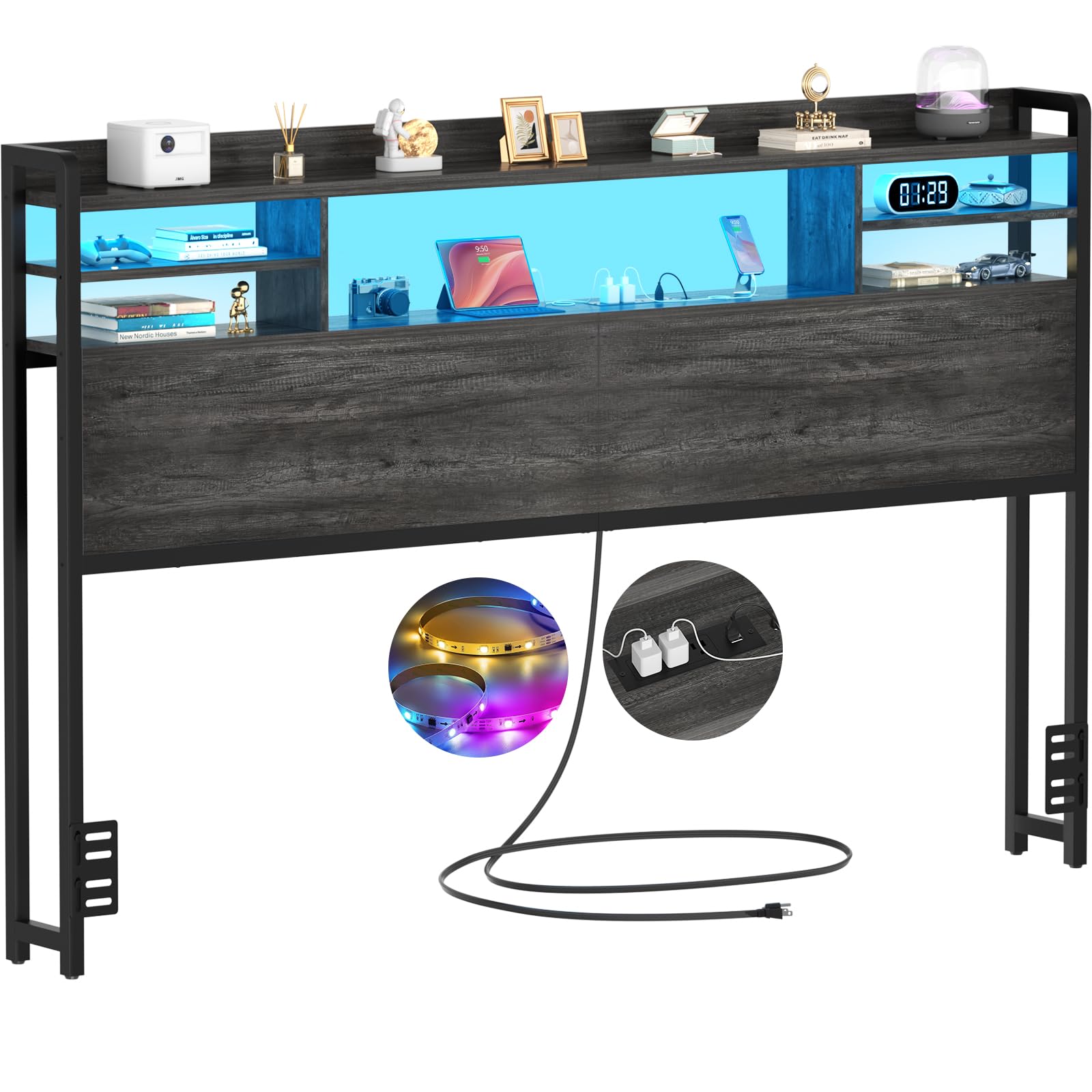
Image 1.1: Aheaplus Queen Size Headboard with illuminated storage shelves, power outlets, and USB ports.
2. Safety Information
Please observe the following safety precautions to prevent injury or damage to the product:
- Keep all small parts and packaging materials away from children.
- Ensure all connections are secure before using the headboard.
- Do not overload the power outlets or USB ports.
- Avoid exposing the electrical components to moisture.
- Use only the provided hardware for assembly.
- Do not stand or climb on the headboard.
- Periodically check all screws and connections for tightness.
3. Setup & Assembly
Assembly of the Aheaplus Queen Size Headboard requires careful attention to detail. All necessary tools, hardware, and clear instructions with labeled parts are included in the package. It is recommended to have a second person assist with assembly.
3.1. Package Contents
Verify that all components listed in the instruction manual are present before beginning assembly. If any parts are missing or damaged, contact customer support.
3.2. Assembly Steps
- Unpack all components and lay them out on a clean, soft surface to prevent scratches.
- Follow the step-by-step pictorial instructions provided in the included manual. Pay close attention to the orientation of parts.
- Securely fasten all screws and connectors. Avoid overtightening.
- Attach the bed frame adapters to the headboard. These adjustable connectors are designed to fit various bed frame sizes and styles.
- Position the headboard against the wall or attach it to your bed frame using the provided connectors.
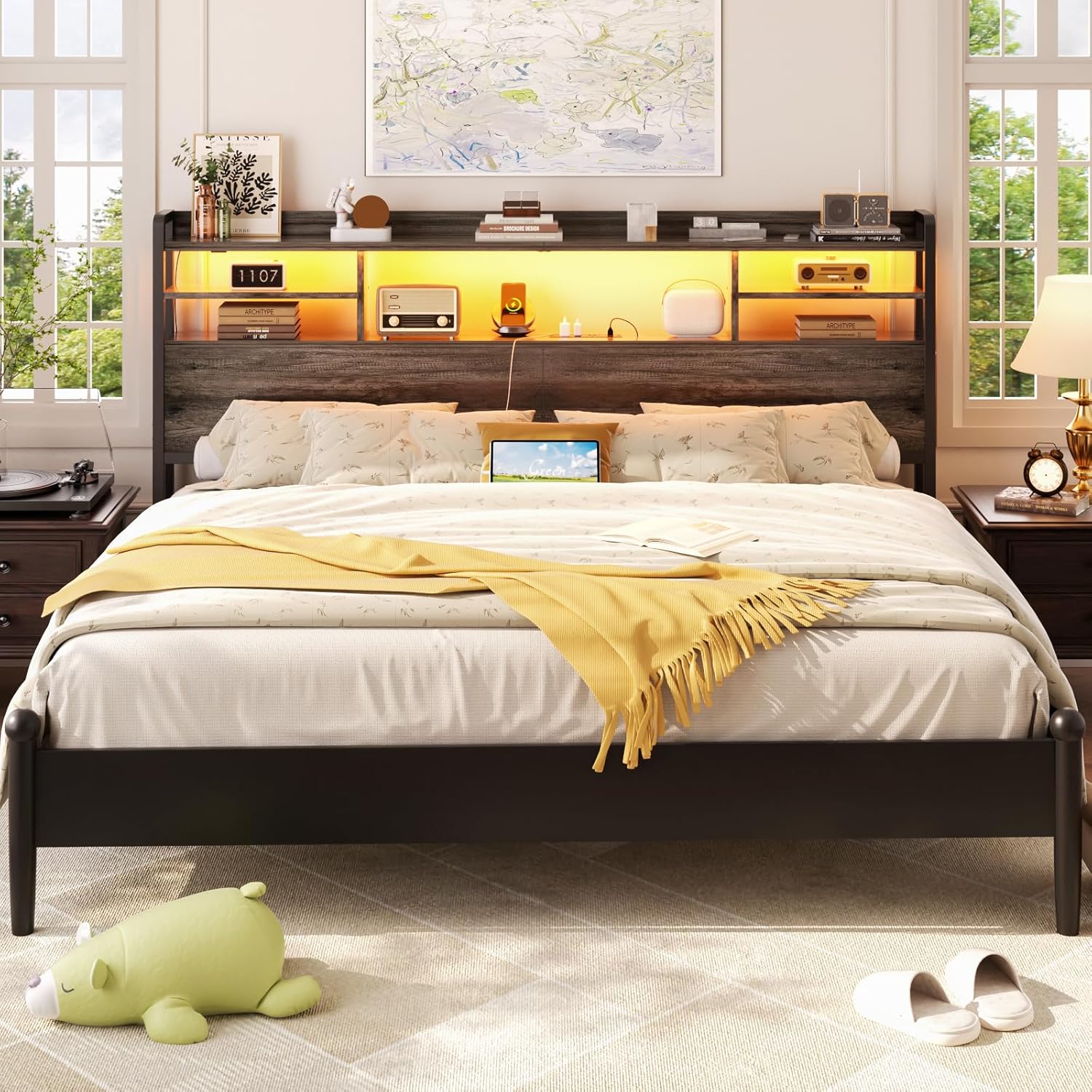
Image 3.1: Headboard dimensions and power cord length. The power cord is 6.5 feet long.
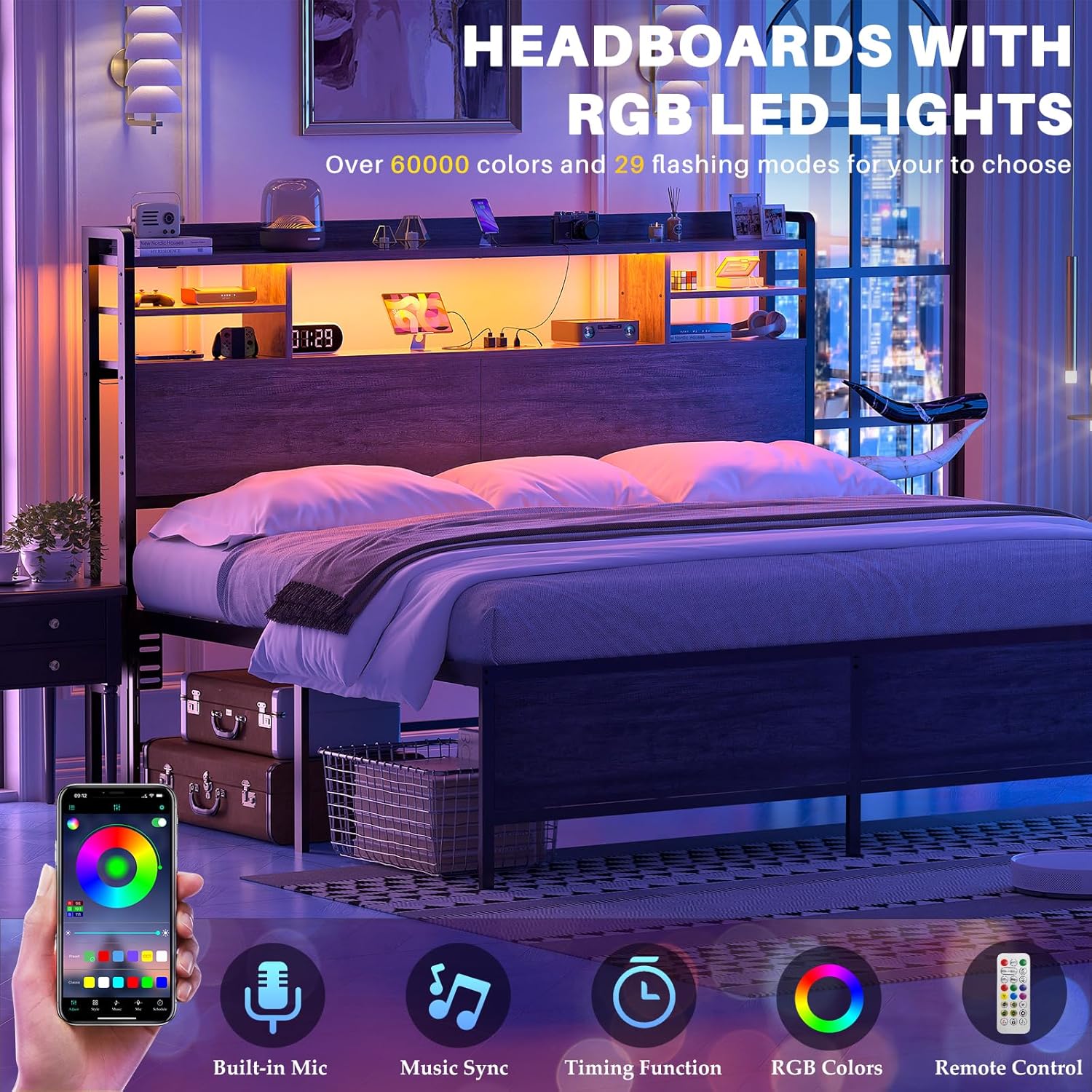
Image 3.2: Detail of the bed frame connectors and the rounded corners of the shelves.
4. Operating Instructions
4.1. Power Outlets and USB Charging Ports
The headboard is equipped with 3 standard AC power outlets (120V/12A) and 2 USB charging ports (5V/2A). These are located on the top shelf for convenient access.
- Plug the headboard's main power cord (6.56 ft long) into a wall outlet.
- Connect your electronic devices to the AC outlets or USB ports for charging.
- Ensure devices are compatible with the provided power specifications.

Image 4.1: Integrated power outlets and USB ports on the headboard's top shelf.
4.2. Smart LED RGB Lights
The headboard features smart RGB LED lights with over 60,000 color options and multiple lighting effects. Control the lights using the included remote control or a dedicated smartphone application.
- Color Selection: Choose from a wide spectrum of colors to match your mood or room decor.
- Lighting Effects: Select various dynamic lighting modes.
- Music Sync: The lights can synchronize with the beat of music played in the room.
- Timer Function: Set a timer for the lights to automatically turn on or off.
- Control: Use the remote control for basic functions. For advanced features and full color customization, download and use the smartphone application.
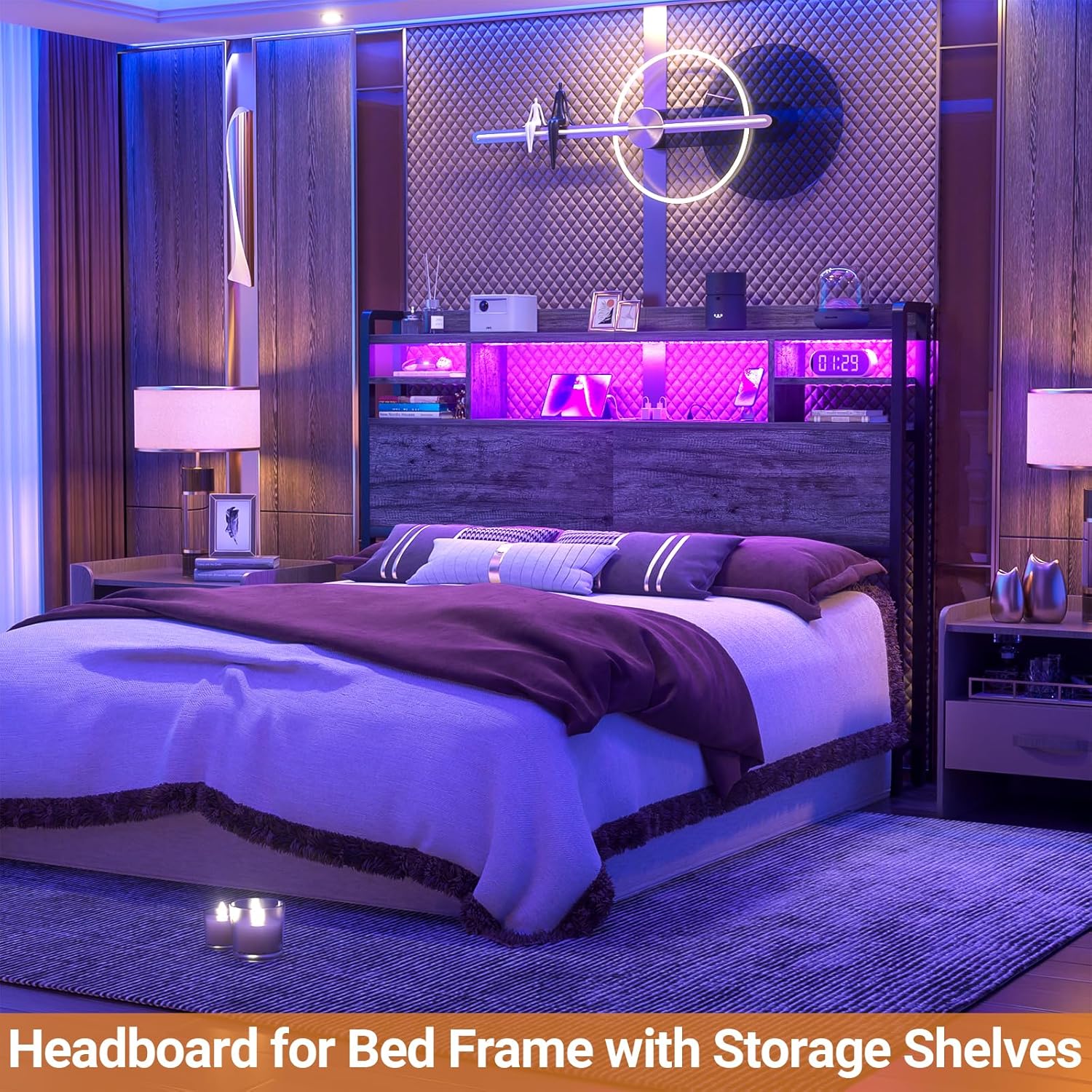
Image 4.2: Headboard with RGB LED lights, illustrating control via remote and smartphone app.
4.3. Storage Shelves
The headboard includes practical 2-tier storage shelves with rounded corners for safety. These shelves are ideal for organizing items such as phones, glasses, alarm clocks, books, and small decorative items.
- Place items securely on the shelves.
- Avoid placing excessively heavy objects on the shelves to prevent damage.
5. Maintenance
To ensure the longevity and appearance of your Aheaplus Headboard, follow these maintenance guidelines:
- Cleaning: Wipe surfaces with a soft, damp cloth. Avoid harsh chemicals or abrasive cleaners that may damage the finish.
- Dusting: Regularly dust the shelves and frame to prevent buildup.
- Inspections: Periodically check all screws and connections to ensure they remain tight. Retighten if necessary.
- Electrical Components: Keep the power outlets, USB ports, and LED lights free from dust and debris. Do not attempt to repair electrical components yourself.
6. Troubleshooting
If you encounter any issues with your headboard, refer to the following common problems and solutions:
| Problem | Possible Cause | Solution |
|---|---|---|
| Headboard is wobbly or noisy. | Loose connections or improper assembly. | Ensure all screws and connectors are securely tightened. Review assembly steps. |
| LED lights are not working. | Power cord not plugged in, remote battery low, or app connection issue. | Check if the main power cord is securely plugged into a working outlet. Replace remote battery. Ensure the app is correctly paired. |
| Power outlets/USB ports not charging. | Headboard not powered, overloaded circuit, or faulty device cable. | Verify the headboard is plugged in. Reduce the number of devices connected. Test with a different charging cable or device. |
| Items fall behind the lower shelves. | Open design of the shelves. | This is a design characteristic. Consider adding a custom backing or using storage bins to prevent items from falling. |
| Remote control functions are limited. | Some advanced features are app-exclusive. | For full functionality, including specific color combinations and advanced timer settings, use the dedicated smartphone application. |
7. Specifications
| Feature | Detail |
|---|---|
| Brand | Aheaplus |
| Model | Queen Size Headboard (B0DFYPCCR8) |
| Material | Wood, Iron Frame |
| Color | Black Oak |
| Style | Modern |
| Dimensions (W x H x D) | Approx. 61"W x 43.3"H x 7"D (6.3"W x 41.34"H for main panel) |
| Power Outlets | 3 x 120V/12A AC Outlets |
| USB Ports | 2 x 5V/2A USB Ports |
| Power Cord Length | 6.56 ft (2 meters) |
| LED Lights | RGB, 60,000+ colors, music sync, timer function |
| Storage | 2-Tier Shelves |
| Assembly Required | Yes |
| Mounting Type | Free standing, with bed frame connectors included |
8. Warranty & Support
8.1. Warranty Information
This Aheaplus Headboard comes with a 1-year limited warranty from the date of purchase. This warranty covers manufacturing defects in materials and workmanship under normal use. It does not cover damage resulting from improper assembly, misuse, accidents, or unauthorized modifications.
8.2. Customer Support
Aheaplus offers lifetime customer support for this product. If you have any questions, require assistance with assembly, or encounter any issues before or after your purchase, please contact our experienced support team. Refer to your purchase documentation or the Aheaplus official website for contact details.