Introduction
This manual provides comprehensive instructions for the installation, operation, and maintenance of your atFoliX FX-Antireflex Screen Protector for the Kruger&Matz Simple 940. This screen protection film is designed to offer anti-reflective properties, shock absorption, and scratch resistance, ensuring optimal display protection and readability.
Package Contents
Before beginning installation, please verify that all components are present in your package:
- atFoliX FX-Antireflex Screen Protection Film (Set of 3)
- Mounting Tools (e.g., squeegee, dust removal sticker)
- Microfiber Cleaning Cloth
- Installation Instructions (this manual)
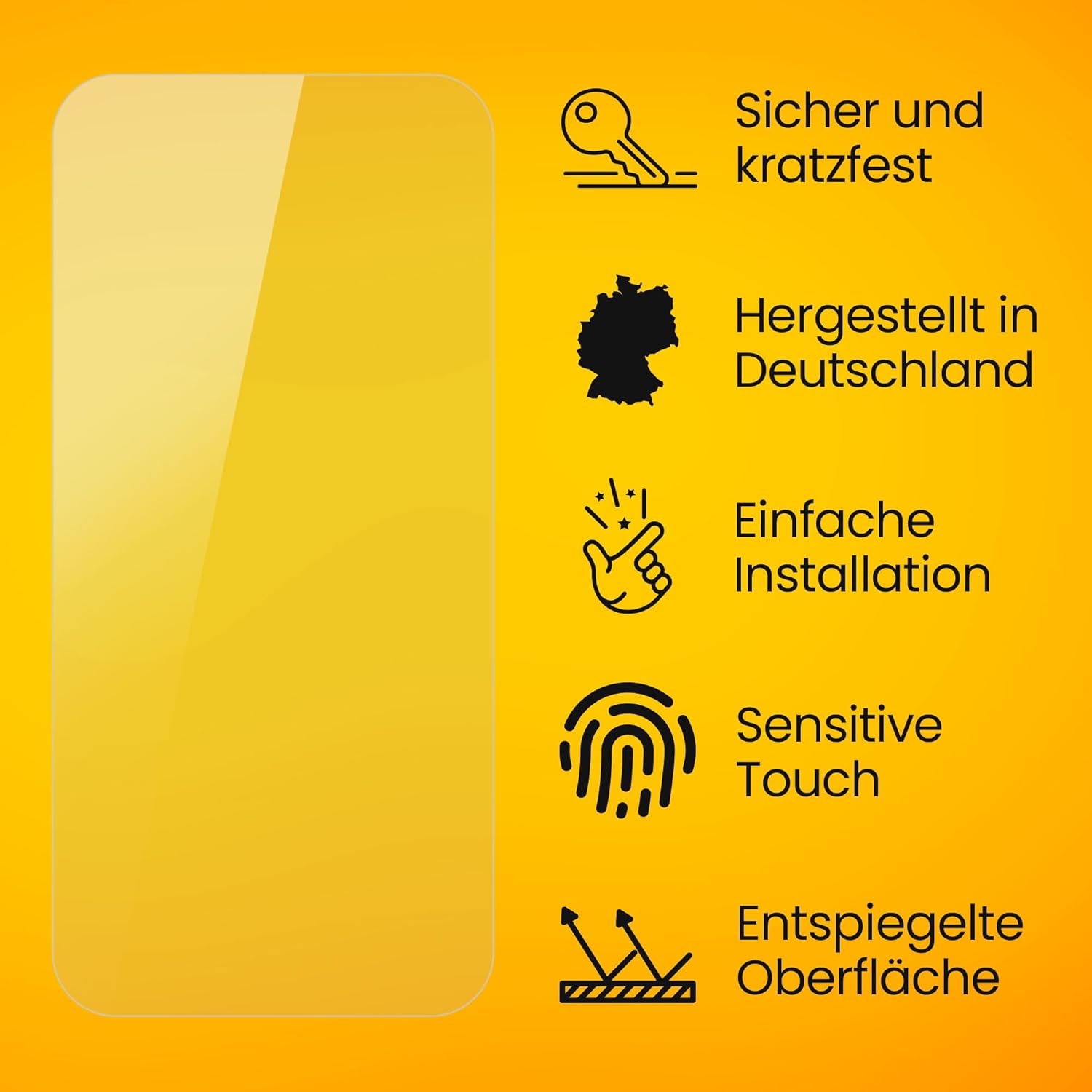
Image: Illustration of the typical package contents, including screen protector films, a microfiber cloth, and application tools.
Setup: Installation Guide
For a bubble-free and secure application, follow these steps carefully. Ensure you are in a dust-free environment.
- Clean the Device Screen: Use the provided microfiber cloth to thoroughly clean the screen of your Kruger&Matz Simple 940. Ensure all dust, smudges, and fingerprints are removed. For stubborn dirt, a screen cleaning solution can be used sparingly.
- Remove Dust Particles: Use the dust removal sticker (if provided) to gently dab the screen surface, picking up any remaining dust particles. This step is crucial for preventing bubbles.
- Align the Screen Protector: Carefully peel back a small portion of the protective layer (usually marked "Step 1" or similar) from one end of the screen protector. Align the exposed edge of the screen protector with the corresponding edge of your device screen. Ensure precise alignment with cutouts for cameras, sensors, and speakers.
- Apply the Protector: Slowly and steadily peel off the rest of the protective layer while simultaneously applying the screen protector to the device screen. Use the provided squeegee or a soft card to gently push out any air bubbles towards the edges as you apply. Work from one end to the other.
- Remove Top Layer: Once the screen protector is fully applied and all major bubbles are removed, carefully peel off the top protective layer (usually marked "Step 2" or similar).
- Final Touches: Use the microfiber cloth to gently wipe down the newly installed screen protector, removing any minor smudges or remaining small bubbles by pushing them to the edges.

Image: A visual representation of the screen protector application process, emphasizing ease of installation.
Operating: Key Features and Benefits
The atFoliX FX-Antireflex Screen Protector enhances your device experience through several key features:
- Anti-Reflective Surface: The finely matte surface significantly improves the readability of your display, especially in bright sunlight or under strong artificial light sources, by reducing glare.
- Shock Absorption: Integrated PET absorber layers provide a high degree of shock absorption, minimizing the risk of display breakage from impacts.
- Scratch Resistance: With a surface hardness of 3H, the film offers maximum protection against scratches from everyday objects like keys or coins.
- Fingerprint Reduction: The matte finish helps to reduce the visibility of fingerprints and smudges on your device screen, keeping it cleaner.
- Sensitive Touch: The protector maintains the original touch sensitivity of your device, ensuring smooth and responsive interaction.
- True Color Display: Despite the matte finish, the film is designed to preserve the clarity and vibrant color rendering of your screen.

Image: This image demonstrates the anti-reflective capability of the screen protector, showing how it reduces glare for improved screen visibility.

Image: This image highlights the screen protector's robust scratch-resistant properties, protecting your device from daily wear and tear.

Image: This image visually represents the shock-absorbing feature of the screen protector, designed to protect your device from impacts.

Image: This image demonstrates how the matte finish of the screen protector minimizes fingerprints and smudges, keeping your screen clear.

Image: This image shows that despite its matte finish, the screen protector ensures clear and vibrant color reproduction on your device.
Maintenance
To ensure the longevity and effectiveness of your atFoliX FX-Antireflex Screen Protector, follow these simple maintenance guidelines:
- Cleaning: Use a soft, lint-free microfiber cloth (like the one provided) to gently wipe the screen protector. For smudges or fingerprints, lightly dampen the cloth with water or a mild, alcohol-free screen cleaner. Avoid harsh chemicals or abrasive materials.
- Avoid Sharp Objects: While the protector is scratch-resistant, extreme pressure or very sharp objects can still cause damage. Avoid placing your device face down on rough surfaces or in pockets with keys.
- Temperature Exposure: Avoid exposing your device to extreme temperatures, as this can affect the adhesive properties of the screen protector over time.
Troubleshooting
Here are solutions to common issues you might encounter during or after installation:
- Bubbles After Installation:
- Small Bubbles: Many small bubbles will disappear naturally within 24-48 hours as the adhesive cures.
- Large Bubbles: If a large bubble persists, gently lift the nearest edge of the protector with a clean fingernail or card, then re-apply while pushing the bubble out with the squeegee. Ensure no dust is trapped underneath.
- Dust Trapped Underneath:
- Carefully lift the corner of the screen protector closest to the dust particle. Use a dust removal sticker or a piece of tape to gently lift the dust off the screen or the adhesive side of the protector. Re-apply the protector.
- Protector Not Sticking Properly:
- Ensure the screen was thoroughly cleaned and dry before application. Oils or residues can prevent proper adhesion. If the issue persists, the protector may need to be replaced.
Specifications
| Brand | atFoliX |
| Compatible Devices | Kruger&Matz Simple 940 |
| Material | Polyethylenterephthalat (PET) |
| Item Hardness | 3H |
| Product Dimensions | 2.4"L x 2"W (Specific to the Kruger&Matz Simple 940 screen) |
| Finish Type | Matte (FX-Antireflex) |
| Special Features | Anti-reflective, Shock-absorbing, Scratch-resistant, Fingerprint-reducing, Residue-free removable, Easy to apply, Made in Germany |
| Model Number | FX-Antireflex@FoliX 4053664195151 |
Warranty and Support
atFoliX products are manufactured with high-quality standards. For specific warranty information or technical support, please refer to the official atFoliX website or contact their customer service directly. Details are typically available on the product packaging or the manufacturer's official online resources.
For further assistance, please visit: www.atfolix.de (or relevant regional website).


