
Dakexiong DK_DELL_EMR_Pen_828TT_BOOX
Dakexiong Stylus Pen User Manual
Model: DK_DELL_EMR_Pen_828TT_BOOX
Introduction
This manual provides comprehensive instructions for the Dakexiong Stylus Pen. This stylus is designed for seamless integration with various BOOX Tablet models, including the BOOX Note Air 3 C, BOOX Tablet Go 10.3, and BOOX Tablet Tab Ultra C Pro. It offers a natural writing and drawing experience with advanced features to enhance your digital interaction.

Figure 1: The stylus pen shown with a BOOX tablet displaying text indicating compatibility with BOOX Note Air 3 C and BOOX Tablet Go 10.3.
Key Features:
- 4096 Pressure Sensitivity: Provides precise control for varied line thickness and shading.
- Soft Tip: Mimics the feel of writing on paper, protecting your device screen.
- Eraser Function: Easily correct mistakes by flipping the pen or using the dedicated button.
- Palm Rejection: Allows comfortable resting of your hand on the screen without interference.
- No Charging Required: Ready to use out of the box without the need for batteries or charging.
Product Overview
The Dakexiong Stylus Pen is a sleek, black digital pen designed for comfortable and efficient use. It features a fine tip for precise input and an integrated eraser function for quick corrections.
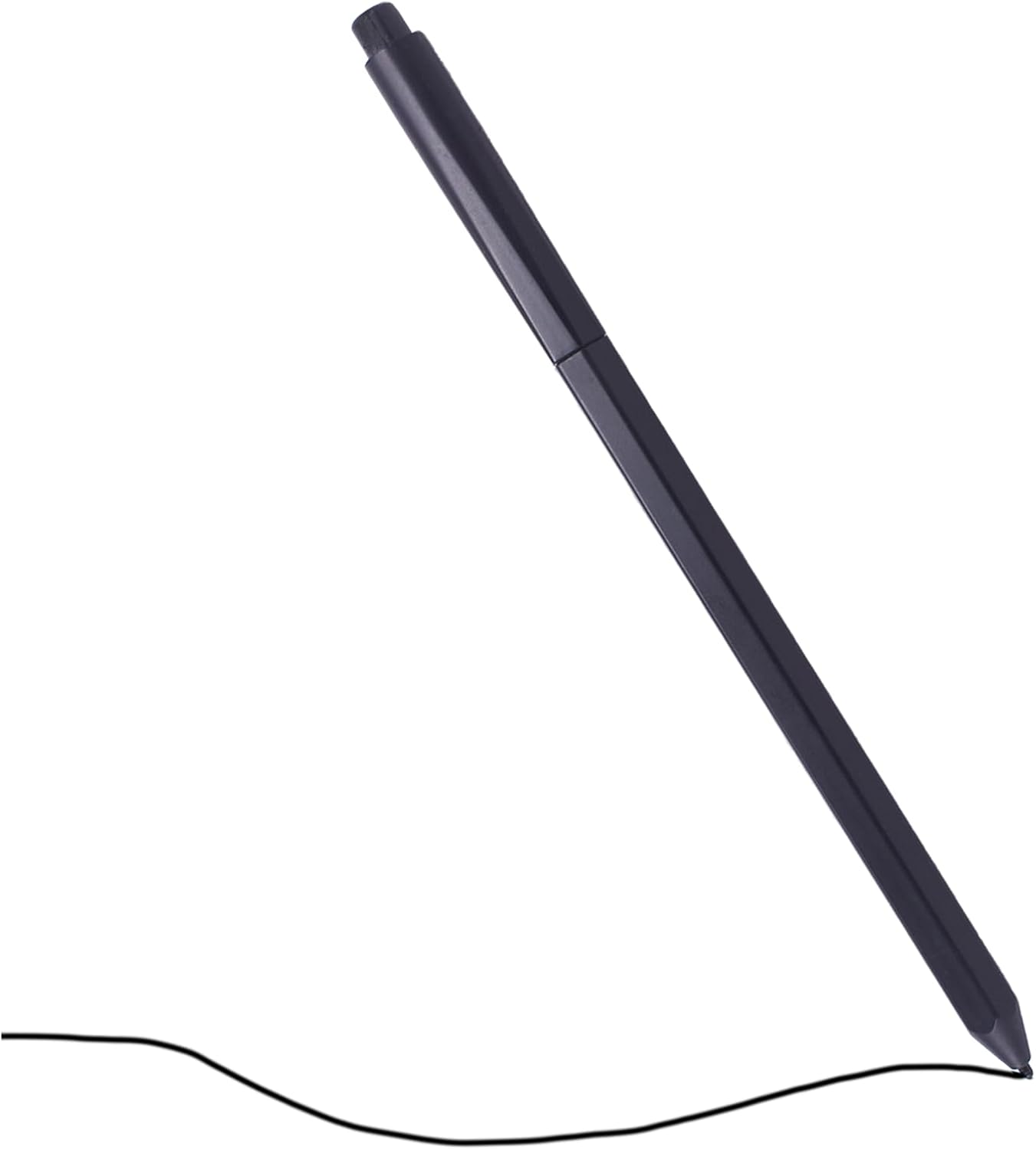
Figure 2: The Dakexiong Stylus Pen, black in color, shown at an angle as if writing on a surface.
Components:
- Stylus Tip: The primary point of contact for writing and drawing.
- Pen Body: Ergonomically designed for comfortable grip.
- Eraser End: Used for erasing by flipping the pen.
Setup
The Dakexiong Stylus Pen is designed for immediate use with compatible BOOX Tablets. No charging, battery installation, or special software setup is required.
- Unpack: Remove the stylus pen from its packaging.
- Compatibility Check: Ensure your BOOX Tablet model is listed as compatible (BOOX Note Air 3 C, BOOX Tablet Go 10.3, BOOX Tablet Tab Ultra C Pro).
- Begin Use: The pen is ready to be used directly on your compatible BOOX Tablet screen.
Note: This stylus pen operates without internal batteries or magnetic charging. Any mention of battery requirements in general product specifications does not apply to this specific model.
Operating Instructions
Writing and Drawing:
Hold the stylus pen as you would a traditional pen. Apply varying pressure to achieve different line thicknesses and shades, thanks to the 4096 levels of pressure sensitivity. The soft tip ensures a smooth experience without scratching the screen.

Figure 3: A hand holding the stylus pen, demonstrating smooth writing on a BOOX tablet screen.

Figure 4: A hand using the stylus pen to draw an intricate sketch on a BOOX tablet, showcasing precision.

Figure 5: A close-up of a hand using the stylus pen for detailed drawing on a BOOX tablet.
Eraser Function:
To erase, simply flip the pen over and use the eraser end on the screen. This allows for quick and intuitive corrections without interrupting your workflow.

Figure 6: Close-up of the stylus pen's eraser end being used to remove digital ink from a BOOX tablet screen.
Product Demonstration Video:
Video 1: An official demonstration of the Dakexiong Stylus Pen for BOOX Note Air 3 C, showcasing its features and functionality in use.
Maintenance
- Cleaning: Use a soft, dry cloth to gently wipe the stylus pen. Avoid abrasive materials or harsh chemicals.
- Storage: Store the pen in a safe place to prevent damage to the tip or body.
- Tip Replacement: If the stylus tip becomes worn, it may be replaced with a compatible replacement tip (sold separately). Refer to the replacement tip's instructions for proper installation.
Troubleshooting
| Issue | Possible Cause / Solution |
|---|---|
| Pen not responding on screen. |
|
| Eraser function not working. |
|
| Pen feels unresponsive or inaccurate. |
|
| Concern about battery installation. | This specific Dakexiong Stylus Pen model does not require batteries or charging. It is designed to function without an internal power source. Disassembly is not necessary and may void any potential warranty. |
Specifications
| Feature | Detail |
|---|---|
| Brand | Dakexiong |
| Model Number | DK_DELL_EMR_Pen_828TT_BOOX |
| Color | Black |
| Material | Plastic |
| Item Weight | 5 Grams (0.176 ounces) |
| Package Dimensions | 6.06 x 1.22 x 0.51 inches |
| Pressure Sensitivity | 4096 levels |
| Eraser Function | Yes (via pen flip) |
| Battery Required | No |
| Compatible Devices | BOOX Note Air 3 C Tablet, BOOX Tablet Go 10.3 Tablet, BOOX Tablet Tab Ultra C Pro Tablet |
Warranty and Support
For information regarding warranty coverage, technical support, or to purchase replacement parts, please refer to the official Dakexiong website or contact your retailer. Keep your purchase receipt for warranty claims.
Ask a question about this manual
Ask about setup, troubleshooting, compatibility, parts, safety, or missing instructions. Manuals+ will review the question and use this page’s manual context to help answer it.