Introduction
This manual provides comprehensive instructions for the installation, operation, and maintenance of your BEENOCAM 4K Solar Security Camera (Model QW6). This advanced outdoor wireless camera features dual lenses, 8MP resolution, 360° PTZ capabilities, PIR human detection, and enhanced night vision, ensuring robust surveillance for your property.

Figure 1: BEENOCAM 4K Solar Security Camera (Model QW6) and App Interface.
Setup
Package Contents
- BEENOCAM 4K Solar Security Camera
- Solar Panel
- Mounting Accessories (screws, anchors)
- User Manual (this document)
Installation Location
Choose a location that provides optimal sunlight exposure for the solar panel and a clear view of the area you wish to monitor. Ensure the camera is within range of your 2.4GHz WiFi network for stable connectivity.

Figure 2: Recommended installation for optimal solar charging and wireless monitoring.

Figure 3: The camera supports 2.4GHz WiFi networks for connectivity.
Mounting the Camera
- Mark the drilling positions on the wall using the mounting bracket as a template.
- Drill holes and insert wall anchors if necessary.
- Secure the mounting bracket to the wall with screws.
- Attach the camera to the mounting bracket.
- Adjust the solar panel angle to maximize sunlight exposure.

Figure 4: The camera is designed for continuous operation via solar and battery power.
Initial Power-Up and App Connection
Ensure the camera's internal batteries are charged. Download the dedicated mobile application (refer to the QR code on the packaging or search in your app store). Follow the in-app instructions to add your camera, connect it to your WiFi network, and complete the initial setup.
Operating Instructions
Dual Lens and PTZ Control
The camera features a dual-lens system: a wide-angle lens for panoramic views and a rotating lens for detailed observation. Use the mobile app to switch between views and control the 360° Pan (355° horizontal) and Tilt (90° vertical) functions.

Figure 5: Dual lens functionality and PTZ (Pan/Tilt/Zoom) capabilities.

Figure 6: The dual-lens system provides both wide-angle and PTZ views.
PIR Human Detection and Auto-Tracking
The advanced PIR sensor detects human motion, triggering alerts and initiating auto-tracking. The camera will follow the detected person's movement within its field of view. You can customize detection zones to focus on specific areas of interest.

Figure 7: PIR Human Detection and Auto-Tracking in action.

Figure 8: The camera's auto-tracking feature follows detected subjects.

Figure 9: Customize detection areas to receive alerts only for relevant zones.
Real-Time Alerts and Alarms
Upon detection, the camera sends real-time push notifications to your mobile phone. You can also configure the camera to activate a siren sound and spotlight to deter intruders.

Figure 10: Real-time alerts and active deterrence features.

Figure 11: The camera offers multiple alert and alarm options.
Night Vision
The camera supports both color night vision and infrared night vision, providing clear images even in low-light or complete darkness. The color night vision utilizes the camera's spotlights to illuminate the scene.
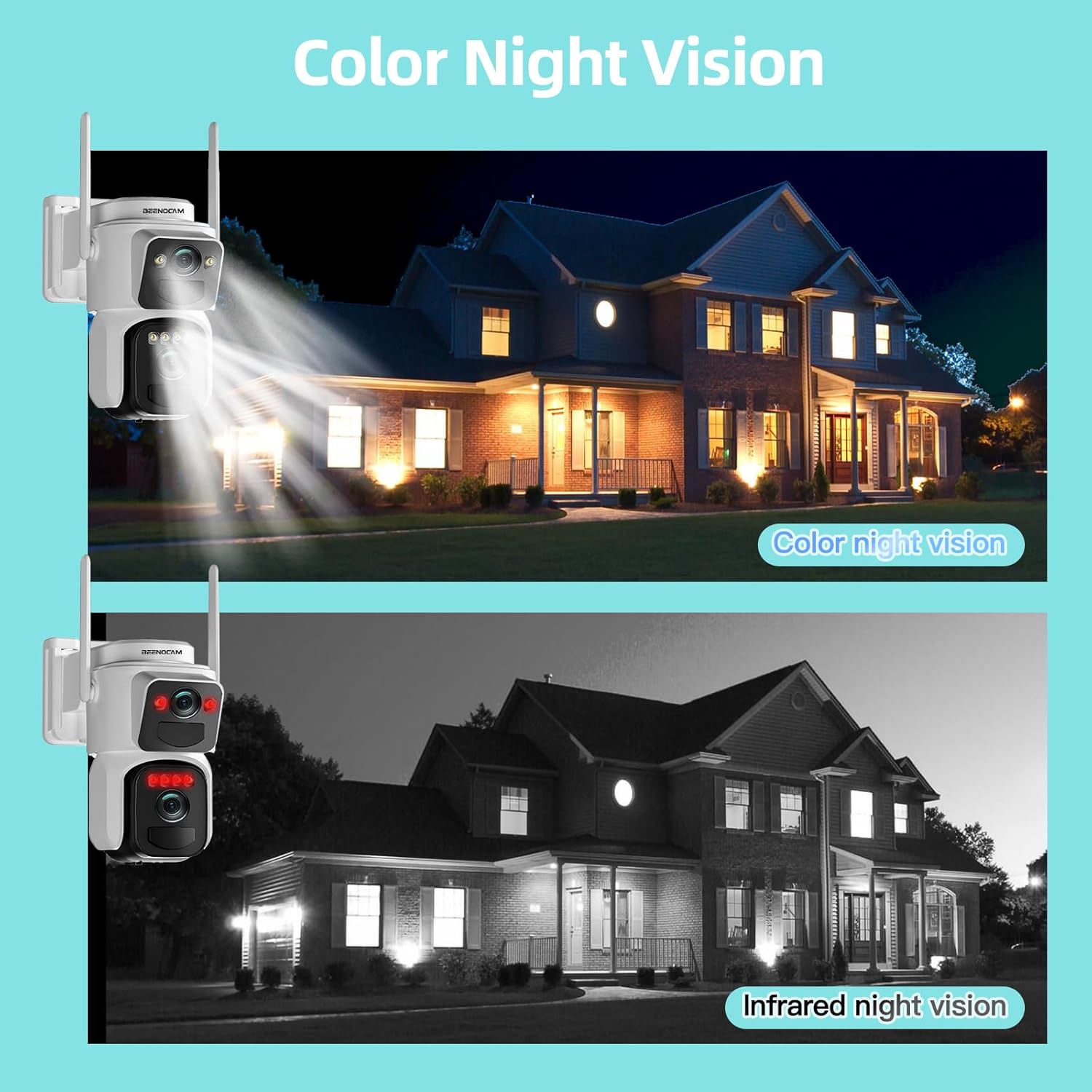
Figure 12: Color Night Vision and Infrared Night Vision capabilities.

Figure 13: The camera's night vision modes ensure visibility in darkness.
Storage Options
The camera supports local storage via an SD card (up to 256GB, not included) and cloud storage services. You can review recorded footage through the mobile application.
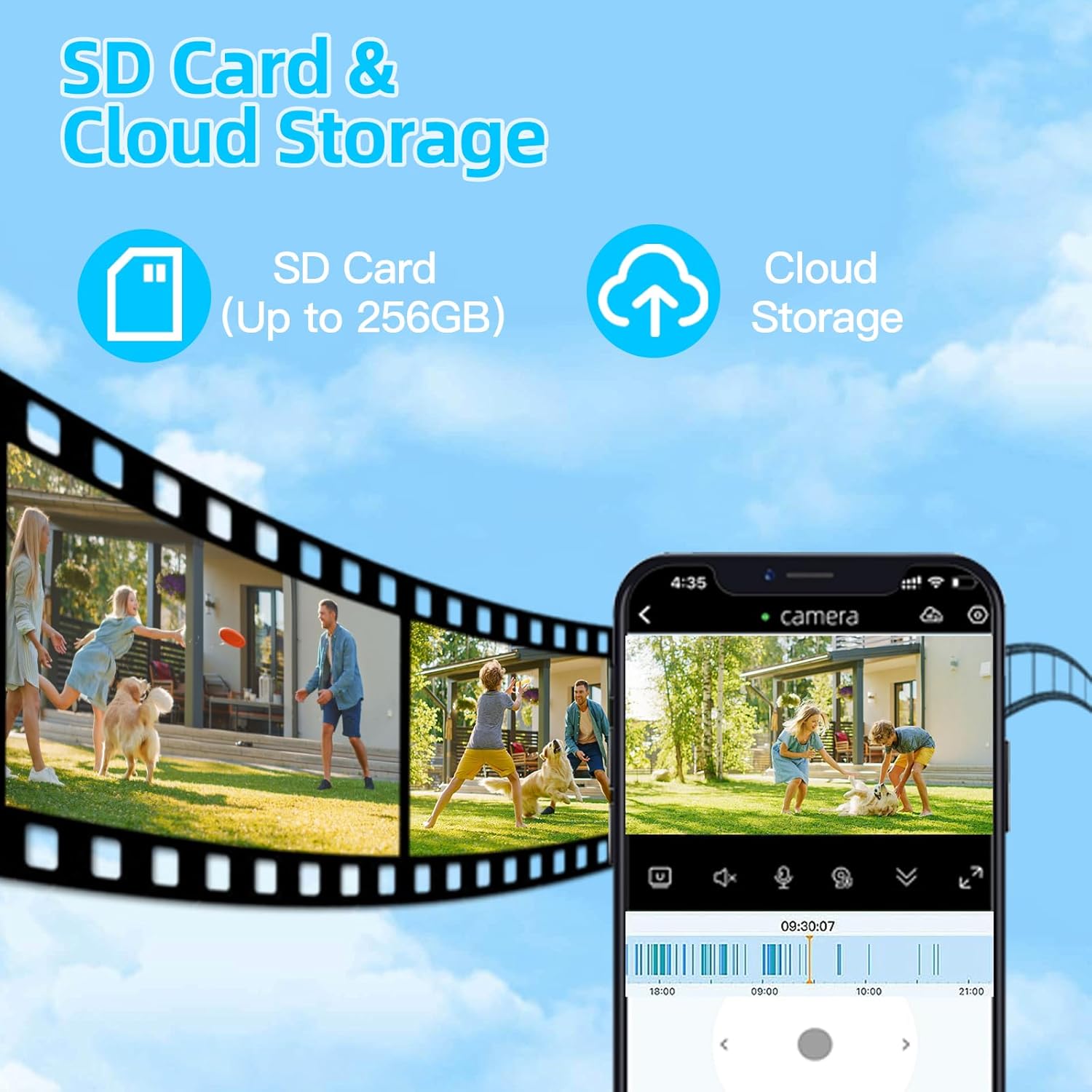
Figure 14: SD Card and Cloud Storage options for video recording.

Figure 15: Both cloud and local storage solutions are available.
Remote Access and Sharing
Access your camera's live feed and recorded footage from anywhere using the mobile app. You can also share access with family members or trusted individuals.

Figure 16: Remote access and multi-user sharing capabilities.
Maintenance
The BEENOCAM 4K Solar Security Camera is designed for outdoor use with an IP66 waterproof rating, making it resistant to rain, dust, and extreme temperatures (14°F to 131°F / -10°C to 55°C).
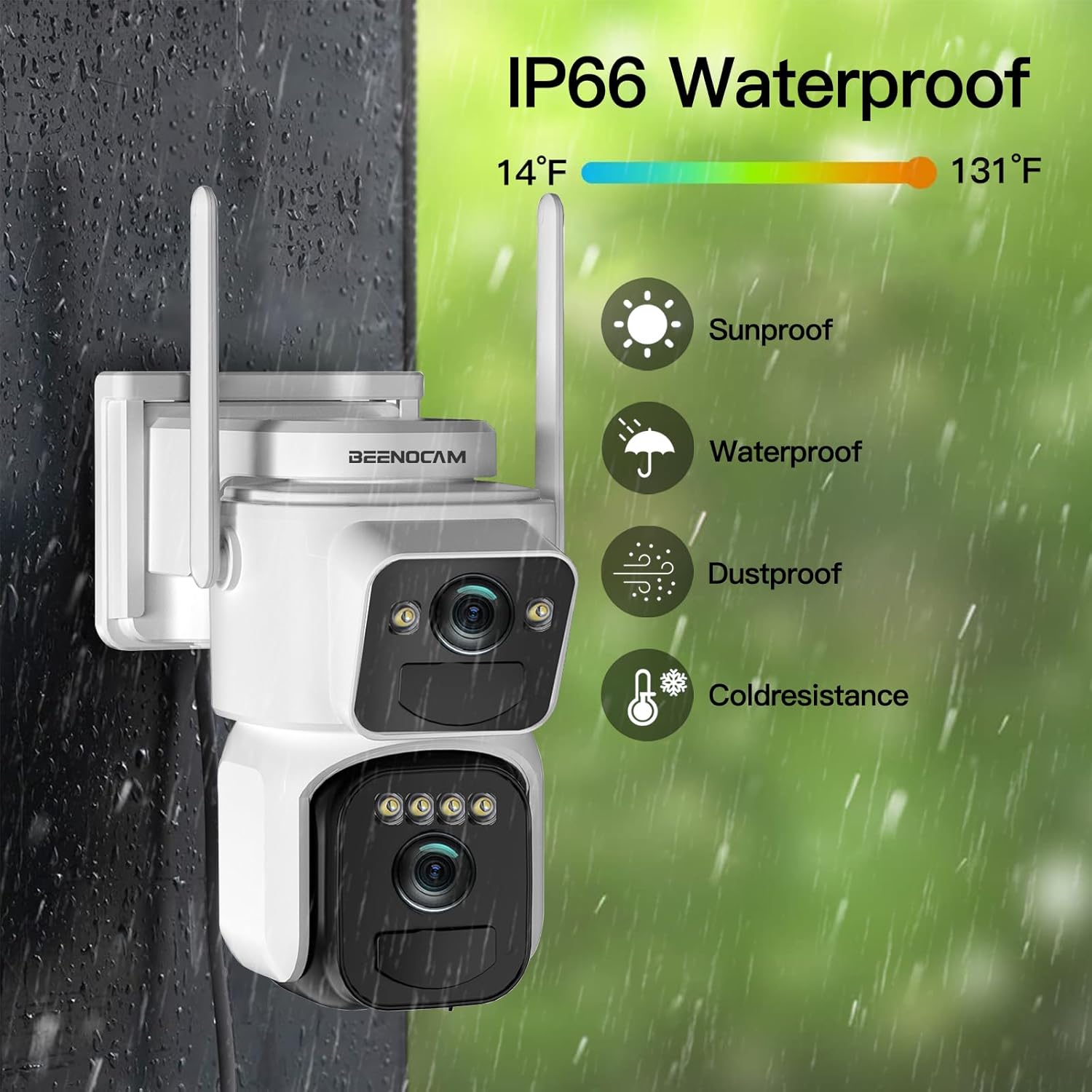
Figure 17: IP66 Waterproof and weather resistance features.

Figure 18: The camera is built to withstand various outdoor conditions.
Cleaning
Periodically wipe the camera lenses and solar panel with a soft, damp cloth to ensure clear vision and efficient solar charging. Do not use harsh chemicals or abrasive materials.
Battery Care
The camera uses 2 Lithium Polymer batteries (included). While solar-powered, ensure the solar panel receives adequate sunlight to maintain battery charge, especially during prolonged cloudy periods.
Troubleshooting
- No Power: Ensure the solar panel is clean and receiving direct sunlight. Check battery charge level in the app.
- Offline Status: Verify your WiFi network is active and the camera is within range. Restart your router and the camera.
- Poor Image Quality: Clean the camera lenses. Ensure there are no obstructions in the camera's view.
- Motion Detection Issues: Adjust PIR sensitivity settings in the app. Ensure detection zones are correctly configured.
- App Connectivity Problems: Ensure your mobile device has a stable internet connection. Update the app to the latest version.
Specifications
| Feature | Detail |
|---|---|
| Model Name | QW6 |
| Video Capture Resolution | 4K |
| Connectivity Protocol | Wi-Fi (2.4GHz) |
| Power Source | Solar Powered, Battery (2 Lithium Polymer batteries included) |
| Indoor/Outdoor Usage | Outdoor |
| Special Features | Dual Lens, 360° PTZ, PIR Human Detection, Auto-Tracking, Night Vision (Color & Infrared), Real-Time Alerts, Siren, Spotlight |
| Mounting Type | Wall Mount |
| Material | Metal |
| Item Dimensions (L x W x H) | 2.54 x 2.51 x 6.86 cm |
| Item Weight | 1.09 kg |
| Waterproof Rating | IP66 |
| Recommended Uses | Outdoor Security |

Figure 19: The 4K resolution provides super sharpness, detail, and clarity.
Warranty and Support
Warranty Information
The BEENOCAM 4K Solar Security Camera (Model QW6) comes with a 1-Year Warranty from the date of purchase. This warranty covers manufacturing defects and malfunctions under normal use. Please retain your proof of purchase for warranty claims.
Customer Support
For technical assistance, troubleshooting, or warranty inquiries, please contact BEENOCAM customer support. Visit the official BEENOCAM store on Amazon for more information and contact details: BEENOCAM Store.