
1. Introduction
Thank you for choosing the YOTON 9.5" Portable DVD Player. This manual provides essential information for setting up, operating, and maintaining your device to ensure optimal performance and longevity. Please read this manual thoroughly before using the product.

Image: YOTON 9.5" Portable DVD Player, showcasing its design and display.
2. Package Contents
Please check the package for the following items:
- 1 x Purple Portable DVD Player YD075
- 1 x Remote Control (battery not included)
- 1 x AC Charger
- 1 x Car Charger
- 1 x 3-in-1 AV cable (male)
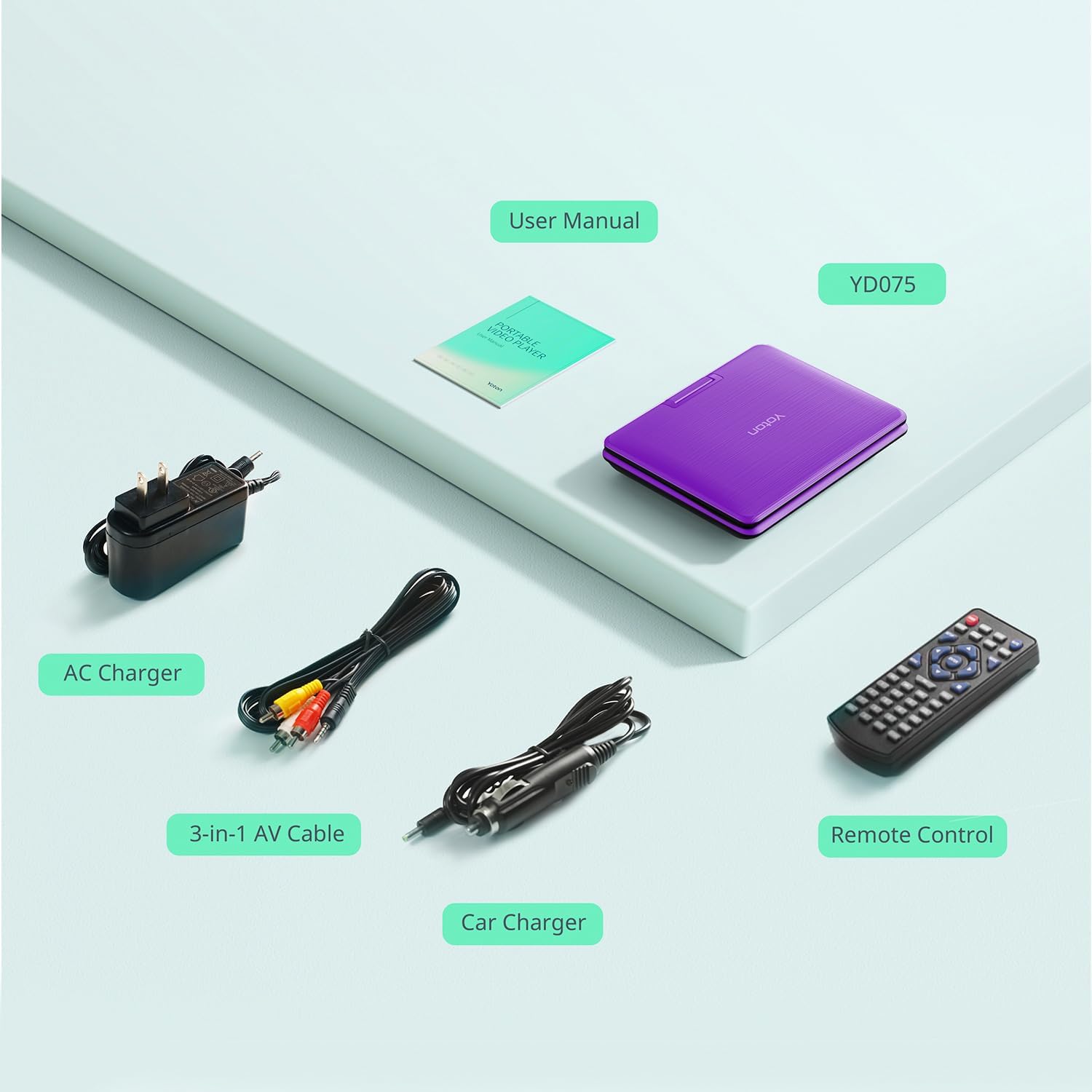
Image: All items included in the YOTON Portable DVD Player package.
3. Setup
3.1 Charging the Battery
The YOTON Portable DVD Player comes with a built-in rechargeable lithium battery. For first-time use or after extended storage, fully charge the battery using either the included AC adapter or the car charger.
- Using AC Adapter: Connect the AC adapter to the player's DC input port and plug it into a standard wall outlet.
- Using Car Charger: Connect the car charger to the player's DC input port and plug it into your vehicle's cigarette lighter socket.
A full charge provides approximately 6 hours of playback time. The charging indicator light will typically change color or turn off when charging is complete.
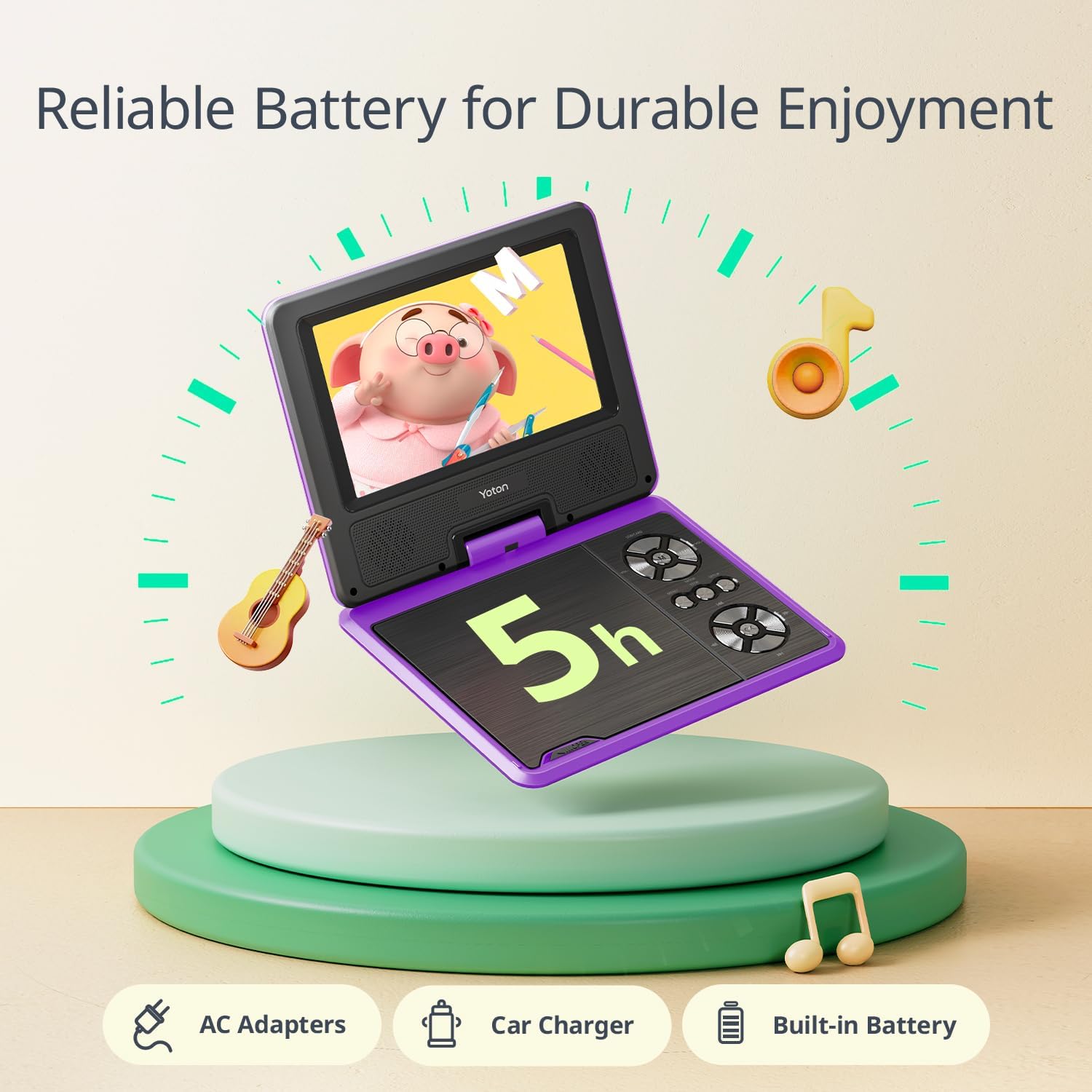
Image: Charging options for the YOTON Portable DVD Player.
3.2 Powering On/Off
To power on the device, slide the 'POWER' switch to the 'ON' position. To power off, slide the switch to the 'OFF' position.
4. Operating Instructions
4.1 Disc Playback
This portable DVD player supports a wide range of disc formats including DVD, CD, CD-R/RW, DVD±R/±RW, VCD/SVCD. It is also region-free, allowing playback of discs from any region. (Note: Does not support Blu-Ray discs.)
- Open the disc cover by gently pressing the 'OPEN' button or latch.
- Place the disc onto the spindle with the label side facing up. Gently press down on the center of the disc until it clicks into place.
- Close the disc cover. The player will automatically begin loading and playing the disc.
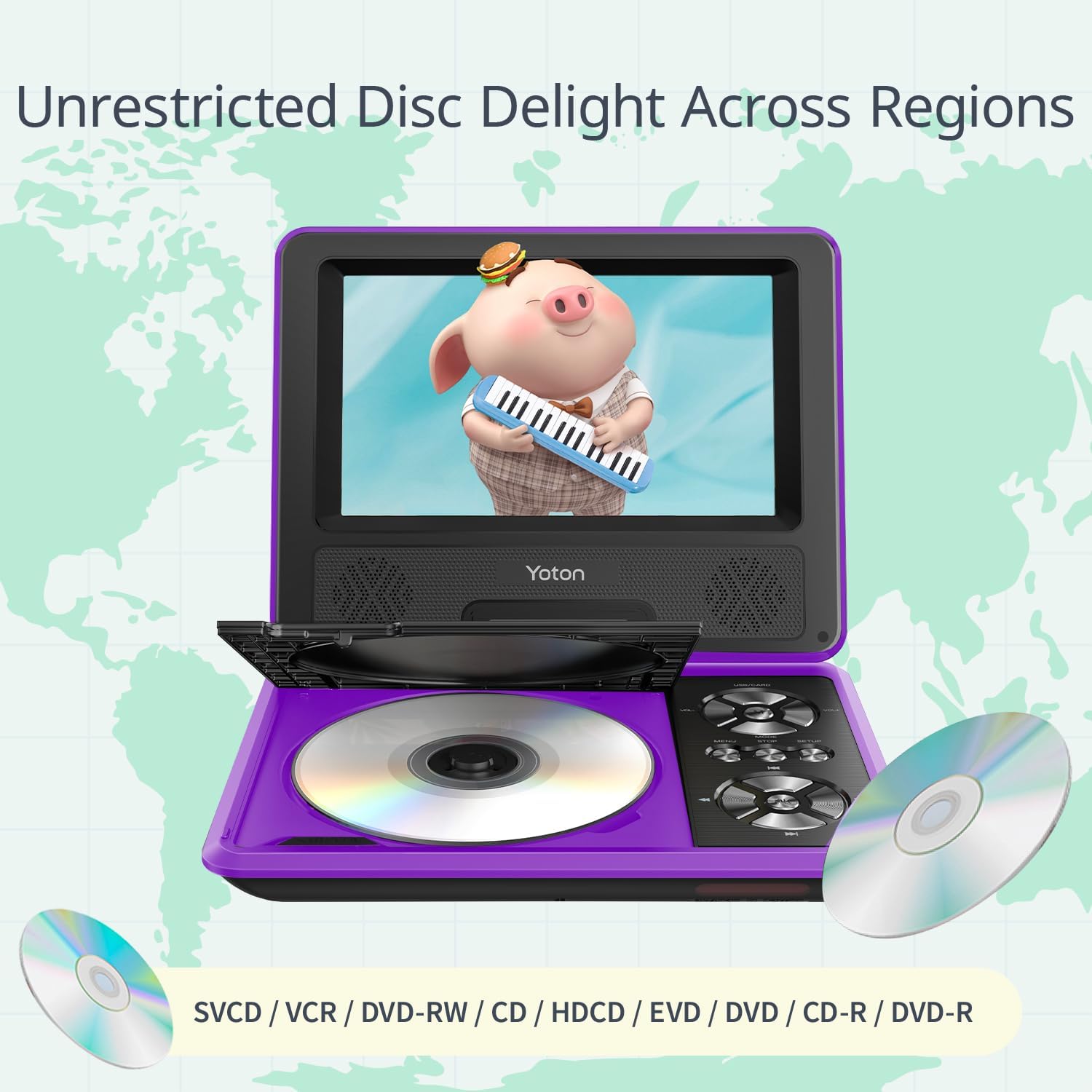
Image: Disc compatibility and region-free playback feature.
4.2 USB and SD Card Playback
Insert a USB flash drive into the USB port or an SD card into the SD card slot. The player supports various media formats such as AVI, MP3, JPEG, VOB, WMA, OGG, ACC. Use the 'MODE' button to switch to USB or SD card mode.
4.3 Screen Adjustment
The 7.5-inch screen offers flexible viewing angles with 270° rotation and 180° flip capabilities. Adjust the screen to your preferred position for optimal viewing comfort.

Image: Flexible screen rotation and flip for various viewing angles.
4.4 Break-Point Memory Function
The player features a break-point memory function, which automatically remembers where you left off in a movie or show. When you power on the device again, it will resume playback from the last watched scene.
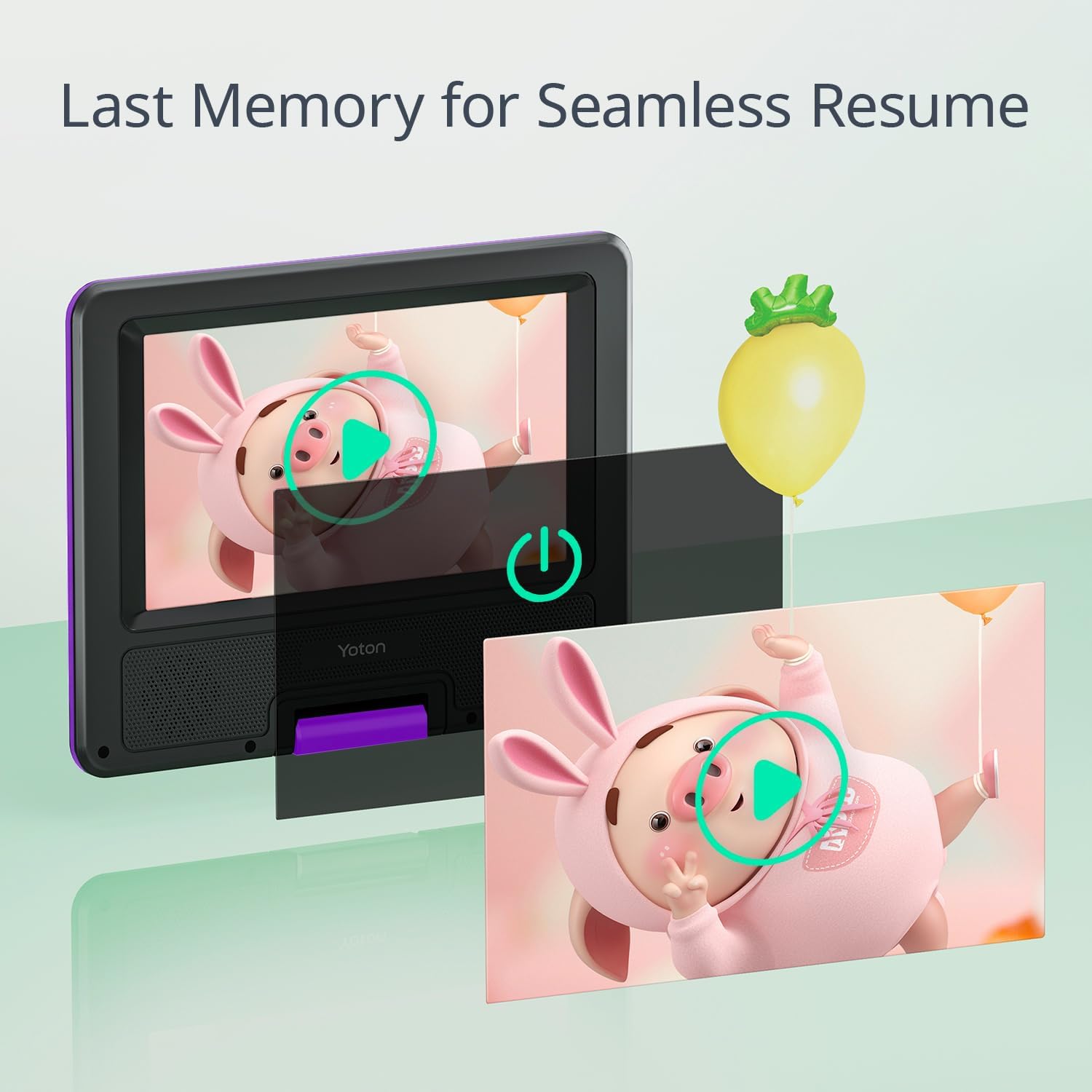
Image: Illustration of the break-point memory function.
4.5 Connecting to an External Display
You can connect the portable DVD player to a larger screen, such as a TV or projector, using the included 3-in-1 AV cable. This allows you to enjoy your media on a bigger display.

Image: Connecting the portable DVD player to a TV for a larger viewing experience.
4.6 Audio Output
The player is equipped with dual speakers for clear audio. For private listening, you can connect headphones to the 3.5mm headphone jack.
5. Maintenance
- Cleaning: Use a soft, dry cloth to clean the player's exterior. For the screen, use a screen-specific cleaning solution and a microfiber cloth. Do not use abrasive cleaners or solvents.
- Disc Care: Handle discs by their edges. Keep discs clean and free of scratches to ensure smooth playback.
- Storage: When not in use for extended periods, store the player in a cool, dry place. Ensure the battery is partially charged (around 50%) before storing to prolong its lifespan.
6. Troubleshooting
| Problem | Possible Cause | Solution |
|---|---|---|
| Player does not power on. | Battery is depleted or power adapter is not connected properly. | Connect the AC adapter or car charger and ensure the power switch is in the 'ON' position. Allow the battery to charge. |
| Disc does not play. | Disc is dirty, scratched, or unsupported format (e.g., Blu-Ray). | Clean the disc with a soft cloth. Ensure the disc is a supported format (DVD, CD, etc.) and not Blu-Ray. Reinsert the disc correctly. |
| No sound. | Volume is too low or muted. | Increase the volume using the VOL+ button or remote control. Check if headphones are connected. |
| Picture is distorted or unclear. | Disc issue or screen settings. | Clean the disc. Adjust screen settings (brightness, contrast) if available in the menu. |
If the problem persists, please contact YOTON customer support for assistance.
7. Specifications
| Feature | Detail |
|---|---|
| Product Dimensions | 8.15 x 6.3 x 1.65 inches |
| Item Weight | 1.5 pounds |
| Model Number | YD075 |
| Batteries | 2 Lithium Ion batteries (included) |
| Media Type Supported | AVI, VOB, MP3, WMA, OGG, ACC, JPG, CD, DVD, CD-R/RW, DVD±R/±RW, VCD/SVCD (Not support Blu-Ray) |
| Color | Purple |
| Screen Size | 7.5 Inches |
| Display Type | LCD |
8. Warranty and Support
Your YOTON Portable DVD Player is backed by a 24-month warranty. YOTON is committed to providing excellent customer service.
- Warranty Coverage: All products purchased from YOTON are covered by a 24-month warranty.
- After-Sales Service: YOTON customers enjoy comprehensive after-sales service. You can contact our after-sales team directly for free new parts for any broken or missing components.
- Technical Support: Our professional team offers 24/7 technology support.
- Contact: For any concerns or assistance, please reach out to YOTON customer support.


