
1. Introduction
The K&F CONCEPT 43mm Black Diffusion 1/4 & Circular Polarizing (CPL) 2-in-1 Filter is designed to enhance your photographic and videographic output by combining two essential effects into a single, convenient filter. This filter softens highlights and reduces overall contrast, creating a subtle, cinematic 'mist' effect, while simultaneously reducing reflections and enhancing color saturation and contrast, particularly in skies and water. Crafted from premium optical glass with multi-layer coatings, it ensures high image clarity and durability.
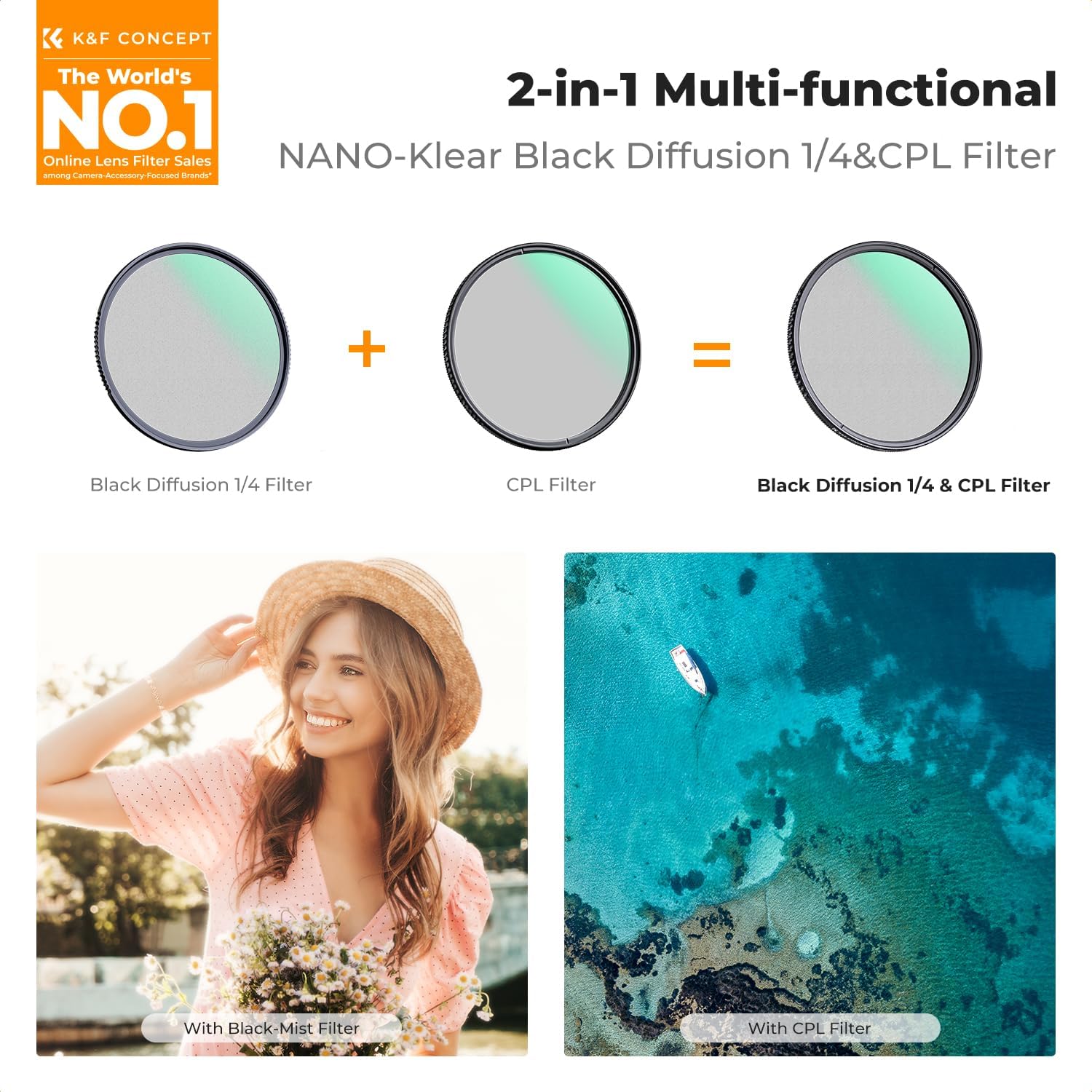
Figure 1: Visual representation of the 2-in-1 filter combining Black Diffusion and CPL effects.
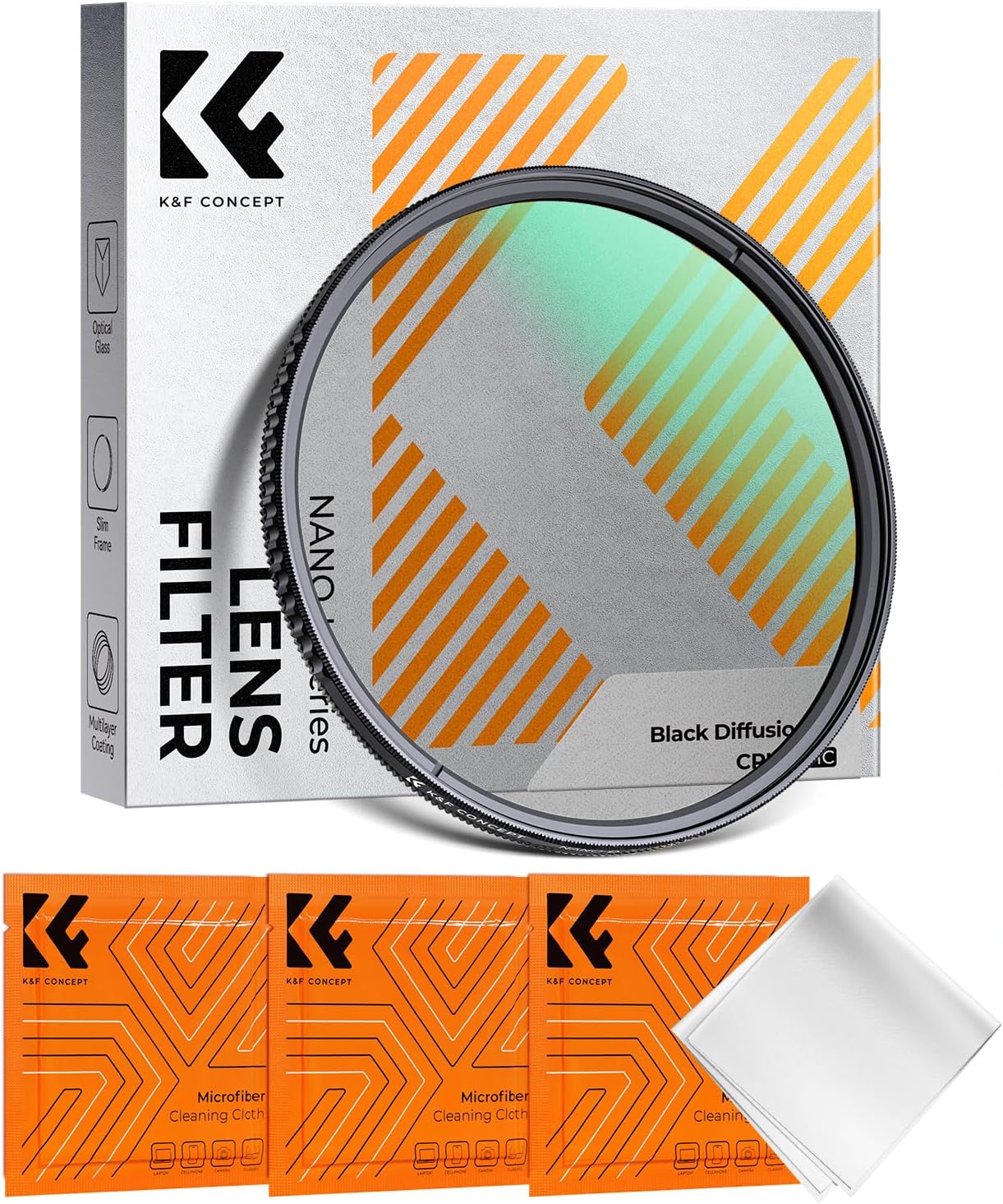
Figure 2: The K&F CONCEPT 43mm 2-in-1 Black Diffusion and CPL filter.
2. Setup
2.1 Identifying Your Lens Filter Size
Before attaching the filter, ensure you have the correct size for your camera lens. The filter size is typically indicated by a "Φ" (diameter) symbol followed by a number (e.g., Φ43mm) on the front of your lens barrel or on the inside of your lens cap. This filter is designed for lenses with a 43mm thread size.

Figure 3: Locating the filter thread size on your camera lens.
2.2 Attaching the Filter
- Carefully remove the lens cap from your camera lens.
- Align the K&F CONCEPT 2-in-1 filter with the thread on the front of your lens.
- Gently rotate the filter clockwise until it is securely fastened. Avoid overtightening. The CNC-designed trapezoidal pattern on the frame provides an easy grip for installation and removal.
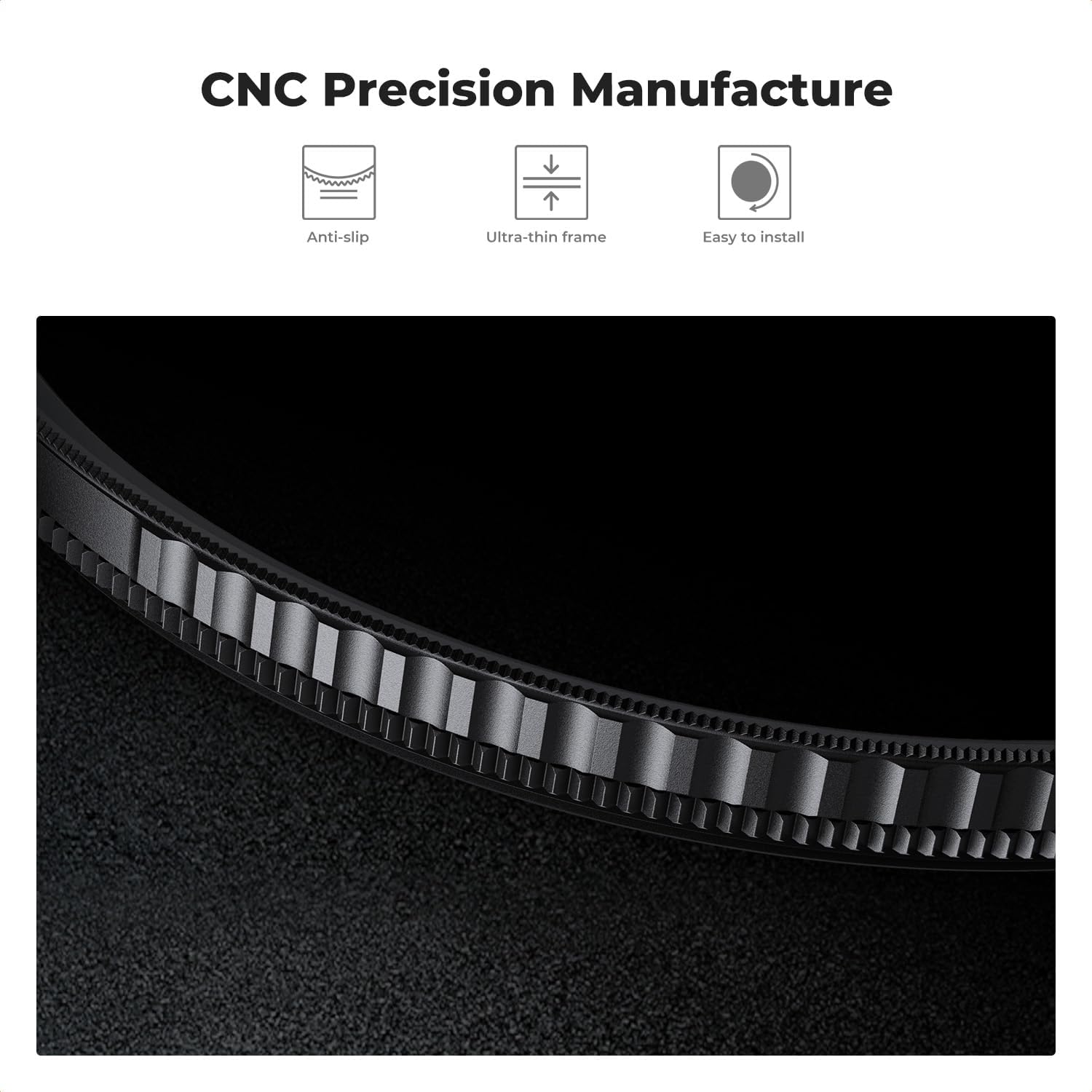
Figure 4: The filter's precision-machined frame for secure and easy attachment.
3. Operation
3.1 Using the Black Diffusion 1/4 Effect
The Black Diffusion 1/4 component of this filter is designed to soften the image, reduce contrast, and create a subtle glow around light sources. This effect is ideal for achieving a cinematic or dreamy aesthetic in your photos and videos, particularly for portraits or scenes with strong highlights.
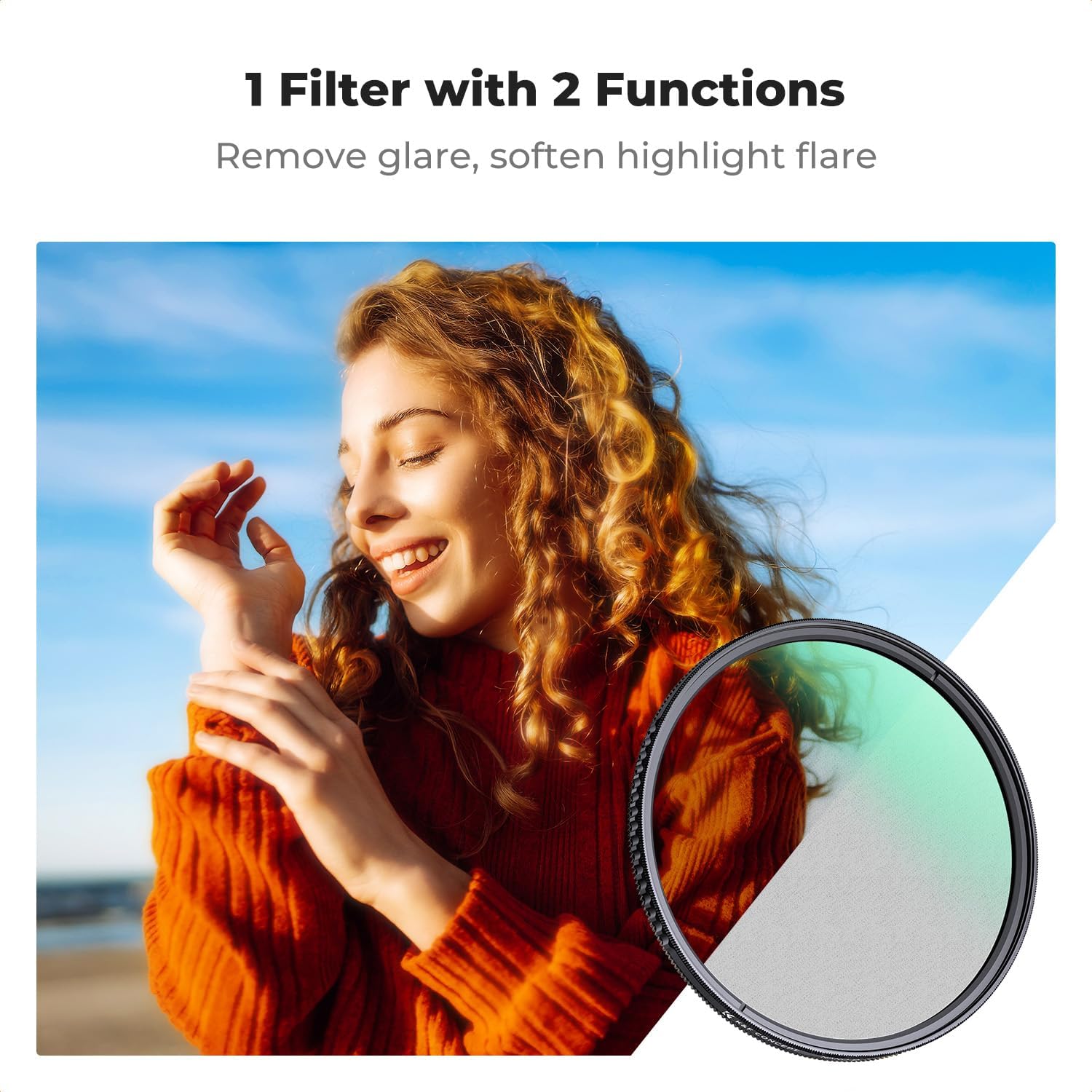
Figure 5: Achieving a dreamy atmosphere with the Black Diffusion filter.

Figure 6: Cinematic effect achieved with the Black Diffusion filter.
3.2 Using the Circular Polarizing (CPL) Effect
The CPL component helps to reduce unwanted reflections from non-metallic surfaces such as water, glass, and foliage. It also enhances color saturation and contrast, making skies appear bluer and clouds more defined. To adjust the polarizing effect, gently rotate the outer ring of the filter while looking through your camera's viewfinder or live view. The effect will become more pronounced as you rotate it to the desired angle.
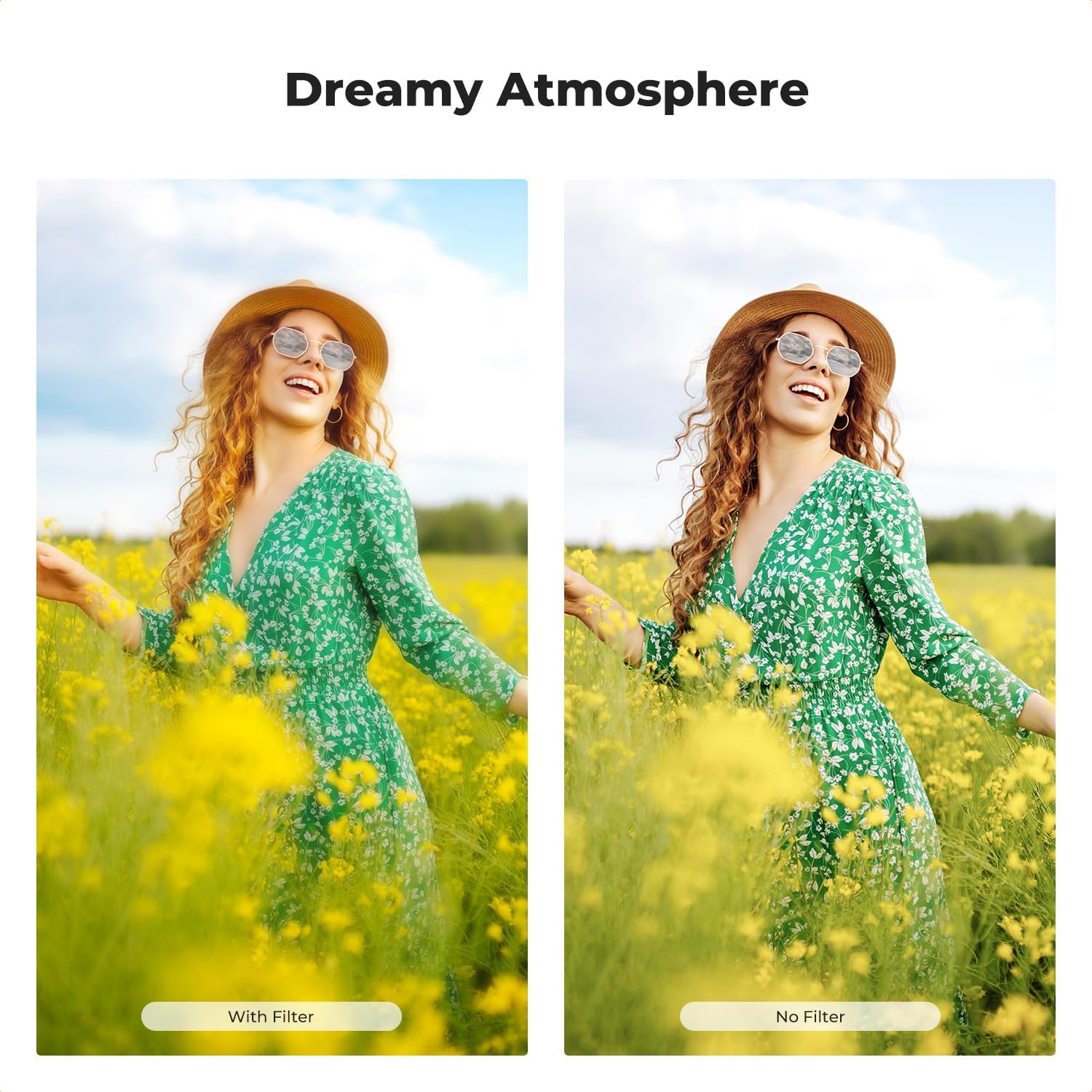
Figure 7: Eliminating glare and enhancing colors with the CPL filter.

Figure 8: Rotating the filter frame to adjust the CPL effect.
4. Maintenance
4.1 Cleaning the Filter
To maintain optimal image quality, keep your filter clean. Use the provided vacuum-sealed cleaning cloths or a soft, lint-free microfiber cloth. For stubborn smudges, a small amount of lens cleaning solution can be applied to the cloth (not directly to the filter). Gently wipe the filter in a circular motion from the center outwards.
4.2 Storage
When not in use, store the filter in its protective case to prevent dust accumulation and scratches. The filter's nano-coating also helps resist fogging, contributing to its long-lasting performance.

Figure 9: Included accessories for filter maintenance and storage.

Figure 10: The filter's 18-layer nanometer coatings for enhanced durability and easy cleaning.
5. Troubleshooting
5.1 Vignetting (Dark Corners)
- Cause: Using a filter that is too thick or stacking multiple filters, especially on wide-angle lenses.
- Solution: This K&F CONCEPT filter features an ultra-slim aviation-grade aluminum frame designed to minimize vignetting. Ensure the filter is correctly seated and not cross-threaded. If using other filters, consider removing them or using a wider-angle lens if vignetting persists.
5.2 Excessive Glare or Reflections
- Cause: The CPL effect is not optimally adjusted for the light source or reflective surface.
- Solution: Rotate the outer ring of the filter slowly while observing the scene through your camera. The polarizing effect changes with the angle of rotation, allowing you to find the optimal position to reduce glare.
5.3 Unclear or Hazy Images
- Cause: Dust, smudges, or fingerprints on the filter surface.
- Solution: Clean the filter thoroughly using the recommended cleaning procedure outlined in the Maintenance section.
6. Specifications
| Brand | K&F CONCEPT |
| Model Number | KF01.2756 |
| Material | Aluminum, Optical Glass |
| Photo Filter Thread Size | 43 Millimeters |
| Coating Description | 18-Layer Multi Coating (Nano-coating) |
| Photo Filter Effect Type | Black Diffusion 1/4, Polarizer |
| Water Resistance Level | Not Water Resistant |
| Item Weight | 65 Grams |
| Compatible Devices | Most 43mm threaded camera lenses |
7. Warranty & Support
7.1 Warranty Information
K&F CONCEPT products are manufactured to high-quality standards. For specific warranty details, please refer to the warranty card included with your product or visit the official K&F CONCEPT website. Keep your purchase receipt as proof of purchase for any warranty claims.
7.2 Customer Support
If you encounter any issues or have questions regarding your K&F CONCEPT 43mm Black Diffusion 1/4 & Circular Polarizing 2-in-1 Filter, please contact K&F CONCEPT customer support. Contact information can typically be found on the product packaging or the official K&F CONCEPT website.