
1. Introduction
The Bellman & Symfon Mino Digital Hearing Amplifier is a personal sound amplifier designed to enhance speech and audio clarity. It features advanced digital sound processing, dual microphones with noise cancellation, and a rechargeable battery for extended use. This manual provides essential information for the proper setup, operation, and care of your device.

Image 1.1: The Mino Digital Hearing Amplifier, shown with its retail packaging, included headphones, and earbuds.
Key Features:
- Advanced Digital Sound Processing: Delivers clear, noise-free sound for conversations and media listening.
- Easy to Operate: Pocket-sized and slim design for portability, with intuitive controls.
- Dual Microphones: Captures sound from different directions for a clearer, more natural audio experience.
- Directional Microphone with Noise Cancellation: Suppresses noise from behind and the sides, allowing focus on desired sounds.
- Flexible Listening Options: Connects to TV or radio using an optional audio cable kit.
- Long-Lasting Rechargeable Battery: Provides up to 30 hours of continuous operation on a single charge.
- Complete Package: Includes amplifier, headphones, earbuds, batteries, charger, charging cable, lanyard, belt clip, and user manual.
2. Package Contents
Upon unpacking your Bellman & Symfon Mino Digital Hearing Amplifier, please verify that all the following items are included:
- Mino Digital Hearing Amplifier unit
- Stereo Earbuds
- Microset™ (Headphones)
- Charger
- Charging Cable
- Rechargeable Battery (pre-installed)
- Belt Clip
- Lanyard
- User Manual (this document)

Image 2.1: Visual representation of the items included in the Mino Digital Hearing Amplifier package.
3. Setup
3.1 Charging the Device
Before initial use, fully charge your Mino Digital Hearing Amplifier. The device is powered by a rechargeable Lithium-Ion battery.
- Connect the charging cable to the charger.
- Plug the charger into a standard wall outlet.
- Connect the small end of the charging cable to the charger port on the side of the Mino amplifier.
- The battery LED indicator on the device will show charging status. A full charge typically takes a few hours.
A full charge provides up to 30 hours of continuous operation.
3.2 Connecting Listening Accessories
The Mino amplifier supports both headphones and earbuds, which are included in the package.
- Identify the 2.5mm audio output port on the side of the Mino amplifier (labeled 'Line out').
- Plug the connector of your preferred listening accessory (headphones or earbuds) into this port.
- Ensure the connection is secure.

Image 3.1: Detailed diagram illustrating the different components and ports of the Mino amplifier, including the charger port and line out for accessories.
4. Operating Instructions
4.1 Powering On/Off
- To power on the device, press and hold the Power On/Off button until the indicator lights illuminate.
- To power off, press and hold the Power On/Off button again until the lights turn off.
4.2 Adjusting Volume and Tone
The Mino amplifier allows for personalized sound adjustment.
- Use the Volume + and Volume - buttons to increase or decrease the listening volume.
- Use the Tone control buttons (left/right arrows) to adjust the sound's bass and treble levels for optimal clarity. The Volume/Tone Display will show the current settings.
4.3 Microphone Modes
The Mino features dual microphones and offers different listening modes to suit various environments.
- Omnidirectional Mode: Captures sound from all directions, suitable for general listening in quiet environments.
- Directional Mode: Focuses on sounds directly in front of the device while reducing background noise from the sides and rear. This is ideal for conversations in noisy settings.
Use the Mic. selector button to switch between microphone modes. The Microphone LED will indicate the active mode.

Image 4.1: Illustration of the directional microphone's function, highlighting its ability to suppress noise from peripheral areas.
4.4 Telecoil Function
The Mino amplifier includes a built-in telecoil for use in venues equipped with hearing loop systems.
- In locations such as theaters, concert halls, or churches with a hearing loop, activate the telecoil function using the Telecoil selector button.
- The Telecoil LED will illuminate when active. This allows you to receive audio directly from the venue's sound system, enhancing clarity and reducing ambient noise.

Image 4.2: Example of a public venue where the Mino's telecoil feature can be utilized for improved listening.
4.5 Connecting to External Audio Sources
The Mino amplifier can be connected to external audio sources like TVs or radios using an optional audio cable (not included).
- Connect one end of a compatible audio cable to the 'Line in' port on the Mino amplifier.
- Connect the other end of the audio cable to the audio output port of your TV, radio, or other audio device.
- Adjust the volume on the Mino amplifier to your preferred listening level.
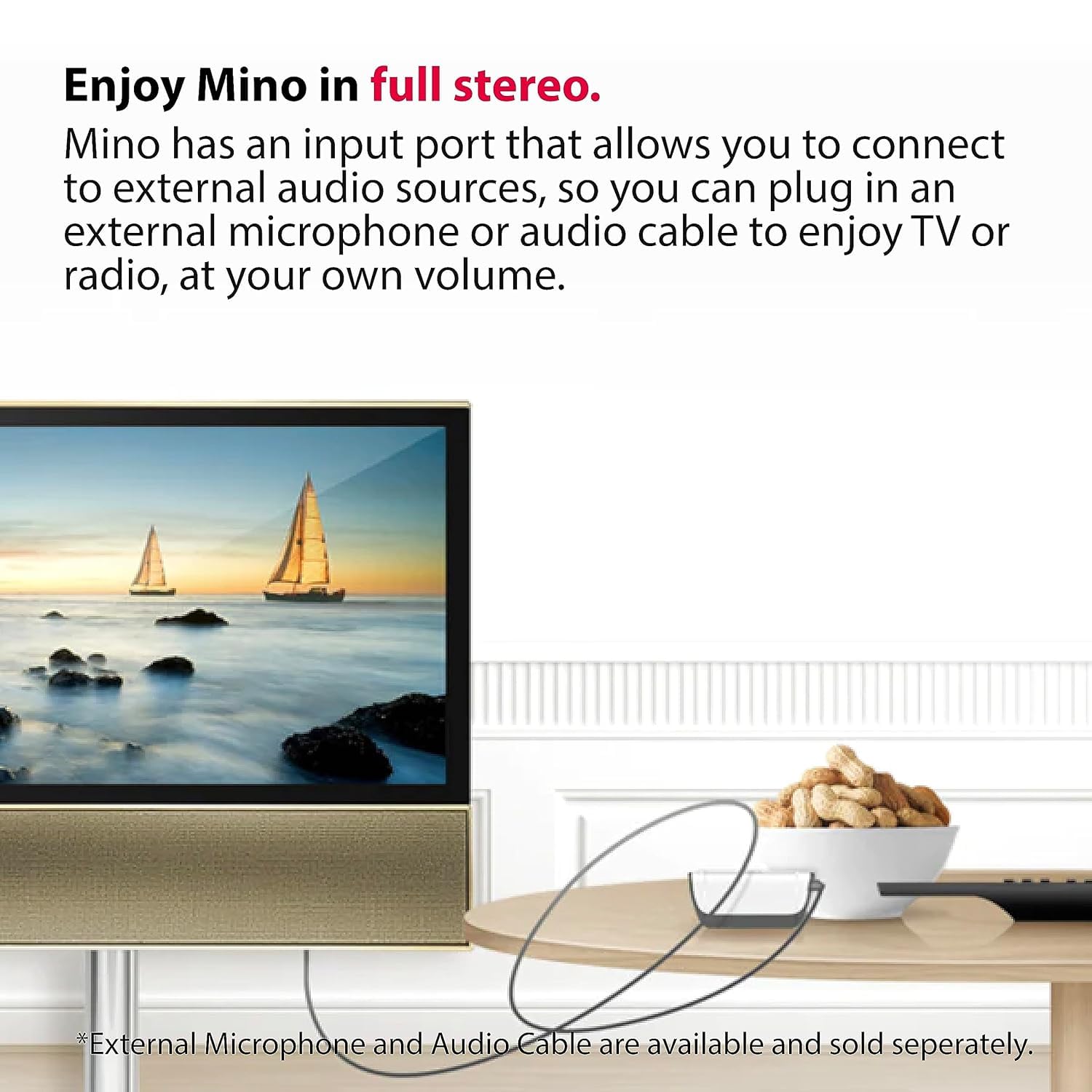
Image 4.3: The Mino amplifier connected to a television, demonstrating its capability to enhance TV audio.
5. Maintenance
5.1 Cleaning
- Wipe the Mino amplifier with a soft, dry cloth. Do not use liquid cleaners or abrasive materials.
- Regularly clean the earbuds and headphones according to their specific instructions to maintain hygiene and sound quality.
5.2 Storage
- Store the device in a cool, dry place away from direct sunlight and extreme temperatures.
- If storing for an extended period, ensure the battery is partially charged (around 50%) to prolong its lifespan.
6. Troubleshooting
This section addresses common issues you might encounter with your Mino Digital Hearing Amplifier.
| Problem | Possible Cause | Solution |
|---|---|---|
| No sound or low volume |
|
|
| Sound is distorted or unclear |
|
|
| Device does not charge |
|
|
| Short battery life |
|
|
7. Specifications
| Feature | Detail |
|---|---|
| Model Name | Mino |
| Item Model Number | BE2030-A-09 |
| Brand | Bellman & Symfon |
| Power Source | Rechargeable Lithium-Ion Battery (included) |
| Battery Life | Up to 30 hours of continuous operation |
| Microphones | Dual, Directional with Noise Cancellation |
| Dimensions (Package) | 7.3 x 4.5 x 3.5 inches |
| Weight (Package) | 1.1 Pounds |
| Manufacturer | Bellman & Symfon North America Inc. |
8. Warranty Information
8.1 Product Warranty
The Bellman & Symfon Mino Digital Hearing Amplifier comes with a 2-year warranty from the date of purchase, covering manufacturing defects and malfunctions under normal use. Please retain your proof of purchase for warranty claims.
8.2 Money-Back Guarantee
Bellman & Symfon offers a 30-day money-back guarantee. If you are not satisfied with your purchase, you may return the product for a full refund within 30 days of the purchase date. Please refer to the return policy details provided at the point of purchase or contact customer support for assistance.
9. Customer Support
For any questions, technical assistance, or warranty claims regarding your Bellman & Symfon Mino Digital Hearing Amplifier, please contact our customer support team:
- Toll-Free Phone: (833) BELLMAN / (833) 235 5626
- Email: support.bsn@bellman.com
Our support team is available to provide quick and professional assistance.
