Introduction
Thank you for choosing the Westinghouse 27 Inch Flat Gaming Monitor. This manual provides essential information for setting up, operating, and maintaining your monitor. Please read it thoroughly before use to ensure proper functionality and to maximize your gaming and viewing experience. This monitor is designed to deliver superior visual clarity with a 1080p Full HD IPS display, a high 180Hz refresh rate, and a rapid 1ms response time, complemented by AMD FreeSync technology for smooth, tear-free gameplay.
Safety Information
Please observe the following safety precautions to prevent damage to the monitor and ensure your safety:
- Do not expose the monitor to rain or moisture to avoid fire or electric shock hazards.
- Do not open the monitor casing. There are no user-serviceable parts inside. Refer all servicing to qualified service personnel.
- Place the monitor on a stable, flat surface to prevent it from falling.
- Ensure proper ventilation around the monitor. Do not block ventilation openings.
- Use only the power adapter supplied with the monitor.
- Disconnect the power plug from the outlet if the monitor will not be used for an extended period.
Package Contents
Verify that all items are present in your package:
- Gaming Monitor
- DisplayPort Cable
- Stand (Base and Neck)
- Power Adapter
- Owners Manual & Quick Start Guide

Image: Overview of the monitor's dimensions, included accessories, and connection ports.
Setup
1. Assembling the Stand
- Carefully remove the monitor from its packaging, keeping it protected.
- Attach the stand neck to the monitor panel.
- Attach the stand base to the stand neck. Secure with the provided screws if necessary.
- Place the assembled monitor on a stable desk or surface.
2. Connecting to a Device
The monitor supports DisplayPort and HDMI connections.
- DisplayPort Connection: Connect one end of the included DisplayPort cable to the DisplayPort output on your computer and the other end to the DisplayPort input on the monitor.
- HDMI Connection: Connect one end of an HDMI cable (not included) to the HDMI output on your computer or console and the other end to one of the HDMI inputs on the monitor.
- Audio Output: For external audio, connect headphones or external speakers to the 3.5mm headphone output jack on the monitor.
3. Power Connection
- Connect the power adapter to the monitor's power inlet.
- Plug the power adapter into a wall outlet.
Operating Instructions
Power On/Off
Press the power button located on the monitor to turn it on or off. The power indicator light will illuminate when the monitor is on.
On-Screen Display (OSD) Menu
The OSD menu allows you to adjust various monitor settings. Use the control buttons (usually located on the back or bottom right of the monitor) to navigate the menu.
- Press a control button to activate the OSD menu.
- Use the directional buttons to navigate through menu options.
- Press the select button to enter a sub-menu or confirm a setting.
- Press the exit button to go back or exit the OSD menu.
Key Features and Settings
- Full HD IPS Display: Enjoy vibrant colors and wide viewing angles with the 1080p IPS panel. Adjust brightness, contrast, and color temperature through the OSD menu for optimal visual quality.

Image: The monitor's Full HD IPS panel delivers sharp, detailed visuals.
- 180Hz Refresh Rate: Experience ultra-smooth motion. Ensure your graphics card settings are configured to output 180Hz for compatible games and applications.

Image: Visual comparison of 180Hz with AMD FreeSync On versus 60Hz with FreeSync Off, demonstrating reduced motion blur and stutter.
- 1ms Response Time: Minimizes ghosting and motion blur for clear, fast-paced action. This setting is typically active by default.

Image: Demonstrates the clarity provided by the 1ms response time compared to a slower response time.
- AMD FreeSync: Synchronizes the monitor's refresh rate with your GPU's frame rate to eliminate screen tearing and stuttering. Ensure FreeSync is enabled in both the monitor's OSD and your AMD graphics card settings.

Image: Illustrates the benefit of AMD FreeSync in reducing screen tearing and stuttering during gameplay.
- Gaming Modes: Optimize your visual experience for different game genres. Access these modes through the OSD menu.
- 1st-Person Shooter Mode: Enhances visibility in dark areas for a competitive edge.
- Real-Time Strategy Mode: Optimizes color and clarity for strategic overview.
- Crosshair View Mode: Provides an on-screen crosshair for improved target accuracy.

Image: Examples of various gaming modes available on the monitor.
- EyeRest Technology: Reduces blue light emission and flicker to minimize eye strain during long viewing sessions. Enable this feature in the OSD menu.
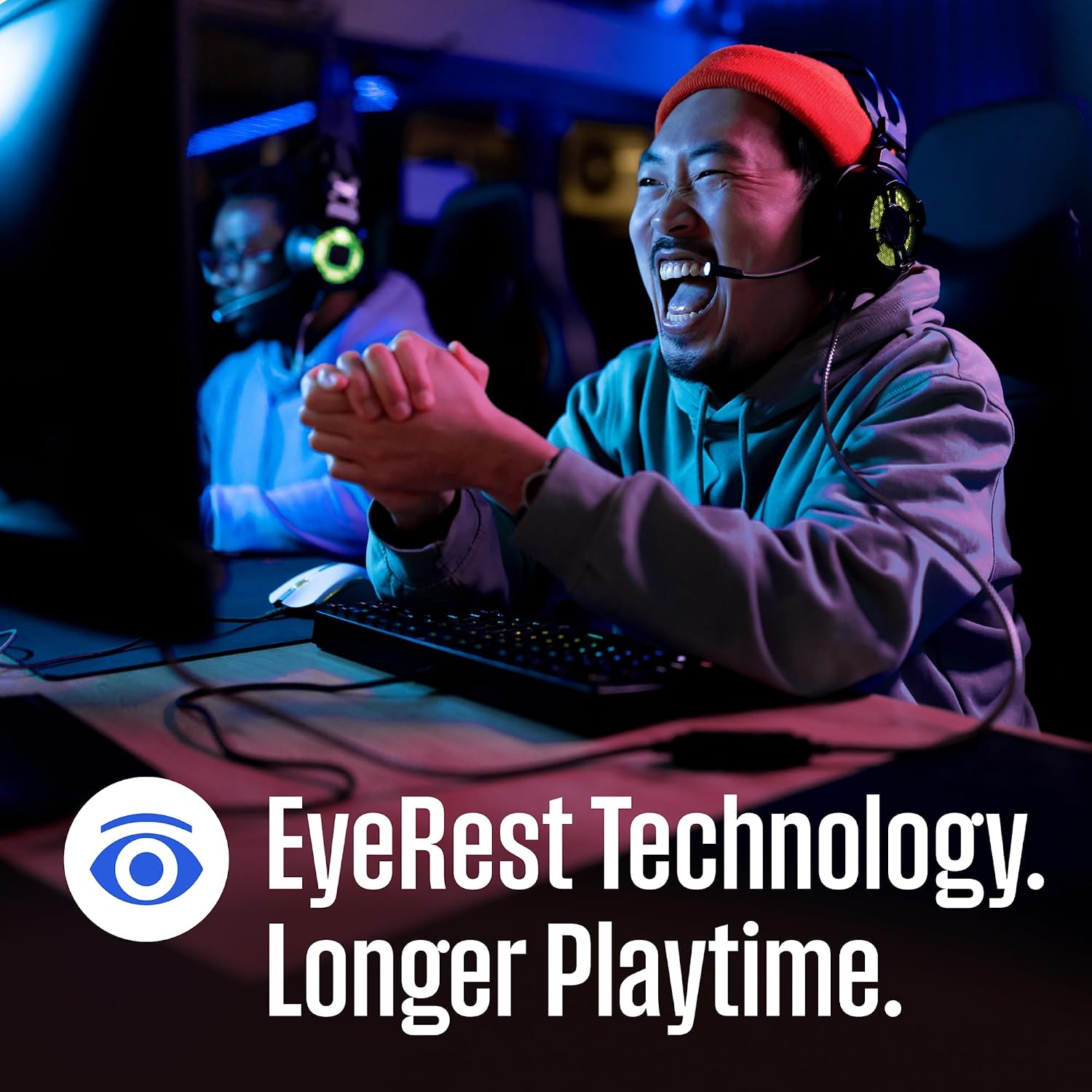
Image: EyeRest Technology helps reduce eye strain for extended use.
- Built-in Speakers: The monitor includes integrated speakers for audio output. Adjust volume through the OSD menu or your connected device.
Maintenance
Cleaning the Monitor
- Always unplug the monitor from the power outlet before cleaning.
- Use a soft, lint-free cloth slightly dampened with water or a mild, non-abrasive screen cleaner.
- Do not spray cleaner directly onto the screen. Apply it to the cloth first.
- Avoid using harsh chemicals, abrasive pads, or solvents as they can damage the screen or casing.
Storage
If storing the monitor for an extended period, disconnect all cables and store it in a cool, dry place, preferably in its original packaging to protect it from dust and physical damage.
Troubleshooting
If you encounter issues with your monitor, refer to the following common problems and solutions:
| Problem | Possible Cause | Solution |
|---|---|---|
| No power | Power cable not connected; Power outlet not working; Monitor off. | Ensure power cable is securely connected to monitor and outlet. Test outlet with another device. Press monitor power button. |
| No signal / Blank screen | Video cable not connected; Incorrect input source selected; Computer/device off or in sleep mode. | Check video cable connections (DisplayPort/HDMI). Select correct input source via OSD menu. Wake up or restart computer/device. |
| Image flickering or distortion | Loose video cable; Incorrect resolution/refresh rate; Graphics card driver issues. | Secure video cable. Set display resolution and refresh rate to recommended values (1920x1080, 180Hz). Update graphics card drivers. |
| No sound from built-in speakers | Volume too low/muted; Incorrect audio output selected on device; Monitor audio settings. | Increase monitor volume via OSD. Check computer/device audio settings to ensure monitor is selected as output. Unmute monitor. |
| AMD FreeSync not working | FreeSync not enabled on monitor/GPU; Incompatible cable; Game not running in full-screen mode. | Enable FreeSync in monitor OSD and AMD Radeon Software. Use DisplayPort cable. Ensure game is in full-screen mode. |
Specifications
| Feature | Detail |
|---|---|
| Model Number | 813784023581 |
| Screen Size | 27 Inches |
| Panel Type | IPS |
| Resolution | 1920 x 1080 (FHD 1080p) |
| Refresh Rate | 180Hz |
| Response Time | 1ms |
| Aspect Ratio | 16:9 |
| Image Brightness | 300 Candela per Square Meter |
| Image Contrast Ratio | 10,000,000:1 |
| Connectivity | 1x DisplayPort, 2x HDMI |
| Audio | Built-in Speakers, Headphone Output |
| Product Dimensions (LxWxH) | 7.4 x 24.13 x 17.73 inches |
| Item Weight | 12.32 pounds |
| Manufacturer | Westinghouse |
Warranty and Support
For warranty information, technical support, or service inquiries, please refer to the warranty card included with your product or visit the official Westinghouse website. You may also contact Westinghouse customer support directly for assistance.
Online Support: www.westinghouseelectronics.com/support


