
Product Overview
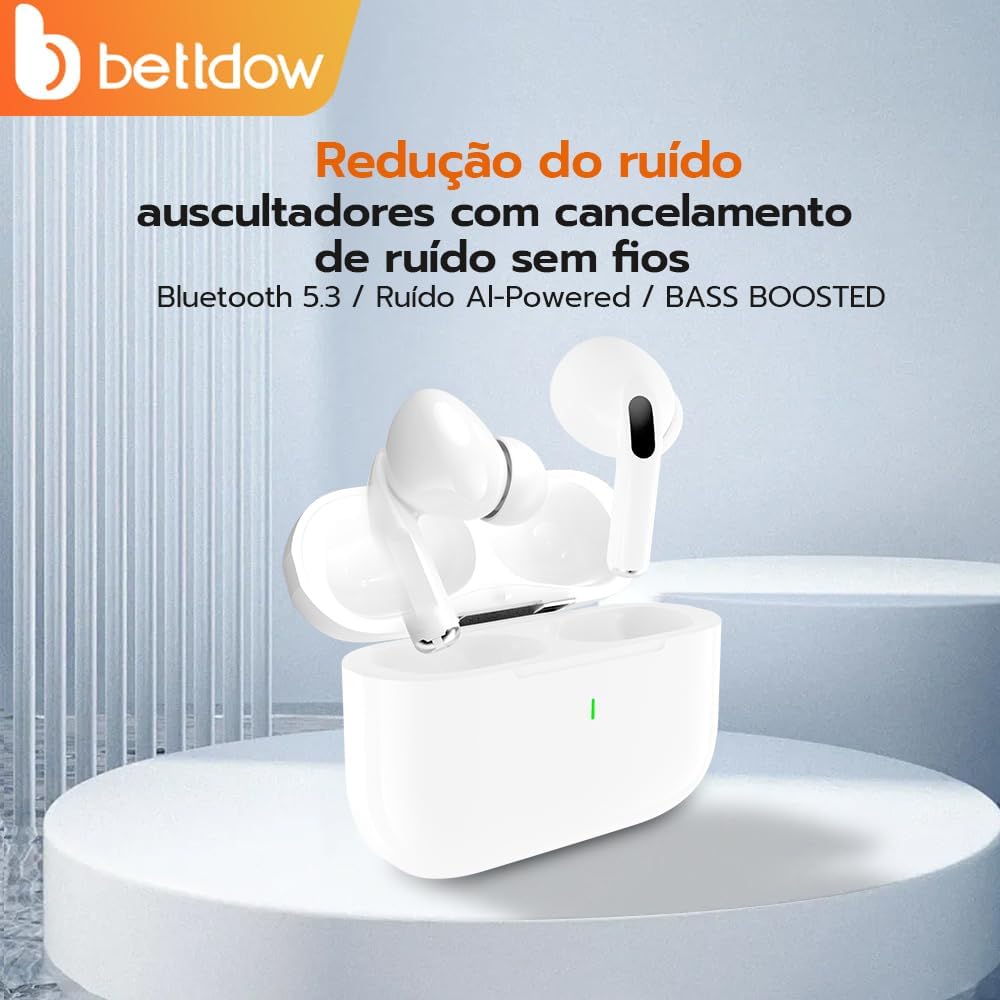
The Bettdow Bluetooth 5.3 Wireless Earbuds (Model J206) offer a high-quality audio experience with advanced features. Designed for comfort and durability, these earbuds are equipped with Bluetooth 5.3 for stable connectivity, HiFi audio for rich sound, and active noise cancellation for an immersive listening environment. Their water-resistant design makes them suitable for various activities, while the integrated microphone and touch controls provide convenience for calls and media management.


Setup Instructions
1. Initial Charging
Before first use, fully charge the earbuds and the charging case. Connect the provided USB-C cable to the charging port on the case and to a power source. The indicator light on the case will show charging status.

2. Pairing with Your Device
The Bettdow J206 earbuds feature one-step pairing for convenience.
- Ensure your device's Bluetooth is turned on.
- Open the lid of the charging case. The earbuds will automatically enter pairing mode.
- On your device, search for Bluetooth devices and select "J206" from the list.
- Once connected, you will hear a confirmation tone, and the earbuds will be ready for use.

Operating Instructions
Touch Controls
The Bettdow J206 earbuds utilize sensitive touch controls for various functions:
| Action | Function |
|---|---|
| Single Tap (Either Earbud) | Play/Pause Music, Answer/End Call |
| Double Tap (Right Earbud) | Next Track |
| Double Tap (Left Earbud) | Previous Track |
| Triple Tap (Either Earbud) | Activate Voice Assistant (Siri, Google Assistant) |
| Long Press (Right Earbud) | Volume Up |
| Long Press (Left Earbud) | Volume Down |
Active Noise Cancellation (ANC)
The earbuds feature Active Noise Cancellation technology to reduce ambient noise. This feature is automatically active when the earbuds are in use, providing a clearer audio experience for music and calls.

Maintenance
Cleaning
- Regularly clean the earbuds and charging case with a soft, dry, lint-free cloth.
- Do not use abrasive cleaners, alcohol, or chemical solvents.
- Gently remove any earwax or debris from the ear tips and speaker mesh using a small, soft brush or cotton swab.
Water Resistance
The earbuds are water-resistant, meaning they can withstand splashes, sweat, and light rain. They are not designed for submersion in water. Avoid using them during swimming or showering. Ensure the earbuds are dry before placing them back in the charging case to prevent damage.
Storage
When not in use, store the earbuds in their charging case to protect them from dust and physical damage.
Troubleshooting
Earbuds Not Pairing
- Ensure both earbuds are charged.
- Place both earbuds back into the charging case, close the lid, wait a few seconds, then open the lid again to re-initiate pairing mode.
- On your device, forget the "J206" Bluetooth connection and try pairing again.
- Ensure your device's Bluetooth is enabled and within 10 meters of the earbuds.
No Sound or Low Volume
- Check the volume levels on both your device and the earbuds.
- Ensure the earbuds are properly connected to your device.
- Clean any debris from the earbud speaker mesh.
Charging Issues
- Ensure the USB-C cable is securely connected to both the charging case and the power source.
- Try using a different USB-C cable or power adapter.
- Clean the charging contacts on both the earbuds and inside the charging case.
Product Specifications
| Feature | Detail |
|---|---|
| Brand | Bettdow |
| Model Number | J206 |
| Color | Glossy White |
| Ear Placement | In-ear |
| Noise Control | Active Noise Cancellation |
| Bluetooth Version | 5.3 |
| Bluetooth Range | 10 Meters |
| Connectivity Technology | Wireless |
| Battery Duration | 15 Hours (Total with charging case, 5-6 hours per earbud charge) |
| Control Method | Touch |
| Water Resistance Level | Water-resistant |
| Compatible Devices | Cell phones |
| Earbud Weight | 4g (per earbud) |
Product Videos
Bettdow J206 Earbuds Overview
This video provides a brief overview of the Bettdow J206 Earbuds, showcasing their design and key features. Please note that this video is provided by the seller and may not cover all aspects of the product.
Warranty Information
Specific warranty details are not available in the provided product information. Please refer to the product packaging, the manufacturer's official website, or contact the seller for comprehensive warranty terms and conditions.
Customer Support
For further assistance, technical support, or inquiries regarding your Bettdow Bluetooth 5.3 Wireless Earbuds (Model J206), please refer to the contact information provided on the product packaging or visit the official Bettdow website. You may also contact the seller directly through the platform where the product was purchased.