
1. Introduction
Thank you for purchasing the AKAI 50 Inch 4K Ultra HD Smart QLED TV, Model AL50GQU-SFWS. This manual provides essential information for the safe and efficient operation of your new television. Please read it thoroughly before using the product and retain it for future reference.
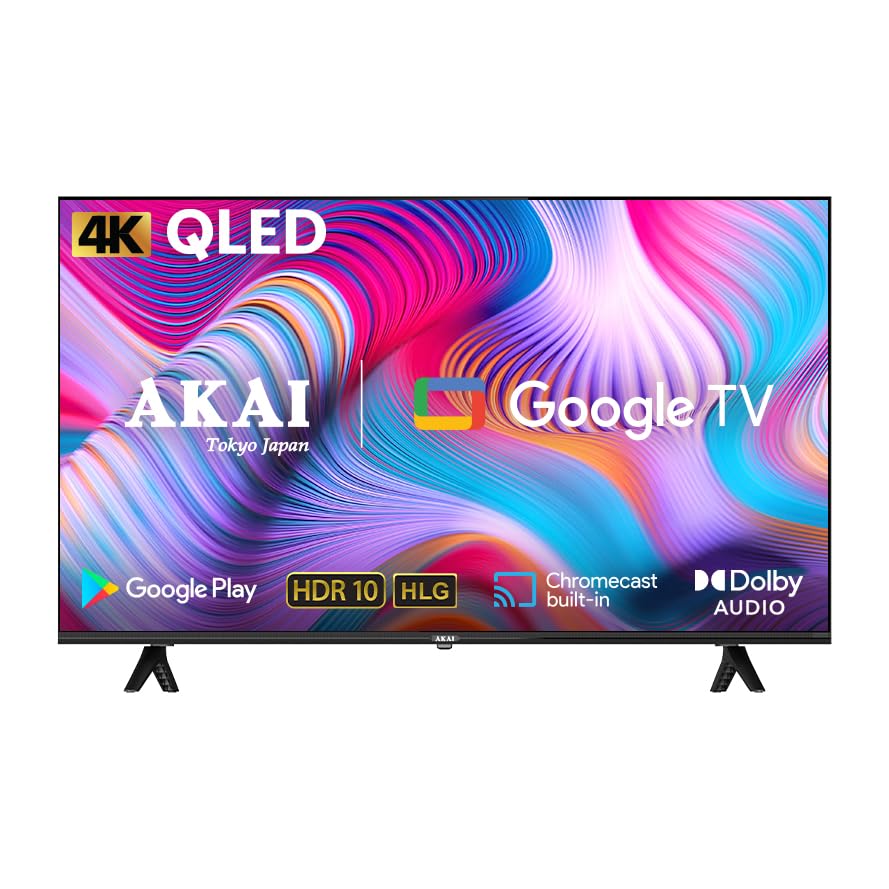
This QLED TV features a 4K Ultra HD display, Google TV operating system, Atmos Sound, 60Hz refresh rate with MEMC technology, HDR 10 support, and a bezelless design, offering an immersive viewing experience.
2. Package Contents
Before proceeding with the setup, please verify that all items listed below are included in your package:
- AKAI 50 Inch 4K Ultra HD Smart QLED TV
- Remote Control
- Power Cable
- Wall Mount Bracket (if included in your specific package)
- Table Mount Stands
- User Manual (this document)
- Batteries for Remote Control (may be included)
3. Setup
3.1. Unpacking and Placement
- Carefully remove the TV from its packaging. It is recommended that two people handle the TV to prevent damage.
- Place the TV on a stable, flat surface or prepare for wall mounting. Ensure adequate ventilation around the TV.
3.2. Attaching the Stands (Table Mount)
If you intend to place the TV on a table or cabinet, follow these steps:
- Lay the TV face down on a soft, clean cloth to protect the screen.
- Align the table stands with the screw holes on the bottom of the TV.
- Secure the stands using the provided screws. Do not overtighten.
- Carefully lift the TV to its upright position.
3.3. Wall Mounting
If you plan to wall mount your TV, it is strongly recommended to use a professional installer to ensure proper and safe installation. Refer to the wall mount bracket's instructions for specific details.
3.4. Connecting Devices
Your TV offers various connectivity options:
- HDMI Ports (x3): Connect Blu-ray players, gaming consoles, set-top boxes, etc.
- USB Port (x1): Connect USB storage devices for media playback.
- Ethernet Port: For wired internet connection.
- Wi-Fi: For wireless internet connection.
- Bluetooth: For connecting wireless accessories like headphones or soundbars.
Ensure all connections are secure before powering on the TV.
3.5. Initial Power On and Google TV Setup
- Connect the power cable to the TV and then to a power outlet.
- Press the power button on the remote control or on the TV itself.
- Follow the on-screen instructions to complete the initial setup of Google TV, including language selection, network connection (Wi-Fi or Ethernet), Google account sign-in, and channel scanning.
4. Operating Your TV
4.1. Remote Control Functions
The provided remote control allows you to navigate the TV's interface and control various functions. Familiarize yourself with the buttons:
- Power Button: Turns the TV on/off.
- Navigation Pad (Up/Down/Left/Right/OK): For menu navigation and selection.
- Back Button: Returns to the previous screen.
- Home Button: Accesses the Google TV home screen.
- Volume Up/Down: Adjusts the volume level.
- Channel Up/Down: Changes TV channels.
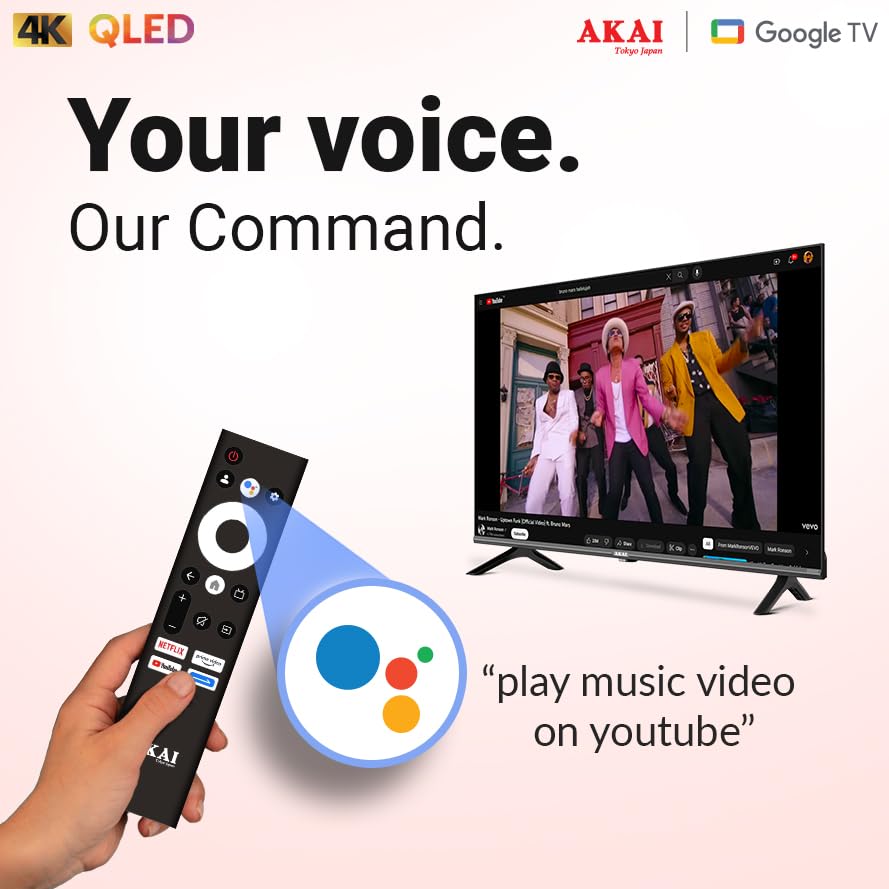
- Google Assistant Button: Activates voice control.
- App Shortcut Buttons: Direct access to popular streaming services.
4.2. Google TV Interface
Google TV organizes your entertainment from various apps and subscriptions into a single, personalized interface. You can:
- Browse movies and TV shows from your streaming services.
- Discover new content based on your viewing habits.
- Access the Google Play Store to download additional apps.
- Use Google Assistant for voice commands to search for content, control smart home devices, and more.
4.3. Key Features and Technologies
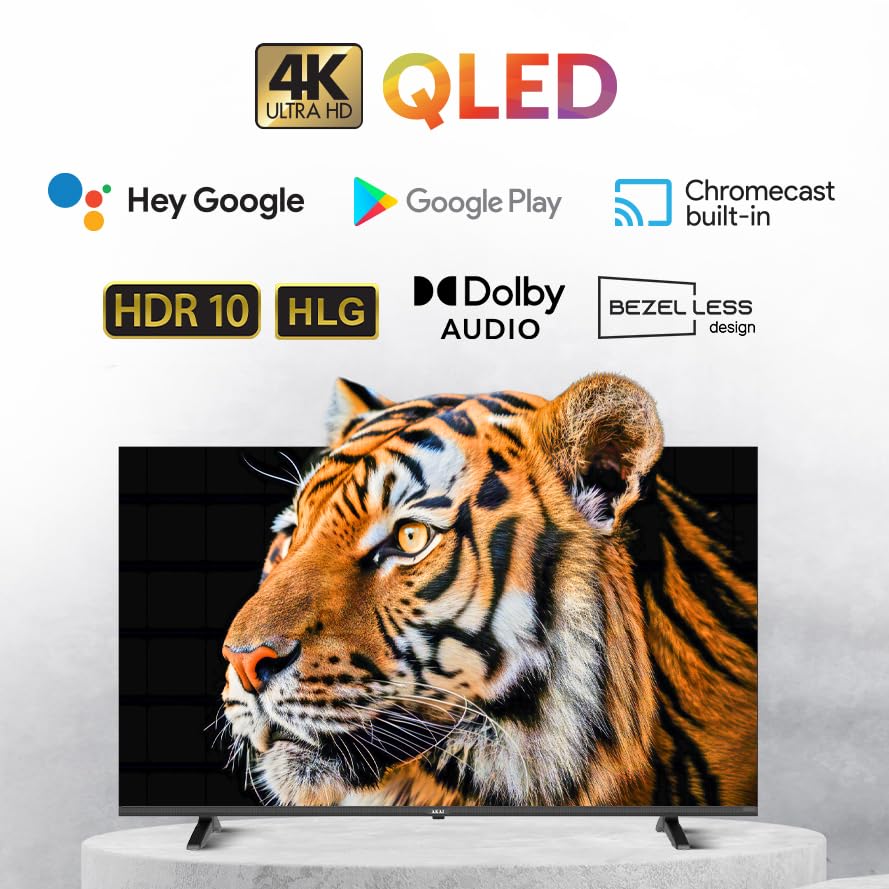
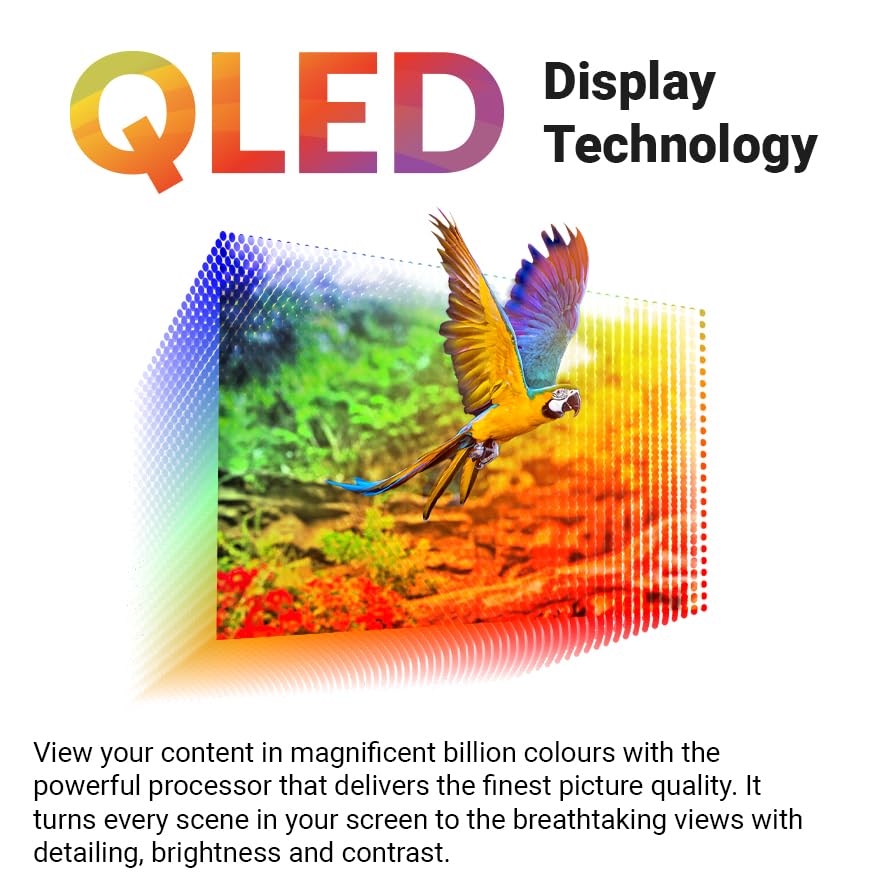
- 4K Ultra HD QLED Display: Experience stunning visuals with 3840 x 2160 resolution and vibrant colors enhanced by Quantum Dot technology.
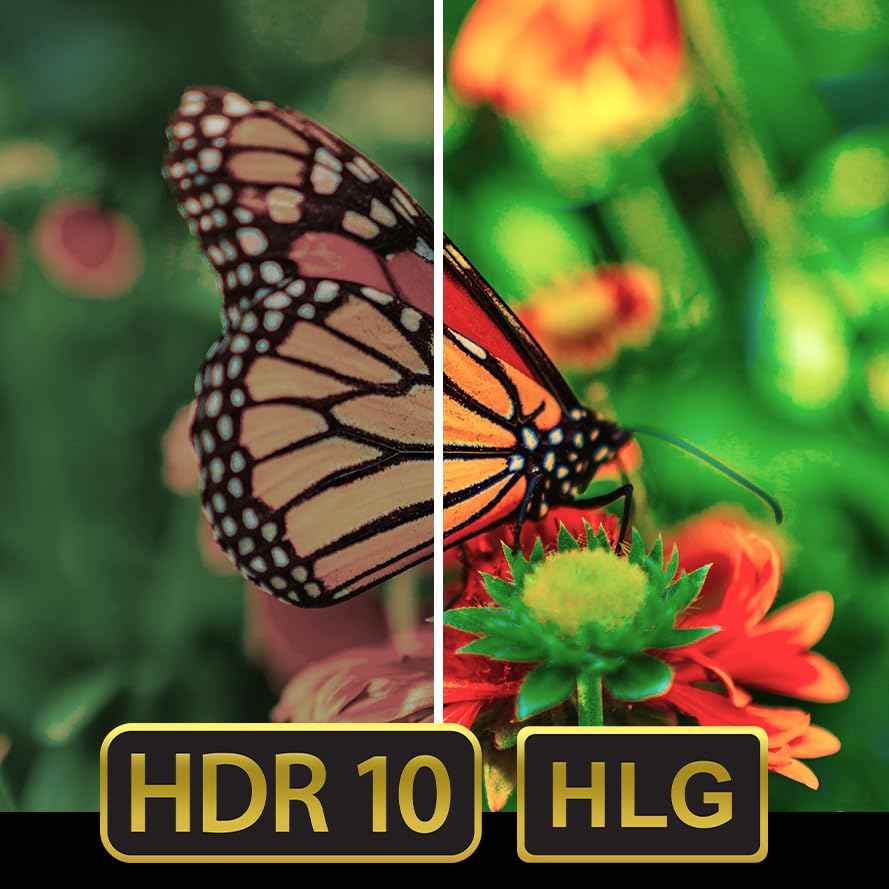
- HDR 10: Enjoy enhanced contrast, deeper blacks, and brighter whites for a more dynamic picture.
- 60Hz Refresh Rate with MEMC: Motion Estimation, Motion Compensation (MEMC) technology ensures smooth, fluid motion, reducing blur in fast-paced scenes.
- Atmos Sound: Delivers immersive, multi-dimensional audio that moves around you.
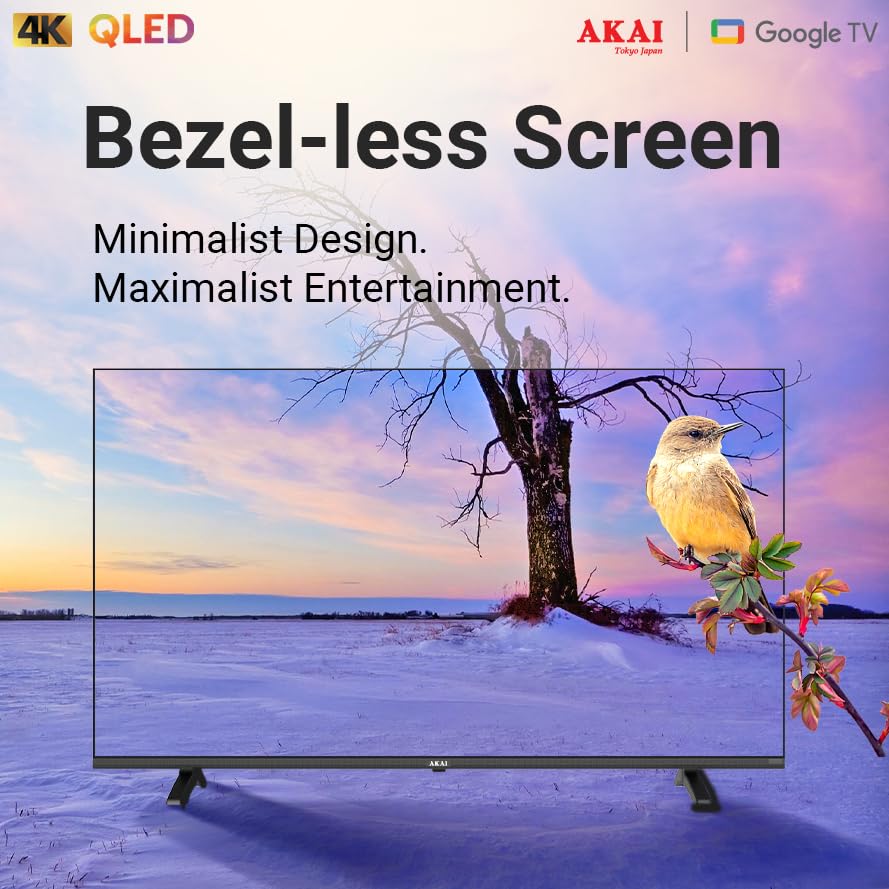
- Bezelless Design: Maximizes screen space for an expansive viewing experience.
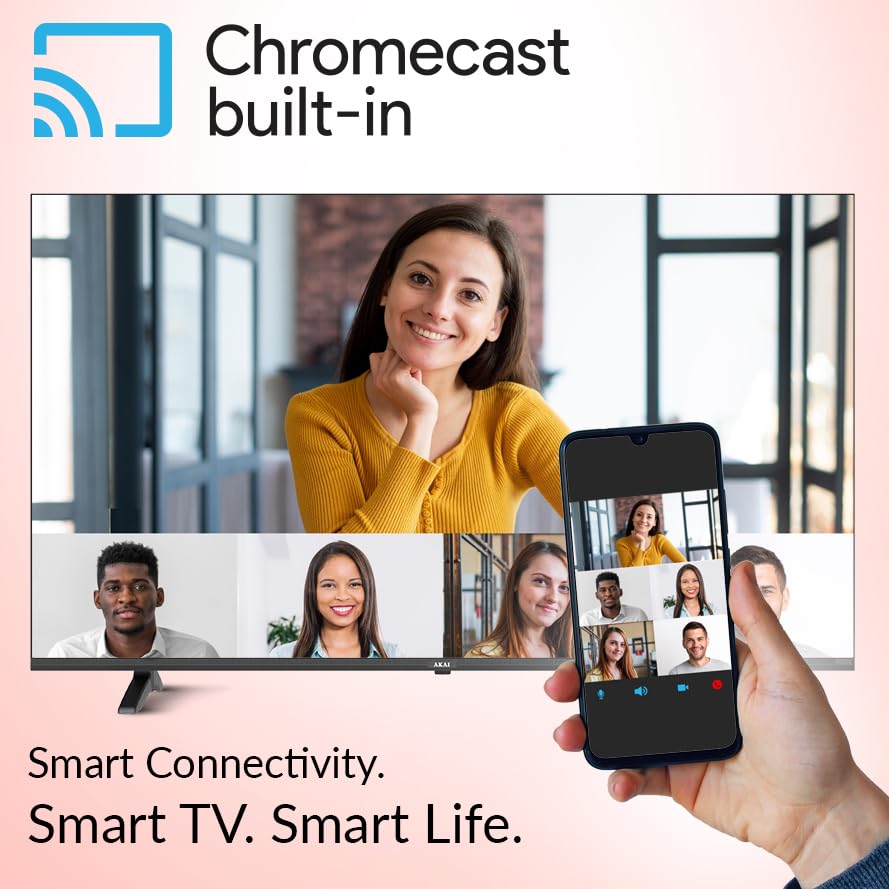
- Chromecast Built-in: Cast content from your compatible smartphone, tablet, or computer directly to your TV.


5. Maintenance
5.1. Cleaning Your TV
- Always unplug the TV before cleaning.
- Use a soft, dry, lint-free cloth to gently wipe the screen and cabinet.
- For stubborn marks, lightly dampen the cloth with water or a mild, non-abrasive screen cleaner. Never spray cleaner directly onto the screen.
- Avoid using harsh chemicals, abrasive pads, or solvents as they can damage the TV's surface.
5.2. Software Updates
Your Google TV may receive automatic software updates. Ensure your TV is connected to the internet to receive the latest features and security patches. You can also manually check for updates in the TV's settings menu.
6. Troubleshooting
If you encounter issues with your TV, refer to the following common problems and solutions:
| Problem | Possible Solution |
|---|---|
| No power | Check if the power cable is securely connected to both the TV and the power outlet. Ensure the power outlet is working. |
| No picture, but sound is present | Verify the correct input source is selected. Check cable connections (HDMI, etc.). Try restarting the TV. |
| No sound, but picture is present | Check the volume level and ensure the TV is not muted. Verify audio cable connections. If using external audio, check its settings. |
| Remote control not working | Replace the batteries. Ensure there are no obstructions between the remote and the TV's IR sensor. Re-pair the remote if it's a Bluetooth remote. |
| Cannot connect to Wi-Fi | Ensure your Wi-Fi router is on and working. Re-enter the Wi-Fi password. Try restarting both the TV and the router. |
If the issue persists after trying these solutions, please contact AKAI customer support for further assistance.
7. Specifications
| Feature | Detail |
|---|---|
| Brand | AKAI |
| Model | AL50GQU-SFWS |
| Screen Size | 50 Inches (126 cm) |
| Display Technology | QLED |
| Resolution | 3840 x 2160 (4K Ultra HD) |
| Refresh Rate | 60 Hz (with MEMC Technology) |
| Operating System | Google TV |
| Special Features | Atmos Sound, HDR 10, Bezelless Design, Chromecast Built-in, Google Assistant |
| RAM | 2GB |
| ROM | 16GB |
| HDMI Ports | 3 |
| USB Ports | 1 |
| Connectivity | Wi-Fi, Bluetooth, Ethernet |
| Audio Output Mode | Stereo (5.1 Speaker Surround Sound Channel Configuration) |
| Viewing Angle | 178 Degrees |
| Image Contrast Ratio | 5000:1 |
| Power Source | Corded Electric |
| Wattage | 130.00 W |
| Product Dimensions (LxWxH) | 111.2 x 64.8 x 9.2 cm (without stand) |
| Item Weight | 9.1 kg |
8. Warranty and Support
Your AKAI 50 Inch 4K Ultra HD Smart QLED TV is covered by a manufacturer's warranty. Please refer to the warranty card included in your package for specific terms and conditions, including the warranty period and coverage details.
For technical support, service requests, or any questions not covered in this manual, please contact AKAI customer service. Contact details can typically be found on the AKAI official website or on your warranty documentation.
Manufacturer: Hometech Digital Limited, SCO 363-364, Sector 35B, Chandigarh


