
Fockety 68GB MP3 MP4 Player User Manual
Model: Fockety6fkzy1coi0-11
1. Introduction
This manual provides instructions for the Fockety 68GB MP3 MP4 Player. This device features a 1.8-inch color display, a built-in voice recorder, HiFi audio capabilities, and supports various media formats for music, videos, photos, and e-books. It comes with 64GB of internal storage, expandable up to 128GB via a small memory card.
2. Package Contents
Please check the package for the following items:
- 1 x Fockety MP3 MP4 Player
- 1 x USB Data Cable
- 1 x Earphones

3. Product Overview
Familiarize yourself with the device's components and controls.
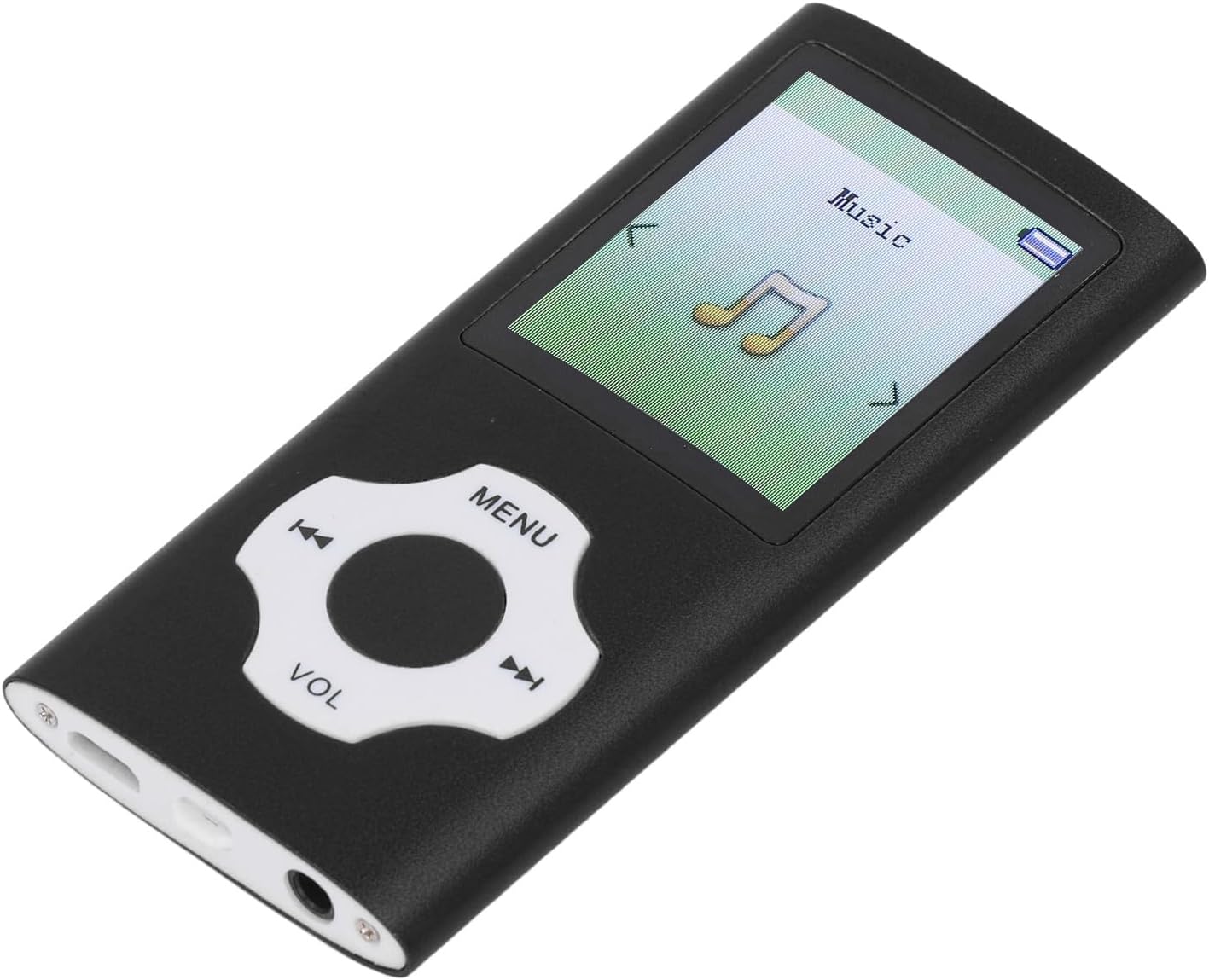
Controls:
- MENU Button: Access the main menu or go back to the previous screen.
- Directional Buttons (Left/Right): Navigate through menu options or skip tracks.
- Center Button: Select an option or play/pause media.
- VOL Button: Adjust the volume level.
Ports:
- USB 2.0 Port: For charging and data transfer.
- 3.5mm Headphone Jack: For connecting earphones.
4. Setup
4.1 Charging the Device
Before first use, fully charge the player. Connect the included USB data cable to the device's USB port and the other end to a computer's USB port or a compatible USB wall adapter (not included). A full charge typically takes 1-2 hours.

4.2 Power On/Off
To power on the device, press and hold the power button (location may vary, typically on the side or top edge) until the screen illuminates. To power off, press and hold the power button again until the device shuts down.
4.3 Memory Expansion
The player includes a built-in 64GB small memory card. For additional storage, you can insert a small memory card (up to 128GB, not included) into the designated slot.
4.4 Connecting to a Computer
Connect the player to your computer using the USB data cable. The device will function as a storage card reader or a file storage device, allowing you to transfer music, videos, photos, and e-book files.
5. Operating Instructions
5.1 Basic Navigation
Use the directional buttons to move through menu options. Press the center button to select an item. Use the MENU button to return to the previous screen or the main menu.
5.2 Music Playback
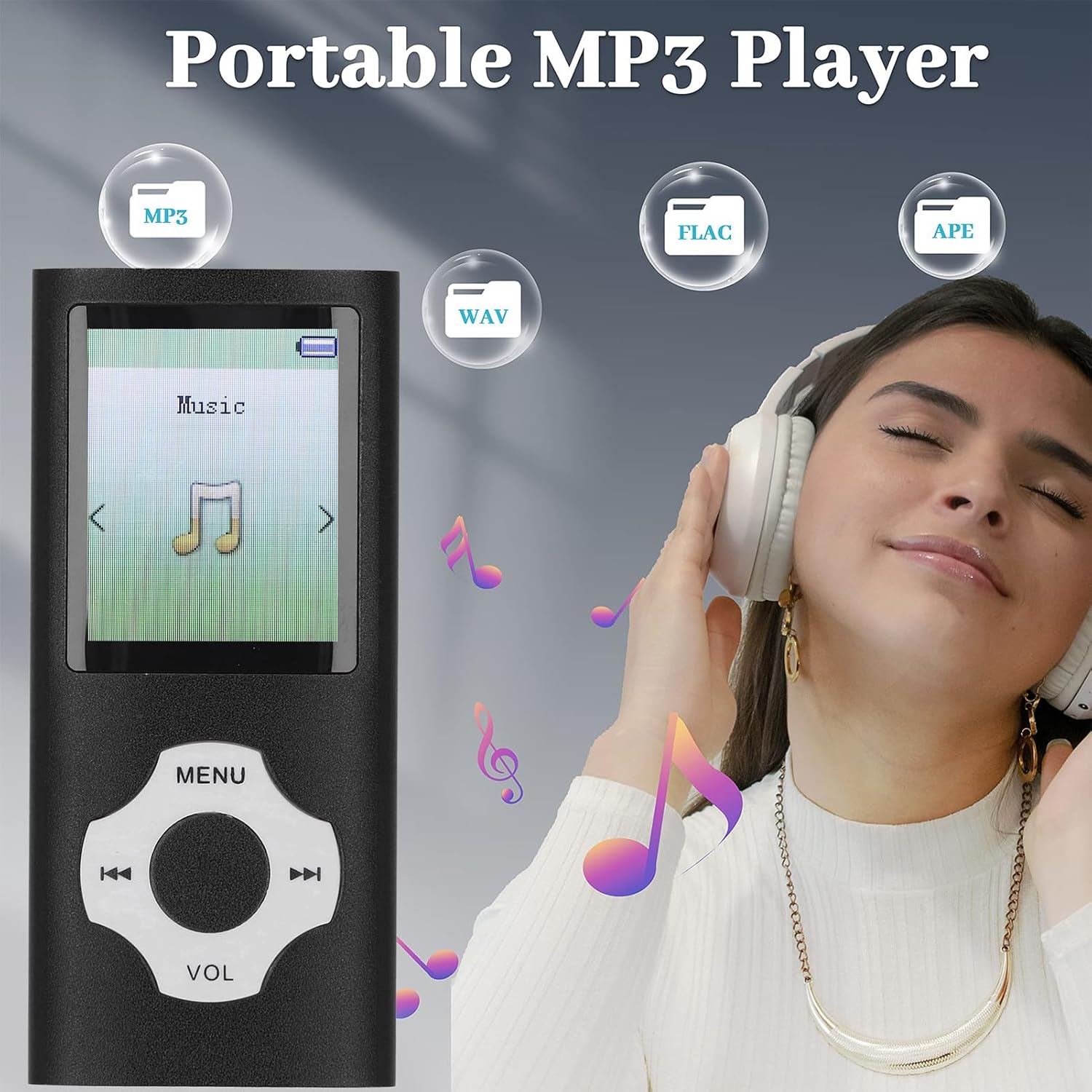
From the main menu, select 'Music'. Browse your stored audio files. The player supports MP3, WMA, APE, FLAC, WAV, and OGG formats. Select a track and press the center button to play. Use the VOL button to adjust the volume.
5.3 Voice Recorder
Navigate to the 'Voice Recorder' function from the main menu. Press the center button to start recording. Press it again to pause/stop. The device features a noise-canceling recorder. Recordings are saved automatically and can be accessed through the 'Recordings' folder.

5.4 E-Book Reader
Select 'E-Book' from the main menu. The player supports TXT format. Transfer your TXT files to the device via USB. Select a file to begin reading.
5.5 Video Playback
Access 'Video' from the main menu. The player supports AMV format (converted video). Ensure your video files are converted to AMV format before transferring them to the device for playback.
5.6 Photo Viewing
Select 'Photos' from the main menu. The device supports JPG, JPEG, BMP, and GIF formats. Browse and view your images on the 1.8-inch color screen.
5.7 FM Radio
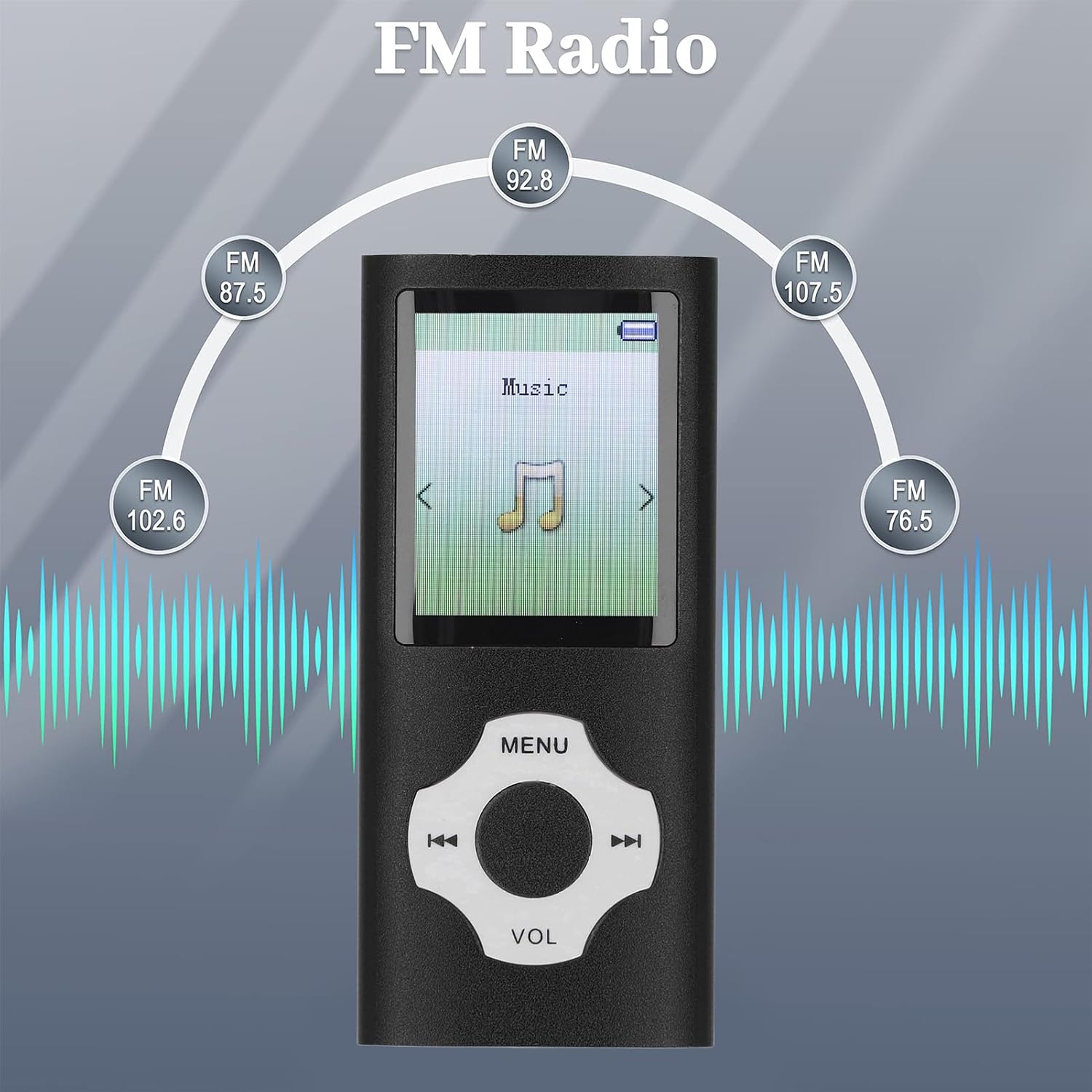
From the main menu, select 'FM Radio'. Use the directional buttons to scan for stations or manually tune to a frequency. Ensure earphones are connected as they often act as the antenna.
6. Maintenance
- Cleaning: Use a soft, dry cloth to clean the device. Avoid liquid cleaners or abrasive materials.
- Storage: Store the player in a cool, dry place away from direct sunlight and extreme temperatures.
- Battery Care: To prolong battery life, avoid fully discharging the battery frequently. Charge the device regularly, even if not in use for extended periods.
- Water Exposure: This device is not waterproof. Avoid exposure to water or high humidity.
7. Troubleshooting
- Device does not power on:
- Ensure the battery is charged. Connect the player to a power source and try again.
- If the battery is charged, try resetting the device (if a reset button is available, or by holding the power button for an extended period). - Cannot play music/video files:
- Check if the file format is supported (MP3/WMA/APE/FLAC/WAV/OGG for music; AMV for video).
- Ensure the files are not corrupted.
- Verify that the files are stored in the correct folders on the device. - No sound from earphones:
- Check if the earphones are properly plugged into the 3.5mm jack.
- Ensure the volume is not set to minimum or muted.
- Test with a different pair of earphones to rule out faulty earphones. - Device not recognized by computer:
- Ensure the USB cable is securely connected to both the player and the computer.
- Try a different USB port on your computer or a different USB cable.
- Restart your computer and the player.
8. Specifications
| Item Type | MP3 Player |
| Material | Aluminum alloy |
| Battery Type | Built-in 180mAh lithium-ion battery |
| Internal Memory | 64GB (built-in small memory card) |
| Expandable Memory | Up to 128GB (small memory card, not included) |
| Screen Size | 1.8 inch color screen |
| Music Formats | MP3, WMA, OGG, APE, FLAC, WAV |
| Video Format | AMV (converted video) |
| Image Formats | JPG, JPEG, BMP, GIF |
| E-book Format | TXT |
| Product Dimensions | 6.69 x 3.15 x 0.79 inches |
| Item Weight | 3 ounces |
| Model Number | Fockety6fkzy1coi0-11 |
9. Warranty and Support
For warranty information and customer support, please refer to the documentation provided at the time of purchase or contact your retailer. Specific warranty terms and support channels are not detailed in this manual.