
Introduction
Thank you for choosing the RIVERSONG Horizon 5000mAh Power Bank. This manual provides essential information for the safe and efficient use of your device. Please read it thoroughly before operation and retain it for future reference.
Product Overview
The RIVERSONG Horizon 5000mAh Power Bank is a compact and portable charging solution designed for various USB-powered devices. It features a 5000mAh Lithium Polymer battery, multiple output ports, and built-in safety mechanisms to ensure reliable power delivery.
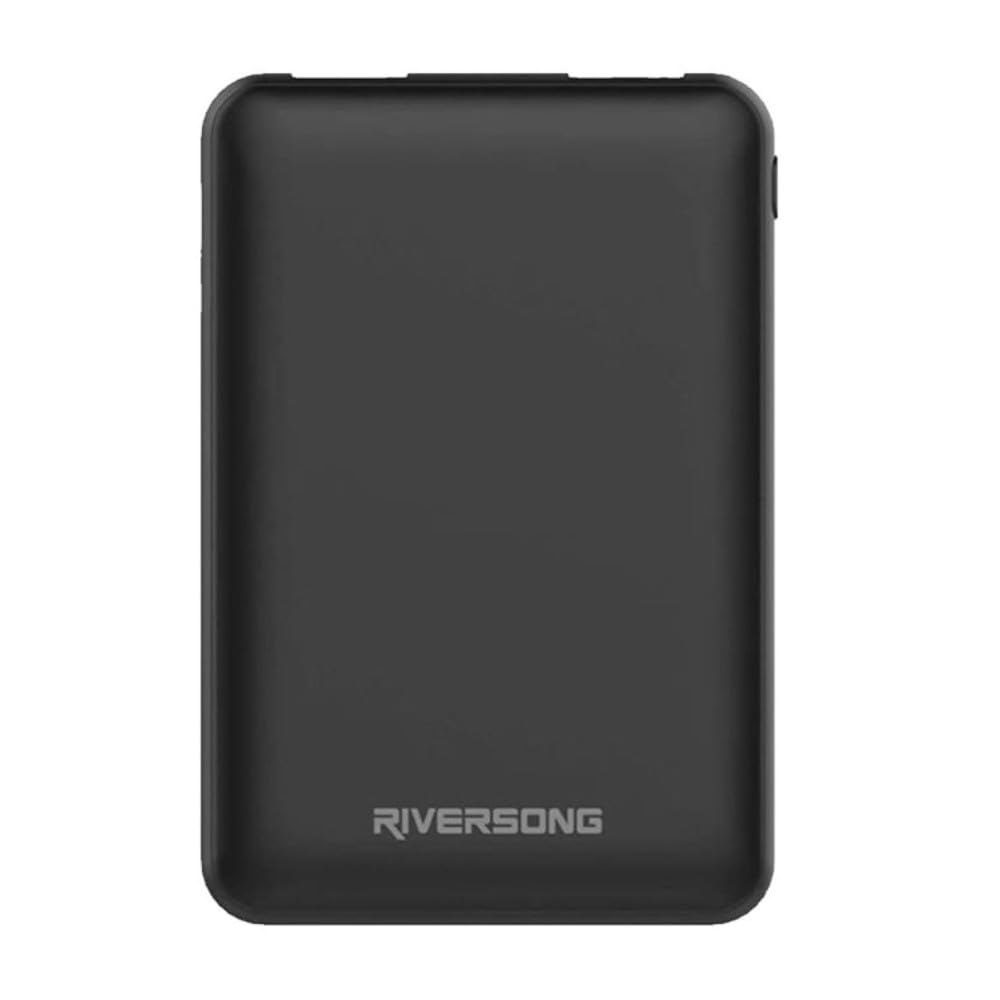
Figure 1: Riversong Horizon 5000mAh Power Bank in use. This image shows the Riversong Horizon 5000mAh Power Bank, a compact black device, connected via a black braided USB cable to a modern smartphone. The power bank has the 'RIVERSONG' logo printed on its surface. The smartphone screen indicates that it is charging. This illustrates the primary function of the power bank: providing portable power to mobile devices.
Key Features:
- Capacity: 5000mAh Lithium Polymer battery.
- Design: Ultra-slim and lightweight for portability.
- Output: Multiple USB ports (Type-A and Type-C) for simultaneous charging.
- Charging Technology: Supports fast charging for efficient power delivery.
- Safety: Integrated over-current protection and short-circuit prevention.
- Indicators: LED indicators to display remaining power level.
- Compatibility: Works with smartphones, tablets, cameras, headphones, and smartwatches.
Setup
Charging the Power Bank:
- Connect the provided micro USB cable to the power bank's input port.
- Connect the other end of the cable to a USB wall adapter (not included) or a computer's USB port.
- The LED indicators will illuminate to show the charging status. When all LEDs are solid, the power bank is fully charged.
- Disconnect the cable once charging is complete.
Note: For optimal performance, fully charge the power bank before its first use.
Operating Instructions
Charging Your Devices:
- Connect your device's charging cable to one of the power bank's output USB ports (Type-A or Type-C).
- Connect the other end of the cable to your device.
- The power bank will automatically begin charging your device. The LED indicators will show the remaining power level of the power bank.
- Once your device is fully charged, disconnect it from the power bank.
The power bank can charge multiple devices simultaneously, depending on the available ports and power requirements.
Checking Power Level:
Press the power button (if available) or simply connect a device to view the current battery level indicated by the LED lights.
Maintenance
- Keep the power bank dry and away from moisture.
- Avoid exposing the power bank to extreme temperatures (hot or cold).
- Do not drop, disassemble, or attempt to repair the power bank yourself.
- Clean the power bank with a soft, dry cloth. Do not use harsh chemicals or abrasive materials.
- Store the power bank in a cool, dry place when not in use.
- For long-term storage, charge the power bank to approximately 50% every three months to maintain battery health.
Troubleshooting
| Problem | Possible Solution |
|---|---|
| Power bank not charging. |
|
| Device not charging from power bank. |
|
| LED indicators not working. |
|
Specifications
| Model Name: | Horizon |
| Model Number: | H5000M PB |
| Battery Capacity: | 5000mAh |
| Battery Cell Type: | Lithium Polymer |
| Input: | 5V/2A (Micro USB) |
| Output: | 2.4A (USB Type-A, Type-C) |
| Number of Ports: | 2 |
| Dimensions (L x W x Th): | 13.6L x 6.8W x 15.8Th centimetres |
| Weight: | 200 Grams |
| Compatible Devices: | Camera, Headphone, Smartphone, Smartwatch, Tablet |
Warranty and Support
The RIVERSONG Horizon 5000mAh Power Bank comes with a 1 Year Limited Warranty from the date of purchase. This warranty covers manufacturing defects and workmanship under normal use.
For warranty claims or technical support, please contact your retailer or the manufacturer, IMG Technology Group. Please retain your proof of purchase for warranty validation.
Note: The warranty does not cover damage caused by misuse, accidents, unauthorized modifications, or normal wear and tear.
