
Product Overview
This manual provides essential information for the safe and effective operation, maintenance, and troubleshooting of your HiFast Walking Pad Treadmill. This 3-in-1 foldable treadmill is designed for home and office use, offering walking, jogging, and running modes with an incline option.
Important Safety Precautions
Always read all instructions before using this appliance to ensure safe operation and prevent injury.
- Ensure the safety key is properly attached to both the treadmill and your clothing before starting any workout. The treadmill will immediately stop if the safety key is disengaged.
- Place the treadmill on a flat, stable surface, ensuring adequate clearance around it.
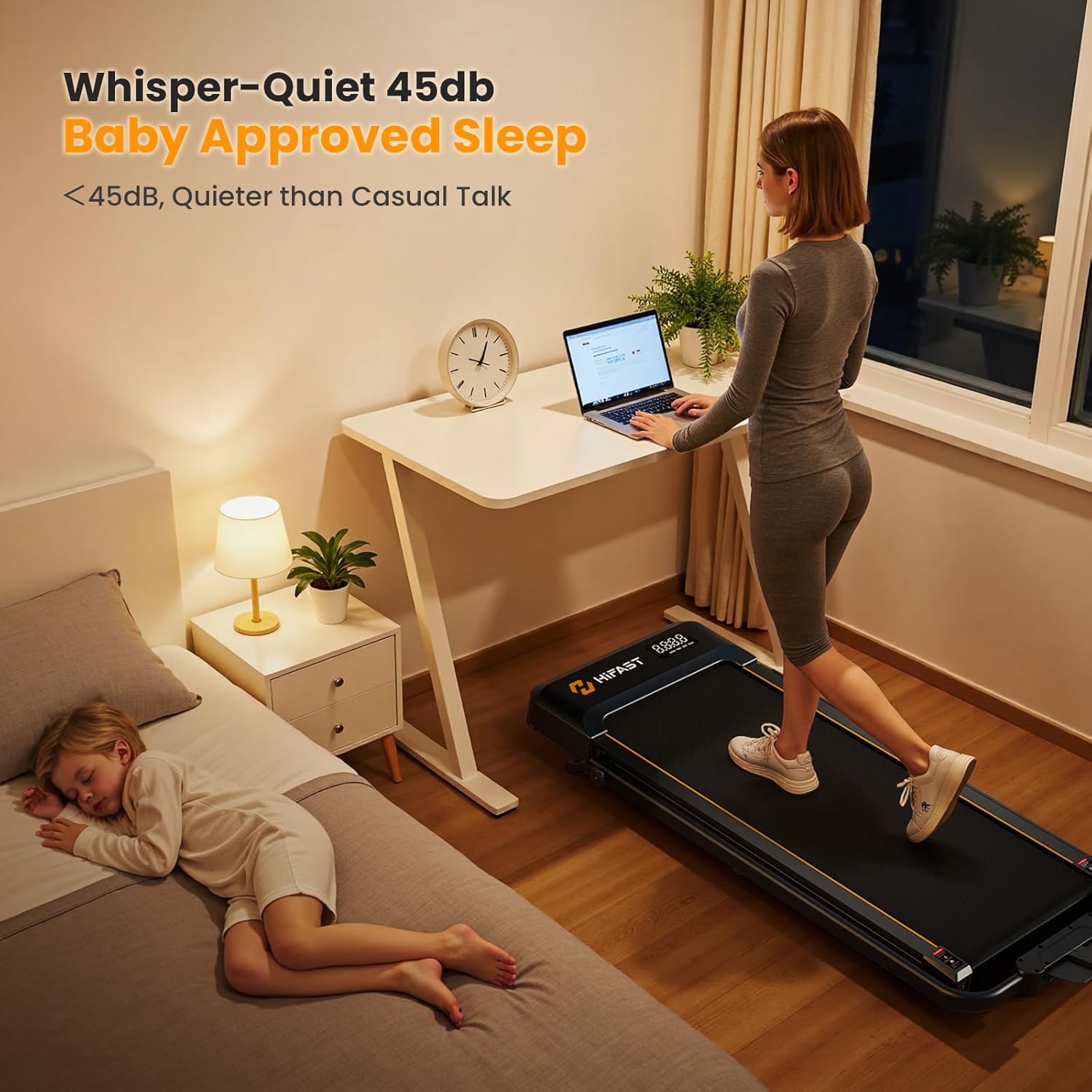
- Keep children and pets away from the treadmill during operation.
- Do not use the treadmill if it is damaged or malfunctioning.
- Consult a physician before starting any exercise program, especially if you have pre-existing health conditions.
The safety key is crucial for immediate stopping of the treadmill in case of an emergency. Always attach it to your clothing.
Setup and Assembly
The HiFast Walking Pad Treadmill features a convenient one-step folding system and requires no complex assembly.
- Unfolding: Carefully unfold the treadmill from its compact storage position. Ensure all locking mechanisms are securely engaged before use.
- Handlebar Adjustment: Adjust the handlebar to your desired height and secure it firmly.
- Placement: Position the treadmill on a level surface, ensuring adequate space around it for safe operation.
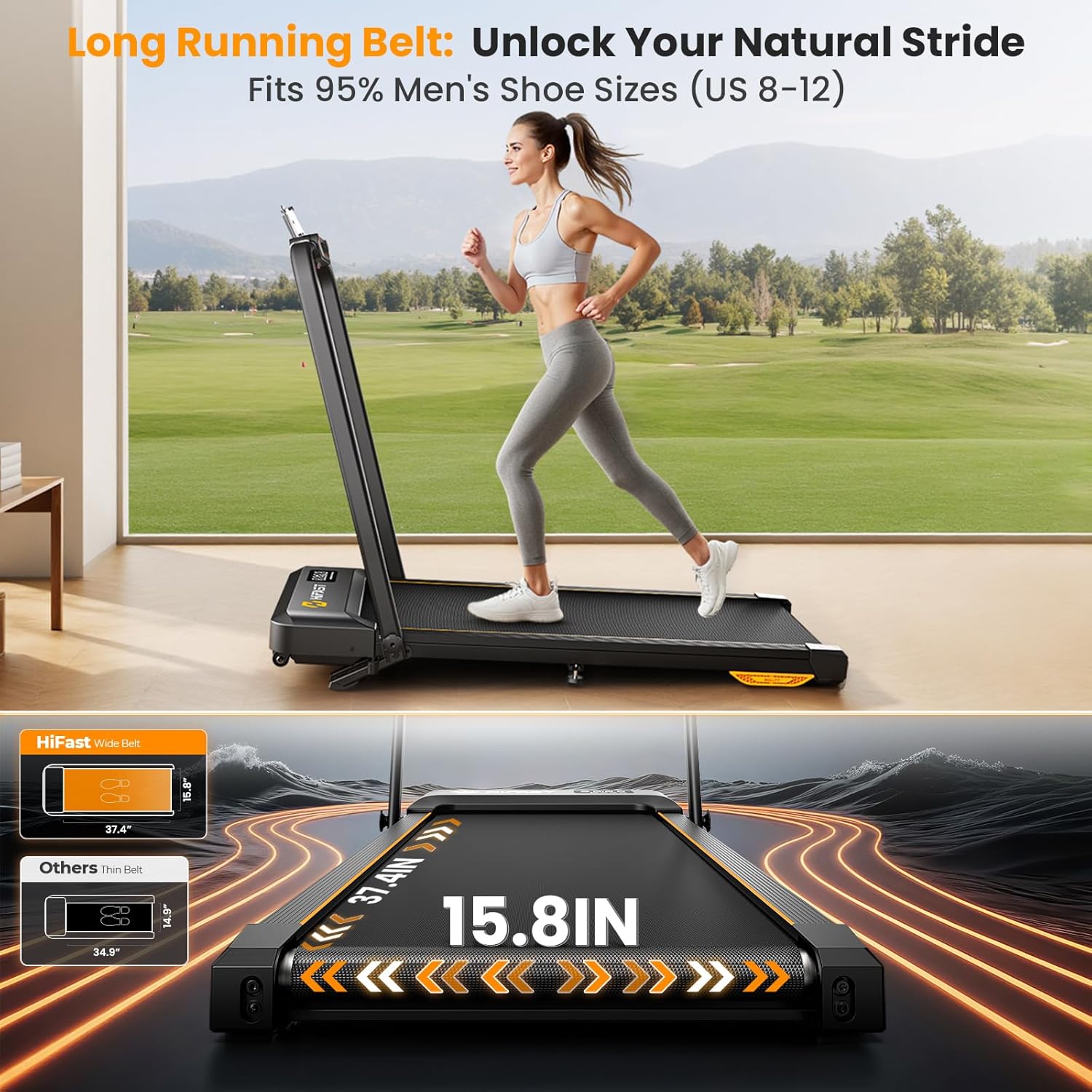
The treadmill's foldable design allows for easy setup and compact storage under furniture or against a wall.
Operating Your Treadmill
Power On/Off
Locate the power switch on the lower right side of the treadmill and turn it on. To power off, simply flip the switch back to the off position.
Control Methods
Your treadmill offers multiple convenient ways to adjust settings and control your workout:
- Tactile Buttons: Located directly on the handlebar console for quick and intuitive adjustments, including an emergency stop button.
- Magnetic Remote: A compact remote control allows for convenient speed adjustments without needing to reach for the console. It magnetically attaches to the handlebar for easy access.
- Smartphone Apps: Seamlessly connect your treadmill to compatible fitness applications for enhanced workout tracking, virtual trails, and data-driven insights.
The control panel offers multiple ways to manage your workout, including tactile buttons and a magnetic remote.
Speed Adjustment
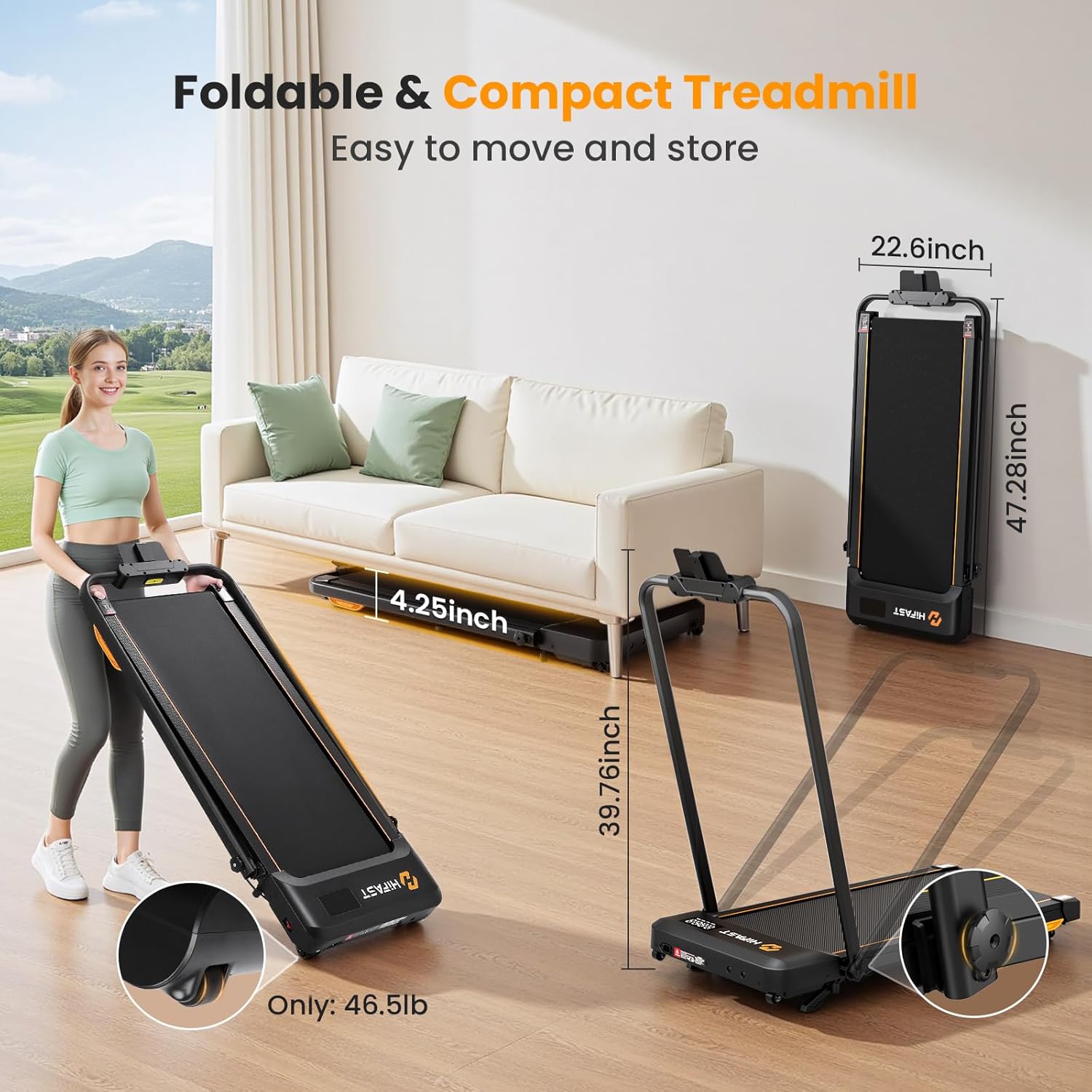
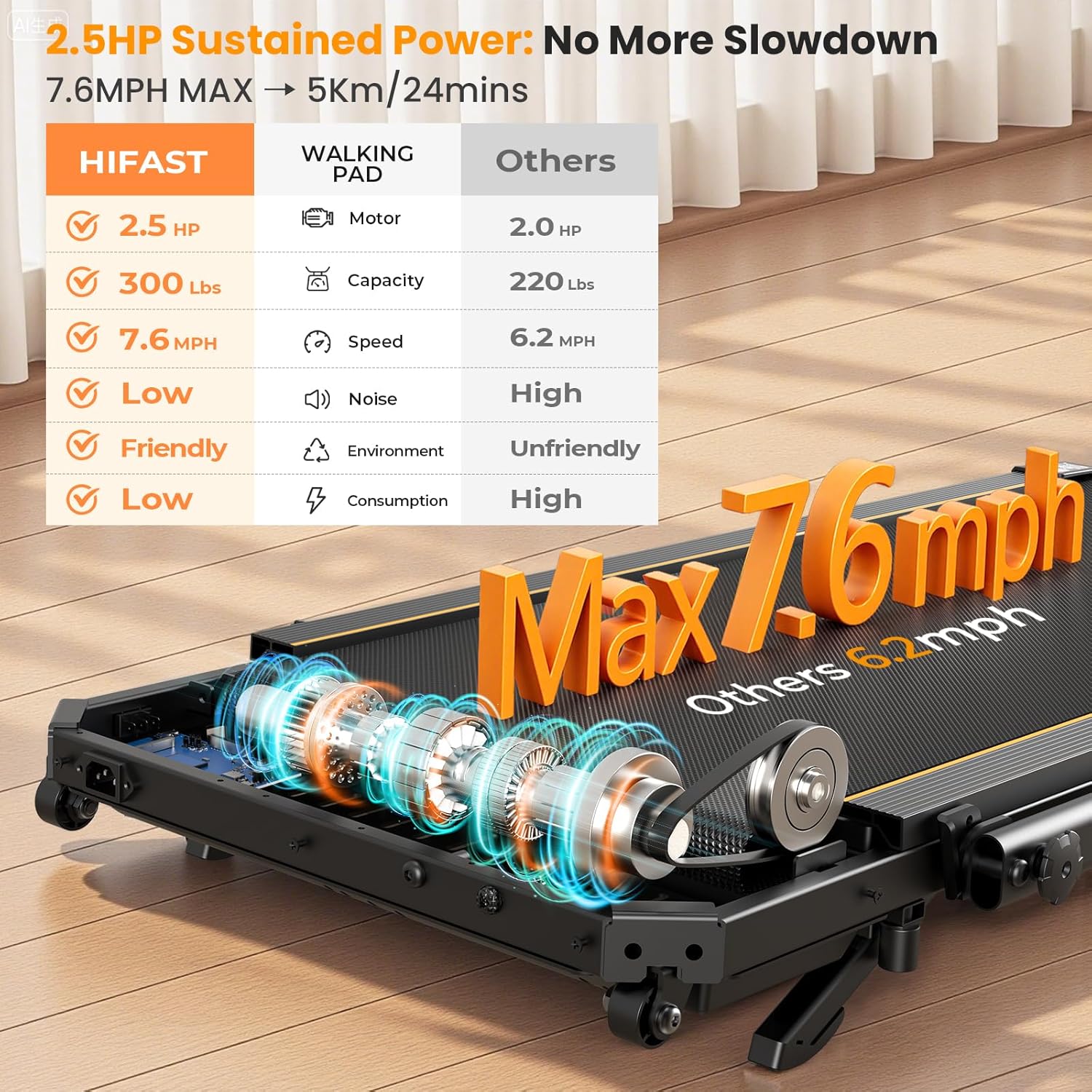
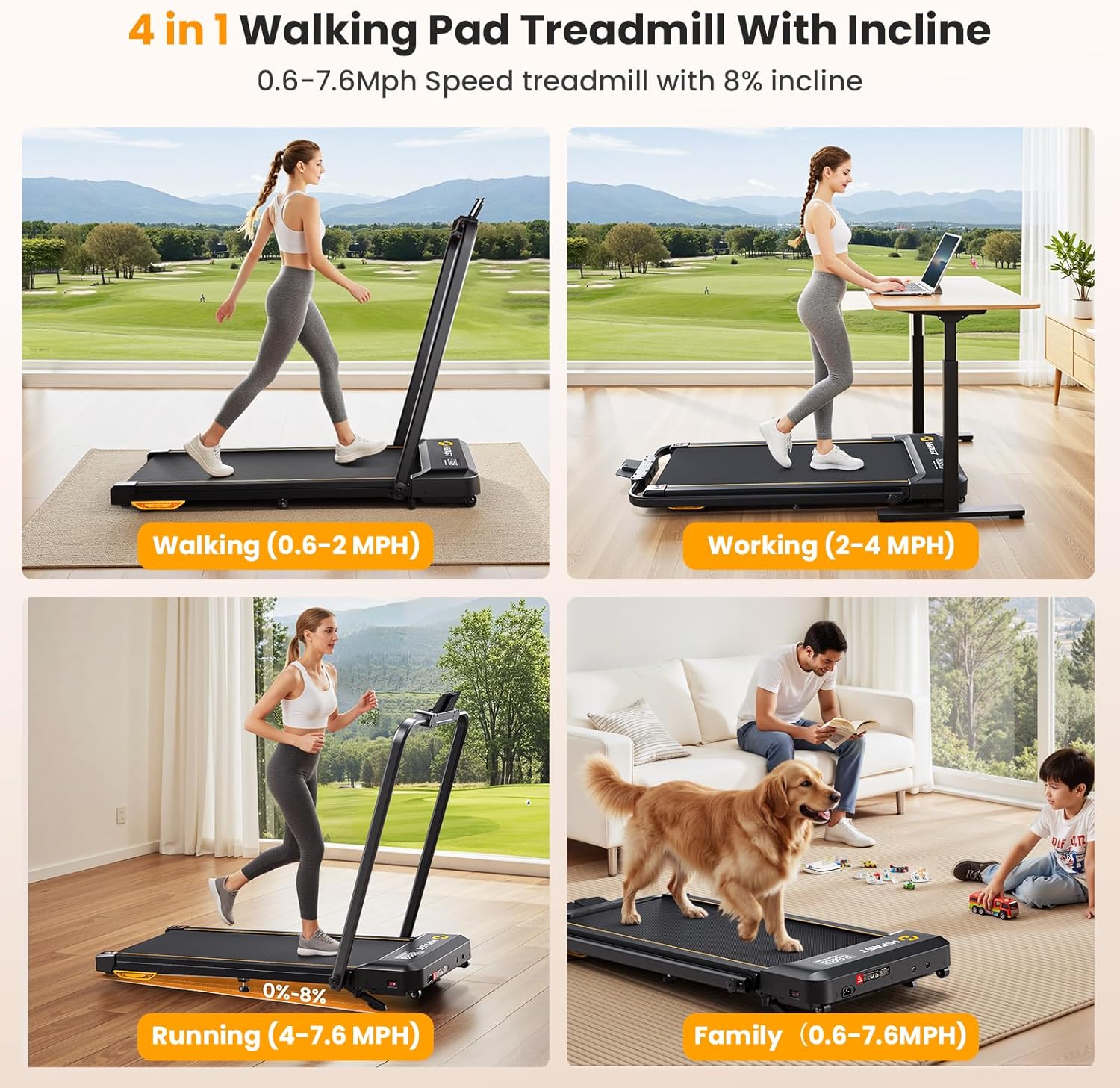
The treadmill offers a versatile speed range from 0.6 to 7.6 MPH, accommodating various fitness levels and workout types:
- Walking Mode: 0.6-2 MPH
- Jogging Mode: 2-4 MPH
- Running Mode: 4-7.6 MPH
Use the '+' and '-' speed buttons on the handlebar or remote to increase or decrease the speed incrementally.
Incline Adjustment
This walking pad features a manual incline of up to 8% to increase workout intensity and calorie burn. To adjust the incline:
- Carefully lift the treadmill deck from the rear.
- Move the support legs underneath into the desired position for the incline level.
- Secure the adjustment knobs on the side to lock the incline in place.
Manually adjust the incline to add challenge to your walks or runs.
LED Display
The integrated glare-resistant LED display provides real-time feedback on your workout progress:
- Speed
- Distance
- Time
- Calories Burned
Monitor your workout metrics directly on the treadmill's LED display.
Phone Holder
A convenient phone holder is integrated into the handlebar, allowing you to keep your smartphone secure and accessible for entertainment or app usage during your workouts.
Maintenance and Care
Lubrication Schedule
Regular lubrication of the running belt is essential for optimal performance, smooth operation, and extending the lifespan of your treadmill. Use the provided lubricant and follow the instructions in the full user manual for proper application.
| Usage Frequency | Maintenance Frequency |
|---|---|
| < 3 Hours / Week | 2 Months |
| 4-7 Hours / Week | 1 Month |
| >= 8 Hours / Week | 2 Weeks |

Follow the recommended lubrication schedule to maintain your treadmill's performance.
Cleaning
Wipe down the treadmill with a damp cloth after each use to remove sweat and dust. Avoid using abrasive cleaners or solvents that could damage the surface.
Troubleshooting Common Issues
If you encounter any issues with your HiFast Walking Pad Treadmill, please refer to the following common solutions:
- Treadmill not starting: Ensure the power cord is securely plugged into a working outlet and the safety key is correctly attached to the console. Check the main power switch on the treadmill.
- Unusual noises: Verify the treadmill is on a flat, stable surface. Check for any loose parts or debris under the running belt. Lubricate the belt if necessary, following the maintenance schedule.
- Belt slipping: This may indicate that the running belt tension needs adjustment. Refer to the detailed instructions in the full user manual for proper belt tensioning.
For more complex issues or problems not listed here, please contact customer support.
Product Specifications
| Brand | HiFast |
| Model Name | S8HF-WM06 |
| Product Dimensions | 47.28"D x 22.6"W x 4.25"H |
| Item Weight | 46.5 Pounds |
| Maximum Speed | 7.6 Miles per Hour |
| Maximum Weight Recommendation | 300 Pounds |
| Maximum Horsepower | 3 Horsepower (Peak) |
| Maximum Incline Percentage | 8% (Manual) |
| Display Type | LED |
| Included Components | Power Cord, Remote Control, Safety Key, Tool Kit, User Manual |
Warranty and Customer Support
Warranty
The HiFast Walking Pad Treadmill comes with a 1-Year Manufacturer Warranty. Please retain your proof of purchase for all warranty claims.
Customer Support
For any questions, assistance, or warranty inquiries regarding your HiFast Walking Pad Treadmill, please contact HiFast customer support. Refer to the contact information provided in your product packaging or visit the official HiFast website for the most up-to-date support details.

