
1. Introduction
Thank you for choosing the INIU P41 10000mAh 45W Portable Power Bank. This ultra-slim and lightweight power bank is designed to provide fast and reliable charging for your devices on the go. Featuring a high-density TinyCell battery, 45W Power Delivery (PD) output, dual USB-C ports, and a USB-A port, it allows you to charge up to three devices simultaneously. This manual provides essential information for the safe and efficient operation of your new power bank.
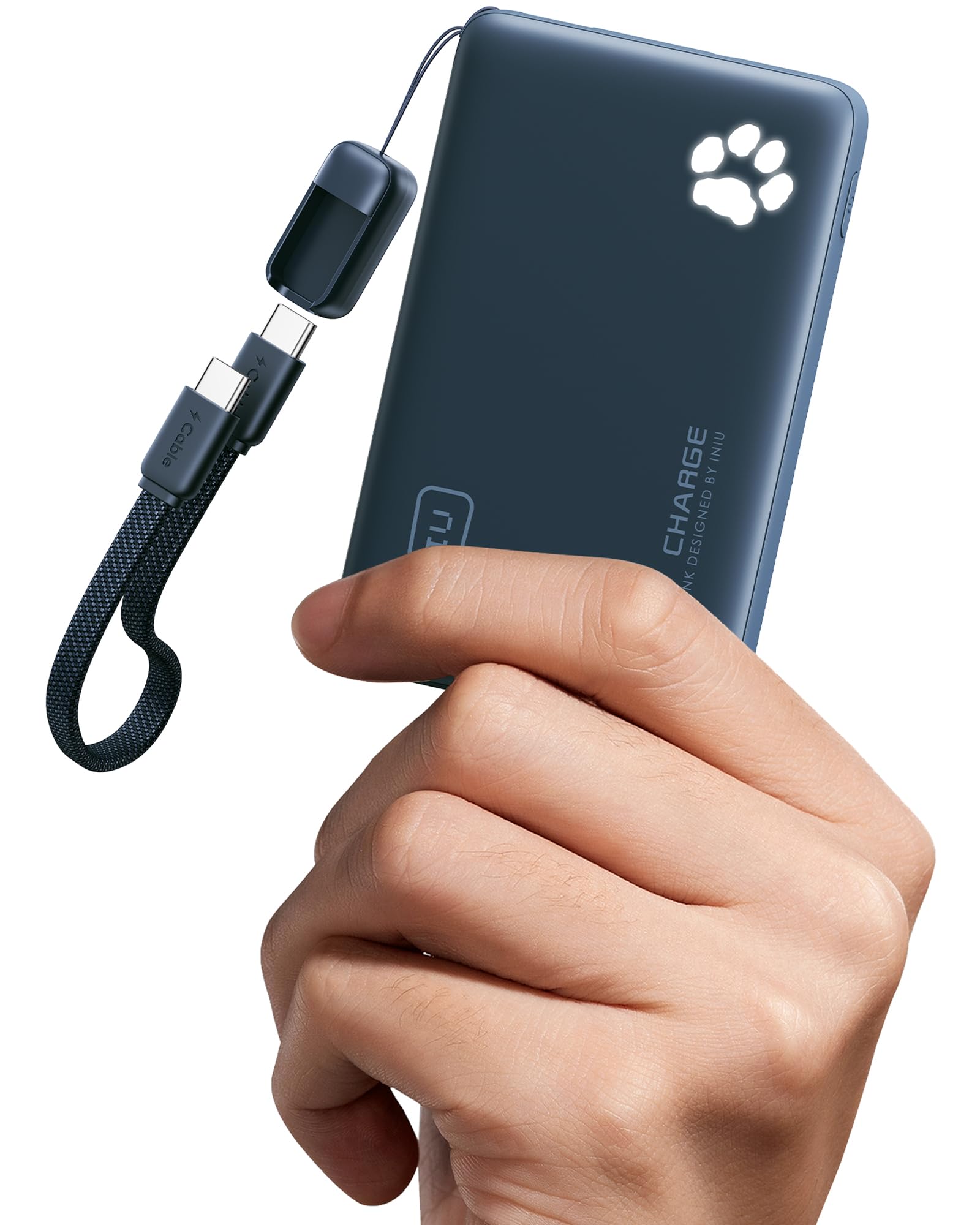
Image 1: The INIU P41 Portable Power Bank in Blue, showcasing its compact design.
2. Package Contents
- INIU 10000mAh Portable Charger (P41) x 1
- 0.12M/0.4ft Lanyard USB-C to USB-C Cable x 1
- User Manual x 1
3. Setup
3.1 Charging the Power Bank
Before first use, fully charge your INIU P41 power bank. The power bank can be recharged via either of its USB-C ports. Use the included USB-C to USB-C cable or another compatible USB-C cable connected to a power adapter (not included).
- Connect one end of the USB-C cable to an input/output USB-C port on the power bank.
- Connect the other end of the USB-C cable to a compatible USB wall charger.
- The paw print indicator lights will illuminate and blink to show the charging progress. Once all five paw prints are solid, the power bank is fully charged.
A 27W charger is recommended for optimal recharge speed, allowing a full recharge in approximately 2 hours.

Image 2: The INIU P41 power bank held in a hand, demonstrating its compact size and the illuminated paw print battery indicator.

Image 3: Illustration of the power bank being recharged via its USB-C port, with the paw print indicator showing charging status.
3.2 Checking Battery Level
Press the power button once to check the remaining battery level. The paw print indicator lights will show the charge status:
- 5 paw prints: 80-100% charged
- 4 paw prints: 60-80% charged
- 3 paw prints: 40-60% charged
- 2 paw prints: 20-40% charged
- 1 paw print: 0-20% charged
4. Operating Instructions
4.1 Charging Your Devices
The INIU P41 features two USB-C ports (input/output) and one USB-A port (output), allowing you to charge up to three devices simultaneously.
- Connect your device's charging cable to the appropriate port on the power bank (USB-C or USB-A).
- Connect the other end of the cable to your device.
- The power bank will automatically begin charging your device.
The power bank supports 45W Power Delivery (PD) for fast charging compatible devices. When charging multiple devices, the total output will be distributed.
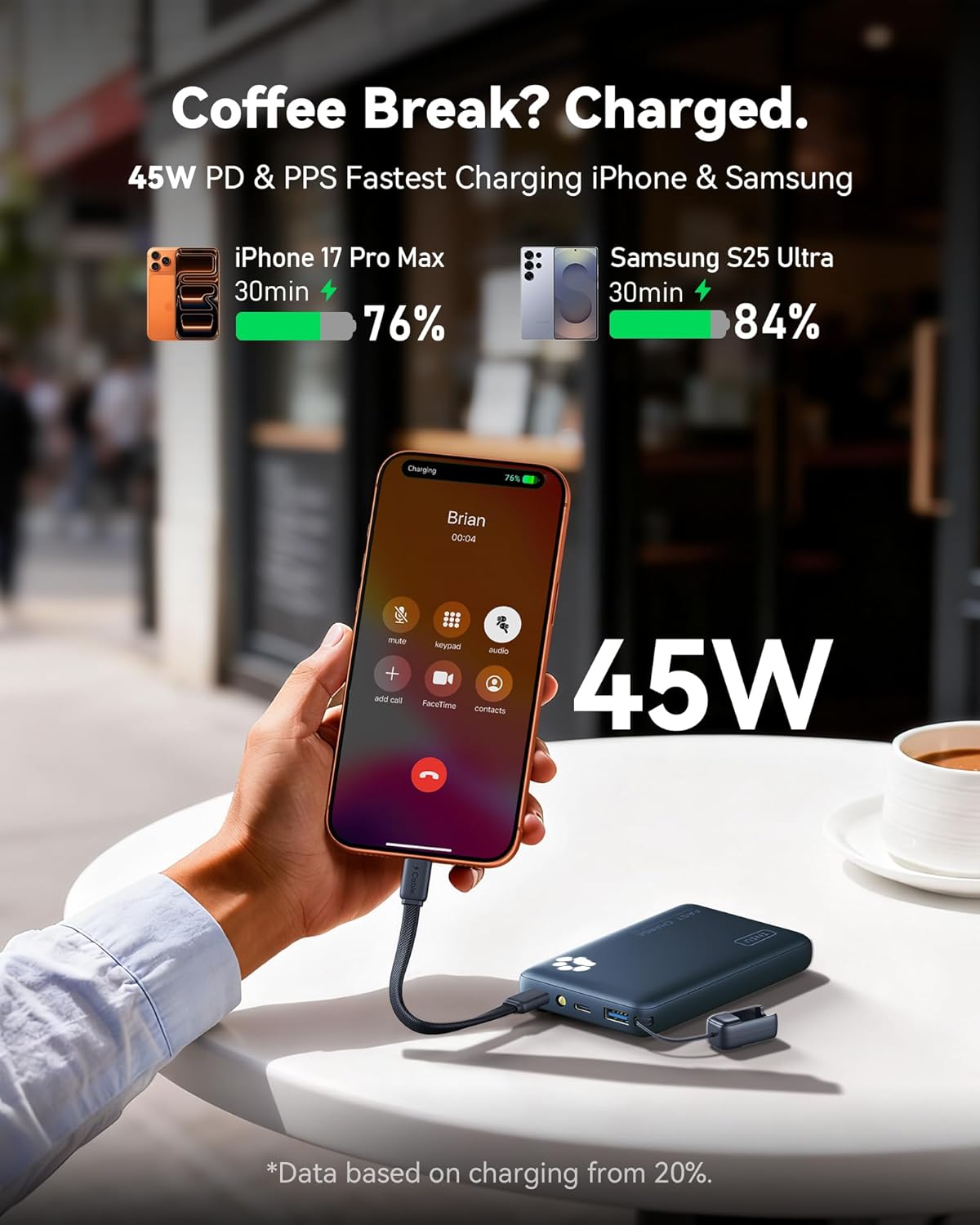
Image 4: The INIU P41 power bank connected to an iPhone, demonstrating its fast charging capability in a casual setting.
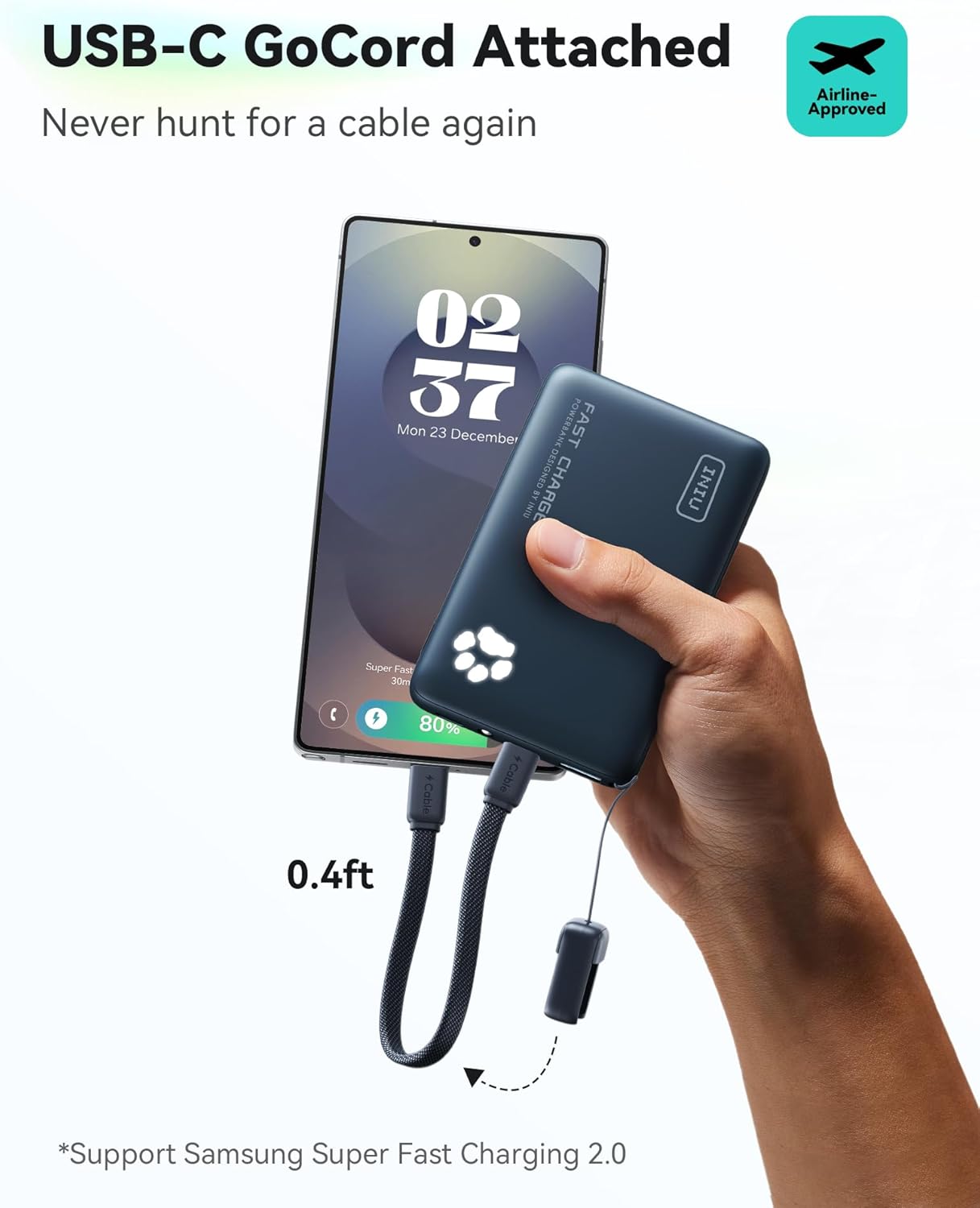
Image 5: The integrated USB-C GoCord being used to charge a smartphone, highlighting its convenience.

Image 6: The power bank simultaneously charging a smartphone, smartwatch, and AirPods, illustrating its multi-device charging capability.
4.2 Using the Built-in Flashlight
The INIU P41 includes a convenient built-in flashlight for emergencies or low-light situations.
- Double-click the power button to turn the flashlight ON.
- Double-click the power button again to turn the flashlight OFF.
Video 1: A user demonstrating the INIU P41 power bank's features, including the paw print indicator and the built-in flashlight. The video shows how to activate and deactivate the flashlight by double-pressing the power button.
5. Features
- High-Density TinyCell: INIU's innovative TinyCell technology makes the P41 30% smaller and 15% lighter than other power banks of the same 10000mAh capacity.
- 45W PD Fast Charging: Delivers up to 45W Power Delivery output, capable of charging an iPhone 15 to 60% in just 25 minutes.
- Dual USB-C Input & Output: Both USB-C ports support both input and output, offering versatile charging and recharging options.
- Charge 3 Devices Simultaneously: Equipped with 2 USB-C ports and 1 USB-A port, allowing you to power multiple devices at once.
- Built-in Lanyard USB-C Cable: The integrated 0.12M/0.4ft USB-C to USB-C cable serves as a convenient carrying strap and ensures you always have a charging cable readily available.
- Built-in Flashlight: A handy LED flashlight for illumination in dark environments.
- 18-Layer SmartProtect System: Advanced safety features including charge low/high temperature protection, battery short-circuit protection, output overvoltage protection, and more, ensuring safe charging.
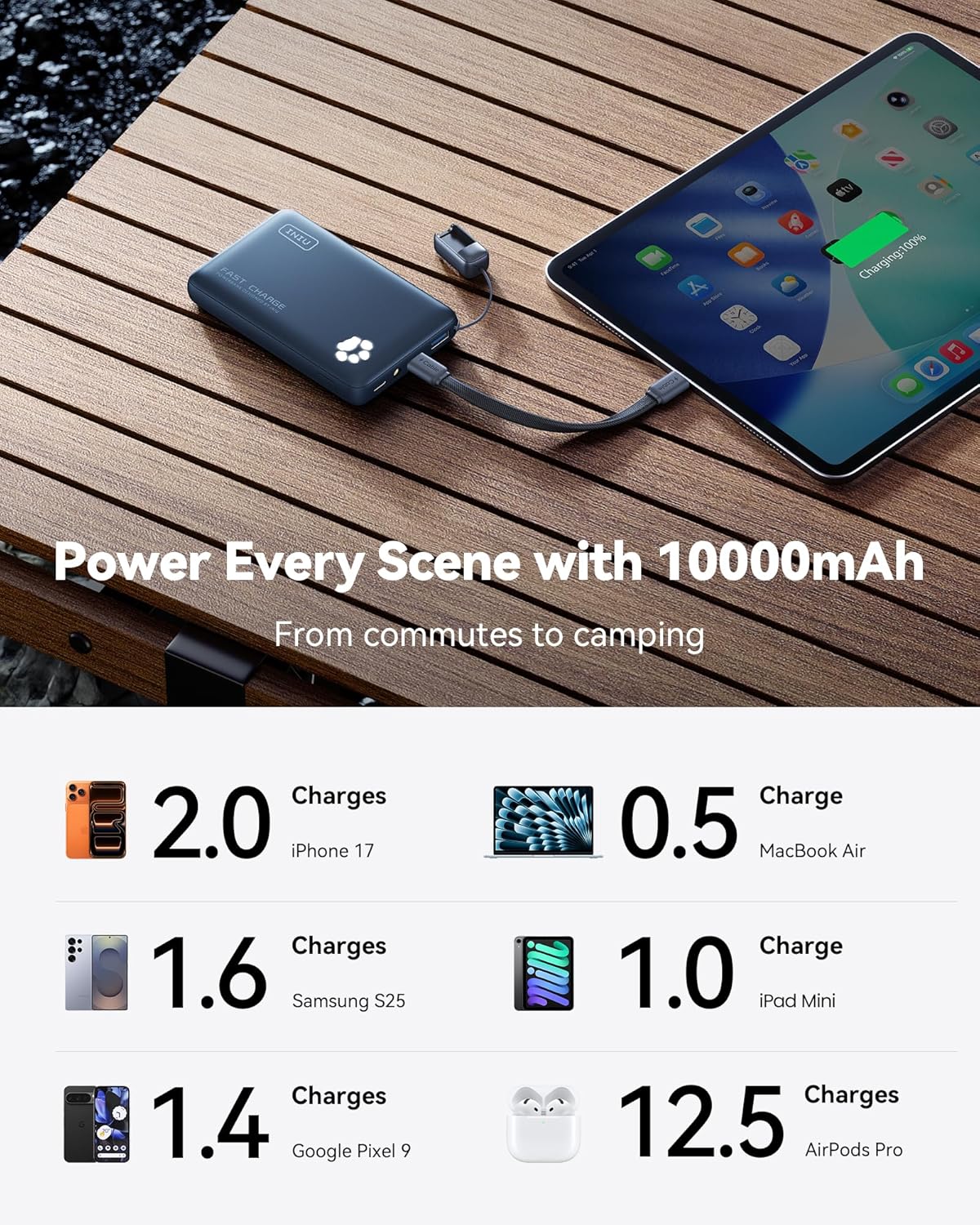
Image 7: The INIU P41 power bank highlighting its 18-Layer Safety System, shown alongside a smartphone.
6. Maintenance
- Keep the power bank away from extreme temperatures, direct sunlight, and liquids.
- Avoid dropping or subjecting the device to strong impacts.
- Clean the device with a soft, dry cloth. Do not use harsh chemicals or abrasive materials.
- Store the power bank in a cool, dry place when not in use.
- For optimal battery life, recharge the power bank at least once every three months if not used regularly.
7. Troubleshooting
- Device not charging: Ensure the power bank is charged. Check that the charging cable is securely connected to both the power bank and your device. Try a different cable or port.
- Power bank not recharging: Ensure the charging cable is securely connected to the power bank and the wall adapter. Try a different cable, wall adapter, or USB-C port on the power bank.
- Slow charging: Verify that your device and cable support fast charging. Ensure only one device is connected for maximum 45W output.
- Flashlight not working: Double-click the power button to activate the flashlight. If it still doesn't work, the battery might be too low.
8. Specifications
| Feature | Detail |
|---|---|
| Model Name | P41-E1 |
| Battery Capacity | 10000 Milliamp Hours (5000mAh x 2) |
| Output Ports | 2 x USB-C (Input/Output), 1 x USB-A (Output) |
| Max Output Power (Single Device) | 45W (USB-C) |
| Max Input Power (Recharge) | 27W (USB-C) |
| Total Output (Multiple Devices) | 15W (Max) |
| Item Dimensions (L x W x Thickness) | 4.3" x 2.6" x 0.7" |
| Item Weight | 182 Grams |
| Battery Cell Type | Lithium Polymer |
| Special Features | Portable, Travel Charger, Pocket-size, Lightweight, Paw print Indicator Lights, Two USB-C ports, Flashlight, Compact |
9. Warranty and Support
The INIU P41 Portable Power Bank comes with an Industry-Leading 3-Year INIU Care warranty. For any quality issues within this period, INIU offers a replacement. Additionally, lifetime technical support is provided.
For support, please visit support@iniu.shop or refer to the contact information provided in your product packaging.


