
1. Introduction
This manual provides essential instructions for the safe and efficient operation, maintenance, and care of your Nuwave Brio Plus 8 Quart Air Fryer. Please read this manual thoroughly before first use and retain it for future reference. The Nuwave Brio Plus Air Fryer is designed to prepare a variety of foods using rapid air circulation technology, offering an alternative to traditional frying methods.
2. Important Safety Instructions
When using electrical appliances, basic safety precautions should always be followed to reduce the risk of fire, electric shock, and injury to persons.
- Read all instructions before operating the appliance.
- Do not touch hot surfaces. Use handles or knobs.
- To protect against electric shock, do not immerse cord, plugs, or the main unit in water or other liquid.
- Close supervision is necessary when any appliance is used by or near children.
- Unplug from outlet when not in use and before cleaning. Allow to cool before putting on or taking off parts.
- Do not operate any appliance with a damaged cord or plug, or after the appliance malfunctions or has been damaged in any manner.
- The use of accessory attachments not recommended by the appliance manufacturer may cause injuries.
- Do not use outdoors.
- Do not let cord hang over edge of table or counter, or touch hot surfaces.
- Do not place on or near a hot gas or electric burner, or in a heated oven.
- Extreme caution must be used when moving an appliance containing hot oil or other hot liquids.
- Always attach plug to appliance first, then plug cord into the wall outlet. To disconnect, turn any control to "off", then remove plug from wall outlet.
- Do not use appliance for other than intended use.
- The appliance features an Auto Shut-Off function for safety. When the basket is pulled out, cooking pauses, and resumes when pushed back in.
- The cooking surfaces are made with a PFAS-Free ceramic non-stick coating for healthier cooking.

Image: The Nuwave Brio Plus Air Fryer in a kitchen setting, illustrating its PFAS-Free coating and automatic shut-off safety feature.
3. Product Components
Your Nuwave Brio Plus Air Fryer includes the following main components:
- Main Air Fryer Unit with Digital Touch Screen Control Panel
- PFAS Free Ceramic Non-Stick Air Fry Base Tray
- PFAS Free Ceramic Non-Stick Circulation Riser (for frying and grilling)
- Owner's Manual
The control panel features a Crystal-Clear LED Display for easy readability and precise control over cooking settings.

Image: The Nuwave Brio Plus Air Fryer, highlighting its digital interface and sleek design.
4. Initial Setup and First Use
4.1 Unpacking
- Remove all packaging materials, stickers, and labels from the appliance.
- Ensure all components listed in Section 3 are present.
- Remove any protective card stock or inserts from inside the cooking basket, especially between the heating element and the food drawer. Failure to do so may result in unusual odors during initial use.
4.2 Cleaning Before First Use
- Wipe the exterior of the air fryer with a damp cloth.
- Wash the air fry base tray and circulation riser with hot, soapy water. Rinse thoroughly and dry completely. These parts are also dishwasher safe.
4.3 Placement
- Place the air fryer on a stable, heat-resistant surface.
- Ensure there is adequate space (at least 6 inches) around the appliance for proper air circulation.
4.4 Initial Burn-Off (Recommended)
It is recommended to run the air fryer empty for 4-5 cycles before cooking food to eliminate any manufacturing odors. Set the temperature to 400°F and time for 10-15 minutes per cycle. Ensure good ventilation during this process.
5. Operating Instructions
5.1 Powering On/Off
- Plug the power cord into a grounded electrical outlet. The display will illuminate.
- Press the Power button (circular icon with a vertical line) to turn the unit on. Press again to turn off.
5.2 Selecting Cooking Functions
The Nuwave Brio Plus offers 7 one-touch cooking functions:
- Air Fry: For crispy results with minimal oil.
- Roast: Ideal for meats and vegetables.
- Bake: For cakes, pastries, and other baked goods.
- Dehydrate: To remove moisture from foods like fruits and jerky.
- Toast: For bread and similar items.
- Reheat: To warm up leftovers.
- Preheat: To bring the air fryer to the desired temperature before adding food.
Select your desired function by tapping the corresponding icon on the digital touch screen.
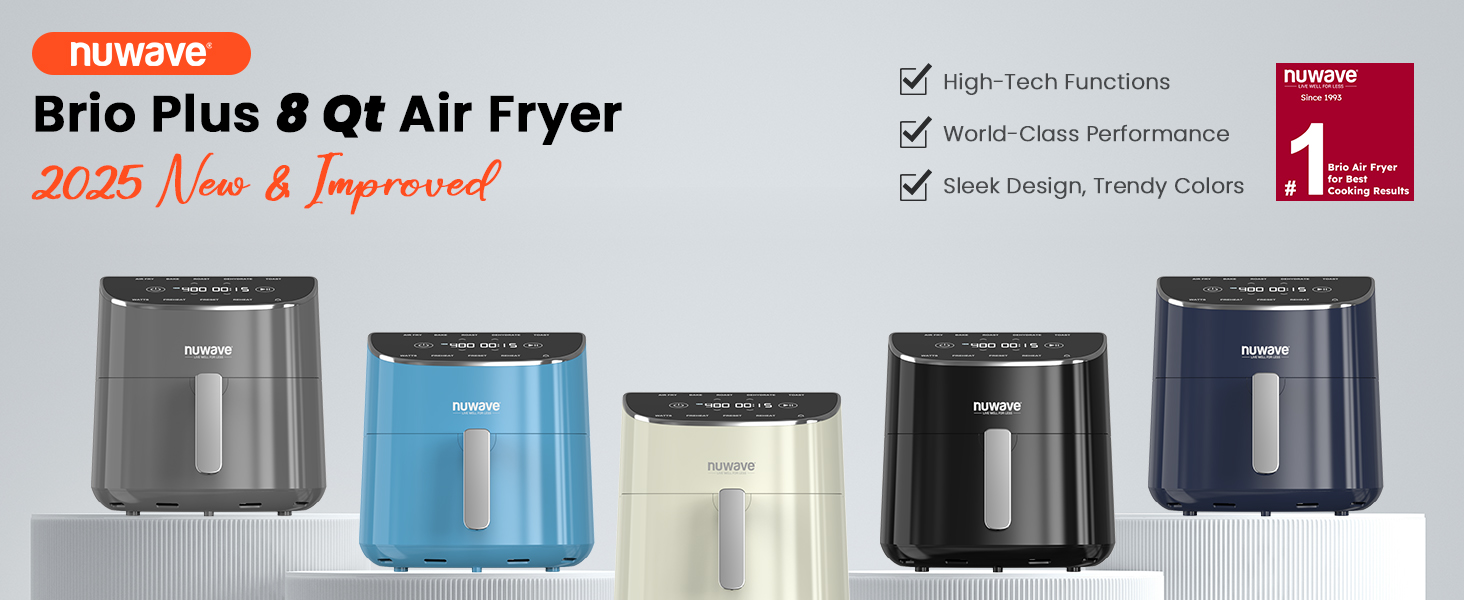
Image: The digital control panel displaying the seven cooking functions and preset options.
5.3 Setting Temperature and Time
- After selecting a function, the default temperature and time will appear.
- Use the Temperature Up/Down arrows to adjust the temperature from 50°F to 400°F in 5°F increments.
- Use the Time Up/Down arrows to adjust the cooking time.
- Press the Start/Pause button (vertical bars icon) to begin cooking.
5.4 Using Presets and DIY Slots
- The air fryer includes 100 Preprogrammed Presets for common dishes. Select the "Preset" option and navigate through the available options.
- You can also create and save up to 50 DIY (Do-It-Yourself) Slots for your favorite custom recipes. Refer to the full owner's manual for detailed instructions on programming DIY slots.
5.5 On-the-Fly Adjustments
You can adjust the temperature and time at any point during the cooking cycle without interrupting the process. Simply use the Up/Down arrows for temperature and time. The appliance will automatically adapt.
5.6 Shake Reminder
For certain foods, the air fryer may provide a "Shake Reminder" notification during the cooking cycle. This prompts you to shake or flip the food in the basket to ensure even cooking and crispiness.

Image: Illustration of the shake reminder feature for even cooking of items like French fries.
6. Cooking Guide
The 8-quart capacity of the Nuwave Brio Plus Air Fryer allows for cooking various meal sizes. Here are some general guidelines:
- It can accommodate approximately 3 lbs or 18 pieces of chicken wings.
- Suitable for a 9-inch pizza.
- Can cook up to 4 lbs of French fries.
- Capable of preparing up to 4 lbs of steak.
For optimal results, avoid overcrowding the basket. Cook in batches if necessary to ensure even air circulation and crispiness. The Advanced Turbo Convection Technology with a 6-blade 4.5-inch heating fan and adjustable wattage (700W/1500W/1800W) promotes efficient cyclonic convection circulation for faster and more even cooking.

Image: The air fryer demonstrating its capacity with examples of food items it can cook.

Image: Visual representation of the Turbo Convection Technology for efficient cooking.
7. Maintenance and Cleaning
Regular cleaning ensures optimal performance and extends the lifespan of your air fryer.
7.1 Cleaning the Basket and Riser
- Always unplug the air fryer and allow it to cool completely before cleaning.
- The air fry base tray and circulation riser are dishwasher-safe.
- Alternatively, wash them with hot, soapy water and a non-abrasive sponge. Rinse thoroughly and dry.
- Do not use metal scouring pads or harsh abrasive cleaners, as these can damage the non-stick coating.

Image: The air fryer basket and parts being cleaned in a dishwasher.
7.2 Cleaning the Main Unit
- Wipe the exterior of the air fryer with a damp cloth.
- Never immerse the main unit in water or any other liquid.
- Clean the heating element gently with a soft brush if necessary, ensuring the unit is unplugged and cool.
8. Troubleshooting
| Problem | Possible Cause | Solution |
|---|---|---|
| Appliance does not turn on. | Not plugged in; Power button not pressed. | Ensure the power cord is securely plugged into a grounded outlet. Press the Power button. |
| Unusual odor during first few uses. | Residual manufacturing oils or protective packaging not removed. | Perform initial burn-off cycles as described in Section 4.4. Ensure all internal packaging, especially any laminated card stock, has been removed from the basket area. |
| Food is not cooked evenly. | Basket is overcrowded; Food not shaken/flipped. | Cook in smaller batches. Utilize the shake reminder and manually shake or flip food during cooking. |
| Food is not crispy. | Not enough cooking time/high enough temperature; Basket overcrowded. | Increase cooking time or temperature. Ensure food is not overcrowded. Lightly misting with oil can also help. |
| Digital display not responding. | Temporary software glitch; Power interruption. | Unplug the unit from the wall outlet, wait 1 minute, then plug it back in. If the issue persists, contact customer support. |
9. Product Specifications
- Model Name: Brio Plus Air Fryer 8qt
- Brand: Nuwave
- Capacity: 8 Quarts
- Product Dimensions: 11.5"D x 12.75"W x 11.25"H
- Item Weight: 15.5 Pounds
- Material: PFAS Free Ceramic (Outer Material)
- Output Wattage: 1800 Watts (Adjustable: 700W/1500W/1800W)
- Voltage: 120 Volts
- Control Method: Touch
- Min Temperature Setting: 50 Degrees Fahrenheit
- Max Temperature Setting: 400 Degrees Fahrenheit
- Nonstick Coating: Yes (PFAS Free Ceramic)
- Dishwasher Safe Parts: Yes (Basket and Riser)
- UPC: 652185902350
10. Warranty and Customer Support
For detailed warranty information, please refer to the warranty card included with your product packaging or the full owner's manual. Nuwave is committed to providing quality products and customer satisfaction.
If you encounter any issues or have questions not covered in this manual, please contact Nuwave Customer Support. Contact details are typically found in your full owner's manual or on the official Nuwave website.


