
Introduction
This manual provides detailed instructions for the operation and maintenance of your JRHC Wireless Barcode Scanner 2D, Model S-6609T. This device is designed for efficient barcode scanning, data collection, and inventory management across various environments, including warehouses, retail stores, and logistics operations. Please read this manual thoroughly before using the device to ensure proper functionality and to maximize its capabilities.
Product Overview
Key Features
- Multi-functionality: Integrates USB barcode scanning, data collection, and inventory counting for fixed asset management.
- Wide Barcode Recognition: Reads both 1D (Codabar, Code 11, Code93, MSI, Code 128, EAN, UPC, Code 39, UPC-A, ISBN, Industrial 25, Standard25, Matrix) and 2D (QR, DataMatrix, PDF417, Aztec, Micro PDF417) barcodes. Capable of scanning QR codes from digital screens.
- Wireless Communication: Utilizes a 2.4G wireless USB receiver for connection to computers. Supports Windows XP/7/8/10, Mac OS, iOS, and Linux systems.
- Extended Transmission Distance: Achieves up to 150 meters in barrier-free outdoor environments and 50 meters in indoor or interference-prone settings.
- User-Friendly Design: Features an HD color screen, 26 tactile buttons, and a retractable belt for portability. The wireless USB receiver offers plug-and-play convenience, pairing within 3 seconds.
- Multi-language Support: The scanner supports Japanese, English, and Chinese languages.
- Long-lasting Battery: Equipped with a 2000mAh Lithium Polymer battery, providing up to 48 hours of use on a 2-hour charge.
Components
- JRHC Wireless Barcode Scanner Unit
- 2.4G Wireless USB Receiver
- USB Charging Cable

Image of the JRHC Wireless Barcode Scanner 2D, showing its ergonomic design and LCD screen.
Setup
Charging the Device
- Connect the scanner to a USB power source (e.g., computer USB port, USB wall adapter) using the provided USB charging cable.
- The device will indicate charging status on its screen.
- A full charge typically takes approximately 2 hours. The fully charged battery provides up to 48 hours of continuous operation.
Connecting the Wireless Receiver
- Insert the 2.4G wireless USB receiver into an available USB port on your computer or compatible device.
- The scanner and receiver are designed for automatic pairing. This process usually completes within 3 seconds.
- No additional driver installation is typically required for standard operation.

Close-up image of the JRHC barcode scanner showing the USB charging port and a visual representation of its high-capacity battery.
Operating Modes
The JRHC Wireless Barcode Scanner 2D offers three distinct operating modes to suit various data collection needs:
1. Scan Gun Mode
- Function: In this mode, scanned barcode data is immediately transmitted to the connected computer or device.
- Usage: Ideal for real-time data entry into applications such as Word, Excel, or other inventory management software where direct input is required.
2. Collection Mode
- Function: Data is temporarily stored in the scanner's internal memory when the device is offline or out of wireless range. Once a connection is re-established, the stored data is automatically uploaded.
- Usage: Suitable for batch processing or when working in areas without continuous wireless coverage.
3. Inventory Mode
- Function: This mode allows for the accumulation of scanned barcode data. Users can browse, edit, and modify data directly on the device's screen before final upload.
- Usage: Perfect for inventory counts, stocktaking, and detailed fixed asset management where data verification on the device is beneficial.
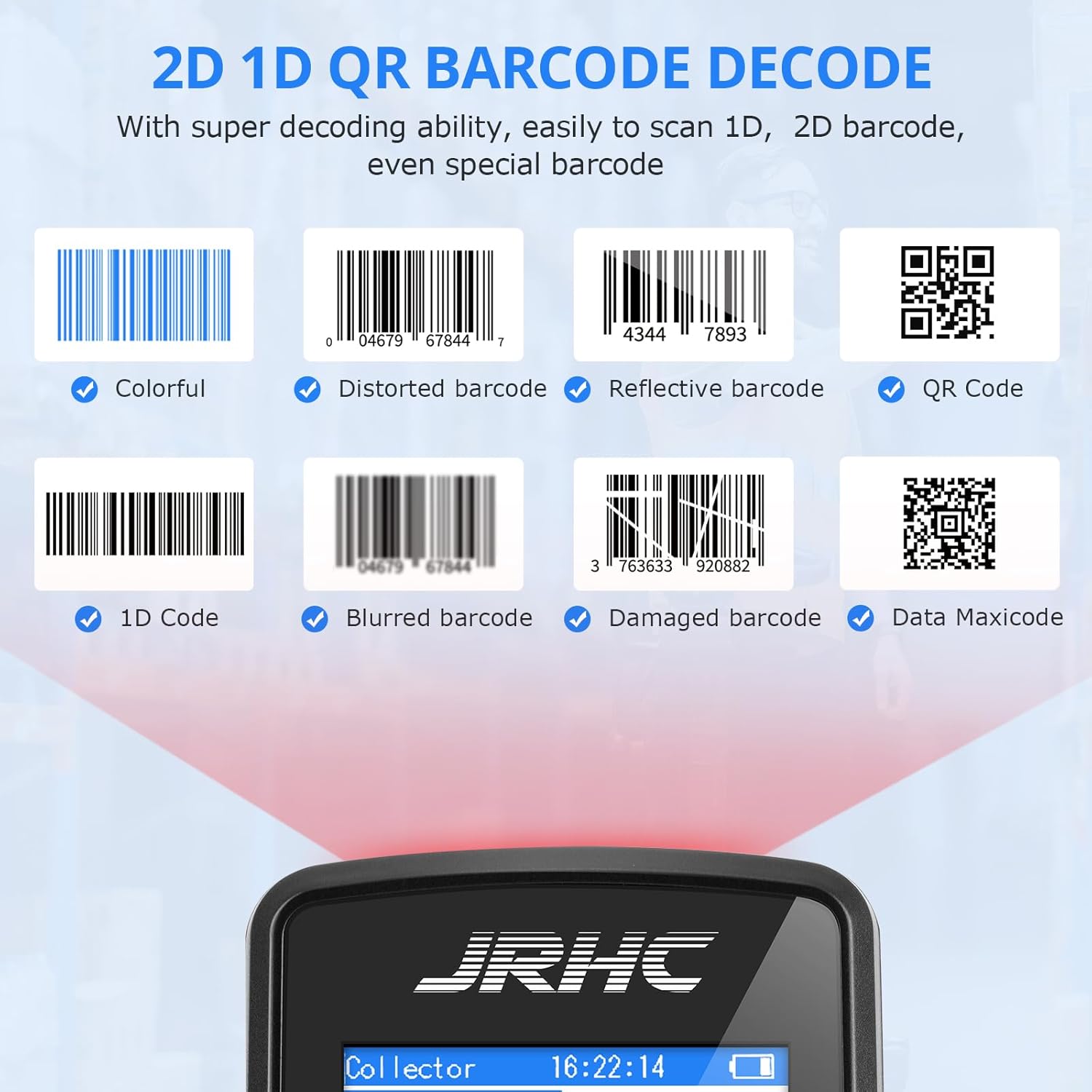
Diagram illustrating the three operational modes: Scan Gun Mode, Collection Mode, and Inventory Mode, showing data flow to a laptop.
Barcode Recognition
The JRHC Wireless Barcode Scanner 2D is engineered to recognize a broad spectrum of barcode types:
Supported 1D Barcodes
- Codabar
- Code 11
- Code93
- MSI
- Code 128
- EAN
- UPC
- Code 39
- UPC-A
- ISBN
- Industrial 25
- Standard25
- Matrix
Supported 2D Barcodes
- QR Code
- DataMatrix
- PDF417
- Aztec
- Micro PDF417
Additionally, the scanner is capable of reading QR codes displayed on the screens of other smart devices.
Visual representation of various 1D and 2D barcode types that the scanner can decode, including colorful, distorted, reflective, blurred, and damaged barcodes.
Wireless Communication
The JRHC Wireless Barcode Scanner 2D utilizes robust 2.4G wireless technology for reliable data transmission.
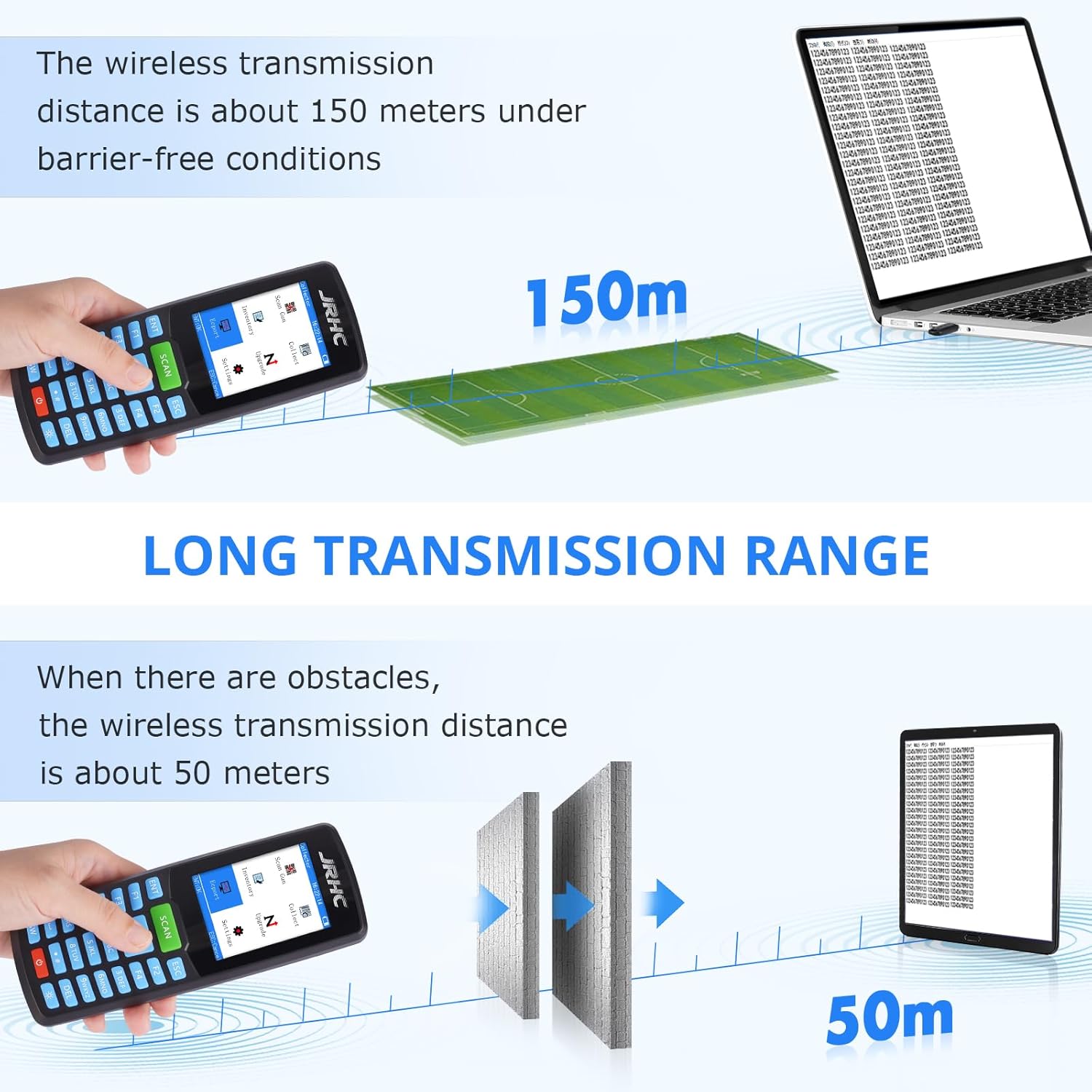
- Outdoor Transmission: Up to 150 meters in open, barrier-free outdoor environments.
- Indoor Transmission: Up to 50 meters in indoor settings or environments with potential interference.

Diagram illustrating the wireless transmission range of the scanner: up to 150 meters outdoors without obstacles and 50 meters indoors or with interference.
System Compatibility
The scanner is designed for broad compatibility with various operating systems and software:
- Compatible Operating Systems: Windows XP/7/8/10, Mac OS, iOS, Linux.
- Compatible Software: Works seamlessly with common office applications such as Microsoft Word, Excel, and standard text editors.
Important Notes on Compatibility:
- POS Systems: This device is not compatible with Point of Sale (POS) systems.
- USB Port Requirement: The scanner requires a host device with an available USB port for the wireless receiver.
- Reflective Surfaces: Not suitable for scanning barcodes printed on highly reflective materials, such as silver foil paper, due to potential reading errors.
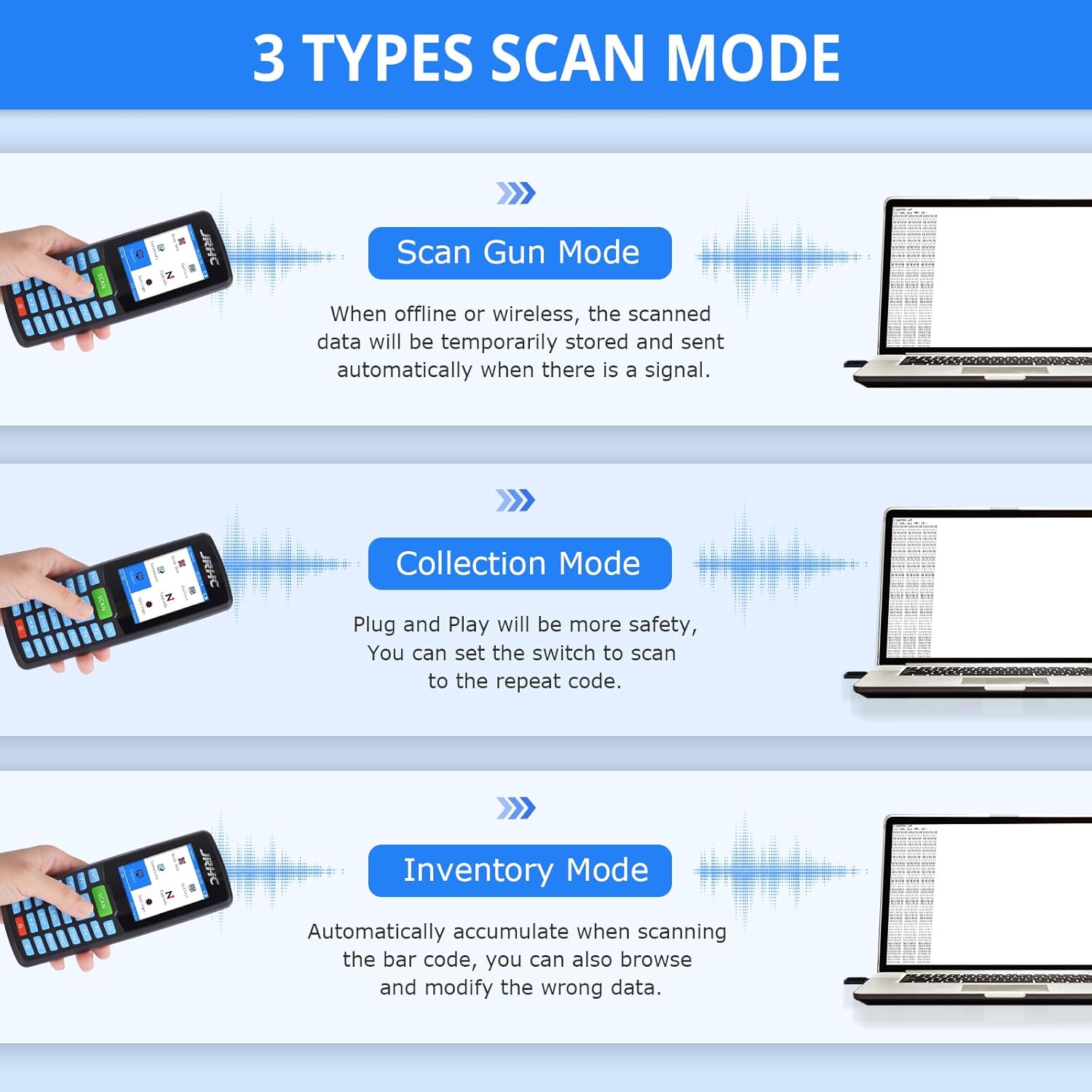
Image showing the scanner's compatibility with PC, Tablet, and Laptop, along with notes on non-compatibility with POS and reflective surfaces.
Maintenance
Proper maintenance ensures the longevity and optimal performance of your JRHC Wireless Barcode Scanner 2D.
- Cleaning: Use a soft, dry, lint-free cloth to clean the scanner's exterior and scanning window. Avoid using abrasive cleaners, solvents, or harsh chemicals, as these can damage the device.
- Environmental Protection: Protect the device from extreme temperatures, direct sunlight, high humidity, and moisture. Do not expose it to water or other liquids.
- Storage: When not in use, store the scanner in a safe, dry place away from dust and potential impacts.
- Battery Care: Avoid fully discharging the battery frequently. For long-term storage, charge the battery to approximately 50% and store in a cool, dry place.
Troubleshooting
If you encounter issues with your scanner, refer to the following common problems and solutions:
Device Not Powering On
- Solution: Ensure the battery is charged. Connect the scanner to a USB power source and allow it to charge for at least 30 minutes before attempting to power it on again.
Scanner Not Connecting to Computer
- Solution 1: Verify that the USB receiver is securely plugged into an active USB port on your computer.
- Solution 2: Ensure the scanner is within the wireless transmission range (50m indoors, 150m outdoors) of the USB receiver.
- Solution 3: If connection issues persist, try re-pairing the scanner with the receiver. Refer to the device's on-screen settings for pairing instructions.
Unable to Read Barcodes
- Solution 1: Check if the barcode is damaged, blurred, or printed on highly reflective material (e.g., silver foil paper), which can interfere with scanning.
- Solution 2: Ensure the scanner's lens is clean and free from smudges or dust.
- Solution 3: Verify that the barcode type you are trying to scan is supported by the scanner (refer to the Barcode Recognition section).
Data Not Transferring to Software
- Solution 1: Ensure the scanner is in "Scan Gun Mode" for direct, real-time input into your application.
- Solution 2: Check if the cursor is active in the target application (e.g., Word, Excel) where you intend the data to appear.
- Solution 3: If using "Collection" or "Inventory" mode, ensure that the data has been properly uploaded or exported from the scanner after scanning.
Specifications
| Feature | Specification |
|---|---|
| Brand | JRHC |
| Model | S-6609T |
| Connectivity Technology | 2.4G Wireless USB |
| Display | 2.8" LCD Color Screen |
| Battery Type | 2000mAh Lithium Polymer (Rechargeable) |
| Charging Time | Approx. 2 hours |
| Operating Time | Up to 48 hours |
| Wireless Transmission Distance (Outdoor) | Up to 150 meters (barrier-free) |
| Wireless Transmission Distance (Indoor) | Up to 50 meters (with interference) |
| Compatible Operating Systems | Windows XP/7/8/10, Mac OS, iOS, Linux |
| Dimensions (L x W x H) | 18.9 x 8.79 x 6.4 cm |
| Weight | 281 g |
| Supported Languages | Japanese, English, Chinese |
| 1D Barcode Support | Codabar, Code 11, Code93, MSI, Code 128, EAN, UPC, Code 39, UPC-A, ISBN, Industrial 25, Standard25, Matrix |
| 2D Barcode Support | QR, DataMatrix, PDF417, Aztec, Micro Pdf417 |
Warranty and Support
For specific warranty information, technical assistance, or customer support regarding your JRHC Wireless Barcode Scanner 2D (Model S-6609T), please refer to the manufacturer's official website or contact your point of purchase. It is recommended to retain your purchase receipt as proof of purchase for any warranty claims or service requests.
