
1. Product Overview
The Focket Fingerprint Door Lock Model 6068 is a versatile keyless entry system designed for home, hotel, office, and apartment use. It offers multiple unlocking methods and enhanced security features.
Key Features:
- App Control: Remotely lock/unlock, share access, and view activity history via the Tuya App.
- Multiple Unlocking Methods: Fingerprint, PIN code, dynamic password, IC card, traditional key, and Tuya App.
- Accurate Fingerprint Sensor: Semiconductor sensor for reliable identity verification.
- Enhanced Safety: Built-in double lock system with 8-digit password length and 16-bit anti-peeping feature.
- Emergency Access: Type-C emergency power port and mechanical key for backup access.
Product Components and Dimensions:
Familiarize yourself with the lock's components and their dimensions for proper installation and use.

Image 1.1: Product Size & Components. This diagram illustrates the various parts of the lock, including the handle, keypad, fingerprint sensor, and emergency access points, along with their respective measurements.
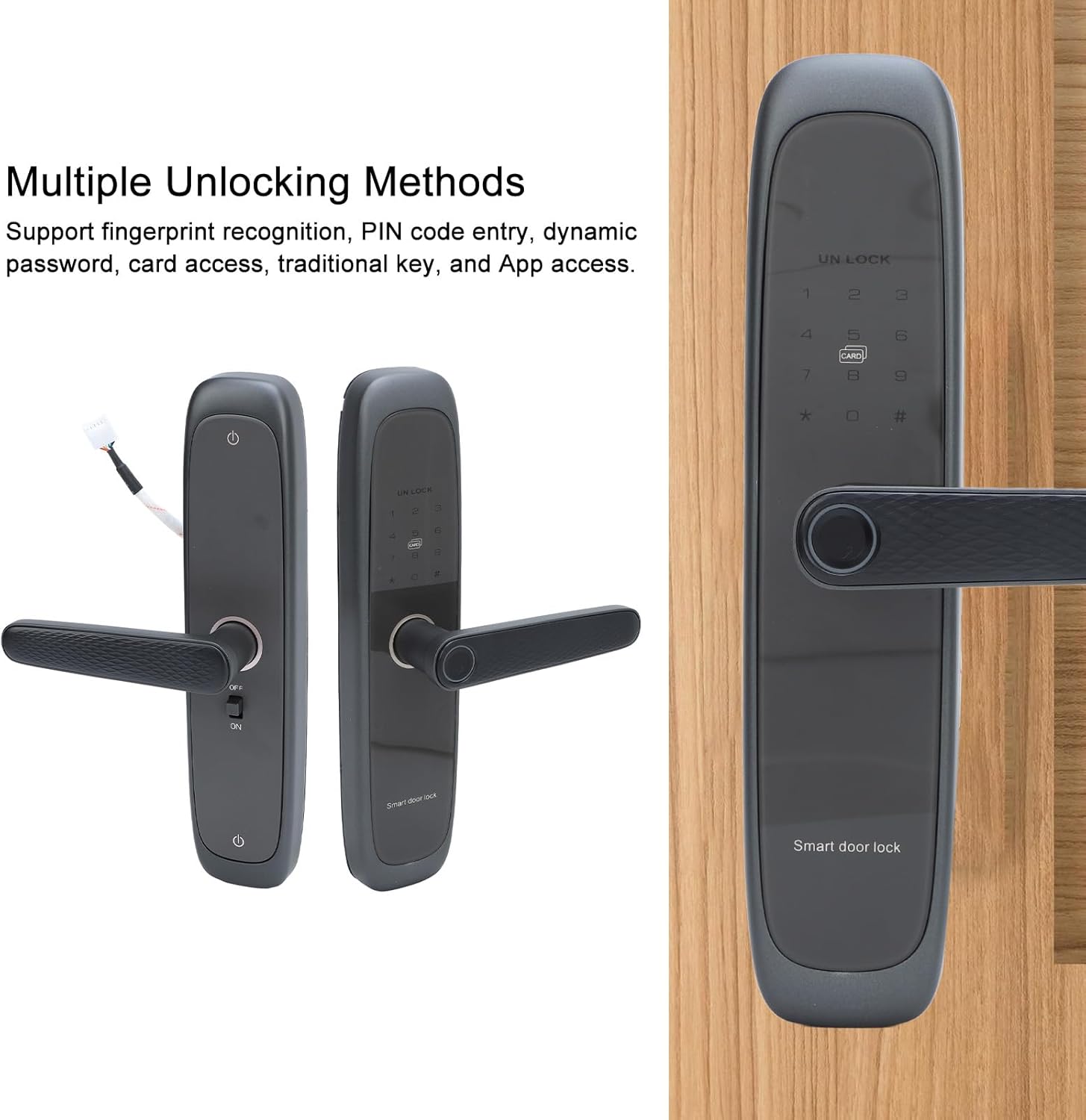
Image 1.2: Multiple Unlocking Methods. This image displays the front and back panels of the smart door lock, emphasizing its support for fingerprint recognition, PIN code entry, dynamic password, card access, traditional key, and App access.
2. Specifications
| Feature | Specification |
|---|---|
| Brand | Focket |
| Model Name | 6068 |
| Material | Aluminum Alloy |
| Lock Type | Biometric |
| Special Feature | Anti-Peeping Password |
| Unlocking Methods | Fingerprint, PIN Code, Dynamic Password, Card, Key, Tuya App |
| Fingerprint Sensor | Semiconductor Fingerprint Sensor |
| Administrator Capacity | 10 Sets |
| Fingerprint Capacity | 50 Sets |
| Fingerprint, Password, Card Capacity | 250 Sets |
| Rejection Rate | ≤0.1% |
| False Acceptance Rate | ≤0.0001% |
| Comparison Time | ≤0.5 Seconds |
| Power Supply Voltage | 6V (4 x AA batteries, not included) |
| Standby Current | ≤50uA |
| Dynamic Current | ≤180mA |
| Low Voltage Alarm | 4.8±0.2V |
| Emergency Power Supply | Type C 5V 2A |
| Operating Temperature | -25℃~60℃ |
| Operating Relative Humidity | 20%~90%RH |
| Keyboard | Standard 12 Key Touch Keyboard |
| Password Length | 8 digits (with 16-bit anti-peeping feature) |
| Item Weight | 3.59 pounds |
| Package Dimensions | 13.78 x 7.09 x 5.91 inches |
3. Setup and Installation
This section provides general guidance for installing your Focket Fingerprint Door Lock. Professional installation is recommended if you are unfamiliar with door hardware.
3.1 Package Contents
Before beginning, verify that all components are present in the package.

Image 3.1: Complete Lock Components. This image displays the full set of components, including the interior and exterior lock panels, mortise lock, strike plate, keys, IC cards, and various screws and accessories required for installation.
3.2 Mortise Lock Dimensions
Ensure your door's mortise cutout matches the dimensions of the provided mortise lock.

Image 3.2: Mortise Lock Dimensions. This diagram provides detailed measurements for the mortise lock, including its length, width, and backset, crucial for proper door preparation.

Image 3.3: Mortise Lock Mechanism. A close-up view of the mortise lock, showing its internal components and bolt mechanism.
3.3 Installation Steps (General)
- Prepare the Door: Ensure the door is properly drilled and mortised according to the lock's specifications.
- Install Mortise Lock: Insert the mortise lock into the door edge and secure it with screws.
- Install Exterior Panel: Route the connecting cables through the door and attach the exterior panel.
- Install Interior Panel: Connect the cables to the interior panel and secure it to the door using the provided screws.
- Install Batteries: Open the battery compartment on the interior panel and insert 4 AA batteries (not included), ensuring correct polarity.
- Test Operation: After installation, test all unlocking methods (key, fingerprint, code, card, app) to ensure proper functionality.
4. Operating Instructions
The Focket Fingerprint Door Lock offers multiple ways to secure and access your property.
4.1 Initial Setup and Administrator Enrollment
Upon first use, you will need to enroll an administrator fingerprint or PIN code. Refer to the detailed instructions in the included quick start guide for specific steps on entering administrator mode and registering the first user.
4.2 Unlocking Methods
- Fingerprint Recognition: Place your registered finger on the semiconductor fingerprint sensor. The lock will unlock upon successful verification.
- PIN Code Entry: Enter your registered 8-digit PIN code on the touch keypad, followed by the '#' key. The anti-peeping feature allows you to enter random digits before or after your actual code to prevent others from guessing it.
- IC Card Access: Present your registered IC card to the card reader area on the lock.
- Traditional Key: In case of electronic failure or dead batteries, use the mechanical key to unlock the door via the invisible keyhole.
- Tuya App Control: Connect the lock to the Tuya App on your smartphone for remote control.
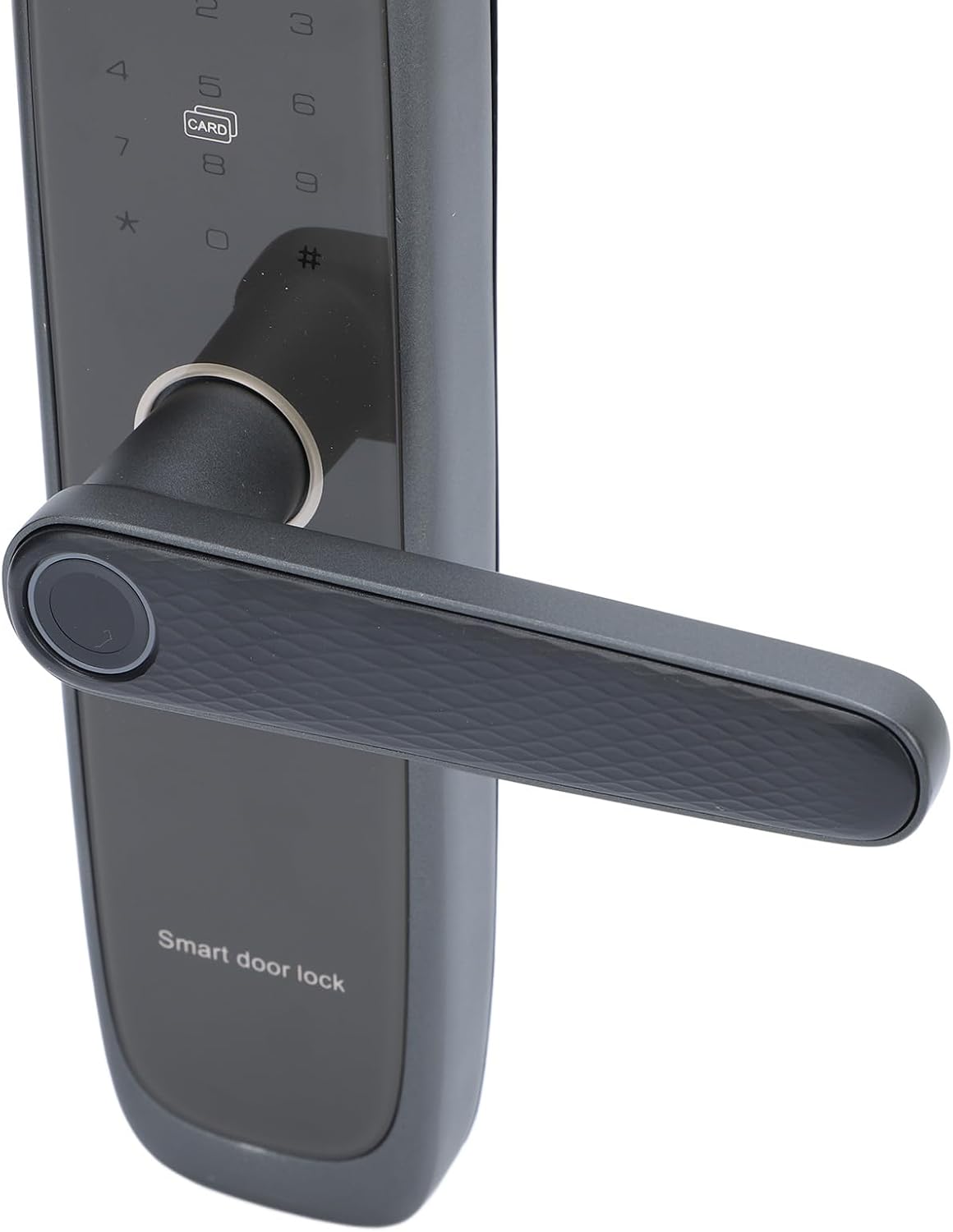
Image 4.1: Fingerprint Sensor on Handle. This image provides a close-up view of the door handle, highlighting the integrated semiconductor fingerprint sensor for quick and secure access.
4.3 Tuya App Integration
The Tuya App allows you to manage your lock remotely. Download the Tuya App from your device's app store and follow the in-app instructions to pair your lock.

Image 4.2: Remote Control via Tuya App. This image shows a smartphone displaying the Tuya App interface, demonstrating the ability to remotely lock and unlock the door from anywhere.

Image 4.3: App Control in Use. A person is shown interacting with their smartphone, illustrating the convenience of managing the smart door lock through the Tuya App.
4.4 Emergency Access
If the batteries are depleted, you can use the Type-C emergency power port to temporarily power the lock with a 5V 2A power bank, or use the mechanical key for immediate access.
5. Maintenance
Regular maintenance ensures the longevity and optimal performance of your Focket Fingerprint Door Lock.
5.1 Battery Replacement
When the low voltage alarm sounds (at 4.8±0.2V), replace all four AA batteries promptly. Always use new, high-quality alkaline batteries. Do not mix old and new batteries or different battery types.
5.2 Cleaning
Clean the lock's exterior surfaces with a soft, dry cloth. Avoid using abrasive cleaners, solvents, or harsh chemicals, as these can damage the finish and electronic components. Regularly wipe the fingerprint sensor to ensure accurate readings.
5.3 Environmental Conditions
Ensure the lock operates within the specified temperature (-25℃~60℃) and humidity (20%~90%RH) ranges to prevent damage.
6. Troubleshooting
If you encounter issues with your Focket Fingerprint Door Lock, refer to the following common problems and solutions.
6.1 Lock Not Responding
- Check Batteries: Ensure batteries are correctly installed and not depleted. Replace if necessary.
- Emergency Power: If batteries are dead, use a Type-C cable and power bank to provide emergency power.
- Mechanical Key: Use the physical key as a backup.
6.2 Fingerprint Not Recognized
- Clean Sensor: Ensure the fingerprint sensor is clean and free of dirt or moisture.
- Proper Placement: Ensure your finger covers the entire sensor area.
- Re-enroll Fingerprint: If issues persist, try deleting and re-enrolling your fingerprint.
6.3 PIN Code Not Working
- Verify Code: Double-check that you are entering the correct PIN code.
- Anti-Peeping Feature: Ensure you are not accidentally triggering the anti-peeping feature incorrectly.
- Reset Code: If necessary, reset the PIN code through the administrator settings.
6.4 App Connectivity Issues
- Bluetooth/Wi-Fi: Ensure your phone's Bluetooth and Wi-Fi are enabled and the lock is within range.
- App Permissions: Check that the Tuya App has necessary permissions on your smartphone.
- Re-pair Device: Try unpairing and re-pairing the lock with the Tuya App.
7. Warranty and Support
For specific warranty information, please refer to the documentation provided with your purchase or contact the seller directly. Support for the Focket Fingerprint Door Lock Model 6068 can typically be obtained through the retailer where the product was purchased or by contacting Focket customer service.